Best App for Self Employed in 2026: 8 Apps Compared
Find the best app for self employed workers with 8 tools for invoicing, taxes, expenses, mileage, and client work, pricing, and features compared in 2026.
- Editor's choice
 Wave
Free invoicing and bookkeeping
Starts atFreeVisit waveapps.comFull review - Great alternative
 FreshBooks
Service invoicing
Starts at$23 per monthVisit freshbooks.comFull review - Also consider
 QuickBooks Solopreneur
US tax help for solo workers
Starts at$20 per monthVisit quickbooks.intuit.comFull review
TL;DR:
- Wave is the best free starting point for invoicing and bookkeeping, while FreshBooks suits service businesses that invoice often.
- QuickBooks Solopreneur is best for US tax help, with Schedule C categories and quarterly tax estimates.
- HoneyBook and Bonsai suit creative freelancers who need proposals and contracts, not only invoices.
- This is not tax advice. Check tax rules for your state and business type, and talk to a tax professional for complex cases.
Quick comparison
| Tool | Best for | Starts at | Free plan? | |
|---|---|---|---|---|
| Wave | Free invoicing and bookkeeping | Free | Yes | Visit |
| FreshBooks | Service invoicing | $23 per month | Free trial | Visit |
| QuickBooks Solopreneur | US tax help for solo workers | $20 per month | Free trial | Visit |
 HoneyBook | Creative client bookings | $29 per month | Free trial | Visit |
 Bonsai | Contracts and proposals | $25 per month | Free trial | Visit |
 Zoho Books | Budget bookkeeping | Free | Yes | Visit |
 Xero | Growing solo businesses | See website | Free trial | Visit |
 Keeper | Finding tax write-offs | $199 per year | Free trial | Visit |
The best apps for self employed workers
Self employed work needs more than an invoice template. The apps below cover invoicing, expenses, taxes, and client management in different combinations, so the right pick depends on how you earn and bill.
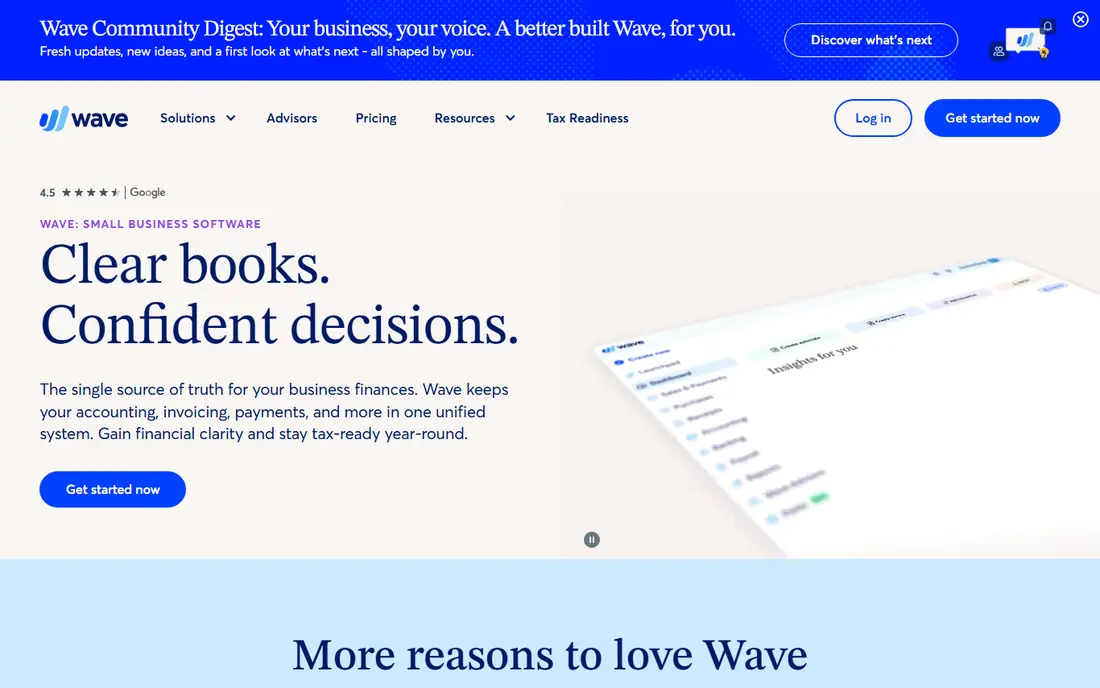
Wave is our pick for new self employed workers because its core accounting and invoicing are free. You can send unlimited invoices, track income and expenses, and scan receipts from a phone. That covers the basics for a freelancer who is just starting and does not want a monthly bill.
Wave earns money from payment processing and payroll, so card fees apply when clients pay online. It also lacks mileage tracking and time tracking, which matter for drivers and hourly billers. If you need those features, pair Wave with a mileage app or choose FreshBooks or QuickBooks Solopreneur.
- Free accounting and invoicing
- Unlimited invoices on the Starter plan
- Receipt scanning
- No mileage tracking
- No time tracking
- Payment processing fees apply
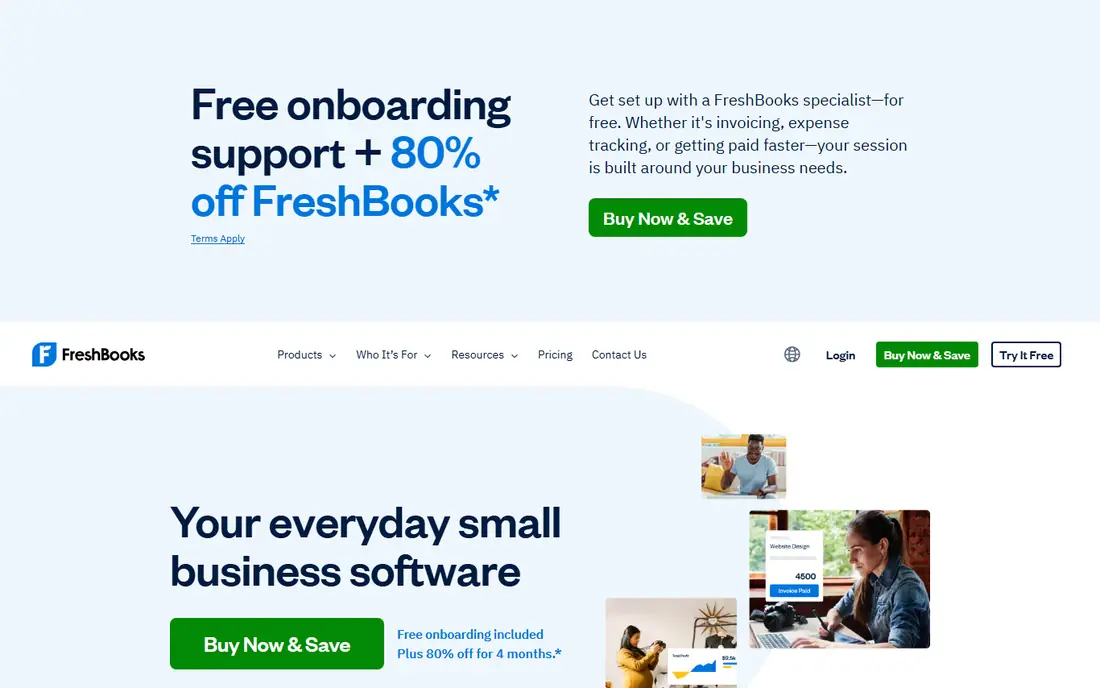
FreshBooks is built for service businesses that invoice clients often. Invoices look professional, late reminders are automatic, and time tracking helps hourly workers bill accurately. The Lite plan, listed at $23 per month in recent comparisons, covers up to five billable clients, which suits a small roster.
The client cap is the main limit. If you have more than five active clients, you will need a higher plan, which raises the cost. FreshBooks is still a good fit for consultants, designers, and other service providers who invoice regularly and want a polished client experience.
- Strong invoicing and reminders
- Time tracking
- Mileage tracking on paid plans
- Lite plan caps billable clients at 5
- Price is higher than Wave
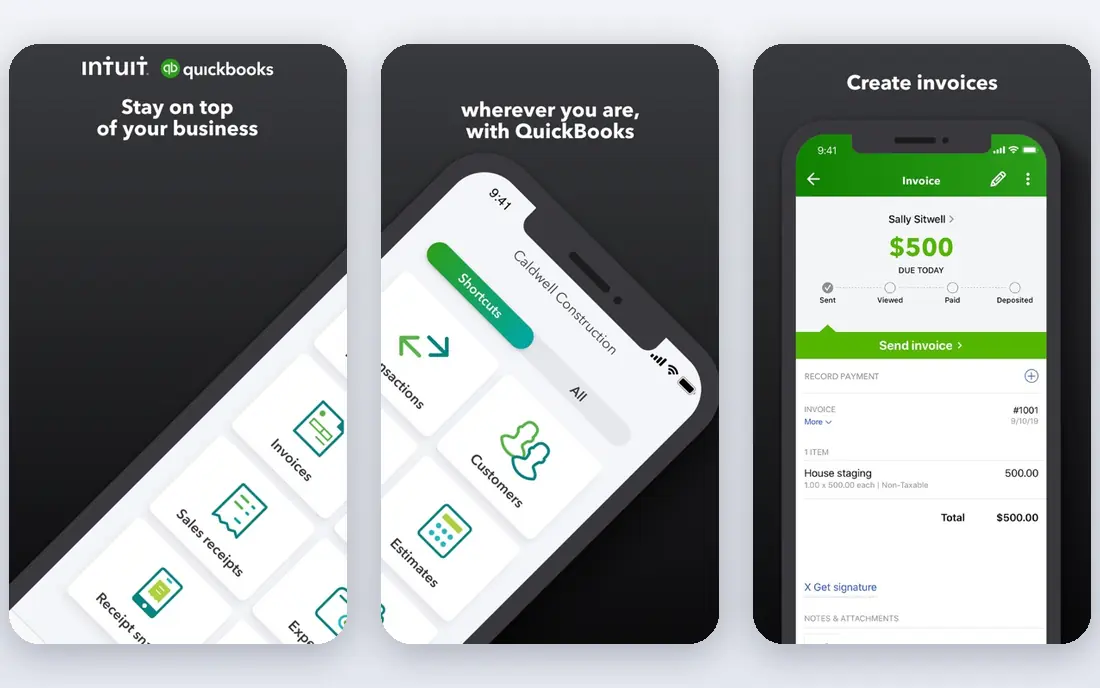
QuickBooks Solopreneur replaced QuickBooks Self-Employed for solo workers in the US. It tracks income and expenses in Schedule C categories, estimates quarterly taxes, and tracks mileage from a phone. That tax focus is its main advantage over general invoicing apps.
The old Self-Employed name still appears in old reviews, so ignore prices and features tied to that discontinued product. Solopreneur is listed at about $20 per month in recent comparisons, with a free trial. Check the current plan details, since Intuit often runs intro discounts that change after a few months.
- Schedule C tax categories
- Quarterly estimated tax help
- Mileage tracking
- Former Self-Employed product was discontinued
- Upsells to higher QuickBooks tiers are common
HoneyBook suits photographers, designers, planners, and other creative freelancers who sell packages. You can send a proposal, get a contract signed, and collect payments in one client flow, without juggling separate tools. The client portal also gives clients a single place to view documents and pay.
Bookkeeping is basic compared with Wave or QuickBooks, so you may still need an accounting tool at tax time. The Starter plan is listed at $29 per month billed yearly in recent comparisons. If your work is project-based and client-facing, HoneyBook saves more time than a pure invoicing app.
- Proposals, contracts, and invoices in one flow
- Client portal
- Payment scheduling
- Bookkeeping is basic
- Price is billed yearly on Starter
Bonsai combines proposals, contracts, time tracking, and invoicing for freelancers who want one workflow. Templates are clean and professional, and the client experience is smoother than sending separate PDFs and invoices. That bundle suits freelancers who win work with proposals and need contracts signed before starting.
Pricing needs care. The cheapest tier does not include invoicing, so the realistic starting price for invoicing is Essentials, listed at $25 per month billed monthly or less on annual billing in recent comparisons. There is no free plan, only a trial, so test the proposal and contract flow before paying.
- Contracts, proposals, time tracking, and invoicing together
- Clean templates
- No free plan
- Invoicing starts at Essentials, not the cheapest tier
Zoho Books offers a free plan for small businesses under a revenue limit, with real bookkeeping, invoicing, and expense tracking. That makes it a strong alternative to Wave for users who already use Zoho products or who want a more traditional accounting structure. Paid plans add users, automation, and integrations.
The free plan limit matters as you grow. Recent listings note that the free plan applies up to $50,000 in annual revenue, after which a paid plan is needed. The interface can also feel dense for a first-time bookkeeper. If you are comfortable with accounting terms, Zoho Books gives good value.
- Free plan for small businesses
- Solid bookkeeping
- Good for Zoho users
- Free plan ends above $50,000 revenue in some listings
- Interface can feel dense
Xero is a full accounting platform that suits a solo business planning to grow or work with an accountant. Bank feeds import transactions, invoicing is strong, and an accountant can access the same books. That structure helps when you add contractors, inventory, or a second business line.
The entry plan caps invoices and bills, so check limits before choosing it. Pricing varies by region and promotion, so use the vendor site for the current price. Xero is more than most new freelancers need, but it is a good step up from a free tool when your books get complex.
- Strong accounting and bank feeds
- Accountant access
- Good for growth
- Entry plan caps invoices and bills
- Higher price than Wave or Zoho free
Keeper focuses on taxes, not invoicing. It scans bank and card transactions for possible write-offs, tracks mileage, and helps with tax filing on some plans. That focus suits gig workers, drivers, and freelancers who miss deductions because they do not track expenses during the year.
Keeper does not replace an invoicing or bookkeeping app, so most users will pair it with Wave, FreshBooks, or QuickBooks. The Standard plan is listed at $199 per year in recent comparisons. If tax write-offs are your main pain point, Keeper can pay for itself, but check what filing help your plan includes.
- Scans expenses for write-offs
- Mileage tracking
- Tax filing help for some plans
- No invoicing
- Annual price is higher than a basic invoicing app
How we picked these
We compared official pricing pages, feature pages, and app listings for self employed tools active in October 2026. We favored tools with real invoicing, bookkeeping, tax, or client features, not only a template site. We included free and paid options, and we noted where a former product was discontinued or where a free plan has revenue limits.
How to choose an app for self employed work
Start with how you get paid. If you invoice clients for services, FreshBooks, HoneyBook, or Bonsai may fit best. If you sell products or gig work, Wave or QuickBooks Solopreneur may cover income, expenses, and taxes with less setup. Match the app to your billing pattern, not to the longest feature list.
Next, check tax and expense needs. US solo workers benefit from Schedule C categories and quarterly estimates in QuickBooks Solopreneur, while drivers benefit from mileage tracking in FreshBooks, QuickBooks, or Keeper. Keep receipts and bank feeds connected from the start, since reconstructing a year of expenses at tax time is painful.
Finally, test the client experience. Send yourself a test invoice, pay it, and check how reminders, late fees, and receipts work. A tool that looks good to you but confuses clients will cost you time and late payments. Choose the simplest tool that covers invoicing, expenses, and taxes for your business, and upgrade only when you hit a real limit.
FAQ
What is the best free app for self employed workers?
Wave is the best free starting point for invoicing and bookkeeping, with unlimited invoices on its Starter plan. Zoho Books also offers a free plan for small businesses, though it has a revenue limit in some listings.
Is QuickBooks Self-Employed still available?
No, the old QuickBooks Self-Employed product was discontinued, and existing users were moved to QuickBooks Solopreneur. Ignore old Self-Employed prices and reviews, and check current Solopreneur pricing and features on the Intuit site.
Do I need a separate tax app if I use FreshBooks or Wave?
Not always. FreshBooks and Wave track income and expenses, and QuickBooks Solopreneur adds tax estimates. Keeper is useful if you want a dedicated scan for write-offs, but it does not replace invoicing or bookkeeping.
How do I track mileage as a self employed worker?
Use an app with GPS mileage tracking, such as QuickBooks Solopreneur, FreshBooks, or Keeper, and log business trips as you go. Keep a record of purpose, date, and miles, since the IRS requires a mileage log for the deduction.
Should I hire an accountant if I use one of these apps?
An app helps with day-to-day books, but an accountant is still useful for tax planning, entity choice, and complex cases. Many apps, including Xero and QuickBooks, let an accountant access your books, which makes year-end work easier.