6 Best App Analytics Tool User Location:, US for 2026, Vetted and Compared
6 products for the best app analytics tool user location:, us, ranked by fit, with starting costs and free tiers. Real limits included. Details below.
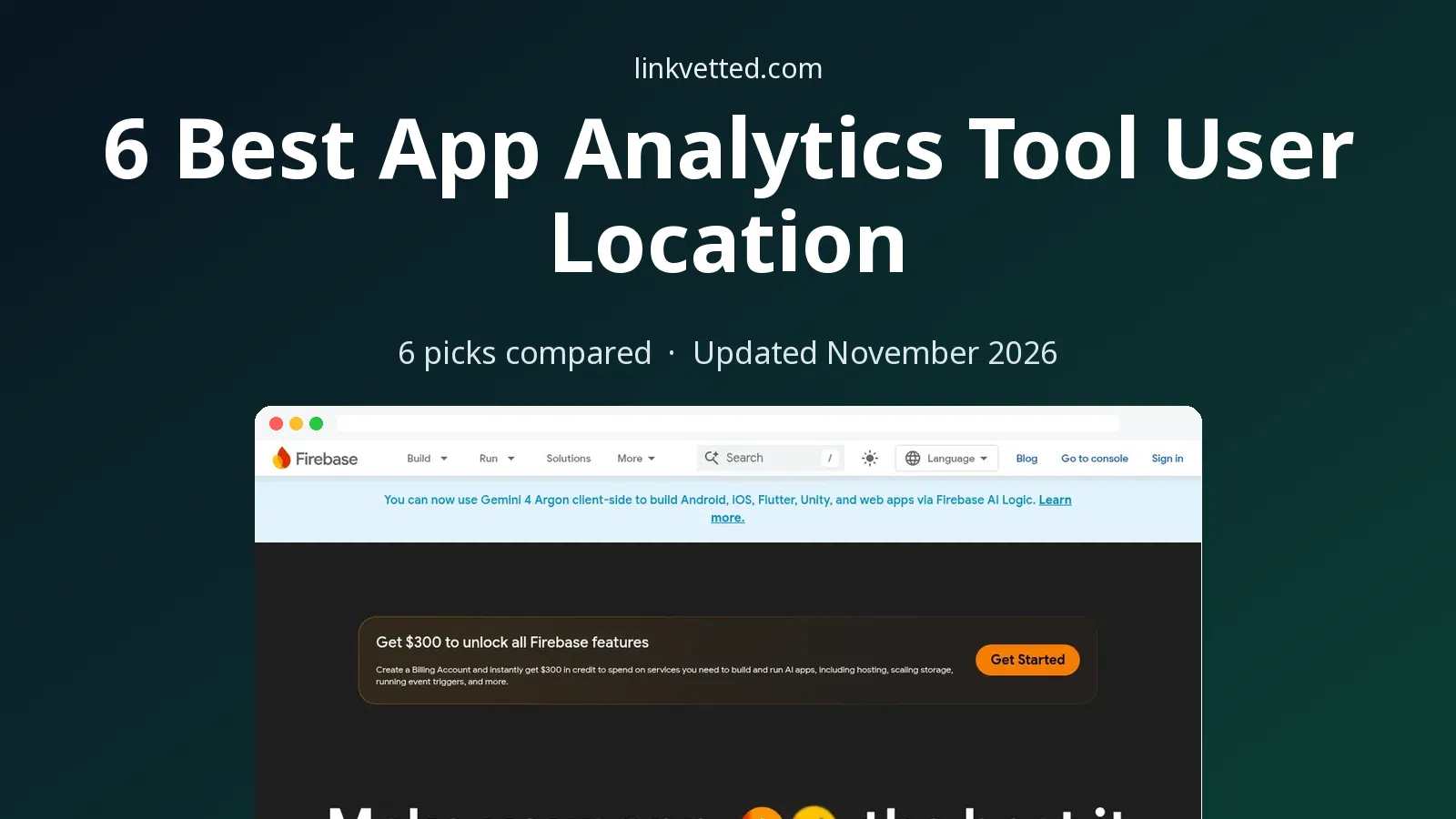
- Editor's choice
 Firebase
Developers needing integrated mobile analytics
Starts at$9.37 a monthVisit firebase.google.comFull review - Great alternative
 Adobe Analytics
Enterprises unifying customer data and journeys
Starts atSee websiteVisit business.adobe.comFull review - Also consider
 Amplitude
Teams building self-improving products with AI
Starts atSee websiteVisit amplitude.comFull review
Direct answer
This list puts Firebase first for developers needing integrated mobile analytics. Listed starting prices: Firebase from $9.37 a month, Singular from $0.05 per conversion and Mixpanel from $100 a month. For a different need, Adobe Analytics covers enterprises unifying customer data and journeys and Amplitude covers teams building self-improving products with AI. The full list of 6 tools follows, with prices and free plan facts.
TL;DR:
- Top of the list is Firebase, which targets developers needing integrated mobile analytics.
- Before buying Singular, weigh this: primarily for marketing, not product teams.
- Firebase is the lowest-priced starter here at $9.37 per month.
- Firebase, Singular, Heap, Mixpanel: these are the 4 tools out of 6 that offer a free plan.
Last checked November 2026. Prices and plan details were read from the vendors' own pages in November 2026; vendors change plans often, so confirm the current price on the vendor site before you buy.
Quick comparison
| Tool | Best for | Starts at | Free plan? | |
|---|---|---|---|---|
| Firebase | Developers needing integrated mobile analytics | $9.37 a month | Yes | Visit |
| Adobe Analytics | Enterprises unifying customer data and journeys | See website | Not stated | Visit |
| Amplitude | Teams building self-improving products with AI | See website | Not stated | Visit |
| Singular | Unified marketing data and ROI measurement | $0.05 per conversion | Yes | Visit |
 Heap | Discovering unknown user behaviors automatically | See website | Yes | Visit |
 Mixpanel | Product teams analyzing user behavior by location | $100 a month | Yes | Visit |
The full app analytics tool user location:, us list
This LinkVetted guide covers 6 options for app analytics tool user location:, us. Each profile lists a starting price, free plan details, strengths and drawbacks, so you can drop poor fits quickly.

For developers needing integrated mobile analytics, Firebase is a natural candidate. It bundles analytics capabilities that can track user location, among other events.
The main drawbacks: Restricted advanced analytics compared with specialized tools.
Worth adding: if you need advanced product analytics or marketing attribution, consider other tools. Firebase pricing: $9.37 per month. Firebase has a free plan.
- Smooth integration with Google services
- Thorough app development system
- Tied to Google ecosystem
For enterprises unifying customer data and journeys, Adobe Analytics is a natural candidate. Adobe Analytics is an enterprise digital experience analytics system that brings together customer data, measures marketing performance, and optimizes journeys with AI-powered insights.
It can track user location as part of broader customer analytics, helping enterprises understand behavior across digital channels. For everyday use, Adobe Analytics is usually expensive and complicated, making it overkill for small or mid-size teams. Adobe Analytics shows no starting price here, so confirm the cost on the vendor site. Free access: Not stated.
Watch-outs: Complicated and expensive for small teams.
- Supports location-based segmentation
- Brings together customer data across channels
- Needs expertise to completely utilize
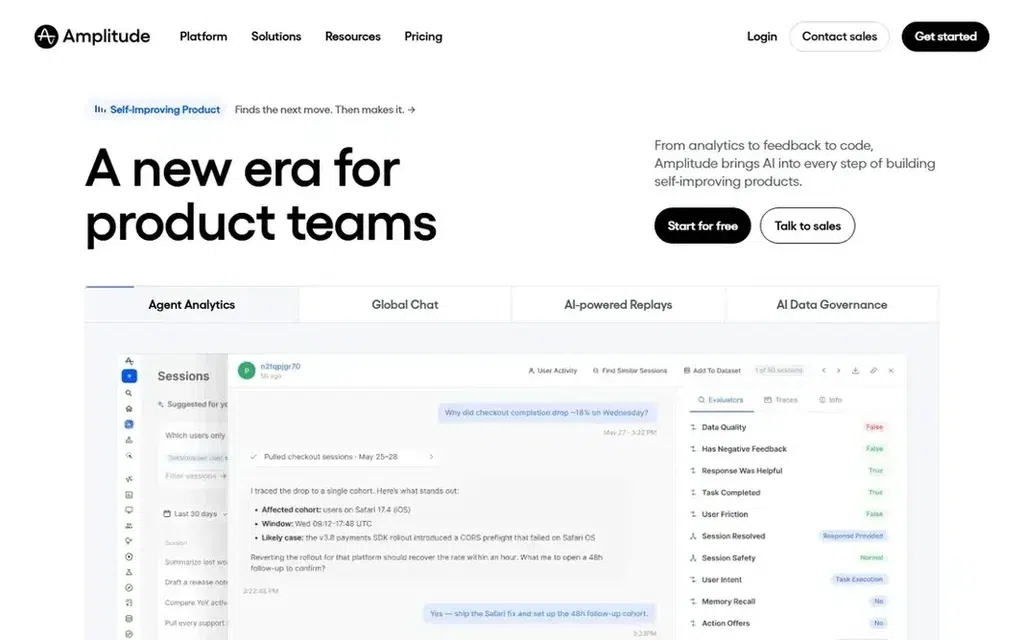
Where Amplitude fits: teams building self-improving products with AI. It merges analytics, feedback, and code to help teams understand user behavior, including location data. Its product supports tracking user location to tailor features and marketing.
Points against: Can be complicated for non-technical users.
Choose Amplitude when you need advanced AI-driven insights and are ready to invest in setup and training. On top of that, for entry-level analytics with location tracking, a lighter tool could suffice. Pricing for Amplitude is not stated here, so ask the vendor for current figures. Trial and free access: Not stated.
- Helps optimize product journeys
- AI integrated into analytics and feedback
- May need significant setup for advanced features
Singular
Best for: Unified marketing data and ROI measurement
Singular was built for unified marketing data and ROI measurement. Singular is a marketing attribution and analytics product that brings together your marketing data, measures true ROI, and unlocks actionable insights with AI-powered attribution. It incorporates location data to help marketers understand campaign performance across channels.
Where it falls short: Primarily for marketing, not product teams.
Worth adding: consider Singular when marketing attribution and ROI are the primary goals. Singular centres on marketing analytics instead of product usage, so it may not suit teams looking for in-app user behavior analysis. It can also be complicated to set up and may be overkill for small companies. Singular is made for marketing teams that require a holistic view of their spend and results, including geographic breakdowns. Price to start with Singular: $0.05 per conversion. Singular includes a free tier.
- Comes with location-based insights
- AI-powered attribution and analytics
- May need significant setup for full value
Pick Heap if this describes you: discovering unknown user behaviors automatically. Heap by Contentsquare is a digital insights platform that presents everything users do on your site, revealing unknown unknowns that stay invisible with other tools. It automatically records all interactions, including location data, so you can analyze user behavior without manual event tagging.
Downsides: May capture more data than needed.
Also, Heap is a strong match for teams that want thorough data collection and discovery of unexpected patterns. Heap's automatic capture can result in data overload, and deriving actionable insights may need careful analysis. It may not be the best fit for teams needing highly customized analytics or strict data governance. No starting price is listed for Heap here; confirm pricing on the vendor site. You can start on Heap without paying.
- Comes with location data in insights
- Reveals unknown unknowns in user behavior
- Can be complicated to analyze without clear goals

Mixpanel is designed for product teams analyzing user behavior by location. Mixpanel is a product intelligence system that merges analytics, session replay, experiments, and feature flags with AI-powered insights. It is aimed at product teams that want to understand user behavior in depth, including where users are located.
Watch-outs: May need technical setup for custom events.
Strengths: AI-powered insights for deeper understanding. Beyond that, Whereas Mixpanel provides feature-rich analytics, it may need technical knowledge to implement custom tracking and may be overwhelming for straightforward needs. More specifically, consider Mixpanel when deep product insights, including location, are a priority. The starting price for Mixpanel: $100 per month. Mixpanel has a free plan.
- Merges analytics
- Session replay, experiments
- Advanced features can be complicated for beginners
How we compared the tools
Before you commit
- Confirm the entry price on the vendor page. For Adobe Analytics, Amplitude and Heap that means a quote rather than a fixed price.
- Look at free plan limits closely: Firebase, Singular, Heap and Mixpanel have one, and the caps decide whether it is usable for real work.
- Before choosing Firebase, weigh its main limit: restricted advanced analytics compared with specialized tools.
- Confirm the exact Firebase plan that includes your must-have features.
- Look at the help docs and support options for Adobe Analytics before you commit.
FAQ
How are the tools for app analytics tool user location:, us ordered?
The order follows typical fit for app analytics tool user location:, us, with Firebase first and Mixpanel last, then price clarity and free access. It is editorial judgement, not a score, so another team could rank the tools differently.
Is Adobe Analytics a good match for small companies tracking user location?
Adobe Analytics is generally built for enterprise needs and may be complicated and expensive for small firms. For more straightforward location tracking, tools like Mixpanel or Firebase might be more appropriate and simpler to implement.
Can I try these tools before paying?
Often, yes. Firebase, Singular, Heap and Mixpanel have a free plan. Use your own data and a real task during the test, and check what the free tier or trial limits before you rely on it.
Do these tools publish their prices?
Not all of them. Adobe Analytics, Amplitude and Heap publish no starting price, so expect a quote request for those. The rest, Firebase included, show a starting price, though seats and billing terms still change the final cost.
Can I track user location with Firebase Analytics?
Yes, Firebase Analytics can track user location through events and user properties. It supplies location data as part of its analytics capabilities, though it may not offer the same depth as specialized tools for complicated location queries.
Is Firebase the right pick for everyone comparing app analytics tool user location:, us?
No single tool suits every team. Firebase comes first because it fits developers needing integrated mobile analytics, while Adobe Analytics suits enterprises unifying customer data and journeys and Amplitude suits teams building self-improving products with AI. Match the tool to your own size, budget and workflow before deciding.
Sources
- https://firebase.google.com
- https://business.adobe.com/products/analytics/adobe-analytics.html
- https://amplitude.com
- https://www.singular.net
- https://heap.io
- https://mixpanel.com