Best Antivirus Software Review in 2026: 9 Tools Compared
Best antivirus software review for 2026: verified antivirus suites compared for protection, performance, price, and free plans. See how each tool compares.
- Editor's choice
 Bitdefender Total Security
Best overall protection for most homes
Starts at$59.99 first yearVisit bitdefender.comFull review - Great alternative
 Norton 360 Deluxe
Families wanting every extra in one suite
Starts at$49.99 first yearVisit norton.comFull review - Also consider
 McAfee+
Households with many devices
Starts at$39.99 first yearVisit mcafee.comFull review
TL;DR:
- Bitdefender is our pick for most homes because it pairs strong lab results with a light system load and five device coverage.
- Norton 360 Deluxe suits families that want VPN, cloud backup, parental controls, and dark web monitoring in one suite.
- McAfee suits households with many devices, since its plans cover unlimited devices in one subscription.
- Check renewal prices before you buy, since first year deals are often far lower than the second year price.
Quick comparison
| Tool | Best for | Starts at | Free plan? | |
|---|---|---|---|---|
| Bitdefender Total Security | Best overall protection for most homes | $59.99 first year | Yes | Visit |
| Norton 360 Deluxe | Families wanting every extra in one suite | $49.99 first year | Free trial | Visit |
| McAfee+ | Households with many devices | $39.99 first year | Free trial | Visit |
 ESET Home Security Premium | Lightweight protection for gamers and older PCs | $29.99 per year | Free trial | Visit |
 Trend Micro Maximum Security | Simple protection for beginners | $29.95 per year | Free trial | Visit |
 Malwarebytes Premium | Simple malware cleanup and real-time protection | $59.99 per year | Yes | Visit |
 Avast One | Best free antivirus with useful extras | Free | Yes | Visit |
 TotalAV | Budget antivirus for small households | $19 first year | Yes | Visit |
 Microsoft Defender | Built-in protection at no extra cost | Free | Yes | Visit |
The best antivirus software review
This best antivirus software review compares nine suites that protect home computers in 2026, with a focus on protection, system impact, and the price you pay after the first year. The right choice depends on how many devices you own, how old your computer is, and which extras you will actually use.
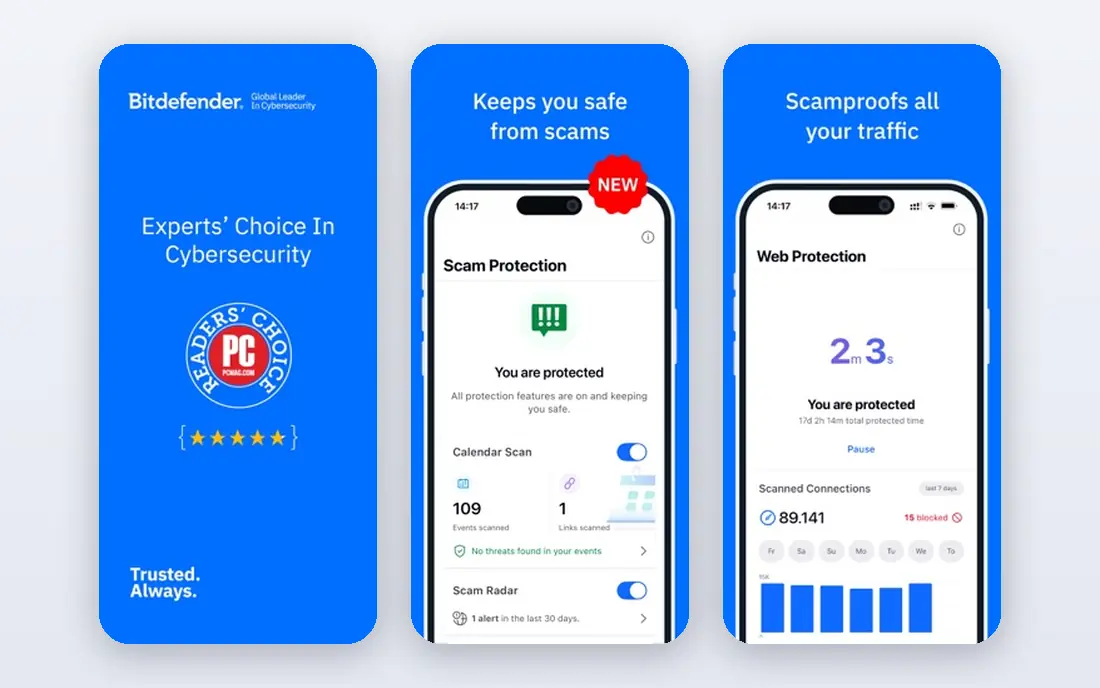
Bitdefender fits most homes that want strong protection without slowing an older computer. In practice, strong lab protection scores and light system impact give it a clear role for the buyer described above. That combination is why it earns a place on this list, even though no tool in this guide is right for every buyer. Use the free edition first if you want the core engine, then upgrade for the full suite extras. The honest catch is that bundled VPN is limited to 200 MB per day, and renewal price rises after year one. Check those limits during a trial or free plan, and confirm the price on the official pricing page before you commit to a paid plan.
- Strong lab protection scores
- Light system impact
- Five devices on Windows, Mac, Android, and iOS
- Bundled VPN is limited to 200 MB per day
- Renewal price rises after year one
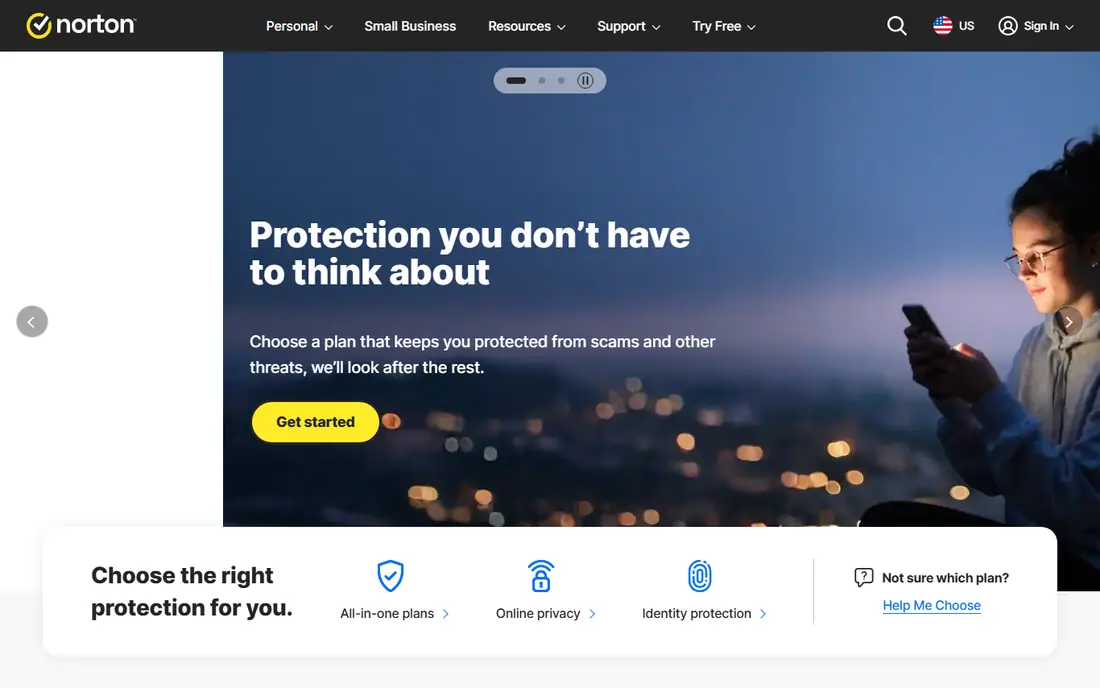
Norton 360 Deluxe fits families that want backup, VPN, and parental controls in one subscription. In practice, unlimited VPN and 50 GB cloud backup give it a clear role for the buyer described above. That combination is why it earns a place on this list, even though no tool in this guide is right for every buyer. Set a renewal reminder, and check whether you still use the backup and VPN before renewing. The honest catch is that renewal price is higher than the first year price, and client can feel heavier than rivals. Check those limits during a trial or free plan, and confirm the price on the official pricing page before you commit to a paid plan.
- Unlimited VPN
- 50 GB cloud backup
- Parental controls and dark web monitoring
- Renewal price is higher than the first year price
- Client can feel heavier than rivals
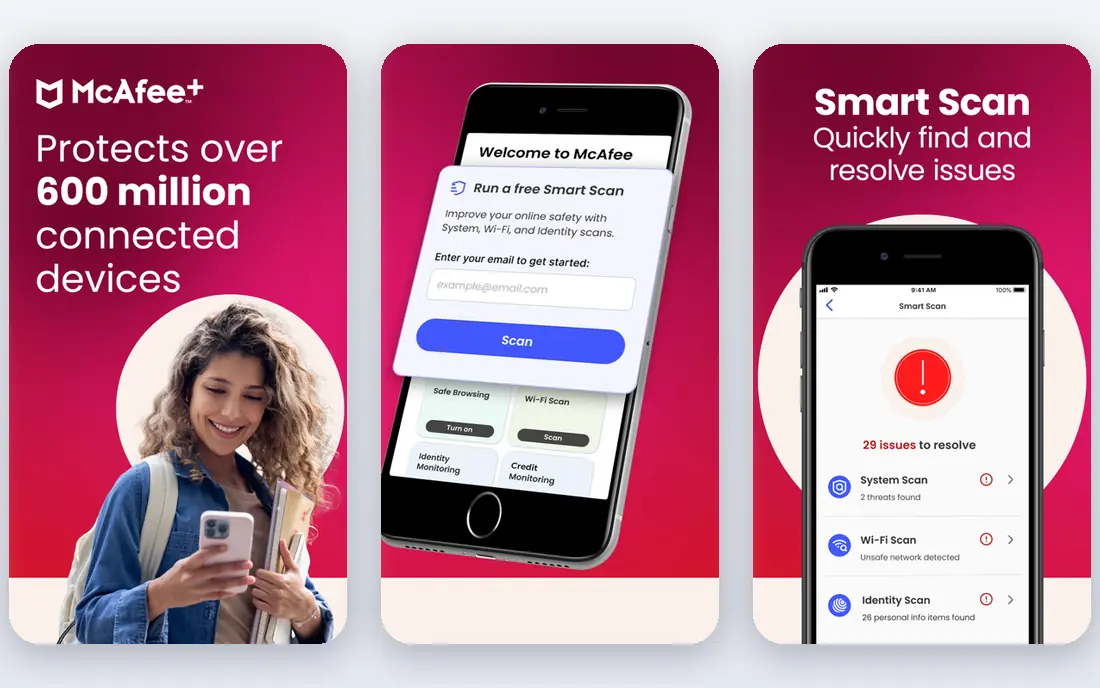
McAfee fits households with many devices that want one subscription for everything. In practice, unlimited device coverage on higher plans and vPN and identity tools included give it a clear role for the buyer described above. That combination is why it earns a place on this list, even though no tool in this guide is right for every buyer. Install on all household devices during the trial, and check performance on the oldest computer. The honest catch is that system impact is higher than Bitdefender in some tests, and renewal price rises. Check those limits during a trial or free plan, and confirm the price on the official pricing page before you commit to a paid plan.
- Unlimited device coverage on higher plans
- VPN and identity tools included
- System impact is higher than Bitdefender in some tests
- Renewal price rises
ESET fits users who want light, fast protection without a heavy suite. In practice, light system impact and strong protection give it a clear role for the buyer described above. That combination is why it earns a place on this list, even though no tool in this guide is right for every buyer. Use gamer mode during play, and schedule full scans for times when the computer is idle. The honest catch is that fewer bundled extras than Norton or Bitdefender, and setup needs some care. Check those limits during a trial or free plan, and confirm the price on the official pricing page before you commit to a paid plan.
- Light system impact
- Strong protection
- Simple interface for experienced users
- Fewer bundled extras than Norton or Bitdefender
- Setup needs some care
Trend Micro fits beginners who want simple setup and clear alerts. In practice, simple interface and good web protection give it a clear role for the buyer described above. That combination is why it earns a place on this list, even though no tool in this guide is right for every buyer. Turn on web protection and scheduled scans during setup, so protection runs without daily attention. The honest catch is that advanced tuning options are limited, and some features are Windows focused. Check those limits during a trial or free plan, and confirm the price on the official pricing page before you commit to a paid plan.
- Simple interface
- Good web protection
- Useful for beginners and families
- Advanced tuning options are limited
- Some features are Windows focused
Malwarebytes Premium
Best for: Simple malware cleanup and real-time protection
Malwarebytes fits users who want simple protection and a strong cleanup tool. In practice, simple, focused malware protection and good cleanup tools give it a clear role for the buyer described above. That combination is why it earns a place on this list, even though no tool in this guide is right for every buyer. Pair it with a separate backup plan, since Malwarebytes focuses on malware rather than backup. The honest catch is that fewer suite extras such as VPN and backup, and price is per device on some plans. Check those limits during a trial or free plan, and confirm the price on the official pricing page before you commit to a paid plan.
- Simple, focused malware protection
- Good cleanup tools
- Low clutter interface
- Fewer suite extras such as VPN and backup
- Price is per device on some plans
Avast One fits budget users who want a free antivirus with more than basic scanning. In practice, free tier with firewall and ransomware shield and paid plans add VPN and extras give it a clear role for the buyer described above. That combination is why it earns a place on this list, even though no tool in this guide is right for every buyer. Start with the free tier, and upgrade only if you need the paid VPN or cleanup tools. The honest catch is that free tier has fewer features than paid suites, and upsell prompts appear in the free tier. Check those limits during a trial or free plan, and confirm the price on the official pricing page before you commit to a paid plan.
- Free tier with firewall and ransomware shield
- Paid plans add VPN and extras
- Free tier has fewer features than paid suites
- Upsell prompts appear in the free tier
TotalAV fits budget buyers who want simple protection for a few devices. In practice, low first year price and simple interface give it a clear role for the buyer described above. That combination is why it earns a place on this list, even though no tool in this guide is right for every buyer. Check the renewal price before buying, and compare the two year total with Bitdefender. The honest catch is that renewal price rises sharply, and feature depth is lighter than top suites. Check those limits during a trial or free plan, and confirm the price on the official pricing page before you commit to a paid plan.
- Low first year price
- Simple interface
- Covers several devices
- Renewal price rises sharply
- Feature depth is lighter than top suites
Microsoft Defender fits users with one Windows PC, good backup habits, and careful browsing. In practice, built into Windows at no extra cost and solid lab scores give it a clear role for the buyer described above. That combination is why it earns a place on this list, even though no tool in this guide is right for every buyer. Keep Windows updated, turn on ransomware protection, and keep a separate backup copy of important files. The honest catch is that no VPN, backup, or cross device suite extras, and offline detection is weaker than top paid suites. Check those limits during a trial or free plan, and confirm the price on the official pricing page before you commit to a paid plan.
- Built into Windows at no extra cost
- Solid lab scores
- No extra install needed
- No VPN, backup, or cross device suite extras
- Offline detection is weaker than top paid suites
How we picked these
We compared official pricing pages, feature pages, and independent lab summaries available in October 2026. We favored suites with real-time protection, ransomware protection, and a clear free plan or trial, and we checked that each product is still offered. We avoided products that were discontinued, that lacked a working homepage, or that made protection claims without lab or vendor documentation to support them.
How to choose antivirus software
Start with device count and age. A five device plan suits most families, while an unlimited plan suits homes with many phones, tablets, and computers. An older PC benefits most from a light client, so check performance notes and trial the suite before a long subscription. Compare the two year total, not just year one. Many suites discount the first year and renew at full price, so add year one and renewal together. A suite that looks cheapest in year one can cost more over two years than a rival with a smaller discount. Decide which extras matter. A VPN, password manager, parental controls, and cloud backup are useful only if you use them. If you already pay for a VPN or backup service, a leaner antivirus plan may save money without losing core protection.
FAQ
Which antivirus is best overall in 2026?
Bitdefender Total Security is a strong overall choice because of strong lab results, low system impact, and five device coverage. Norton 360 Deluxe is better if you want more bundled extras.
Is free antivirus enough for a home computer?
For careful users with backups, Microsoft Defender plus a free tier such as Avast One can be enough. Paid suites add ransomware rollback, VPN, parental controls, and support that free tiers often lack.
How many devices does one antivirus plan cover?
Most plans cover three to five devices, while McAfee plans cover unlimited devices. Check the exact device limit on the plan you buy, since it varies by tier.
Why does antivirus cost more after the first year?
Vendors discount the first year to attract new customers, then renew at the standard price. Check the renewal price on the vendor site before buying, and set a reminder before renewal.