Best Antivirus Software for Business in 2026: 9 Tools Compared
Compare the best antivirus software for business in 2026, with pricing, endpoint protection, and management features for small and large teams, plus setup tips.
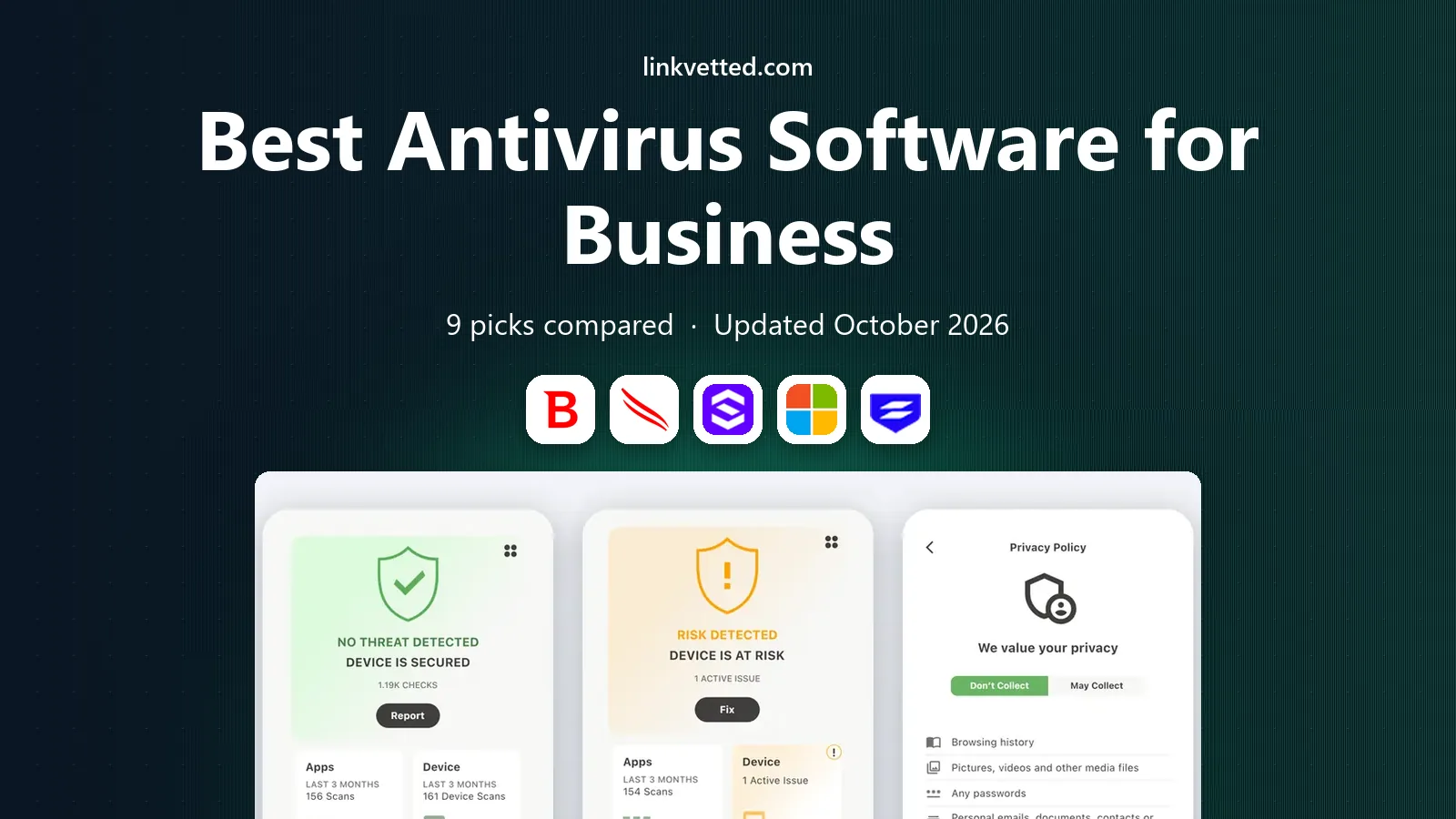
- Editor's choice
 Bitdefender GravityZone
Small businesses wanting value
Starts at$284.99 per yearVisit bitdefender.comFull review - Great alternative
 CrowdStrike Falcon
Teams needing advanced detection
Starts at$59.99 per device per yearVisit crowdstrike.comFull review - Also consider
 SentinelOne Singularity
Automated response
Starts at$69.99 per endpoint per yearVisit sentinelone.comFull review
TL;DR:
- Bitdefender GravityZone and Microsoft Defender for Business give small teams strong protection at a low starting cost, while CrowdStrike and SentinelOne suit teams that need deeper detection and response.
- Per-device pricing varies a lot, so count every laptop, server, and phone before you compare headline prices.
- A central console matters as much as detection quality, because unpatched or unmanaged devices are often the weak point.
- Free trials are common, and a short pilot on your own machines tells you more than any vendor demo.
Quick comparison
| Tool | Best for | Starts at | Free plan? | |
|---|---|---|---|---|
| Bitdefender GravityZone | Small businesses wanting value | $284.99 per year | Free trial | Visit |
| CrowdStrike Falcon | Teams needing advanced detection | $59.99 per device per year | Free trial | Visit |
| SentinelOne Singularity | Automated response | $69.99 per endpoint per year | Free trial | Visit |
 Microsoft Defender for Business | Microsoft 365 shops | $3 per user per month | Free trial | Visit |
 Sophos Intercept X | Managed protection | See website | Free trial | Visit |
 ESET PROTECT | Lightweight protection | See website | Free trial | Visit |
 Trend Micro Worry-Free Services | Small offices | See website | Free trial | Visit |
 Webroot Business Endpoint Protection | Older or low-spec machines | See website | Free trial | Visit |
 Malwarebytes for Business | Extra layer against malware | See website | Free trial | Visit |
The best antivirus software for business
Business antivirus is not the same as a home product with more seats. You need central management, reporting, update control, and protection for servers and remote workers, all from one console. The nine tools below cover that range, from low-cost essentials to full detection and response platforms.

Bitdefender GravityZone is our pick for most small businesses because it pairs strong detection with a price that stays sensible at modest scale. The cloud console lets an admin push policies, check device status, and run scans without visiting each machine, which matters when staff work from home or across sites. Machine learning and behavioral checks help catch threats that signature lists alone would miss, and automatic rollback can restore files after a ransomware attempt.
The catch is tier sprawl. The entry package covers core endpoint protection, while features such as extended detection, encryption, and patch management sit in higher tiers or add-ons. That is normal in this market, but it means you should price the tier you actually need, not the cheapest headline. For a team of 10 to 50 devices, GravityZone still tends to come out well on value, provided you keep the console tidy and review alerts weekly rather than letting them pile up.
- Strong malware detection
- Light system impact
- Central cloud console
- Advanced tiers add cost quickly
- Setup takes care for larger fleets
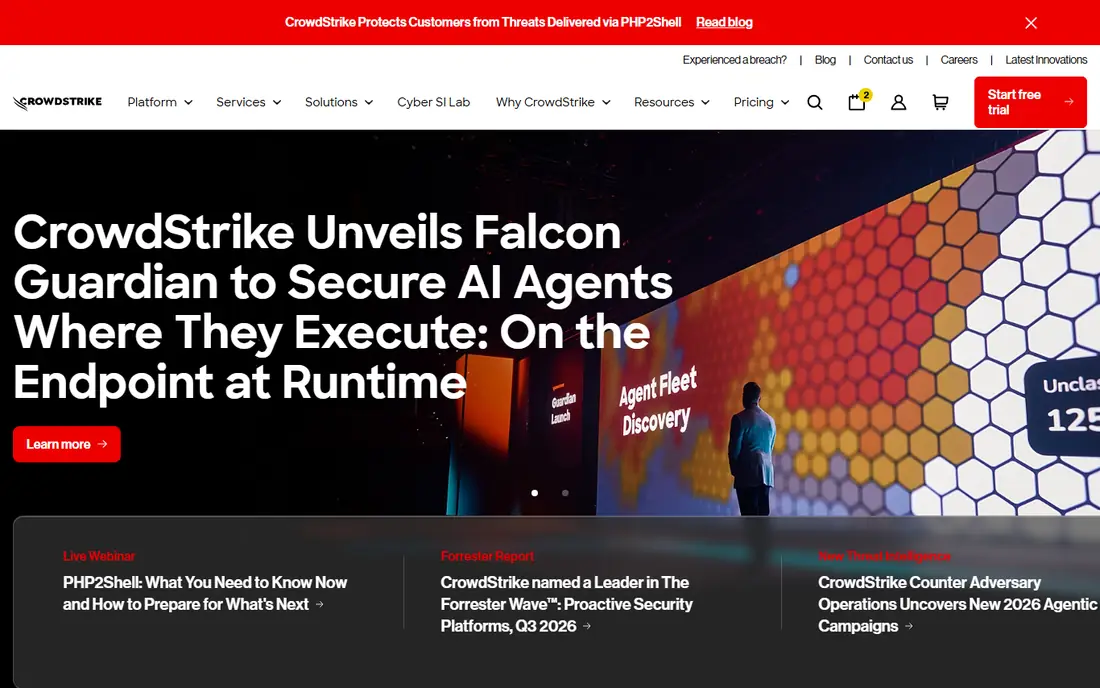
CrowdStrike Falcon is built for organizations that treat endpoint security as a detection and response job, not just virus scanning. A single lightweight agent reports to a cloud platform, where threat intelligence and behavioral analysis flag suspicious activity across devices, identities, and cloud workloads. Falcon Go suits smaller environments, while Pro and Enterprise add deeper investigation tools, and Falcon Complete adds a managed team that watches and responds around the clock.
That depth comes at a premium, and the total can climb as you add modules. Small businesses may find Falcon Go enough, but they should still budget for the annual per-device cost across every machine, including servers. The console is powerful, yet it rewards teams that assign someone to review detections and tune policies. If no one owns that job, a simpler product may protect you better in practice.
- Cloud-native agent
- Strong threat intelligence
- Managed detection options
- Premium pricing
- Higher tiers are quote-based
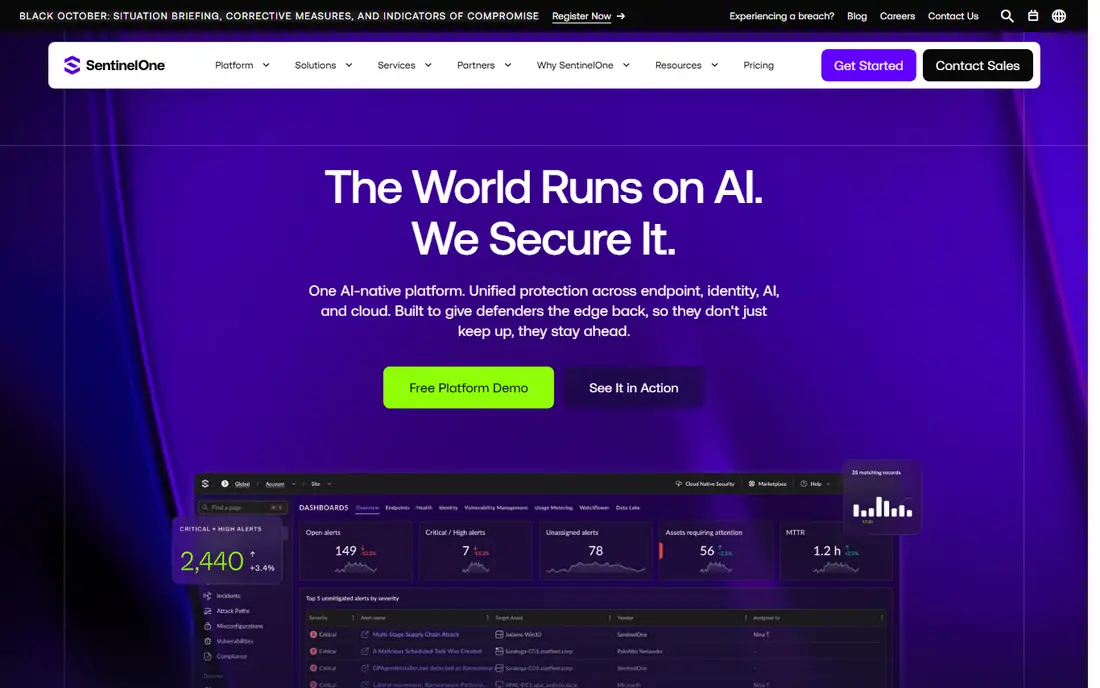
SentinelOne Singularity stands out for automation. When it detects malicious behavior, it can kill processes, isolate the device from the network, and roll back files to a pre-attack state without waiting for a human to act. That speed matters during ransomware attacks, where minutes decide how much data is lost. The platform covers Windows, Mac, Linux, and cloud workloads, and higher tiers add managed threat hunting and identity protection.
The trade-off is complexity in choosing a tier. Core covers next-generation antivirus, while Complete and Commercial add the deeper response and hunting features that larger teams want. Pricing rises with those tiers, so a small team should test whether Core meets its needs before paying for hunting it will not use. For remote and hybrid fleets, the autonomous response is a genuine advantage, especially when IT staff are not always online.
- Autonomous rollback
- Behavioral AI
- Broad platform coverage
- Enterprise tier is quote-based
- Pricing varies by tier
Microsoft Defender for Business is the obvious starting point if your company already runs Microsoft 365. It is included in some Microsoft 365 plans and available standalone at a low per-user price, and it manages endpoints through a familiar admin center. Protection covers malware, phishing, ransomware behavior, and attack surface reduction, with automated investigation and remediation on many threats. For a small Windows-heavy team, it removes the need for a separate vendor contract.
Limits appear as you grow. The standalone business version caps at 300 users, and organizations that need full endpoint detection and response at scale usually move to Defender for Endpoint Plan 2 or Microsoft 365 E5. Mac and Linux coverage exists, but Windows remains the strongest platform. If your stack is already Microsoft-based, start here and only add a second vendor if a gap shows up in testing.
- Tight Microsoft 365 integration
- Simple admin center
- Low cost
- Capped at 300 users
- Weaker on Mac and Linux in some areas
Sophos Intercept X combines traditional antivirus with deep learning, behavioral analysis, and dedicated ransomware protection that watches file activity and blocks encryption attempts. The Sophos Central console manages endpoints, firewalls, and email security in one place, which appeals to teams that want fewer dashboards. Sophos also offers a managed detection and response service for companies without a security team of their own.
Pricing is not published in a simple list, so you will need a quote, and that makes budgeting slower than with Bitdefender or Microsoft. Some users also report heavier resource use on older machines, so test on your oldest hardware before committing. For mid-sized businesses that want a managed safety net, Intercept X is a solid contender, especially if you already use Sophos firewalls.
- Deep learning detection
- CryptoGuard ransomware protection
- Managed option
- Quote-based pricing
- Can be heavy on older hardware
ESET has a long record of building protection that stays out of the way. PROTECT uses a cloud console to manage Windows, Mac, Linux, Android, and servers, with policies for device control, web filtering, and encryption in higher tiers. Scans tend to run with modest CPU and memory use, which helps on older laptops and in offices where staff notice every slowdown. That lightness is a practical benefit, not just a benchmark detail.
The downside is that ESET does not make starting prices as easy to find as some rivals, and the feature set grows across tiers in ways that need careful reading. Teams that want the full stack, including extended detection and response, should confirm exactly which tier includes it. If your main complaint about past antivirus tools was sluggish machines, ESET deserves a pilot.
- Low system impact
- Clear console
- Good multi-platform support
- Pricing requires a quote
- Advanced features sit in higher tiers
Trend Micro Worry-Free Services targets small offices that need protection without a dedicated security admin. The web console handles desktops, laptops, servers, and mobile devices, with web reputation, email filtering, and ransomware behavior monitoring included. Setup is straightforward, and the product has a long history in small business security, which shows in its sensible defaults.
It is not the flashiest platform, and the console will not impress teams that want modern detection dashboards and deep hunting tools. Seat-based pricing also means the total depends on your exact device count, so get a written quote for your fleet. For a small office that wants dependable coverage and minimal daily management, Worry-Free remains a practical choice.
- Simple setup
- Web and email protection
- Central web console
- Interface feels dated to some users
- Pricing varies by seat count
Webroot takes a different approach from most rivals by keeping most threat intelligence in the cloud and running a very small agent on each device. Scans finish quickly, updates are tiny, and older machines stay usable, which is why Webroot still appeals to shops, clinics, and offices with mixed hardware. The management console covers policies, reporting, and remote deployment, and it integrates with several remote monitoring tools used by managed service providers.
The trade-off is depth. Webroot covers core endpoint protection well, but it does not match CrowdStrike or SentinelOne for investigation and response tooling. Teams that need that depth should pair it with a separate detection platform or choose a fuller suite. For device fleets where performance is the main constraint, Webroot is worth testing.
- Very small agent
- Fast scans
- Cloud-based intelligence
- Fewer advanced response features
- Quote-based pricing
Malwarebytes for Business is often bought as a second layer alongside a main antivirus product, because its remediation engine is good at cleaning machines that are already infected. The business platform adds endpoint protection, ransomware behavior blocking, web protection, and centralized management through the Nebula console. Small teams like the straightforward deployment, and managed service providers use the multi-tenant console for clients.
On its own, Malwarebytes covers a lot, but buyers should check whether they need a full endpoint protection platform or a focused remediation tool. Pricing is quote-based for business tiers, so compare the total against a single-vendor suite before splitting your stack. For teams that keep finding adware, potentially unwanted programs, and stubborn infections, Malwarebytes earns its place.
- Strong malware remediation
- Layered protection
- Simple console
- Best as part of a stack
- Pricing needs a quote
How we picked these
We compared official feature pages, pricing pages, trial terms, and public documentation for established business endpoint products, and we favored vendors with a current business product, a central management console, and support for Windows plus at least one other platform. We excluded home-only products and vendors without a clear business offering. Prices shown are starting prices or vendor-published figures where available, and we used See website where a vendor prices by quote or by fleet size.
What to check before you buy business antivirus
Start with device count and operating systems, because those two facts drive most quotes. Count servers, remote laptops, and shared machines, and confirm whether mobile devices are included or need a separate license. Then check the console: can one admin deploy, update, and report across all devices, and can you set maintenance windows so scans do not interrupt work.
Next, look at response, not just detection. Ask what happens when ransomware starts encrypting files, whether the device is isolated automatically, and whether files can be rolled back. Also ask about update control, because a faulty update can disrupt more machines than malware would. Finally, run a pilot on a mix of new and old machines, measure slowdowns during scans, and test support response times before you sign a multi-year deal.
Deployment and management questions
Ask whether deployment uses a simple installer link, Active Directory, or a remote monitoring tool, and how long full rollout takes. Check role-based access so junior staff can view reports without changing policies. Confirm reporting covers patch status, threat history, and devices that have not checked in, because silent, unmanaged devices are a common gap.
Cost traps to avoid
Watch for per-user versus per-device billing, since a team with two devices per person pays twice under per-device pricing. Add-ons for encryption, patching, email security, and managed detection can double the bill, so price the full stack. Multi-year discounts look attractive, but only commit after a pilot, and keep the renewal date in your calendar so you can renegotiate.
FAQ
What is the best antivirus software for business for a small team?
For most small teams, Bitdefender GravityZone or Microsoft Defender for Business are strong starting points, because both combine solid protection with manageable pricing and a central console. Choose Microsoft if you already use Microsoft 365, and Bitdefender if you want a standalone vendor with broad platform support.
What is the top antivirus software for businesses with remote workers?
CrowdStrike Falcon and SentinelOne suit remote fleets well, because both are cloud-native and can isolate and remediate devices without a VPN connection to the office. Their automated response features also help when IT staff are not online at the moment an attack starts.
How much does business antivirus cost?
Costs range from a few dollars per user per month for Microsoft Defender for Business to higher per-device annual fees for CrowdStrike and SentinelOne, with many vendors pricing by quote. Count every device, ask for the full tier price, and include any add-ons for encryption or managed detection in your comparison.
Do I need endpoint detection and response, or is antivirus enough?
Basic antivirus suits low-risk offices with standard software and strong backups, while detection and response suits teams handling sensitive data, regulated work, or remote devices. Detection and response adds investigation, threat hunting, and automated isolation, which matter after an attack gets past initial blocking.
Can business antivirus protect Mac and Linux devices?
Most products on this list cover Mac, and several cover Linux and servers, but depth varies by platform. Check the vendor page for each operating system you run, and test on a Mac or Linux machine during your trial rather than assuming parity with Windows.
Is a free trial enough to judge a product?
A trial helps you test deployment, scan impact, and console usability, but it rarely shows how a vendor handles a real incident. Use the trial for performance and management checks, and ask the vendor for incident response documentation, support hours, and service levels before you commit.
Sources
- https://www.bitdefender.com/business/
- https://www.crowdstrike.com/pricing/
- https://www.sentinelone.com/pricing/
- https://www.microsoft.com/security/business/
- https://www.sophos.com/products/
- https://www.eset.com/business/
- https://www.trendmicro.com/business/
- https://www.webroot.com/business/
- https://www.malwarebytes.com/business/