Best Antivirus Software Comparison in 2026: 8 Suites Compared
Read this best antivirus software comparison for 2026, covering protection, price, device limits, VPN caps and renewal costs for home users in detail.
- Editor's choice
 Bitdefender Total Security
Best overall protection
Starts at$59.99 per yearVisit bitdefender.comFull review - Great alternative
 Norton 360 Deluxe
Families wanting every extra
Starts at$49.99 per yearVisit norton.comFull review - Also consider
 McAfee+ Premium
Households with many devices
Starts at$49.99 per yearVisit mcafee.comFull review
TL;DR:
- Bitdefender Total Security and Norton 360 Deluxe are the strongest all-round suites for most home users, with different strengths on VPN and backup.
- McAfee+ is the pick for households with many devices, because its higher tiers cover an unlimited number of devices in one home.
- Introductory prices are much lower than renewal prices, so check the renewal figure before you buy, not just the first-year deal.
- Free antivirus can work for basic protection, but paid suites add ransomware protection, parental controls, VPN and identity tools that free tools often limit.
Quick comparison
| Tool | Best for | Starts at | Free plan? | |
|---|---|---|---|---|
| Bitdefender Total Security | Best overall protection | $59.99 per year | Yes | Visit |
| Norton 360 Deluxe | Families wanting every extra | $49.99 per year | Free trial | Visit |
| McAfee+ Premium | Households with many devices | $49.99 per year | Free trial | Visit |
 ESET Home Security Premium | Lightweight protection | $49.99 per year | Free trial | Visit |
 Avast One | Best free antivirus start | Free | Yes | Visit |
 Malwarebytes Premium | Simple malware cleanup | $59.99 per year | Yes | Visit |
 Trend Micro Maximum Security | Beginners wanting simplicity | $29.95 per year | Free trial | Visit |
 TotalAV | Budget buyers | $19 per year | Yes | Visit |
The best antivirus software comparison
Antivirus comparisons often focus on detection scores, but price, device limits and renewal costs matter just as much for a home user. The suites below all provide real-time malware protection for Windows, Mac and mobile in most cases, with differences in extras, system impact and how much you pay after year one. Prices shown are first-year starting prices from recent vendor and comparison sources, and renewal prices are usually higher, so read the plan page carefully.
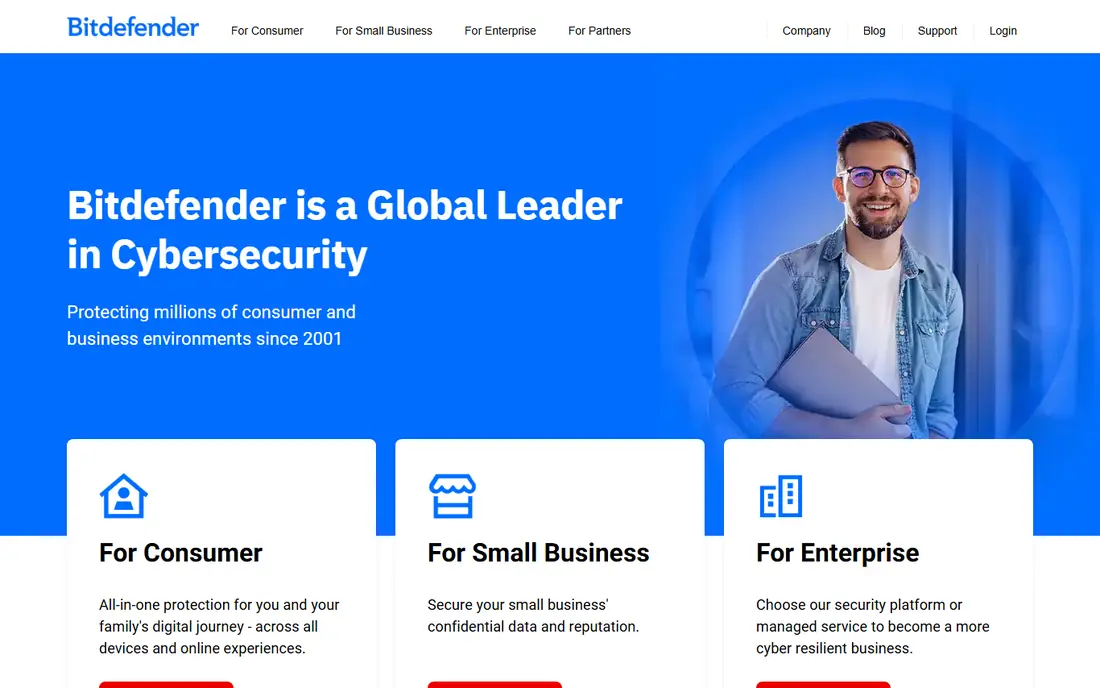
Bitdefender Total Security is the reference point in many 2026 comparisons because it combines strong protection with low system impact. It covers up to five devices across Windows, Mac, Android and iOS, with ransomware protection, a firewall, parental controls and a password manager in the suite. For a household that wants protection without noticing the software running, that balance is hard to beat.
The main limits are upsells. The bundled VPN caps at 200 MB per day per device unless you upgrade, and the first-year price rises at renewal. There is also a limited free edition if you want the core engine without the full suite. For most home users who want to pay once and stop thinking about security, Bitdefender remains our first shortlist pick.
- Strong independent lab results
- Light system impact
- Covers five devices across platforms
- Bundled VPN limited to 200 MB per day
- Renewal price rises after year one
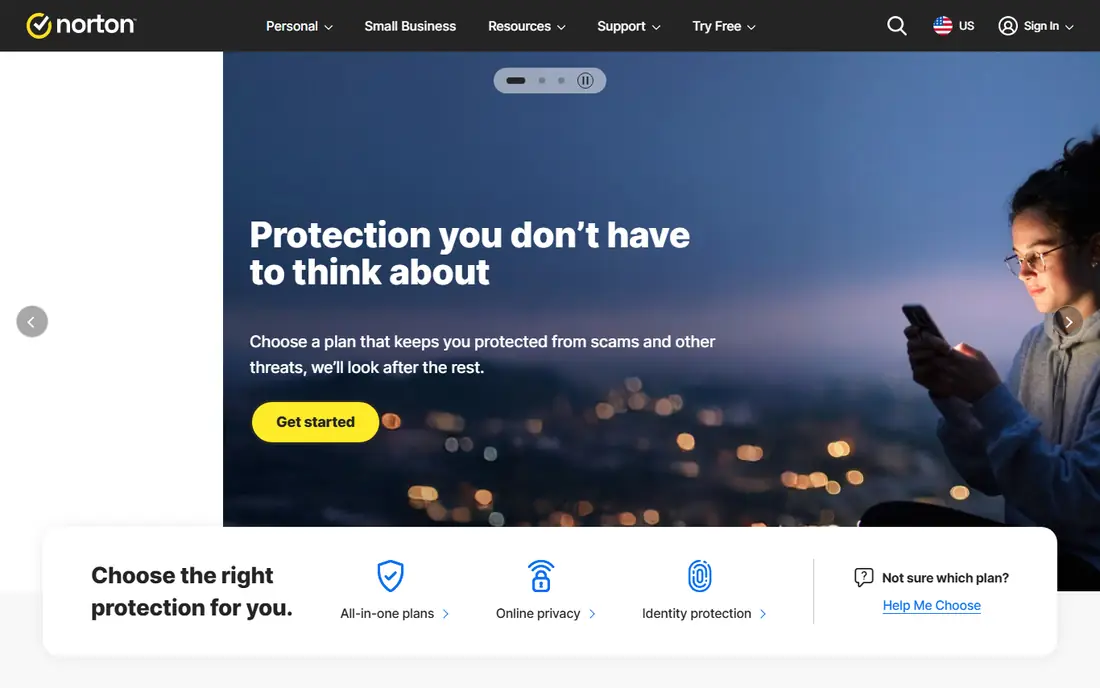
Norton 360 Deluxe bundles more extras than most rivals, which is why it appeals to families. You get antivirus, an unlimited VPN, 50 GB of cloud backup, a password manager, parental controls and dark web monitoring for up to five devices. That bundle can replace several separate subscriptions, which helps justify the renewal price if you actually use the extras.
Renewal cost is the catch. First-year pricing around $49.99 often rises to around $119.99 or more on renewal in recent comparisons, so set a reminder before renewal and check current offers. Norton can also feel heavier on an older PC than Bitdefender or ESET. If you will use the VPN and backup, Norton is strong value. If you only need core protection, a lighter suite may suit you better.
- Unlimited VPN
- 50 GB cloud backup
- Parental controls and dark web monitoring
- Renewal price rises sharply
- Can feel heavier than Bitdefender on older PCs
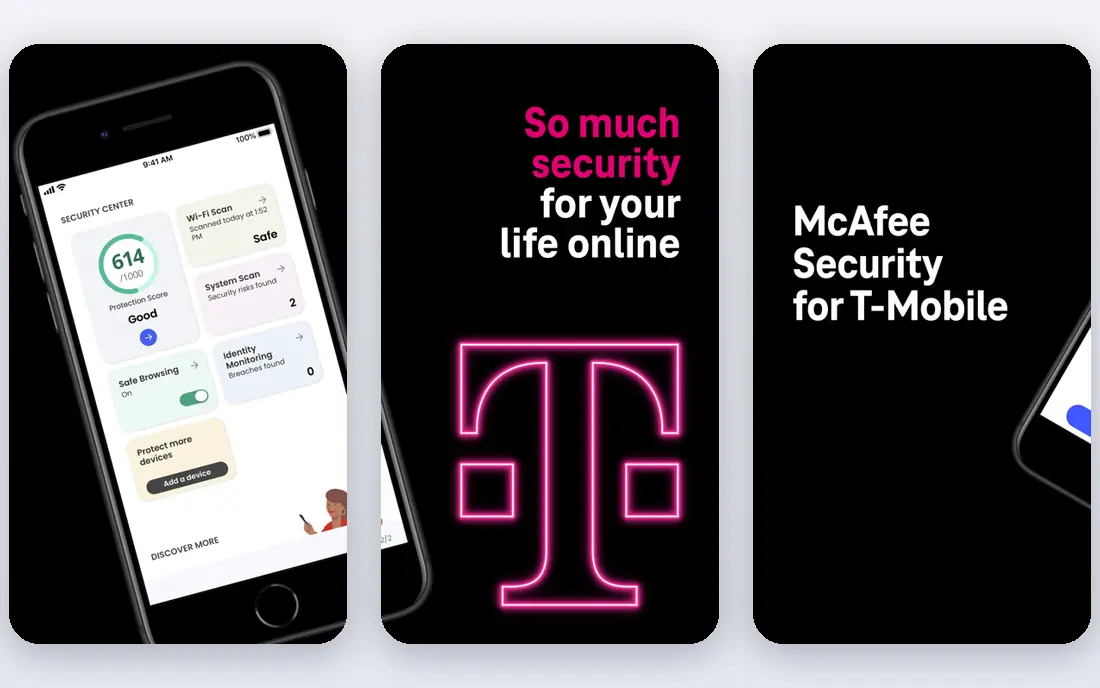
McAfee+ Premium solves a common household problem: device count. While many suites cap at five devices, McAfee+ Premium covers an unlimited number of devices in one home, which helps families with phones, tablets, laptops and shared PCs. It also includes a VPN, password manager and identity monitoring, so the suite covers more than just malware scanning.
Renewal pricing is again higher than the first-year price, with recent comparisons putting Premium renewal around $149.99 per year. The app can also feel busy with prompts and upsells. For a large household, the unlimited device model can still be cheaper than buying two five-device licenses elsewhere. For a single-device user, a cheaper single-device plan may be better value.
- Unlimited devices on Premium tiers
- VPN and identity monitoring included
- Simple household coverage
- Renewal price rises
- Interface and upsells can feel busy
ESET is the pick for users who notice every slowdown, such as gamers or owners of older PCs. Its engine is known for low system impact, while still scoring well in independent lab tests. Home Security Premium adds features such as a password manager and encryption tools, without turning the suite into a large bundle of unrelated extras.
Beginners may find ESET less hand-holding than Norton or Trend Micro, and the interface assumes some comfort with security settings. If you want a quiet, light antivirus that stays out of the way, ESET is a strong choice. If you want VPN, backup and identity protection in one purchase, Norton or McAfee+ may fit better.
- Very light on system resources
- Strong malware protection
- Good for gamers and older PCs
- Fewer bundled extras than Norton
- Interface is more technical than beginner suites
Avast One is a good starting point if you want free protection without paying upfront. The free tier covers core antivirus scanning, while paid Avast One plans add VPN, system cleanup and more devices. That upgrade path lets you start free and only pay when you need the extras, which suits students and single-device users.
Free software always involves trade-offs. Expect prompts to upgrade, and check privacy settings, because free antivirus vendors often offer data and product prompts that paid users see less often. Avast One is not the lightest suite on this list, but for a free start with a clear paid upgrade, it is a practical choice.
- Genuine free tier
- Paid plans add VPN and cleanup tools
- Covers multiple platforms
- Free tier has limits and prompts
- Paid pricing rises with features
Malwarebytes Premium appeals to users who want simple, no-fuss protection and a strong cleanup tool. The free version works as an on-demand scanner, which many people already know from removing infections, while Premium adds real-time protection, web protection and ransomware layers. The interface is clean, with fewer settings to get wrong.
The downside is breadth. Malwarebytes does not bundle the same VPN, backup, parental control and identity package as Norton or McAfee+, yet its price is in the same range. It works well as a second layer alongside another antivirus in some setups, but check vendor guidance before running two real-time products together, because conflicts can cause problems. For simplicity first, Malwarebytes is still a solid pick.
- Simple interface
- Strong malware removal reputation
- Free scanner for on-demand checks
- Fewer suite extras than Norton or Bitdefender
- Higher price for a narrower feature set
Trend Micro Maximum Security is built for users who want protection without learning security settings. Setup is straightforward, the interface is clear, and web protection helps with phishing links and unsafe sites, which are a common way infections start. A first-year price around $29.95 makes it one of the cheaper paid starts on this list.
Advanced users may miss the depth of Bitdefender or ESET, and the suite does not bundle as many extras as Norton. Device limits and renewal pricing also vary by plan, so confirm both before you buy. For a beginner, a parent setting up a family PC, or a user who wants a simple paid suite, Trend Micro is an easy recommendation.
- Simple setup and interface
- Good web and social media protection
- Low first-year price
- Fewer advanced extras
- Renewal price and device limits need checking
TotalAV competes on price, with first-year pricing around $19 for a basic plan covering several devices. The interface is simple, and higher tiers add VPN, system tune-up and a password vault. For a budget buyer who wants paid protection for the lowest first-year cost, TotalAV is worth checking.
Renewal pricing is the warning here, as with most antivirus vendors, and the free tier is limited. Read the renewal figure on the checkout page, check how many devices are covered, and confirm whether VPN data is limited. TotalAV can be good value in year one, but only if you are prepared to review the price before it renews.
- Very low first-year price
- Simple interface
- VPN and tune-up tools in higher tiers
- Renewal price rises sharply
- Free tier is limited and prompts upgrades
How we picked these
We compared official vendor pricing pages, recent independent lab summaries and current antivirus comparisons, focusing on home suites that are actively sold in the US in 2026. We left out Kaspersky for US buyers, because US sale restrictions make it a poor recommendation for most American households, even though its engine scores well in labs. Prices are first-year starting prices where vendors publish them, and we note renewal rises rather than hiding them.
What to check before you buy
Count your devices first, including phones and tablets, because a five-device cap can force a second license in a large household. Then list the extras you will actually use: VPN, backup, parental controls, password manager and identity monitoring. A suite that bundles extras you never open is not better value than a lighter suite at a lower renewal price.
Check renewal pricing on the vendor checkout page, not just the headline deal. Set a calendar reminder a month before renewal, because you can often find a lower price by switching plans, contacting support or catching a seasonal offer. Also confirm platform support, because some features, such as parental controls or backup, may be Windows only or limited on Mac and mobile.
Protection, performance and privacy
Look for independent lab results from AV-TEST or AV-Comparatives rather than vendor claims alone, and check system impact if your PC is older. Read the privacy policy for VPN and data collection, especially for free tiers, and turn off any data sharing you do not want. No antivirus stops every attack, so keep your operating system and browser updated and be cautious with email attachments and download links.
One suite or layered tools
For most home users, one paid suite is enough, plus built-in operating system protections and good password habits. Running two real-time antivirus products at once can cause conflicts and slowdowns, so do not stack them without vendor guidance. A password manager, backups and two-factor authentication add more real security than a second antivirus in most cases.
FAQ
What is the best antivirus software in 2026?
Bitdefender Total Security is the best all-round pick for most home users, with strong lab results and light impact. Norton 360 Deluxe is better if you want VPN, backup and parental controls in one bundle, while McAfee+ Premium is better for unlimited devices in a large household.
Is free antivirus enough?
Free antivirus can provide basic malware scanning, and Avast One and Malwarebytes offer useful free tiers. Paid suites add ransomware protection, web protection, VPN, parental controls and identity tools, so free is enough for careful users on a single device, but less complete for families.
Why does antivirus renewal cost more than the first year?
Vendors discount the first year to win new customers, then charge a higher renewal price. Always check the renewal figure on the plan page before buying, and set a reminder to review the price before it renews, because switching or renegotiating can often lower the cost.
How many devices does an antivirus license cover?
It varies by plan. Bitdefender Total Security and Norton 360 Deluxe cover up to five devices, Trend Micro and TotalAV vary by tier, and McAfee+ Premium covers an unlimited number of devices in one home, so count phones and tablets as well as PCs.
Do I still need antivirus on a Mac?
Yes, Macs can carry malware, phishing links and unwanted software, even if they face fewer threats than Windows PCs. Most suites on this list cover Mac, Android and iOS as well as Windows, so one household license can protect all your devices.