Best Analytics Software for Patient Flow Optimization (2026): 6 Picks Checked on Vendor Pages
6 products for the best analytics software for patient flow optimization, ranked by fit, with starting costs and free tiers. Plain-spoken summaries throughout.
- Editor's choice
 Tableau
Adaptable visualization on existing data
Starts at$15 per user per monthVisit tableau.comFull review - Great alternativeAllscripts
Data-driven healthcare options and insights
Starts atSee websiteVisit allscripts.comFull review - Also considerEpic Systems
Flow analytics inside a clinical EHR
Starts atSee websiteVisit epic.comFull review
Direct answer
Start with Tableau if you need adaptable visualization on existing data. Listed starting prices: Tableau from $15 per user per month. Allscripts fits data-driven healthcare options and insights; Epic Systems fits flow analytics inside a clinical EHR. Details, prices and limits for the rest of the 6 tools are below.
TL;DR:
- Tableau takes the first slot, best suited to adaptable visualization on existing data.
- The cheapest monthly starting price in the list is $15 per user per month, offered by Tableau.
- One limit worth knowing about Allscripts: product naming can confuse buyers.
- Tableau stands alone as the one tool in this list with a free plan.
Last checked November 2026. Prices and plan details were read from the vendors' own pages in November 2026; vendors change plans often, so confirm the current price on the vendor site before you buy.
Quick comparison
| Tool | Best for | Starts at | Free plan? | |
|---|---|---|---|---|
| Tableau | Adaptable visualization on existing data | $15 per user per month | Yes | Visit |
| Allscripts | Data-driven healthcare options and insights | See website | Not stated | Visit |
| Epic Systems | Flow analytics inside a clinical EHR | See website | Not stated | Visit |
| MEDITECH | Integrated EHR with interoperable reporting | See website | Not stated | Visit |
 Qlik Sense | Data integration plus associative analytics | See website | Not stated | Visit |
| TeleTracking | Enterprise capacity and operations orchestration | See website | Not stated | Visit |
6 options for analytics software for patient flow optimization in detail
Short on time? The summary and table above give the quick view of 6 tools for analytics software for patient flow optimization, and the profiles that follow give the detail behind each entry.
Tableau is built with adaptable visualization on existing data in mind. Tableau is business intelligence and analytics software meant to help anyone see and understand their data, connecting to almost any database and building visualizations by drag-and-drop. Beyond that, for patient flow, it works as a flexible reporting layer on top of EHR and operational data, letting analysts build census, throughput and discharge dashboards tailored to local questions.
Points against: Not healthcare-specific.
It also relies on steady upstream data pipelines. Choose it when you want analytical freedom and already have clean flow data, instead of an out-of-the-box clinical option. Entry price for Tableau: $15 per user per month. A free plan is available with Tableau.
- Links to almost any database
- Simple sharing of dashboards
- Needs data preparation work
Allscripts
Best for: Data-driven healthcare options and insights
Allscripts targets data-driven healthcare solutions and insights. If dedicated throughput orchestration is the priority, a specialized operations product may be a better primary choice.
What to check first: Product naming can confuse buyers.
Allscripts shows no starting price here, so confirm the cost on the vendor site. Free options: Not stated.
- Suits varied care settings
- Emphasis on validated data sources
- Flow analytics vary by offering
Epic Systems
Best for: Flow analytics inside a clinical EHR
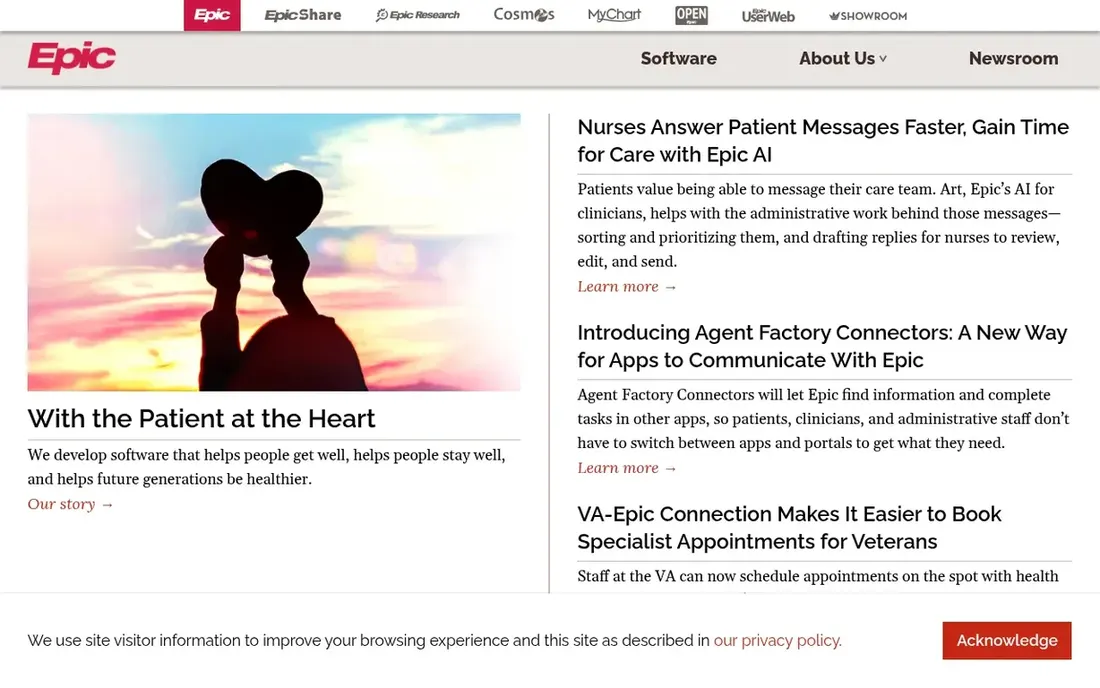
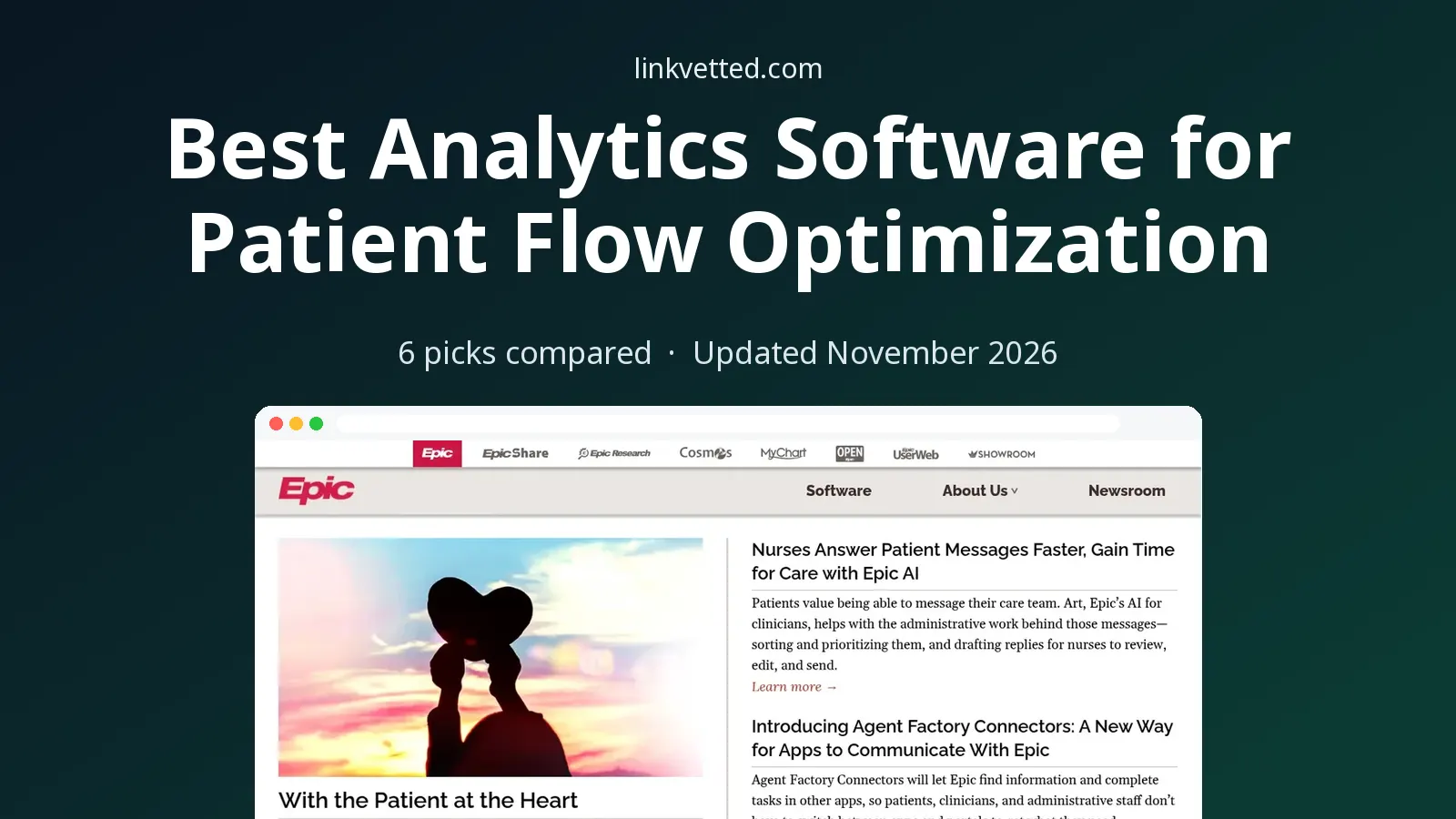
Epic Systems was built for flow analytics inside a clinical EHR. It suits hospitals and health systems that want flow insight without stitching together separate reporting tools.
Also, groups seeking a standalone, vendor-neutral visualization layer may prefer a general BI tool instead. Epic Systems does not show a starting price in this comparison, so check the vendor site for current pricing. On free options: Not stated.
The main drawbacks: Restricted fit outside its ecosystem.
- Long-standing healthcare focus
- Analytics embedded in the clinical record
- Best value for existing customers
MEDITECH
Best for: Integrated EHR with interoperable reporting
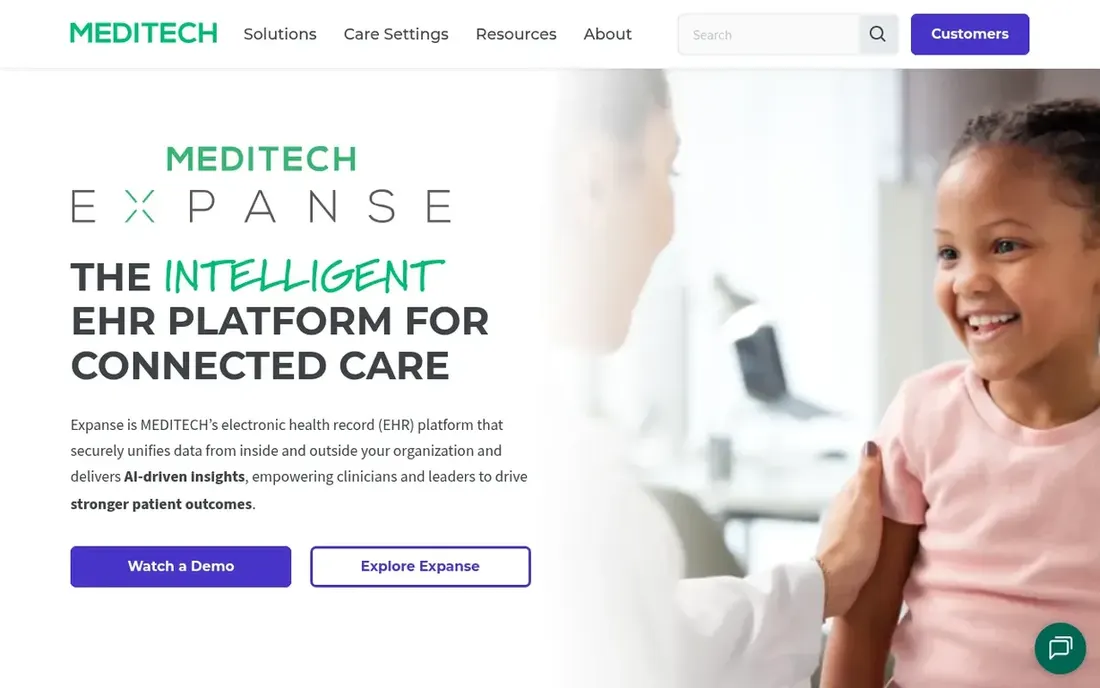
For integrated EHR with interoperable reporting, MEDITECH is a natural candidate. Ask about data export choices and dashboard adaptability during evaluation.
No starting price is listed for MEDITECH here; confirm pricing on the vendor site. As for free access: Not stated.
Where it falls short: Reporting depth varies by module.
- Interoperability as a stated focus
- Completely integrated EHR suite
- Customization can need vendor help
Qlik Sense is aimed squarely at data integration plus associative analytics. Qlik, now with Talend, provides a data fabric and next-level insights through end-to-end data integration, data quality and analytics options.
Worth adding: pick something else if you need a turnkey clinical dashboard instead of a data and analytics foundation. For patient flow, that combination is handy when data arrives from several systems and needs cleaning before analysis. Check the vendor site for Qlik Sense pricing; none is listed in this comparison. As for free access: Not stated.
Downsides: Healthcare logic must be built.
- End-to-end data integration
- Associative exploration of data
- Setup needs technical skill
TeleTracking
Best for: Enterprise capacity and operations orchestration
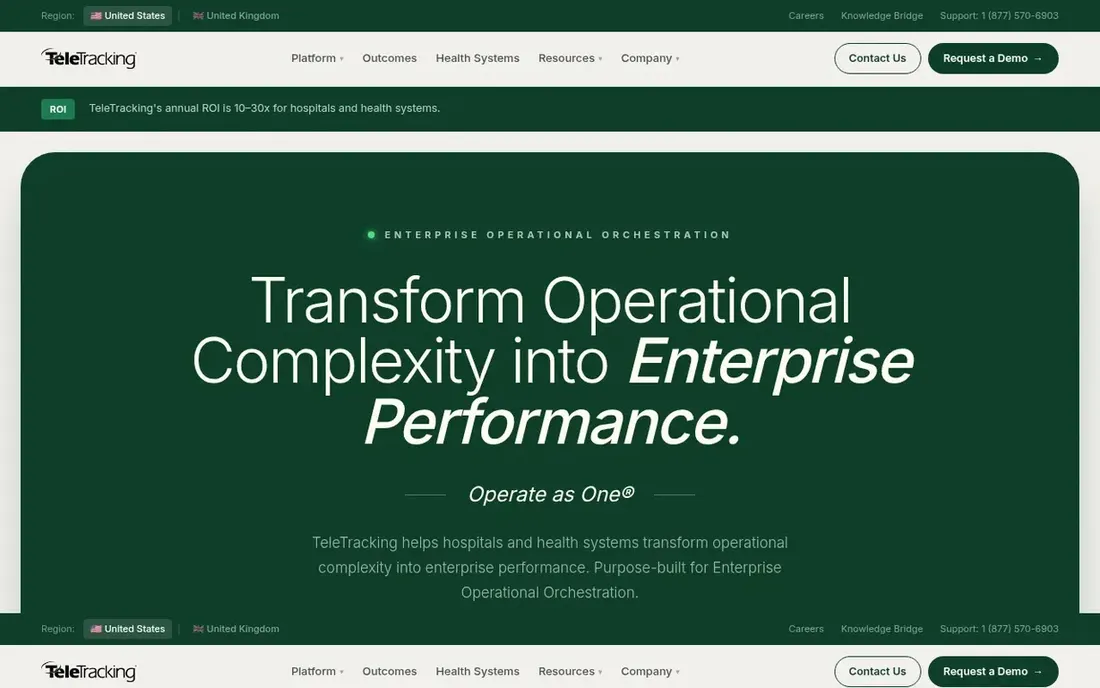
TeleTracking targets enterprise capacity and operations orchestration. TeleTracking helps health systems build capacity, boost access and strengthen financial performance by orchestrating operations across the enterprise. It is a specialized operations layer instead of a complete clinical or analytics suite, so organizations usually combine it with an EHR and reporting tools.
Also, consider it when flow orchestration is the primary goal instead of general reporting. Results rely on accurate, timely data feeds from source systems. Pricing for TeleTracking is not stated here, so ask the vendor for current figures. On free options: Not stated.
Where it falls short: Requires clean operational data.
- Purpose-built for operational flow
- Enterprise-wide orchestration view
- Narrower than a full EHR
Selection criteria
LinkVetted used vendor pricing pages and product documentation as the base, then compared plans, free access and documented limits for 6 tools. Plan names, prices and limits change often. Treat the figures here as a starting point and verify them with the vendor. We ordered the tools by general fit, then by how clearly pricing is shown, then by free access. A buyer with unusual needs may reorder them.
What to check before you buy
- Get a written quote from Allscripts, Epic Systems, MEDITECH and others; the list shows no starting price for them.
- Test the free plan from Tableau against your real workload before relying on it.
- Before choosing Tableau, weigh its main limit: not healthcare-specific.
- Work out what MEDITECH costs with your real seat count, add-ons and usage, not just the entry price.
- Check whether TeleTracking bills monthly or annually, and what cancelling early costs.
FAQ
Is Tableau the right pick for everyone comparing analytics software for patient flow optimization?
No single tool suits every team. Tableau comes first because it fits flexible visualization on existing data, while Allscripts suits data-driven healthcare solutions and insights and Epic Systems suits flow analytics inside a clinical EHR. Match the tool to your own size, budget and workflow before deciding.
How are the tools for analytics software for patient flow optimization ordered?
The order follows typical fit for analytics software for patient flow optimization, with Tableau first and TeleTracking last, then price clarity and free access. It is editorial judgement, not a score, so another team could rank the tools differently.
What should patient flow analytics actually measure?
Most teams track census and occupancy, admission and discharge timing, transfer delays and bed turnaround. Confirm that a product can report on the specific measures your operations team uses.
Is a dedicated operations product better than a general BI tool?
General BI tools like Tableau or Qlik Sense offer more adaptability but need your team to model healthcare logic. Numerous organizations use both together.
What is the cheapest option for analytics software for patient flow optimization in this list?
On published monthly entry prices, Tableau is the lowest here at $15 per user per month. Entry price is only part of the cost, because seats, add-ons and billing terms can change the total. Each of the 6 options in this analytics software for patient flow optimization guide has its own card above with the price, free plan and limits.
Which options for analytics software for patient flow optimization have a free plan?
Tableau is the only tool in this list with a free plan. Free plans usually cap users, projects or features, so check the limits on the vendor page. All 6 picks in this analytics software for patient flow optimization comparison list a starting price, free plan details and the main limits on their cards above.
Sources
- https://www.tableau.com
- https://www.allscripts.com
- https://www.epic.com
- https://www.meditech.com
- https://www.qlik.com
- https://www.teletracking.com