Best Analytics Software for Logistics Managers for 2026: Our 5 Vetted Picks
Best analytics software for logistics managers: 5 tools compared on price, free plans and fit. Read the caveats before you buy. Budget notes included.
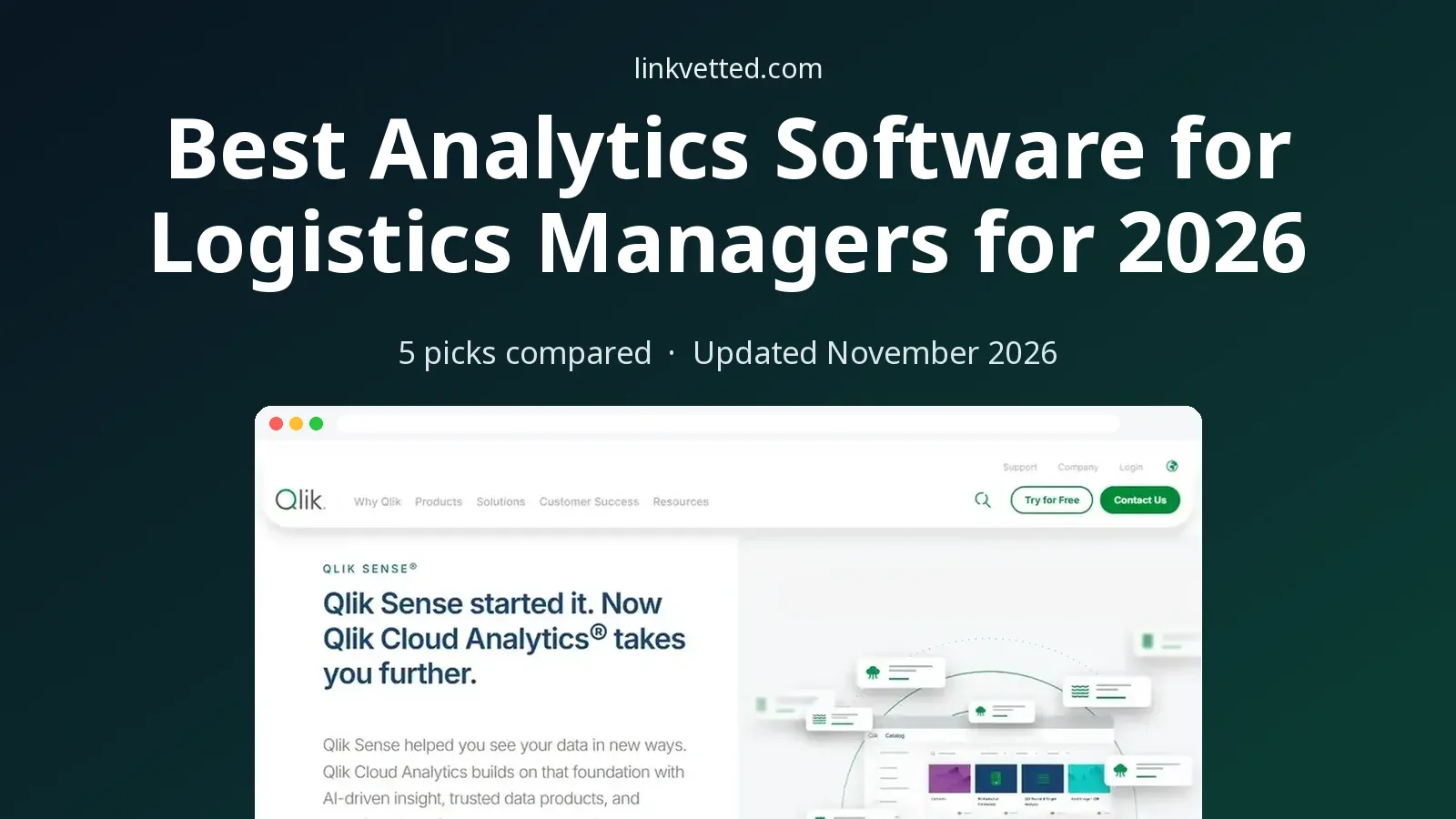
- Editor's choice
 Looker
Embedded analytics with a trusted semantic layer
Starts atSee websiteVisit cloud.google.comFull review - Great alternative
 Qlik Sense
Associative exploration of supply chain data
Starts atSee websiteVisit qlik.comFull review - Also considerOracle Analytics Cloud
Self-service discovery with enterprise reporting
Starts atSee websiteVisit oracle.comFull review
Direct answer
Our first pick is Looker, best for embedded analytics with a trusted semantic layer. Listed starting prices: Tableau from $15 per user per month. Look at Qlik Sense for associative exploration of supply chain data, and at Oracle Analytics Cloud for self-service discovery with enterprise reporting. The full list of 5 tools follows, with prices and free plan facts.
TL;DR:
- Number one here is Looker, a fit for embedded analytics with a trusted semantic layer.
- Tableau is the lowest-priced starter here at $15 per user per month.
- Before buying Oracle Analytics Cloud, weigh this: can be complicated to configure.
- Only Tableau offers a free plan among these 5 tools.
- For connecting and preparing data from numerous sources, Domo is worth a look.
Last checked November 2026. Prices and plan details were read from the vendors' own pages in November 2026; vendors change plans often, so confirm the current price on the vendor site before you buy.
Quick comparison
| Tool | Best for | Starts at | Free plan? | |
|---|---|---|---|---|
| Looker | Embedded analytics with a trusted semantic layer | See website | Not stated | Visit |
| Qlik Sense | Associative exploration of supply chain data | See website | Not stated | Visit |
| Oracle Analytics Cloud | Self-service discovery with enterprise reporting | See website | Not stated | Visit |
 Tableau | Visual dashboards for shipment and inventory tracking | $15 per user per month | Yes | Visit |
 Domo | Connecting and preparing data from plenty of sources | See website | Free trial | Visit |
Every option for analytics software for logistics managers explained
Short on time? The summary and table above give the quick view of 5 analytics software for logistics managers, and the profiles that follow give the detail behind each entry.
Looker works best for embedded analytics with a trusted semantic layer. For logistics managers, this means consistent definitions for metrics like on-time delivery and cost per shipment, which can be embedded into operational applications. It brings together metrics with a trusted semantic layer and uses Gemini agents to support data exploration.
Limits to weigh: Needs modeling expertise.
For everyday use, if you need a standalone visualization tool with wide connectivity, Tableau may be more suitable. Looker is closely tied to Google Cloud, which may limit adaptability for multi-cloud logistics operations, and building the semantic layer needs modeling expertise. No starting price is listed for Looker here; confirm pricing on the vendor site. Free plan details: Not stated.
- Semantic layer for consistent metrics
- AI agents for querying
- Tied to Google Cloud ecosystem
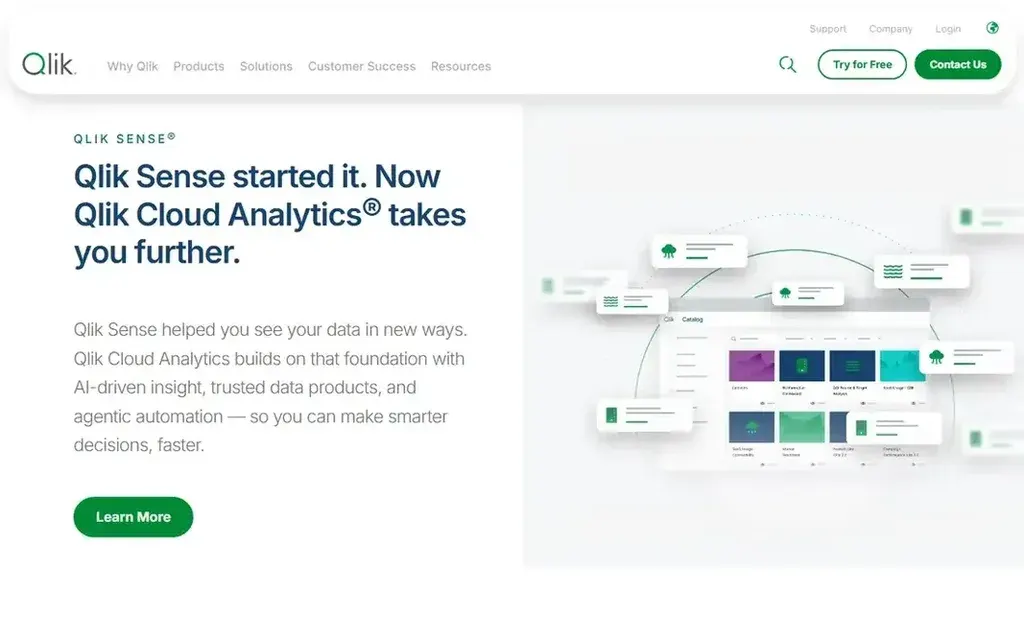
Qlik Sense works best for associative exploration of supply chain data. Qlik Sense is an analytics product from Qlik, which now contains Talend for data integration and quality. It uses an associative engine that helps users explore connections across supply chain data, like linking carrier delays to inventory shortfalls.
What to check first: Needs structured data governance.
Strengths: End-to-end data integration. Logistics managers who require to investigate root causes and blend data from several systems may find it a solid fit. If your priority is embedded analytics within a Google Cloud environment, Looker may be a better match. The associative model can take time to learn, and effective use relies on well-governed data sources. Teams seeking more straightforward visual dashboard creation might prefer Tableau. Check the vendor site for Qlik Sense pricing; none is listed in this comparison. On free options: Not stated.
- Associative data engine
- Interactive dashboards
- Ramp-up time for associative model
Oracle Analytics Cloud
Best for: Self-service discovery with enterprise reporting
Oracle Analytics Cloud serves self-service discovery with enterprise reporting. Logistics managers in Oracle environments can use it to analyze delivery performance and inventory trends, and it fits organizations that require both governed reporting and ad hoc exploration.
Oracle Analytics Cloud is a full analytics option that merges self-service discovery with enterprise reporting and advanced analytics. If you run a mixed data environment, a more source-agnostic tool like Tableau might be more straightforward. This comparison lists no price for Oracle Analytics Cloud; ask the vendor. On free options: Not stated.
Watch-outs: Can be complicated to configure.
- Merges self-service and enterprise reporting
- Advanced analytics and predictive features
- Best fit for Oracle-centric stacks
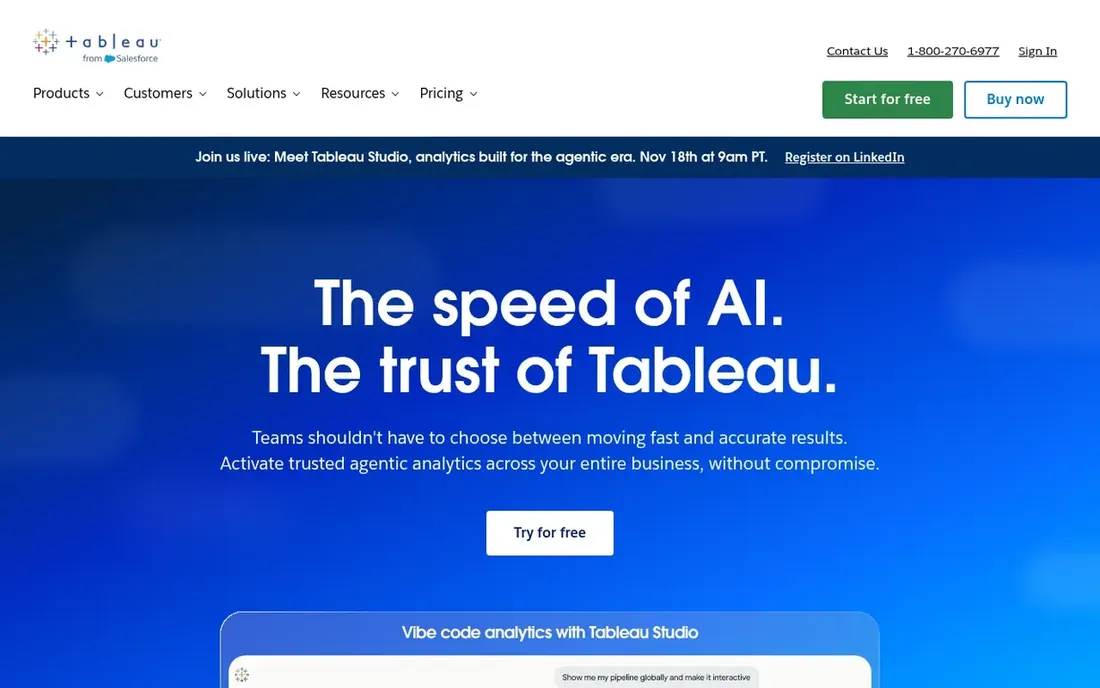
Tableau was built for visual dashboards for shipment and inventory tracking. Tableau is a business intelligence product that lets users link to data sources and build visualizations with drag-and-drop actions. For everyday use, if your team needs deep embedded analytics inside a custom logistics application, consider Looker instead.
What to check first: Can need training for advanced features.
In daily use, Tableau may demand training to use advanced calculations and dashboard actions effectively, and complicated data preparation frequently needs extra tools. For more straightforward reporting needs, other choices may be more straightforward. Price to start with Tableau: $15 per user per month. A free plan is available with Tableau.
- Easy sharing of dashboards
- Drag-and-drop visualization builder
- Data preparation may need separate tools
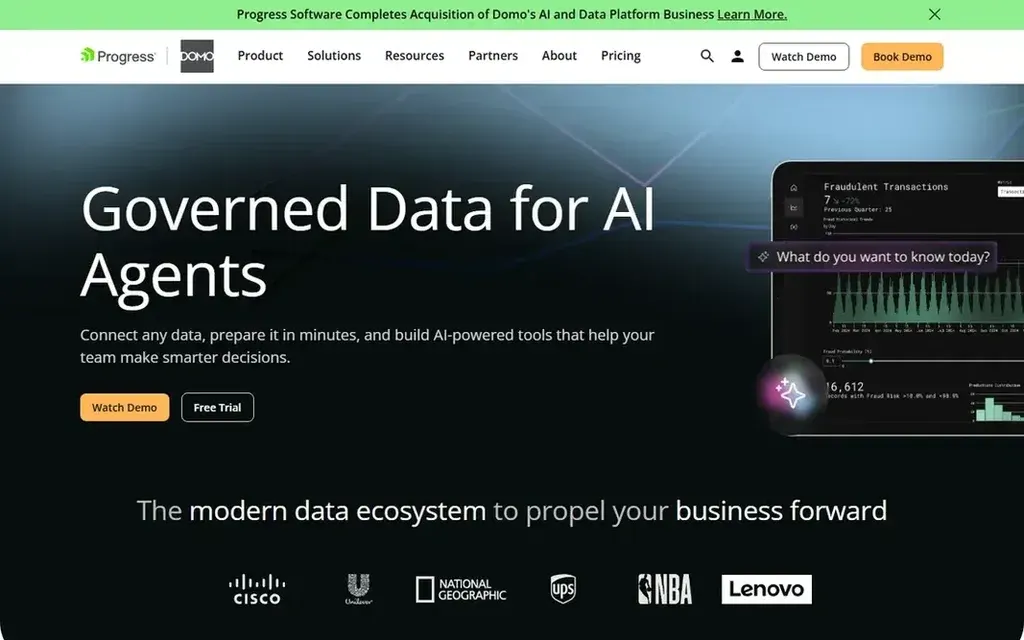
For connecting and preparing data from plenty of sources, Domo is a natural candidate. Domo's wide capabilities may be more than a small logistics team needs, and setup needs careful data governance.
In daily use, logistics managers can use it to unify data from transportation management, warehouse, and ERP systems for exploration and reporting. In daily use, if you want a more straightforward visualization-first tool, Tableau could be simpler to adopt. Pricing for Domo is not stated here, so ask the vendor for current figures. On free options: Free trial.
Points against: Needs data governance planning.
- AI-assisted insights
- Data preparation tools
- May be complicated for small teams
How the list was put together
LinkVetted used vendor pricing pages and product documentation as the base, then compared plans, free access and documented limits for 5 tools. Seat minimums, billing terms and add-ons can move the real cost, so the starting prices here are a guide and not a quote. The order reflects how well each tool fits the most common buying scenario for analytics software for logistics managers, then price clarity, then free plan access. It is a starting point, not a verdict.
A buyer's checklist
- Ask Looker, Qlik Sense, Oracle Analytics Cloud and Domo for a written quote, since no starting price is shown.
- Look at the free plan from Tableau closely: its caps decide whether it is usable for real work.
- Use real work to test the free trial from Domo, rather than a demo project.
- Read the limits listed for Looker first: tied to Google Cloud ecosystem.
- Add up seats, add-ons and usage charges for Looker before comparing it with cheaper entries.
- Check how data leaves Domo: formats, limits and whether exports are available on every plan.
FAQ
Can these analytics tools deal with live shipment tracking?
Tableau and Qlik Sense can link to streaming sources, whereas cloud systems like Looker and Domo offer scheduled or live connections. Confirm latency requirements with each vendor.
Is Looker the right pick for everyone comparing analytics software for logistics managers?
No single tool suits every team. Looker comes first because it fits embedded analytics with a trusted semantic layer, while Qlik Sense suits associative exploration of supply chain data and Oracle Analytics Cloud suits self-service discovery with enterprise reporting. Match the tool to your own size, budget and workflow before deciding.
What is the cheapest option for analytics software for logistics managers in this list?
On published monthly entry prices, Tableau is the lowest here at $15 per user per month. Entry price is only part of the cost, because seats, add-ons and billing terms can change the total. Each of the 5 options in this analytics software for logistics managers guide has its own card above with the price, free plan and limits.
Do these tools publish their prices?
Not all of them. Looker, Qlik Sense, Oracle Analytics Cloud and Domo publish no starting price, so expect a quote request for those. The rest, Tableau included, show a starting price, though seats and billing terms still change the final cost.
Which tool is a good match for logistics teams without dedicated data analysts?
Looker is the pick this page puts first, mainly for embedded analytics with a trusted semantic layer. If your situation differs, Qlik Sense suits associative exploration of supply chain data, and Oracle Analytics Cloud suits self-service discovery with enterprise reporting. Compare price and limits before you decide.
Which options for analytics software for logistics managers have a free plan?
Tableau is the only tool in this list with a free plan. Free plans usually cap users, projects or features, so check the limits on the vendor page. One other tool offers a trial instead.
Sources
- https://cloud.google.com/looker
- https://www.qlik.com
- https://www.oracle.com/business-analytics/analytics-cloud.html
- https://www.tableau.com
- https://www.domo.com