Best Analytics Software for Event Planners for 2026: Our 5 Vetted Picks
Weighing the best analytics software for event planners? We lined up 5 products by cost, free access and fit. Each pick lists its main limit. Facts only.
- Editor's choice
 HubSpot
Event marketing and funnel reporting
Starts atSee websiteVisit hubspot.comFull review - Great alternative
 Eventbrite
Reporting on ticketed public events
Starts at$15 per monthVisit eventbrite.comFull review - Also consider
 Tableau
Deep visual analysis of event data
Starts at$15 per user per monthVisit tableau.comFull review
Direct answer
Our first pick is HubSpot, best for event marketing and funnel reporting. Listed starting prices: Eventbrite from $15 per month and Tableau from $15 per user per month. Alternatives: Eventbrite for reporting on ticketed public events, and Tableau for deep visual analysis of event data. All 5 tools are compared below on price, free plan and limits.
TL;DR:
- The list opens with HubSpot, aimed at event marketing and funnel reporting.
- Cvent is the one to check for analytics inside full event management.
- For the cheapest start, look at Eventbrite: $15 per month.
- A free plan is available from 2 of the 5 tools: Eventbrite, Tableau.
Last checked November 2026. Prices and plan details were read from the vendors' own pages in November 2026; vendors change plans often, so confirm the current price on the vendor site before you buy.
Quick comparison
| Tool | Best for | Starts at | Free plan? | |
|---|---|---|---|---|
| HubSpot | Event marketing and funnel reporting | See website | Not stated | Visit |
| Eventbrite | Reporting on ticketed public events | $15 per month | Yes | Visit |
| Tableau | Deep visual analysis of event data | $15 per user per month | Yes | Visit |
 Whova | Event app engagement reporting | See website | Not stated | Visit |
 Cvent | Analytics inside full event management | See website | Not stated | Visit |
Analytics Software for Event Planners, one by one
LinkVetted compared 5 analytics software for event planners. The goal is a practical shortlist: published prices, free plan facts, best-fit use cases and honest limits for every entry.
Think of HubSpot for event marketing and funnel reporting. HubSpot offers software and tools for business, with marketing, CRM and reporting capabilities. If you need attendee engagement analytics during the event itself, combine it with a dedicated event system.
Downsides: Not an event management system.
In practice, HubSpot is not an event management platform, so registration logistics and on-site operations sit elsewhere. Also, analytics focus on marketing and customer activity instead of event floor data. Event planners often use it to promote events and track how marketing activity translates into registrations and follow-up. Pricing for HubSpot is not stated here, so ask the vendor for current figures. As for free access: Not stated.
- Reporting tied to marketing activity
- Supports event promotion workflows
- Analytics centered on marketing data
Eventbrite serves reporting on ticketed public events. Analytics are centered on events run through Eventbrite, so it is not a general reporting tool for blending outside data.
In daily use, for planners, its reporting is most relevant when events are listed and sold through the product, giving a view of attendance and sales activity tied to those listings. Planners with complicated, multi-source reporting needs will likely pair it with a BI tool. Eventbrite starts at: $15 per month. Eventbrite has a free plan.
Downsides: Restricted cross-source data blending.
- Event discovery and ticketing focus
- Handy for public event listings
- Analytics centered on its own events
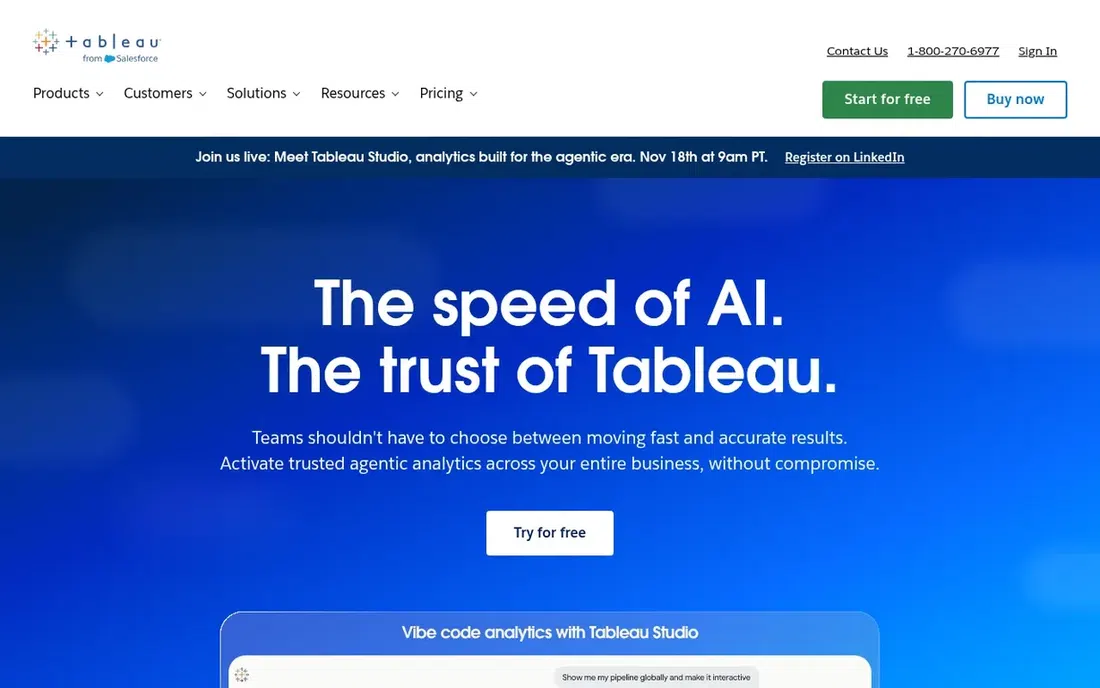
Tableau is aimed squarely at deep visual analysis of event data. Tableau is a business intelligence and analytics system made for seeing and understanding data.
As for the details, setup and data preparation fall on your team. Tableau cost at the entry level: $15 per user per month. Free access exists with Tableau.
Where it falls short: General BI tool, not event-specific.
- Links to almost any database
- Share dashboards with a click
- Ramp-up time for advanced analysis
Think of Whova for event app engagement reporting. It suits organizers who want engagement insight tied to the attendee experience instead of a separate analytics project.
Limits to weigh: Analytics restricted to app usage.
Analytics stay close to app activity, so it is not a substitute for broader business intelligence. Pricing for Whova is not stated here, so ask the vendor for current figures. Free plan details: Not stated.
- Reporting tied to app activity
- Event app experience for attendees
- Not a standalone BI option
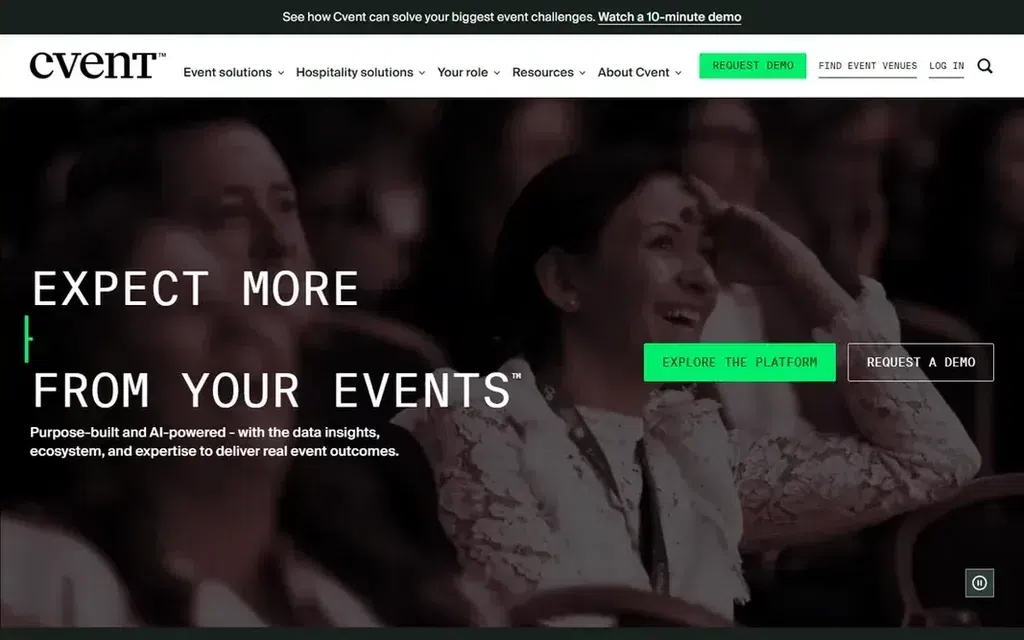
Think of Cvent for analytics inside full event management. Cvent is an event product handling in-person, virtual and hybrid events and webinars, with tools for event management, marketing and attendee engagement.
Its analytics appeal to planners who want reporting connected straight to registration and event activity instead of assembled from separate sources. Pricing for Cvent is not stated here, so ask the vendor for current figures. Trial and free access: Not stated.
Honest limits: Wide product may be more than needed.
- Event management for in-person and virtual formats
- Attendee engagement and marketing tools
- Analytics tied to its own ecosystem
Selection criteria
The comparison looks at four things: starting price, free access, how well the feature set matches analytics software for event planners, and the main limit of each tool. Prices and plan limits come from vendor pages and can change, so confirm them on the vendor site before you buy. The sequence is a judgement call: typical use case first, then pricing transparency, then free access. Use the profiles to check fit.
What to check before you buy
- Confirm the entry price on the vendor page. For HubSpot, Whova and Cvent that means a quote rather than a fixed price.
- Check what the free option really includes: Eventbrite and Tableau offer a free plan, and usage caps differ.
- Read the limits listed for HubSpot first: not an event management system.
- Work out what Tableau costs with your real seat count, add-ons and usage, not just the entry price.
- Before rolling out Eventbrite, verify the integrations your workflow depends on.
FAQ
What is the cheapest option for analytics software for event planners in this list?
On published monthly entry prices, Eventbrite is the lowest here at $15 per month. Entry price is only part of the cost, because seats, add-ons and billing terms can change the total. All 5 picks in this analytics software for event planners comparison list a starting price, free plan details and the main limits on their cards above.
Do these tools publish their prices?
Not all of them. HubSpot, Whova and Cvent publish no starting price, so expect a quote request for those. The rest, Eventbrite included, show a starting price, though seats and billing terms still change the final cost.
How does HubSpot fit event analytics?
HubSpot is most solid for tracking event marketing and customer activity, for example how promotion translates into registrations. It is not an event management system, so on-site and attendee engagement analytics normally come from a dedicated event system.
Which options for analytics software for event planners have a free plan?
On this list, Eventbrite and Tableau include a free plan. Caps on seats, usage or features are common, so test the free plan against your real workload.
Can I try these tools before paying?
Often, yes. Eventbrite and Tableau have a free plan. Use your own data and a real task during the test, and check what the free tier or trial limits before you rely on it.
Sources
- https://www.hubspot.com
- https://www.eventbrite.com
- https://www.tableau.com
- https://whova.com
- https://www.cvent.com