Choosing Analytics Software for Large Enterprises in 2026: 5 Options Compared
Weighing the best analytics software for large enterprises? We lined up 5 products by cost, free access and fit. Honest caveats for every entry. Facts only.
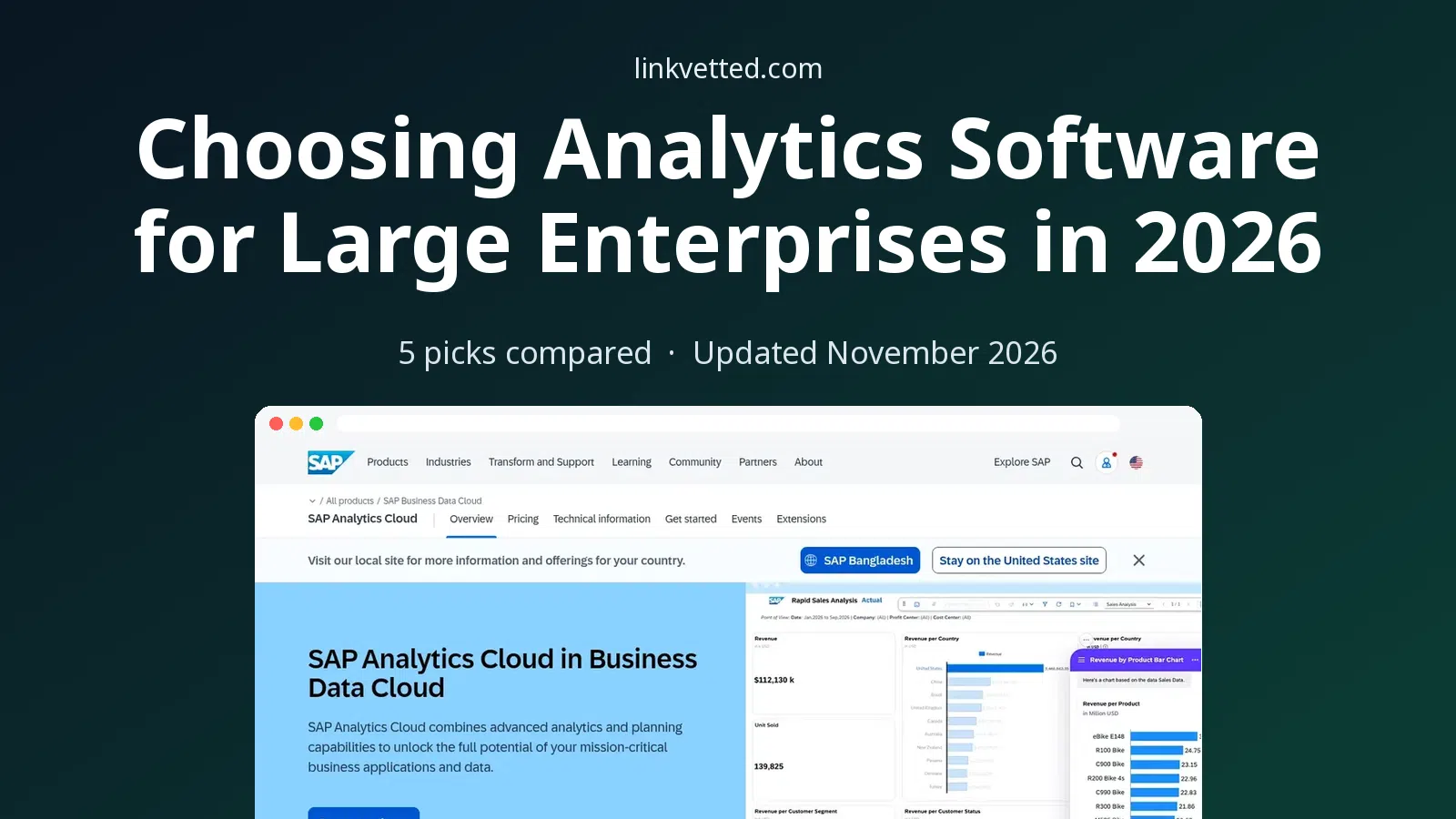
- Editor's choiceSAP Analytics Cloud
BI, planning and predictive analysis together
Starts atSee websiteVisit sap.comFull review - Great alternativeIBM Cognos Analytics
AI assisted reporting and dashboards
Starts atSee websiteVisit ibm.comFull review - Also consider
 Qlik Sense
Analytics plus data integration and quality
Starts atSee websiteVisit qlik.comFull review
Direct answer
Our first pick is SAP Analytics Cloud, best for BI, planning and predictive analysis together. Listed starting prices: Tableau from $15 per user a month and MicroStrategy from $13 per user per month. Look at IBM Cognos Analytics for AI assisted reporting and dashboards, and at Qlik Sense for Analytics plus data integration and quality. All 5 tools are compared below on price, free plan and limits.
TL;DR:
- Top of the list is SAP Analytics Cloud, which targets BI, planning and predictive analysis together.
- For the cheapest start, look at MicroStrategy: $13 per user per month.
- For universal semantic layer and governed AI, MicroStrategy is worth a look.
- Tableau stands alone as the one tool in this list with a free plan.
Last checked November 2026. Prices and plan details were read from the vendors' own pages in November 2026; vendors change plans often, so confirm the current price on the vendor site before you buy.
Quick comparison
| Tool | Best for | Starts at | Free plan? | |
|---|---|---|---|---|
| SAP Analytics Cloud | BI, planning and predictive analysis together | See website | Not stated | Visit |
| IBM Cognos Analytics | AI assisted reporting and dashboards | See website | Not stated | Visit |
| Qlik Sense | Analytics plus data integration and quality | See website | Not stated | Visit |
 Tableau | Visual exploration and governed sharing | $15 per user a month | Yes | Visit |
| MicroStrategy | Universal semantic layer and governed AI | $13 per user per month | Free trial | Visit |
The 5 tools in detail
LinkVetted compared 5 analytics software for large enterprises. The goal is a practical shortlist: published prices, free plan facts, best-fit use cases and honest limits for every entry.
SAP Analytics Cloud
Best for: BI, planning and predictive analysis together
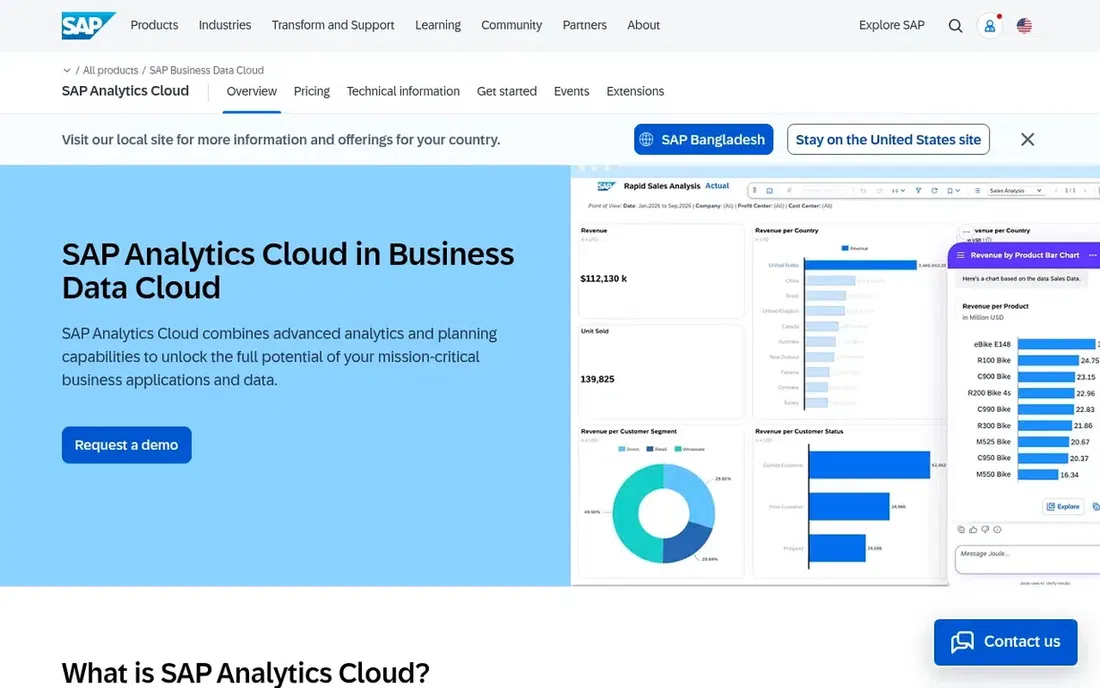
Think of SAP Analytics Cloud for BI, planning and predictive analysis together. Enterprises already running SAP systems frequently find it the natural choice since analytics, planning cycles and predictive work can live in one governed cloud environment instead of being stitched together from separate tools.
On top of that, a dedicated visualization product or an embedded analytics product may be a better fit when planning is handled elsewhere. SAP Analytics Cloud does not show a starting price in this comparison, so check the vendor site for current pricing. On free options: Not stated.
Watch-outs: Feature depth varies by module.
- Suits SAP centric landscapes
- Cloud analytics with visualization
- Best value inside SAP environments
IBM Cognos Analytics
Best for: AI assisted reporting and dashboards
IBM Cognos Analytics serves AI assisted reporting and dashboards. The product carries lots of capability, so new users may find the interface dense and the assisted features need guidance to use well.
Check the vendor site for IBM Cognos Analytics pricing; none is listed in this comparison. As for free access: Not stated.
Honest limits: Tuning AI features takes guidance.
- Report building and dashboards
- AI driven insights on trends
- Interface can feel dense for newcomers
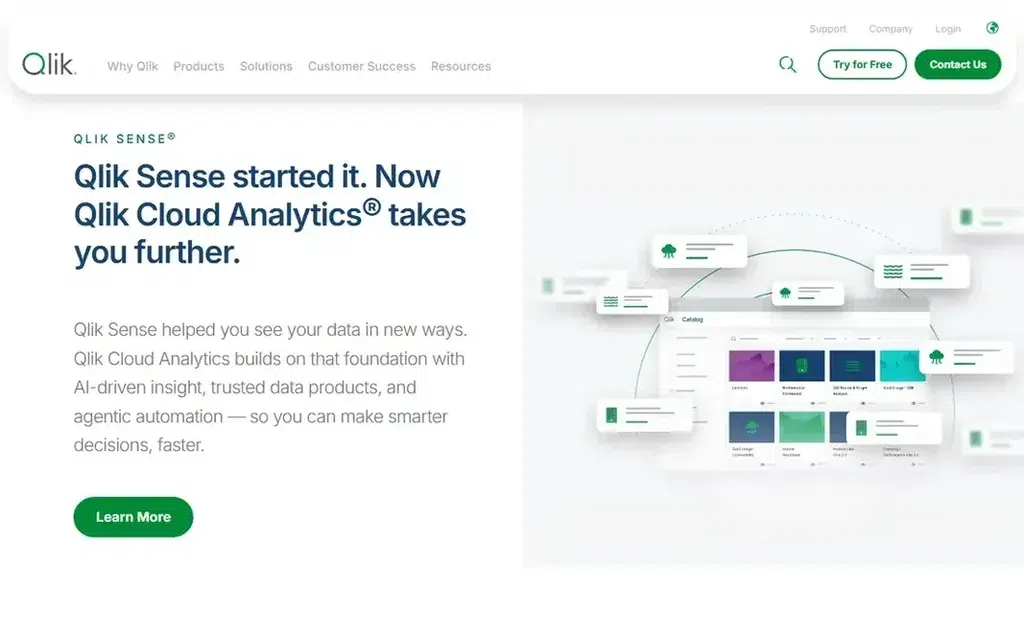
Qlik Sense is built with Analytics plus data integration and quality in mind. Since the portfolio spans multiple products, scoping a rollout takes care and the associative approach rewards structured training.
Teams that want a single tightly focused visualization tool, or that are standardized on a different cloud data stack, may find a narrower choice simpler to adopt. Qlik Sense does not show a starting price in this comparison, so check the vendor site for current pricing. On free options: Not stated.
Points against: Breadth can complicate rollout scoping.
- Analytics with next level insights
- End to end data integration and quality
- Associative model needs user training
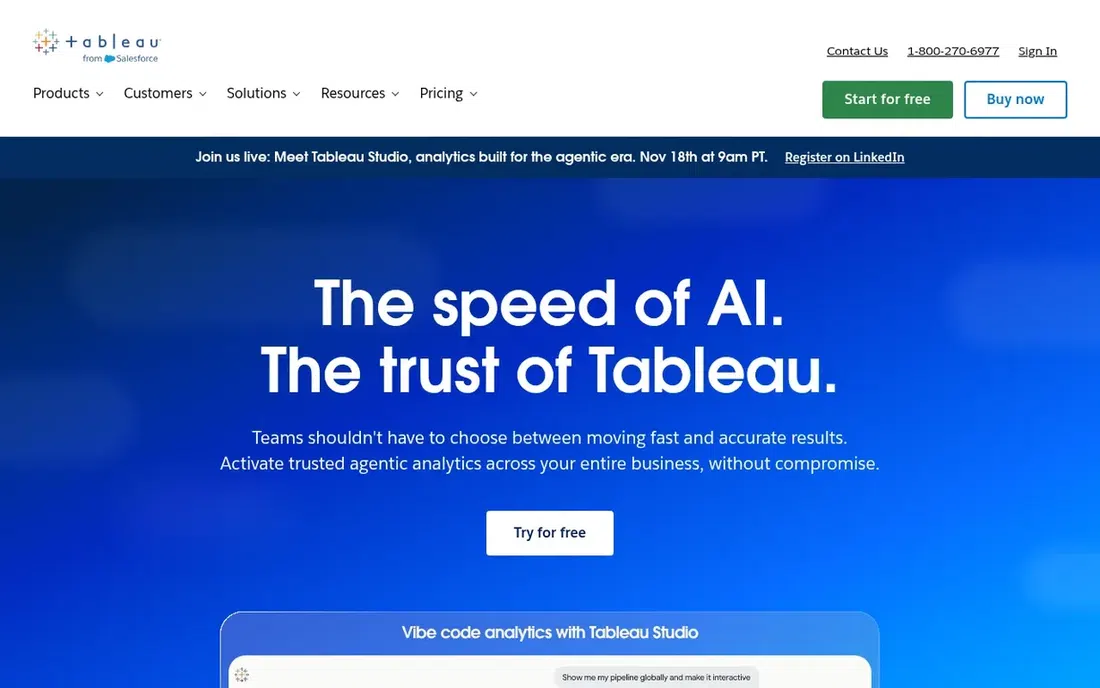
Tableau is designed for visual exploration and governed sharing. Organizations that primarily need embedded analytics inside their own applications, or that want planning and predictive work in the same product, may prefer Looker or SAP Analytics Cloud instead. The tradeoff is that sophisticated data models and permission structures need experienced authors and deliberate setup.
Points against: Deep modeling needs skilled authors.
Tableau is a business intelligence and analytics product built around visual exploration. For large enterprises, that combination suits teams that want analysts and business users working from the same visual language whereas still publishing governed dashboards broadly. Starting cost for Tableau: $15 per user per month. Tableau offers a free plan.
- Share dashboards with a click
- Drag-and-drop visualization building
- Governance setup takes planning
MicroStrategy
Best for: Universal semantic layer and governed AI
Think of MicroStrategy for universal semantic layer and governed AI. Organizations that primarily need standalone visual dashboards may find a more straightforward tool quicker to stand up.
That positioning fits large enterprises where numerous tools consume the same metrics and consistency matters more than individual dashboard styling. MicroStrategy starts at: $13 per user per month. Trial and free access: Free trial.
Points against: Governance design takes effort.
- Governed business metrics
- Universal semantic layer for data
- Breadth needs phased adoption
How these tools were picked
Selection started from tools commonly considered for analytics software for large enterprises, then narrowed to 5 that have clear pricing information or a clear quote process. Figures are shown as the vendors publish them. Billing terms, seat minimums and add-ons can change the real cost. The sequence is a judgement call: typical use case first, then pricing transparency, then free access. Use the profiles to check fit.
Before you commit
- Get a written quote from SAP Analytics Cloud, IBM Cognos Analytics and Qlik Sense; the list shows no starting price for them.
- Look at the free plan from Tableau closely: its caps decide whether it is usable for real work.
- Run a trial of MicroStrategy with real work before paying for a year; your own workflow is the best test.
- Read the limits listed for SAP Analytics Cloud first: best value inside SAP environments.
- Check whether the features you need in IBM Cognos Analytics sit on the entry plan or only on higher tiers.
- Add up seats, add-ons and usage charges for SAP Analytics Cloud before comparing it with cheaper entries.
FAQ
What is the cheapest option for analytics software for large enterprises in this list?
On published monthly entry prices, MicroStrategy is the lowest here at $13 per user per month. Entry price is only part of the cost, because seats, add-ons and billing terms can change the total. Prices, free plan details and limits for all 5 tools in this analytics software for large enterprises roundup sit on the individual cards above.
How are the tools for analytics software for large enterprises ordered?
SAP Analytics Cloud sits first and MicroStrategy last because the order follows typical fit for analytics software for large enterprises, then price clarity and free access. It is a judgement call, so read each profile for fit and limits.
Do these tools publish their prices?
Not all of them. SAP Analytics Cloud, IBM Cognos Analytics and Qlik Sense publish no starting price, so expect a quote request for those. The rest, Tableau included, show a starting price, though seats and billing terms still change the final cost.
How do semantic layers help large organizations?
A semantic layer defines metrics once so every dashboard, report and application uses the same definitions. Looker and MicroStrategy both emphasize this capability, which cuts conflicting numbers across departments and supports trusted AI and analytics.
Can I try these tools before paying?
Often, yes. Tableau has a free plan and MicroStrategy offers a free trial. Use your own data and a real task during the test, and check what the free tier or trial limits before you rely on it.
Sources
- https://www.sap.com/products/technology-platform/cloud-analytics.html
- https://www.ibm.com/products/cognos-analytics
- https://www.qlik.com
- https://www.tableau.com
- https://www.microstrategy.com