Choosing Analytics Software for Freelancers in 2026: 5 Options Compared
5 products for the best analytics software for freelancers, ranked by fit, with starting costs and free tiers. We note where every tool falls short. No hype.
- Editor's choice
 Klipfolio
Spreadsheet-style dashboard building
Starts at$120 a monthVisit klipfolio.comFull review - Great alternative
 Databox
Performance data with AI workflows
Starts at$79 a monthVisit databox.comFull review - Also consider
 Looker Studio
Interactive dashboards and client reports
Starts atSee websiteVisit lookerstudio.google.comFull review
Direct answer
Klipfolio is the first pick on this list for spreadsheet-style dashboard building. Listed starting prices: Klipfolio from $120 a month, Databox from $79 a month and Geckoboard from $79 a month. Look at Databox for performance data with AI workflows, and at Looker Studio for interactive dashboards and client reports. The remaining 2 options are covered below with prices and limits.
TL;DR:
- Klipfolio is the opening pick, best for spreadsheet-style dashboard building.
- The cheapest monthly starting price in the list is $15 per user per month, offered by Tableau.
- Check the limits for Databox before you commit: may be more than straightforward reporting needs.
- For deep visual analytics and data exploration, Tableau is worth a look.
Last checked November 2026. Prices and plan details were read from the vendors' own pages in November 2026; vendors change plans often, so confirm the current price on the vendor site before you buy.
Quick comparison
| Tool | Best for | Starts at | Free plan? | |
|---|---|---|---|---|
| Klipfolio | Spreadsheet-style dashboard building | $120 a month | Free trial | Visit |
| Databox | Performance data with AI workflows | $79 a month | Free trial | Visit |
| Looker Studio | Interactive dashboards and client reports | See website | Not stated | Visit |
 Geckoboard | Live KPI dashboards for teams | $79 a month | Free trial | Visit |
 Tableau | Deep visual analytics and data exploration | $15 per user a month | Yes | Visit |
The best analytics software for freelancers
LinkVetted put together this guide to analytics software for freelancers for readers who want a clear shortlist without reading every vendor page. It compares 5 tools on starting price, free plans, who each one suits and where each one falls short.
Klipfolio is designed for spreadsheet-style dashboard building. The spreadsheet-based approach can feel technical for freelancers who prefer guided dashboard builders.
What to check first: Spreadsheet approach may feel technical.
Worth adding: automating each data source takes initial setup time. The starting price for Klipfolio: $120 per month. Free plan details: Free trial.
- Spreadsheet familiarity
- Automates data retrieval
- Needs setup for each data source
Databox is designed for performance data with AI workflows. Databox is described as an agentic analytics product that brings performance data, business context and AI workflows together so teams or agents can act quicker.
It fits those who want to move from raw numbers to quicker decisions without stitching tools together. Databox cost at the entry level: $79 per month. Free plan details: Free trial.
Trade-offs to know: May be more than straightforward reporting needs.
- Supports AI workflows
- Layers on business context
- Concentrated on team and agency use
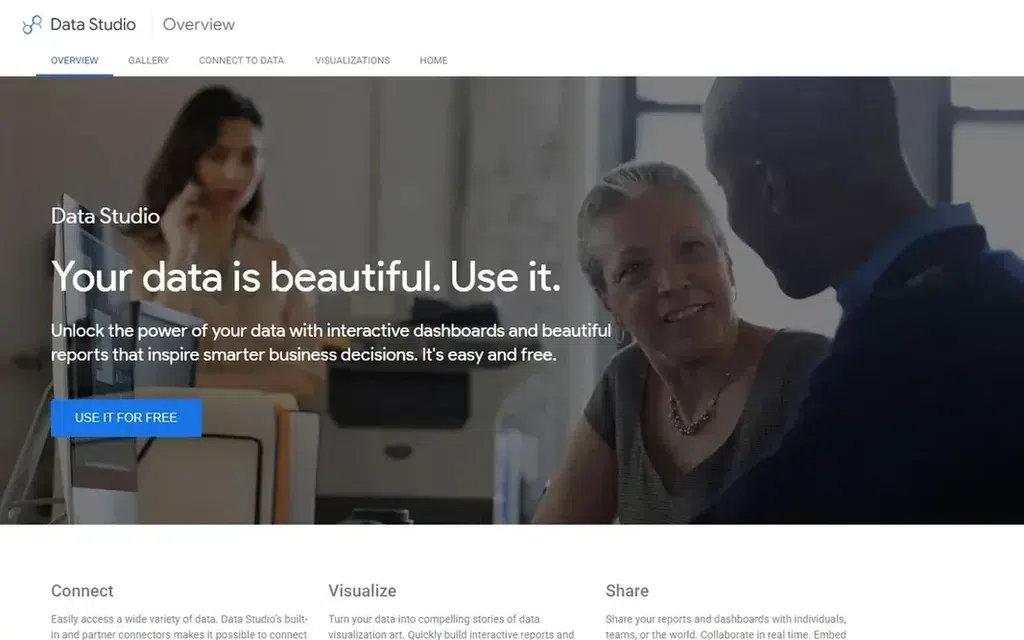
Looker Studio makes the most sense for interactive dashboards and client reports. Freelancers with complicated data pipelines may need a more solid analytics product. For everyday use, Looker Studio is less suited to heavy data modeling or advanced statistical analysis.
Watch-outs: Best for reporting rather than deep analysis.
More specifically, the focus on visual reporting fits marketing, SEO and consulting work where shareable summaries matter. Looker Studio is a reporting and dashboard tool that helps unlock the power of your data with interactive dashboards and beautiful reports. It is built to inspire smarter business decisions, making it a practical choice for freelancers who require to present client results plainly. No starting price is listed for Looker Studio here; confirm pricing on the vendor site. Free plan details: Not stated.
- Interactive dashboards
- Beautiful report presentation
- Restricted advanced modeling
Pick Geckoboard if this describes you: live KPI dashboards for teams. Geckoboard is KPI dashboard software for live team performance.
What to check first: Concentrated on KPIs instead of deep analysis.
Geckoboard is built around KPI visibility instead of deep analytical exploration. On cost, Geckoboard starts like this: $79 per month. Free access: Free trial.
- Chat and mobile
- Turns live data into KPI dashboards
- Team-oriented design
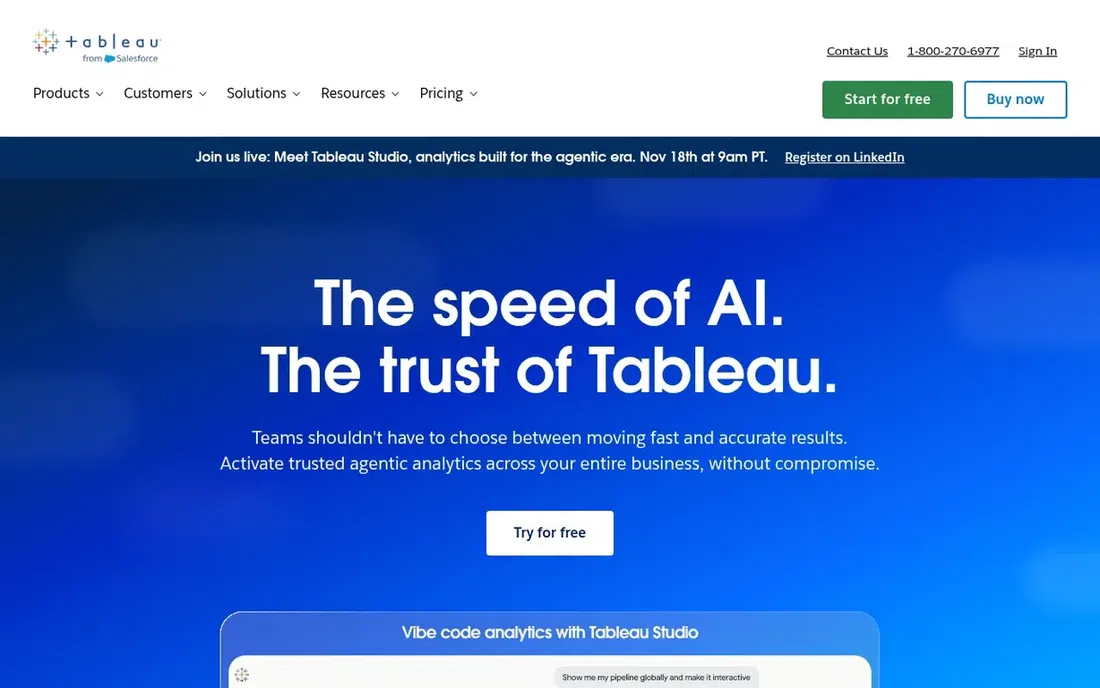
Tableau makes the most sense for deep visual analytics and data exploration. Setup and learning take time, and the depth of features may exceed everyday needs. From a buyer's view, if your work centers on straightforward reports, a lighter tool may be simpler to manage.
As for the details, the system can feel heavy for freelancers who only need straightforward client dashboards or fast summaries. Freelancers who manage complicated datasets or need rich, interactive visuals for client analysis may find it a solid fit, notably when reporting demands go beyond entry-level charts. It links to almost any database, lets you produce visualizations with drag-and-drop, and supports sharing with a click. Tableau starts at: $15 per user per month. Tableau includes a free tier.
Where it is weaker: Can be complicated for straightforward reporting.
- Connects to almost any database
- Share dashboards with a click
- May need a ramp-up time
How we built this list
The comparison looks at four things: starting price, free access, how well the feature set matches analytics software for freelancers, and the main limit of each tool. Where a vendor does not publish a price, the entry says quote. Where a price depends on seats or billing term, the entry says so. The order reflects how well each tool fits the most common buying scenario for analytics software for freelancers, then price clarity, then free plan access. It is a starting point, not a verdict.
Questions to settle before buying
- Get a written quote from Looker Studio; the list shows no starting price for them.
- Test the free plan from Tableau against your real workload before relying on it.
- Run a trial of Klipfolio, Databox and Geckoboard with real work before paying for a year; your own workflow is the best test.
- Before choosing Klipfolio, weigh its main limit: spreadsheet approach may feel technical.
- Make sure Databox lets you export your data in a format another tool can read.
- Confirm the exact Geckoboard plan that includes your must-have features.
FAQ
What is the cheapest option for analytics software for freelancers in this list?
On published monthly entry prices, Tableau is the lowest here at $15 per user per month. Entry price is only part of the cost, because seats, add-ons and billing terms can change the total. All 5 picks in this analytics software for freelancers comparison list a starting price, free plan details and the main limits on their cards above.
Can I try these tools before paying?
Often, yes. Tableau has a free plan and Klipfolio, Databox and Geckoboard offer a free trial. Use your own data and a real task during the test, and check what the free tier or trial limits before you rely on it.
Which options for analytics software for freelancers have a free plan?
Tableau is the only tool in this list with a free plan. Free plans usually cap users, projects or features, so check the limits on the vendor page. Several others offer a trial instead. For the full picture, the cards above cover all 5 entries of this analytics software for freelancers list, including price, free plan and limits.
Is Klipfolio the right pick for everyone comparing analytics software for freelancers?
No single tool suits every team. Klipfolio comes first because it fits spreadsheet-style dashboard building, while Databox suits performance data with AI workflows and Looker Studio suits interactive dashboards and client reports. Match the tool to your own size, budget and workflow before deciding.
Sources
- https://www.klipfolio.com
- https://databox.com
- https://lookerstudio.google.com
- https://www.geckoboard.com
- https://www.tableau.com