Best All-in-One Software for Roofers (2026): 6 Picks Checked on Vendor Pages
Weighing the best All-in-One software for roofers? We lined up 6 products by cost, free access and fit. Every tool lists pros and cons. Quick to scan.
- Editor's choice
 Kickserv
Small home service teams managing jobs and payments
Starts at$60 a monthVisit kickserv.comFull review - Great alternative
 Service Fusion
Contractors wanting productivity-focused field management
Starts at$220 a monthVisit servicefusion.comFull review - Also consider
 Jobber
Small roofing crews wanting straightforward quoting
Starts atSee websiteVisit getjobber.comFull review
Direct answer
If you need small home service teams managing jobs and payments, Kickserv is the first tool to look at here. Listed starting prices: Kickserv from $60 a month, Service Fusion from $220 a month and Housecall Pro from $59 a month. If your case is different, Service Fusion suits contractors wanting productivity-focused field management and Jobber suits small roofing crews wanting straightforward quoting. Prices, free plans and limits for all 6 tools follow.
TL;DR:
- This list starts with Kickserv, which is built for small home service teams managing jobs and payments.
- The lowest published monthly entry price here is $59 per month, from Housecall Pro.
- Check the limits for Kickserv before you commit: lighter feature depth for large roofing projects.
- For home service roofers managing field teams, Housecall Pro is worth a look.
Last checked November 2026. Prices and plan details were read from the vendors' own pages in November 2026; vendors change plans often, so confirm the current price on the vendor site before you buy.
Quick comparison
| Tool | Best for | Starts at | Free plan? | |
|---|---|---|---|---|
| Kickserv | Small home service teams managing jobs and payments | $60 a month | Free trial | Visit |
| Service Fusion | Contractors wanting productivity-focused field management | $220 a month | No | Visit |
| Jobber | Small roofing crews wanting straightforward quoting | See website | Not stated | Visit |
 ServiceTitan | Full-service and commercial roofing operations | See website | Free trial | Visit |
 FieldEdge | Tracking customers, dispatches and service history | See website | No | Visit |
 Housecall Pro | Home service roofers managing field teams | $59 a month | Free trial | Visit |
The 6 tools in detail
This LinkVetted guide covers 6 All-in-One software for roofers. Each profile lists a starting price, free plan details, strengths and drawbacks, so you can drop poor fits quickly.
Kickserv was built for small home service teams managing jobs and payments. If your business is largely residential repairs and you want job and payment tracking in one place, it is worth a look.
Bigger commercial roofers should compare broader products first. Starting cost for Kickserv: $60 per month. Free options: Free trial.
Strengths: Runs jobs.
Where it falls short: Lighter feature depth for large roofing projects.
- Payment handling included
- Customers and communication
- May not scale to complicated commercial operations
Service Fusion
Best for: Contractors wanting productivity-focused field management
Service Fusion is built with contractors wanting productivity-focused field management in mind. As a general trades product, it does not center on roofing-specific documents like insurance scopes or manufacturer paperwork.
The starting price for Service Fusion: $220 per month. Service Fusion has no permanent free option.
Limits to weigh: Setup needs configuring workflows to your process.
- Made for service companies and contractors
- All-in-one field service management
- General trades focus instead of roofing-only
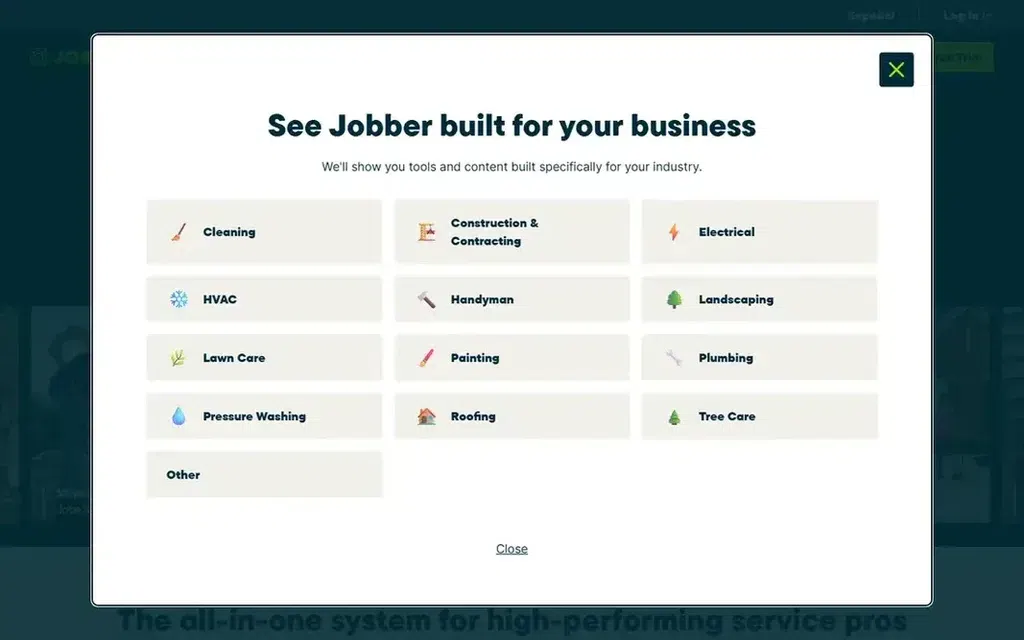
Jobber works best for small roofing crews wanting straightforward quoting. Jobber describes its home and commercial service software as a way to organize a service business, with quoting, scheduling, invoicing and payments handled in one place. Its app is positioned around sales, operations and customer service, which fits roofing contractors who want a clean flow from estimate to payment without stitching tools together.
In practice, look elsewhere when heavy job costing is the priority. In daily use, smaller teams and owner-operators are the natural fit here. Since the focus is on service business organization, teams running complicated multi-phase commercial roofing projects may need deeper project management than it gives you. If your work is largely residential repairs and replacements with straightforward billing, Jobber is a capable candidate. Check the vendor site for Jobber pricing; none is listed in this comparison. On free options: Not stated.
The main drawbacks: Less depth for large construction projects.
- Supports customer service workflows
- Quote, schedule
- May not include complicated commercial job costing
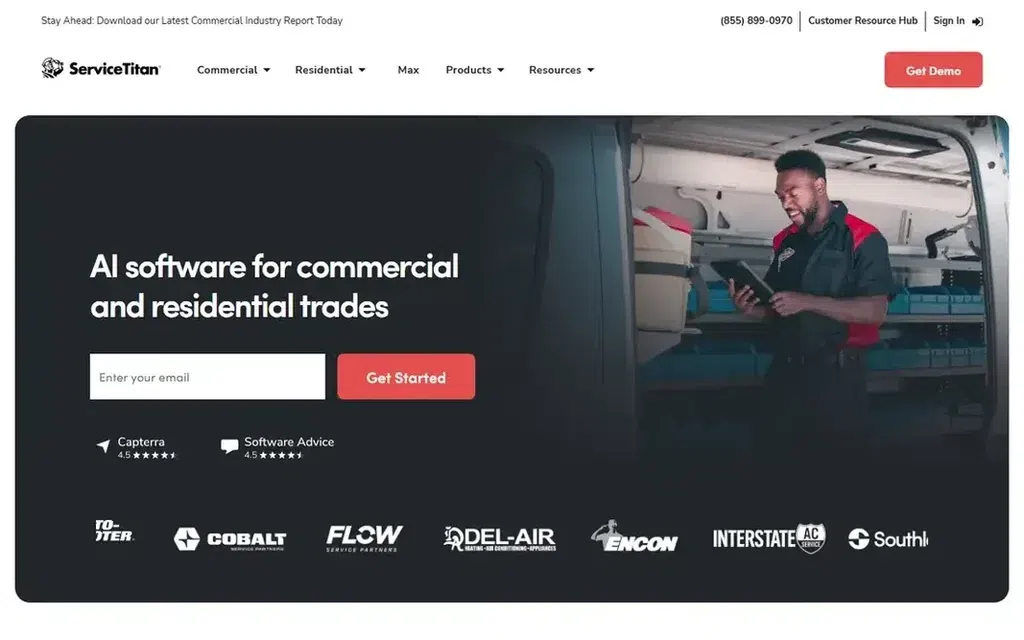
Think of ServiceTitan for full-service and commercial roofing operations. ServiceTitan presents itself as all-in-one software for home and commercial contractors, with the stated goal of keeping service visits and construction projects running smoothly.
Worth adding: a very small crew that chiefly needs fast quotes and invoices may find a more straightforward tool quicker to adopt. This comparison lists no price for ServiceTitan; ask the vendor. Free options: Free trial.
Drawbacks to consider: Large feature set can take time to learn.
- Spans service visits and construction projects
- Wide all-in-one scope
- May suit established operations better than solo crews
In short, FieldEdge is for tracking customers, dispatches and service history. Roofing firms that run frequent service calls and need a dependable record of what was done at each property can benefit from that structure.
Points against: Demo requested before purchase.
Worth adding: estimating and roofing-specific project workflows are less of a focus than dispatch and service records. More specifically, pick something else if in-depth roofing estimating is your primary requirement. Check the vendor site for FieldEdge pricing; none is listed in this comparison. FieldEdge has no free plan.
- Clear customer record management
- Field service app included
- Less emphasis on roofing-specific estimating
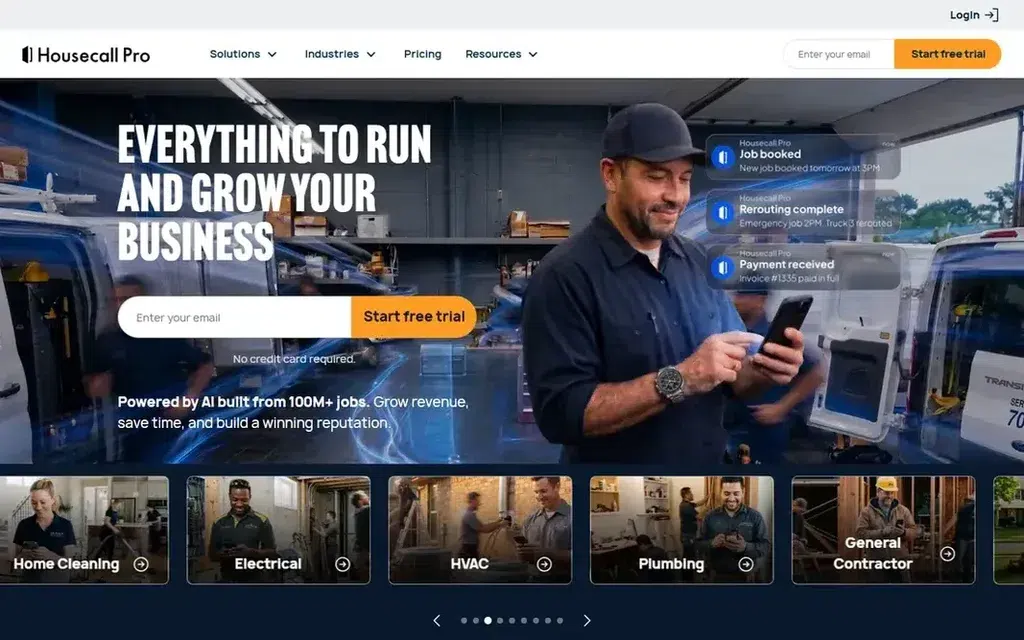
Housecall Pro serves home service roofers managing field teams. Roofers whose work is largely large replacement or commercial projects might prefer a roofing-centric platform.
Beyond that, for roofers working in the residential service space, that means a familiar trade-focused structure instead of a generic business tool. On cost, Housecall Pro starts like this: $59 per month. As for free access: Free trial.
Watch-outs: May need extras for in-depth project tracking.
- Made for home service companies
- Field service management focus
- Roofing-specific features are restricted
How we compared the tools
A buyer's checklist
- Ask Jobber, ServiceTitan and FieldEdge for a written quote, since no starting price is shown.
- Run a trial of Kickserv, ServiceTitan and Housecall Pro with real work before paying for a year; your own workflow is the best test.
- Read the limits listed for Kickserv first: lighter feature depth for large roofing projects.
- Before you load data into FieldEdge, check what an export looks like and who can run it.
- Find out what support Kickserv includes on your plan, and whether onboarding help costs extra.
FAQ
Does any tool for All-in-One software for roofers here have a free plan?
A permanent free plan is not offered by Kickserv, Housecall Pro or the other tools here. Kickserv, ServiceTitan, Housecall Pro offer a trial. Plan a short evaluation period instead. All 6 picks in this All-in-One software for Roofers comparison list a starting price, free plan details and the main limits on their cards above.
Can I try these tools before paying?
Often, yes. Kickserv, ServiceTitan and Housecall Pro offer a free trial. Use your own data and a real task during the test, and check what the free tier or trial limits before you rely on it. For the full picture, the cards above cover all 6 entries of this All-in-One software for Roofers list, including price, free plan and limits.
What is the cheapest option for All-in-One software for roofers in this list?
On published monthly entry prices, Housecall Pro is the lowest here at $59 per month. Entry price is only part of the cost, because seats, add-ons and billing terms can change the total. Prices, free plan details and limits for all 6 tools in this All-in-One software for Roofers roundup sit on the individual cards above.
What should a roofing company look for in all-in-one software?
Roofing-specific needs for example insurance documentation and project photos are worth confirming early. Match the depth of the system to the size and mix of your jobs.
Is Kickserv the right pick for everyone comparing All-in-One software for roofers?
No single tool suits every team. Kickserv comes first because it fits small home service teams managing jobs and payments, while Service Fusion suits contractors wanting productivity-focused field management and Jobber suits small roofing crews wanting simple quoting. Match the tool to your own size, budget and workflow before deciding.
Sources
- https://www.kickserv.com
- https://www.servicefusion.com
- https://www.getjobber.com
- https://www.servicetitan.com
- https://www.fieldedge.com
- https://www.housecallpro.com