Best AI Voice Generator App in 2026: 8 Tools Compared
Compare the best AI voice generator apps in 2026, from ElevenLabs and Murf to Speechify and WellSaid Labs, with free plans, licences, and safety notes.

- Editor's choice
 ElevenLabs
Realistic voices and cloning
Starts at$6 per monthVisit elevenlabs.ioFull review - Great alternative
 Murf AI
Scripted video and e-learning voiceover
Starts at$19 per monthVisit murf.aiFull review - Also consider
 Speechify Studio
Voiceover, dubbing, and video
Starts at$100 per yearVisit speechify.comFull review
TL;DR:
- ElevenLabs leads on realism, languages, and cloning options.
- Murf suits scripted video and e-learning with a timeline editor.
- Speechify Studio covers voiceover, dubbing, and video in one credit system.
- Free tiers usually exclude commercial use, so check licence terms before publishing.
Quick comparison
| Tool | Best for | Starts at | Free plan? | |
|---|---|---|---|---|
| ElevenLabs | Realistic voices and cloning | $6 per month | Yes | Visit |
| Murf AI | Scripted video and e-learning voiceover | $19 per month | Yes | Visit |
| Speechify Studio | Voiceover, dubbing, and video | $100 per year | Yes | Visit |
 WellSaid Labs | Consistent English brand narration | $10 per month | Free trial | Visit |
 Resemble AI | API cloning and detection tools | See website | No | Visit |
 Descript | Text-based audio and video editing | $12 per month | Yes | Visit |
 Cartesia | Real-time voices and voice agents | $5 per month | Yes | Visit |
 Google Cloud Text-to-Speech | Apps and high-volume speech | See website | Yes | Visit |
The best AI voice generator apps
We compared voice tools that turn text into natural speech for video, learning, and audiobooks. Our pick for most creators is ElevenLabs, because it combines realistic voices with cloning and a usable free tier. Murf is the better studio choice for scripted corporate narration. Only clone a voice with clear permission from its owner.
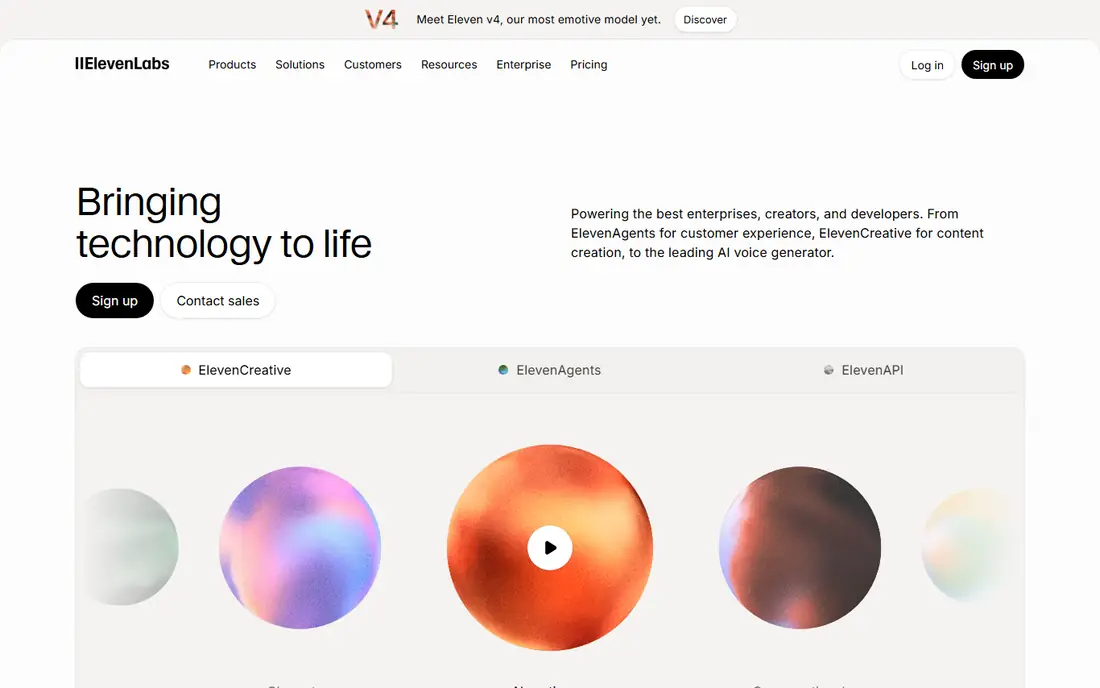
ElevenLabs is the quality benchmark for AI voices. Its library covers many languages and styles, its text-to-speech sounds natural on long narration, and its cloning tools let creators reuse their own voice across projects. Dubbing tools also help teams adapt videos for other languages.
The catch is credits. Credits are shared across products, so a busy month with speech, dubbing, and sound work can use them faster than expected. Professional cloning also needs a higher plan and a verification step. For most creators, the entry paid plan is still the best balance of quality and cost.
- Wide voice library
- Instant and pro cloning
- Dubbing tools
- Credits shared across products
- Pro cloning needs higher plans
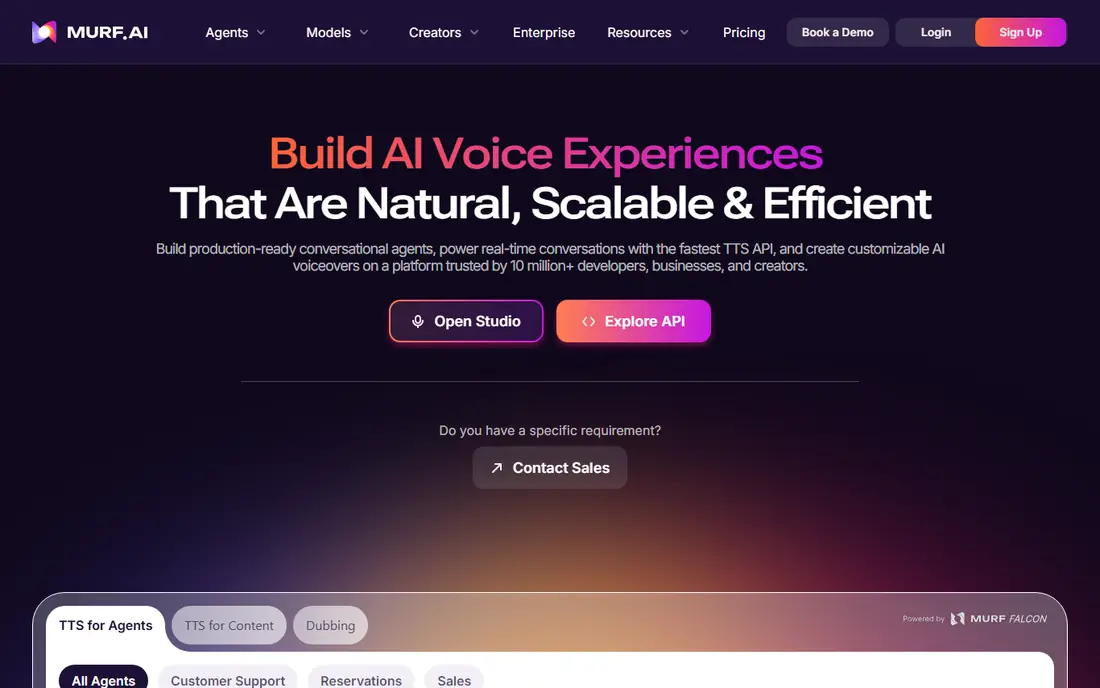
Murf AI is built as a voiceover studio, not just a speech engine. You can edit scripts on a timeline, add background music, and sync voice to slides, which suits explainer videos and training courses. Its minute-based billing also makes costs easier to predict than credit systems for some teams.
The catch is licence and cloning. The free tier does not allow commercial downloads, and voice cloning is mainly an enterprise feature. Raw realism also trails ElevenLabs on some voices. If your work is scripted narration for teams, Murf is still a strong, practical choice.
- Timeline studio
- Slide sync
- Team collaboration
- Free tier excludes commercial downloads
- Cloning is enterprise only

Speechify Studio covers voiceover, dubbing, and video from one credit system, which helps creators who publish in several formats. Its free starter credits let you test voices before paying, and its dubbing tools suit teams that adapt videos for new audiences.
The catch is confusion. Speechify Studio pricing is separate from the Speechify Reader app, and credits are shared across voice, dubbing, and video features. Check which product a price refers to before you buy, and confirm commercial rights on your plan, since free credits do not include them.
- Studio voices
- Dubbing
- Video tools in one plan
- Credit system can confuse
- Reader app pricing is separate
WellSaid Labs focuses on consistent, professional English narration for learning and brand work. Its voices are built with consent from voice actors, and download-minute billing makes it clear how much finished audio a plan allows. Teams that need the same voice across many modules will value that consistency.
The catch is range. Its strength is English narration, while other languages and creative styles are fuller on enterprise plans. The free trial also limits download minutes and commercial rights. If you need steady English voiceover, it is a dependable choice.
- Consistent voices
- Download-minute billing
- Consented voice library
- English-focused
- Custom brand voices need higher plans
Resemble AI suits developers and teams that need cloning through an API. It offers pay-as-you-go billing, custom voices, and tools for watermarking and detecting synthetic speech, which help firms manage safety and provenance. That focus makes it a good fit for product teams, not just video makers.
The catch is the creator experience. Its dashboard is less polished than ElevenLabs or Murf for scripted studio work, and clone seats can add cost. If you mainly need a simple studio editor, another tool will feel easier. If you need API control and safety tooling, Resemble earns its place.
- Pay-as-you-go option
- Cloning
- Watermark and detection tools
- Dashboard is less polished for creators
- Clone seats cost extra
Descript is an editor first. You can edit audio and video by editing the transcript, remove filler words, and use Overdub to fix or generate lines in your own cloned voice. For podcasters and video makers, having voice generation inside the editor saves switching between apps.
The catch is voice depth. As a dedicated voice generator, Descript trails ElevenLabs on realism and voice range, and Overdub needs a voice setup step before it works well. Pick Descript when editing is the main job and voice fixes are a bonus, not when voice quality alone decides the purchase.
- Edit media by editing text
- Overdub voice
- Full editing suite
- Voice quality trails dedicated voice tools
- Overdub needs setup
Cartesia suits developers building real-time voice agents, chatbots, and interactive apps. Its low entry price and real-time speech engine help teams test voice interactions without a large subscription, and its API supports cloning on higher plans. For product teams, that speed matters.
The catch is studio depth. Cartesia is newer and thinner as a scripted narration studio than Murf or ElevenLabs. Creators who need timelines, music, and slide sync will miss those tools. If your goal is live voice in an app, it is a strong low-cost option.
- Low entry price
- Real-time speech
- API for agents
- Newer brand
- Studio features are thinner than Murf
Google Cloud Text-to-Speech suits software teams that need speech inside an app. It offers many voices and languages, monthly free allowances for select models, and pay-as-you-go billing after that. High-volume apps benefit from its scale and reliability.
The catch is setup. It is an API, not a visual studio, so you need developer help to build a workflow, choose voices, and manage costs. Solo creators who want a timeline editor should pick ElevenLabs, Murf, or Descript instead. For app builders, it is a practical, scalable choice.
- Many voices and languages
- Pay-as-you-go
- Strong API
- Needs developer setup
- No visual studio editor
How we picked these
We compared official pricing pages, product documentation, and public reviews, and we excluded tools reported as discontinued in 2026, such as PlayHT and Lovo, since they do not work today. We favored tools that are actively sold in October 2026, that state free and commercial terms clearly, and that explain cloning safeguards. We did not claim hands-on testing. Where pricing was usage-based or unclear, we wrote See website instead of guessing.
Match voice quality, licence, and workflow before you pay
Start with the job: narration, e-learning, dubbing, audiobooks, or a live app. A studio tool such as Murf suits scripted video, while an API tool such as Google Cloud or Cartesia suits apps. Next, check the licence. Free tiers often exclude commercial use, and cloning always needs permission from the voice owner. Read the commercial terms for your plan before you publish anything for clients or ads. Then test voices on your own script, not just a vendor demo. Listen for mispronounced names, odd pauses, and flat emotion on long passages, since those flaws matter more in a full episode than in a short sample. Finally, count your monthly minutes or credits with a real script. Credit and minute systems differ, and a plan that looks cheap can run out fast on long-form work.
Before you publish, keep a short quality checklist. Check names, numbers, and dates in the script, listen to the full audio once, and confirm that the voice licence covers your channel and client use before release.
FAQ
What is the best free AI voice generator app?
ElevenLabs offers a free tier with monthly credits for testing, and Murf and Speechify Studio offer free trials or starter credits. Free tiers usually exclude commercial use, so paid plans are needed for published work.
Can AI voices clone my voice?
Yes, on several tools here, but only with your permission and, on some plans, a verification step. Never clone another person voice without clear, written permission, since that can break publicity and fraud laws.
Which AI voice generator sounds most natural?
ElevenLabs is our pick for natural speech across many languages and styles. Murf and WellSaid Labs are strong for scripted English narration, while Descript suits creators who also need editing.
Do AI voice generators work for audiobooks?
Yes, for drafts and some finished work, but long-form listening exposes pacing and emotion limits. Listen to a full chapter before you commit, and consider human narration for work where performance matters most.
How much does an AI voice generator cost?
Entry prices here range from $5 per month for Cartesia to $19 per month for Murf on annual billing, with usage-based options from Resemble AI and Google Cloud. Check credit or minute limits, since they set the true monthly cost.
Can I use AI voices for commercial videos?
Yes, on paid plans that include commercial rights, but free tiers usually exclude commercial use. Check the licence for your plan, channel, and client work, and keep a copy of the terms for each project you publish.