Best AI Video Translation Tools in 2026: 8 Tools Compared
Compare the best ai video translation tools in 2026, from ai video translator tools with lip-sync to subtitle services, with prices and minute limits.
- Editor's choice
 HeyGen
Lip-synced dubbing for creators
Starts at$24 per monthVisit heygen.comFull review - Great alternative
 Rask AI
Long-form dubbing and voice clone
Starts atSee websiteVisit rask.aiFull review - Also consider
 VEED
All-in-one cloud editing
Starts atSee websiteVisit veed.ioFull review
TL;DR:
- HeyGen suits lip-synced talking-head dubbing, while Rask AI suits long-form voice cloning.
- VEED and Kapwing suit subtitle translation inside a full editor.
- ElevenLabs suits natural voice audio, while VideoDubber suits value minutes.
- Compare total dubbed minutes, not only monthly price, since credits decide real cost.
Quick comparison
| Tool | Best for | Starts at | Free plan? | |
|---|---|---|---|---|
| HeyGen | Lip-synced dubbing for creators | $24 per month | Yes | Visit |
| Rask AI | Long-form dubbing and voice clone | See website | Free trial | Visit |
| VEED | All-in-one cloud editing | See website | Yes | Visit |
 Kapwing | Quick browser translation | See website | Yes | Visit |
 ElevenLabs | Natural voice dubbing audio | See website | Yes | Visit |
 Dubverse | Budget dubbing for creators | $18 per month | Yes | Visit |
 Maestra | Subtitles and transcription plus dubbing | See website | Free trial | Visit |
 VideoDubber | Value minutes for dubbing | $9 per month | Free trial | Visit |
The best AI video translation tools
We compared official pricing pages, feature docs, and comparison material for AI video translation tools still offered in October 2026, and we kept tools that translate video with subtitles, dubbing, or both.
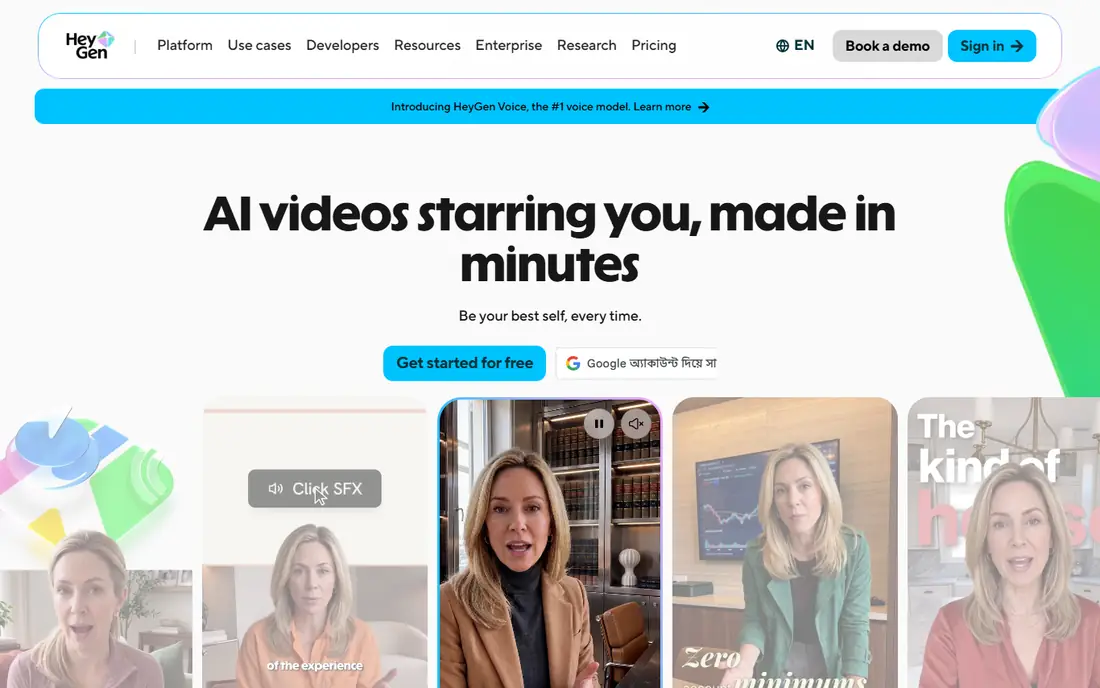
HeyGen fits readers who want lip-synced dubbing for creators. It suits talking-head creators who want dubbed video that matches lip movement, with avatar tools in the same platform. In our comparison of official feature pages, pricing pages, and app store listings, it stood out for keeping the core job simple: open the app, see the number or result, and move on with the day. That focus matters more than a long feature list, because a tool you check daily has to stay easy after the first week.
The honest catch is that credit use rises with lip-sync quality and re-renders, so plan minutes carefully. It suits YouTubers and training creators. Check the current plan details on the official site before you pay, since prices and limits change, and start with the free option when one is offered so you can judge the fit on your own phone or computer.
- Lip-synced dubbing with voice cloning
- Avatar video tools
- Broad language support
- Credit limits apply by plan
- Re-renders can use credits
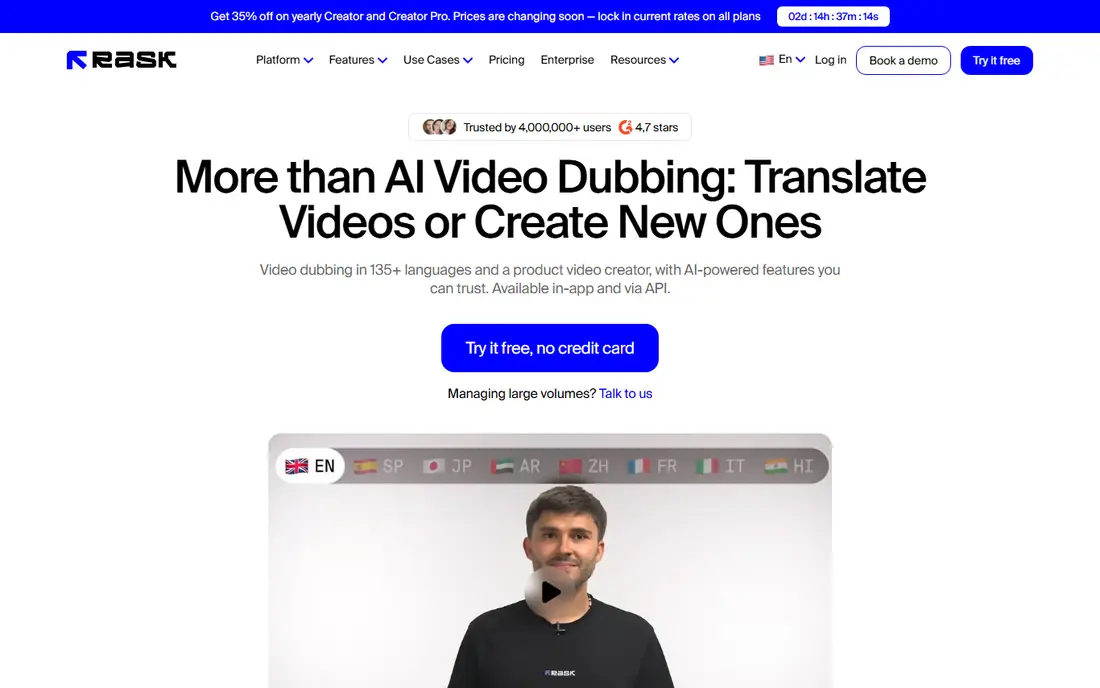
Rask AI fits readers who want long-form dubbing and voice clone. It suits podcasts, courses, and long videos where voice consistency and transcript control matter more than a quick subtitle job. In our comparison of official feature pages, pricing pages, and app store listings, it stood out for keeping the core job simple: open the app, see the number or result, and move on with the day. That focus matters more than a long feature list, because a tool you check daily has to stay easy after the first week.
The honest catch is that the entry plan covers limited minutes, so long-form users should budget by total video length. It suits course makers and podcast teams. Check the current plan details on the official site before you pay, since prices and limits change, and start with the free option when one is offered so you can judge the fit on your own phone or computer.
- Voice cloning in many languages
- Multi-speaker support
- Transcript editor with timestamp control
- Entry pricing is higher than rivals
- Lip-sync uses extra minutes in many plans
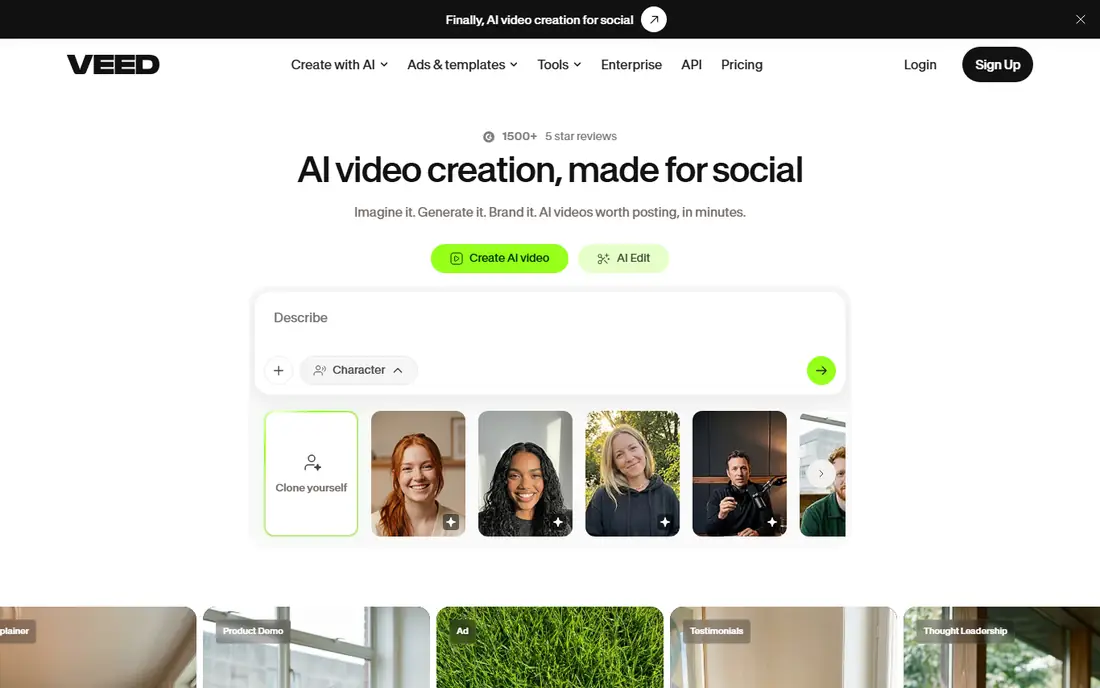
VEED fits readers who want all-in-one cloud editing. It suits teams that want translation, subtitles, and editing in one browser tool, without a separate dubbing platform. In our comparison of official feature pages, pricing pages, and app store listings, it stood out for keeping the core job simple: open the app, see the number or result, and move on with the day. That focus matters more than a long feature list, because a tool you check daily has to stay easy after the first week.
The honest catch is that it is an editor first, so specialist dubbing quality may trail HeyGen or Rask AI for talking-head work. It suits social and marketing teams. Check the current plan details on the official site before you pay, since prices and limits change, and start with the free option when one is offered so you can judge the fit on your own phone or computer.
- Subtitle translation inside a full cloud editor
- Team workflows
- Simple browser use
- Dubbing quality varies by plan
- Free exports carry limits
Kapwing fits readers who want quick browser translation. It suits creators who need a fast subtitle translation and edit in the browser, with no install and simple sharing. In our comparison of official feature pages, pricing pages, and app store listings, it stood out for keeping the core job simple: open the app, see the number or result, and move on with the day. That focus matters more than a long feature list, because a tool you check daily has to stay easy after the first week.
The honest catch is that free exports carry limits, so check watermark and length rules before a client project. It suits casual creators and small teams. Check the current plan details on the official site before you pay, since prices and limits change, and start with the free option when one is offered so you can judge the fit on your own phone or computer.
- Browser-based subtitle translation and editing
- Collaboration
- Free tier for trying workflows
- Free tier has watermark and length limits
- Dubbing is less specialist than rivals
ElevenLabs fits readers who want natural voice dubbing audio. It suits audio-first dubbing where voice emotion and natural pacing matter, such as narration and podcasts. In our comparison of official feature pages, pricing pages, and app store listings, it stood out for keeping the core job simple: open the app, see the number or result, and move on with the day. That focus matters more than a long feature list, because a tool you check daily has to stay easy after the first week.
The honest catch is that it is not a full video lip-sync studio, so talking-head creators may need another tool for visual matching. It suits narration and audio teams. Check the current plan details on the official site before you pay, since prices and limits change, and start with the free option when one is offered so you can judge the fit on your own phone or computer.
- Highly natural cloned and stock voices
- Dubbing studio
- Broad language support
- Video lip-sync is not its core job
- Audio minutes and character limits need care
Dubverse fits readers who want budget dubbing for creators. It suits creators who want dubbed video at a lower entry price than the largest dubbing platforms. In our comparison of official feature pages, pricing pages, and app store listings, it stood out for keeping the core job simple: open the app, see the number or result, and move on with the day. That focus matters more than a long feature list, because a tool you check daily has to stay easy after the first week.
The honest catch is that monthly credits still cap total minutes, so compare minutes, not only monthly price. It suits budget creators and small channels. Check the current plan details on the official site before you pay, since prices and limits change, and start with the free option when one is offered so you can judge the fit on your own phone or computer.
- Lower entry pricing in many listings
- Dubbing with voice options
- Simple creator workflow
- Credit math limits minutes per month
- Enterprise features vary
Maestra fits readers who want subtitles and transcription plus dubbing. It suits teams that need subtitles, transcripts, and voiceover together, such as education and corporate training. In our comparison of official feature pages, pricing pages, and app store listings, it stood out for keeping the core job simple: open the app, see the number or result, and move on with the day. That focus matters more than a long feature list, because a tool you check daily has to stay easy after the first week.
The honest catch is that voice cloning and advanced dubbing may cost extra, so check the plan for your exact workflow. It suits training and education teams. Check the current plan details on the official site before you pay, since prices and limits change, and start with the free option when one is offered so you can judge the fit on your own phone or computer.
- Subtitle translation, transcription, and voiceover tools
- Team and API options in vendor material
- Voice cloning costs extra in some plans
- Lip-sync is limited compared with dubbing specialists
VideoDubber fits readers who want value minutes for dubbing. It suits creators who want more dubbed minutes per dollar, with a low starter plan for testing the workflow. In our comparison of official feature pages, pricing pages, and app store listings, it stood out for keeping the core job simple: open the app, see the number or result, and move on with the day. That focus matters more than a long feature list, because a tool you check daily has to stay easy after the first week.
The honest catch is that it is a smaller provider, so test your exact language pair and voice style before a large project. It suits value-focused creators. Check the current plan details on the official site before you pay, since prices and limits change, and start with the free option when one is offered so you can judge the fit on your own phone or computer.
- Low starter price with translation minutes
- Voice cloning
- Multi-speaker studio in higher plans
- Smaller brand than HeyGen or Rask AI
- Check language and voice quality for your pairs
How we picked these
We compared official feature pages, pricing pages, and language claims, and we favored tools with clear minute limits, subtitle export, and voice cloning terms. We did not claim hands-on testing. We separated subtitle translation from lip-synced dubbing, since those jobs need different tools and budgets.
How to pick a video translation tool for your format
First, name the output: subtitles only, dubbed audio, or lip-synced video. Subtitles are cheapest and fastest, dubbed audio suits podcasts and narration, and lip-sync suits face-to-camera video where mismatched lips distract viewers. Next, count minutes. Add up the total video length, multiply by languages, and compare that total with plan minutes, since a low monthly price can still mean a high per-minute cost. Test one short clip in your hardest language pair, and check names, tone, and timing. Finally, confirm subtitle export, voice rights, and whether you may use a cloned voice for commercial work, since those terms vary by provider.
FAQ
What is the best AI video translator tool for YouTube?
HeyGen suits face-to-camera YouTube dubbing with lip-sync, while VEED and Kapwing suit subtitle translation for a wider range of videos. Test one clip in each target language before you commit. Check YouTube multi-language audio rules for your channel.
What are the best video translation services for courses?
Rask AI suits long courses with voice cloning and transcript control, while Maestra suits teams that also need transcripts and subtitles. Budget by total course minutes times languages. Keep a human review pass for technical terms.
What are the best tools for AI video translation on a budget?
VideoDubber and Dubverse offer lower entry prices in many listings, while Kapwing offers a free tier for short subtitle work. Compare minutes per month, not only the monthly fee. Start with a short test video.
Can AI video translation clone my voice?
HeyGen, Rask AI, ElevenLabs, and VideoDubber offer voice cloning in vendor material, though languages and commercial terms vary. You should only clone your own voice or a voice you have clear rights to use. Never clone another person without permission.
Is AI dubbing as good as human dubbing?
AI dubbing is faster and cheaper, but human translators still handle nuance, humor, and technical terms better. For marketing, legal, or medical video, add a human review pass. For short social clips, AI dubbing is often good enough.