Best AI Video Dubbing Tools in 2026: 8 Tools Compared
Compare the best AI video dubbing tools for creators and teams in 2026, with lip sync, voice cloning, languages, pricing, free plans, and quality tips.
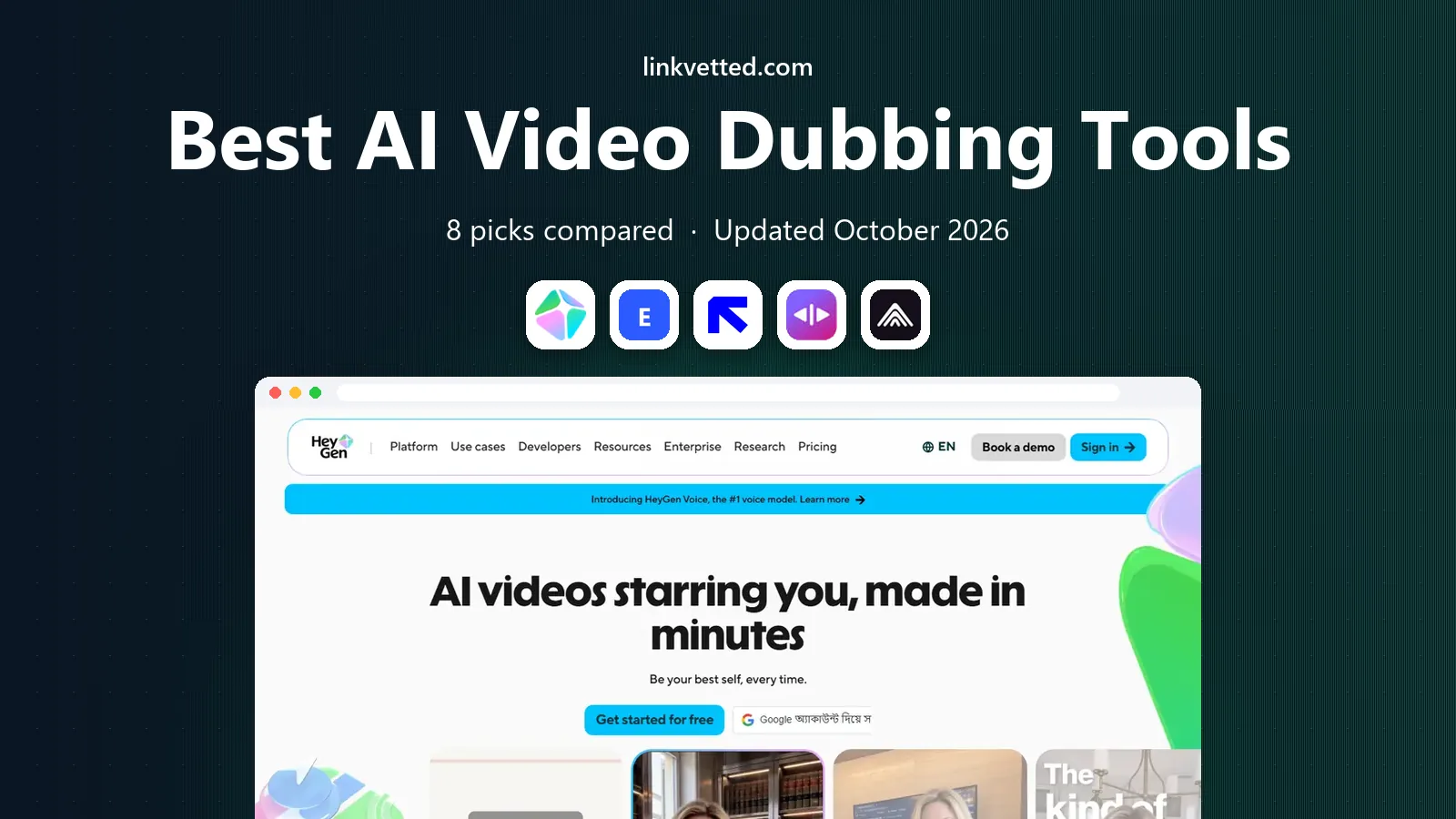
- Editor's choice
 HeyGen
Lip synced video translation
Starts at$29 per monthVisit heygen.comFull review - Great alternative
 ElevenLabs
Original voice audio dubbing
Starts at$6 per monthVisit elevenlabs.ioFull review - Also consider
 Rask AI
Multi speaker long form dubbing
Starts at$60 per monthVisit rask.aiFull review
TL;DR:
- HeyGen is the strongest all rounder for lip synced dubbing, while ElevenLabs is best when you want the original speaker voice in audio dubbing.
- Rask AI suits multi speaker and longer form dubbing, but lip sync sits on a higher tier, so check plan limits before you buy.
- Dubverse and VideoDubber offer lower entry prices, which helps small creators who dub short videos often.
- Per minute costs vary a lot by plan, lip sync mode, and language, so price a real video, not just the headline monthly price.
- Only dub a voice with that person's clear permission, and check the tool's consent and safety policies before you upload someone else's voice.
Quick comparison
| Tool | Best for | Starts at | Free plan? | |
|---|---|---|---|---|
| HeyGen | Lip synced video translation | $29 per month | Yes | Visit |
| ElevenLabs | Original voice audio dubbing | $6 per month | Yes | Visit |
| Rask AI | Multi speaker long form dubbing | $60 per month | Free trial | Visit |
 Dubverse | Low cost short video dubbing | $18 per month | Yes | Visit |
 Camb AI | Voice cloning and dubbing at scale | See website | Free trial | Visit |
 VEED | Editing plus dubbing in one place | See website | Yes | Visit |
 VideoDubber | Budget voice cloning dubbing | $9 per month | Free trial | Visit |
 Speechify Studio | Stock voice dubbing and voiceover | See website | Yes | Visit |
The best ai video dubbing tools
We compared official pricing pages, feature lists, and documentation for AI dubbing tools that are available to new customers in 2026. These eight cover lip sync, voice cloning, stock voices, and editing workflows.
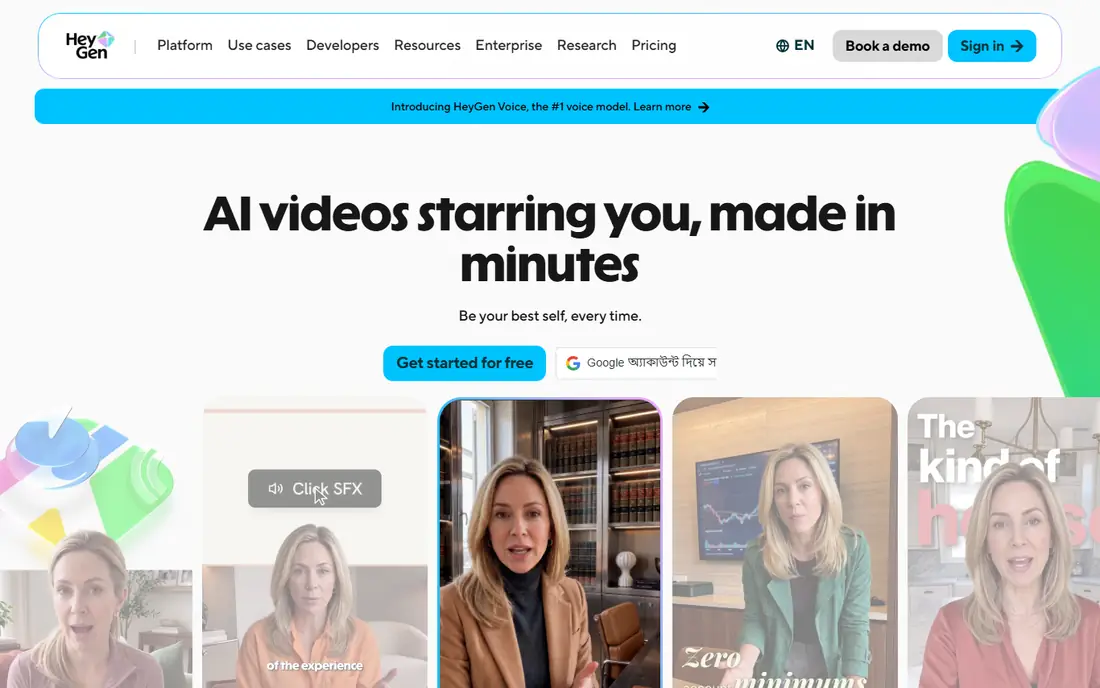
HeyGen is our pick for most creators who want a dubbed video that looks natural, because its video translation includes lip sync that matches the new audio to the speaker's mouth. It supports a large number of languages, offers a free plan with a small number of videos per month, and paid plans start around $29 per month in recent listings. That combination makes it easy to test with a short video before you commit. The catch is credit use. Translation credits are shared with other HeyGen video features, and precision lip sync can cost more credits per minute. Price a full video, including re-renders, before you choose a plan, and check the language list for the exact languages you need.
- Lip sync on translations
- Wide language support
- Avatar and editing tools in the same platform
- Credits are shared with avatar video
- Higher tiers needed for some export and team features

ElevenLabs dubbing stands out for voice identity. It creates a dub in a clone of the original speaker, so a creator's voice still sounds like them in another language, rather than switching to a generic stock voice. Its Starter plan is listed around $6 per month, with a free tier for testing, and higher plans add more credits and professional cloning options. The limit is video. ElevenLabs dubbing produces audio, not a lip synced video, so you will need an editor or another tool if lip sync matters. It is the best choice when audio quality and voice identity matter more than mouth movement, such as for podcasts, narration, and audio led video.
- Strong voice cloning that keeps the original speaker sound
- Broad language support
- Free tier to test
- Dubbing is audio focused, with no built in lip sync video output
- Minutes are credit based
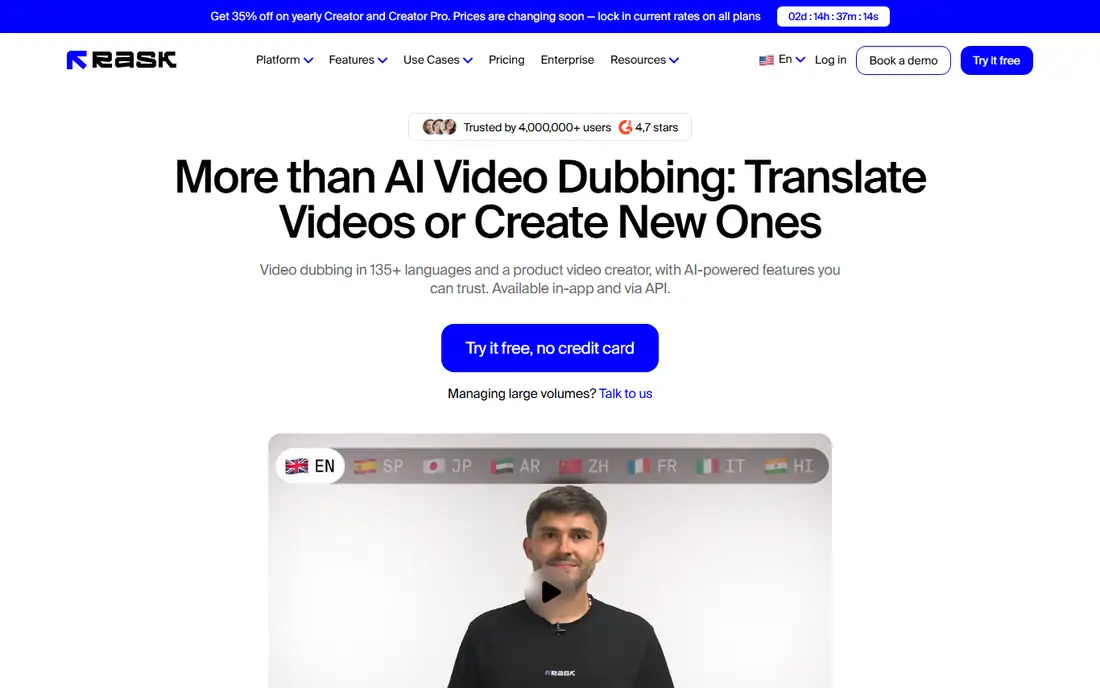
Rask AI is built for longer videos, courses, and multi speaker content, with voice cloning in a set of languages and a transcript editor for fixing translations. Its Creator plan is listed around $60 per month, with a pool of minutes, and higher plans add lip sync and larger pools. That yearly pool model can suit teams that dub in bursts rather than every month. The drawback is cost and tier gating. Casual creators who dub one short video a month will find cheaper options here, and lip sync is not included on the entry tier. Choose Rask AI when you have regular, longer, multi speaker videos and need consistent voice handling across them.
- Multi speaker detection and voice cloning in many languages
- Yearly minute pools
- Transcript editor
- Lip sync requires a higher tier
- Entry price is high for casual creators
Dubverse is a practical budget option for creators who dub short videos and do not need enterprise features. Its Pro plan is listed around $18 per month, with a free tier for limited use, and it supports voice cloning on higher plans. The workflow is simple, which helps if you want a quick dub without learning a full video platform. The limit is volume. Entry credits cover only a modest number of dubbed minutes per month, so a long video can use a whole month's allowance. Count your minutes, including re-dubs, before you pick a plan, and test voice quality in your target language first.
- Low entry price
- Simple dubbing workflow
- Free tier for testing
- Dubbing minutes are credit based and limited on entry plans
- Lip sync quality varies by plan
Camb AI, also written as CAMB.AI, focuses on dubbing that keeps the original voice character and preserves music and background sound where possible. It suits studios, localization teams, and platforms that dub at volume, with options for live and file based work. Its pricing calculator and plans need a careful check, since costs depend on credits and use. For a solo creator with one short video, Camb AI may be more than you need, and a simpler tool like HeyGen or Dubverse will be faster. For a team dubbing a catalog, its voice cloning and scale features are worth a demo.
- Voice cloning focused dubbing
- Music and sound handling in dubbing
- Enterprise and API options
- Pricing is harder to compare without a calculator or quote
- Smaller creators may find it overbuilt
VEED is a good choice if you already edit video in a browser and want dubbing without switching tools. It offers translation, subtitles, and editing in one workspace, so you can dub a clip, fix captions, trim, and export without moving files between apps. A free tier lets you test the editor, and paid plans add more AI minutes and export options. The trade off is dubbing depth. VEED is an editor first, so its lip sync and voice cloning options are more limited than HeyGen or Rask AI on higher tiers. Pick VEED when editing convenience matters most, and pick a dubbing specialist when lip sync or voice identity is the priority.
- Full video editor with translation and dubbing
- Subtitles and editing in one workflow
- Free tier
- Dubbing minutes are limited on lower plans
- Lip sync is limited compared with HeyGen
VideoDubber positions itself as a low cost dubbing tool with voice cloning across many languages and a starting price around $9 per month in recent listings. It also advertises unlimited free edits, which matters because re-rendering a dub after a translation fix can otherwise eat credits fast. For creators on a tight budget, that combination is attractive. The caution is to test before you commit to a large project. Voice quality varies by language and speaker, and a smaller vendor may have fewer integrations than a large platform. Run a short, real video through the trial, listen on headphones, and check lip sync if you need it.
- Low entry price
- Voice cloning in many languages
- Unlimited free edits on some plans
- Smaller brand than HeyGen or ElevenLabs
- Check language and voice quality for your niche
Speechify Studio is useful when you need a clear, professional voice quickly and do not need to clone a specific person. It offers dubbing, voiceover, and avatar tools in a studio workspace, with a free credit allowance to test. That makes it a good fit for training videos, explainers, and internal content where a consistent stock voice is fine. The limit is voice identity. If your audience expects to hear the original creator, ElevenLabs or Rask AI will be a better fit. Also note that Speechify Studio pricing is separate from the Speechify Reader app, so confirm you are looking at Studio plans, not Reader plans, at checkout.
- Easy voiceover and dubbing workflow
- Stock voices for fast production
- Free Studio credits to test
- Dubbing uses stock voices rather than full voice cloning in many cases
- Pricing is separate from the Reader app
How we picked these
We compared official pricing pages, feature lists, and documentation for AI video dubbing tools that sell to new customers in 2026. We favored tools with a clear dubbing product, published pricing or a clear trial, and a distinct strength, from lip sync to low cost voice cloning. We left out tools that have discontinued their platform, tools that only do text to speech without dubbing, and tools that only offer avatar video without translating existing footage.
What to check before you dub
Test with a real clip in your target language, not just a demo. Listen for natural pacing, check names and technical terms, and watch for lip sync drift in longer scenes. A tool that sounds good in English may sound flat or rushed in another language, and a tool that handles one speaker well may struggle with overlapping speech.
Consent, credits, and quality control
Only clone a voice with that person's clear permission, and keep a record of that permission for client work. Check how the tool handles consent, watermarking, and misuse reports. Also count credits for the full video, including corrections, and plan a human review pass for translation errors before you publish.
FAQ
What is the best AI tool for video dubbing?
HeyGen is the best all rounder for lip synced video dubbing, while ElevenLabs is best for audio dubbing that keeps the original speaker's voice. Rask AI suits longer, multi speaker videos. The best choice depends on whether lip sync, voice identity, or low cost matters most for your video.
What is the best AI video dubbing software for YouTube?
For YouTube, HeyGen works well for lip synced translations, and Dubverse or VideoDubber work well for budget dubbing of shorter videos. Check your channel's language audience, test one video first, and keep the original video's captions and description accurate for the dubbed version.
Is there free AI video dubbing software?
Yes, with limits. HeyGen, ElevenLabs, Dubverse, VEED, and Speechify Studio all offer a free tier or free credits, but minutes, videos, and export quality are limited. Free tiers are good for testing, while regular dubbing usually needs a paid plan.
Does AI dubbing include lip sync?
Some tools do, and some do not. HeyGen includes lip sync on translations, Rask AI includes it on higher tiers, and ElevenLabs dubbing is audio only. Always check the plan page for lip sync, since it is often a separate feature or a higher credit cost.
Can AI dubbing clone my own voice?
Yes, several tools here offer voice cloning, including ElevenLabs, Rask AI, Camb AI, and VideoDubber, with different consent and plan requirements. Only clone your own voice, or a voice where you have clear permission, and be aware that cloned voices can be misused for fraud if shared without controls.