Best AI Video Creator Apps in 2026: 10 Apps Compared
We compared the best AI video creator apps in 2026, from Synthesia and HeyGen to Runway and Pictory, on avatars, editing, credits, exports, and price.
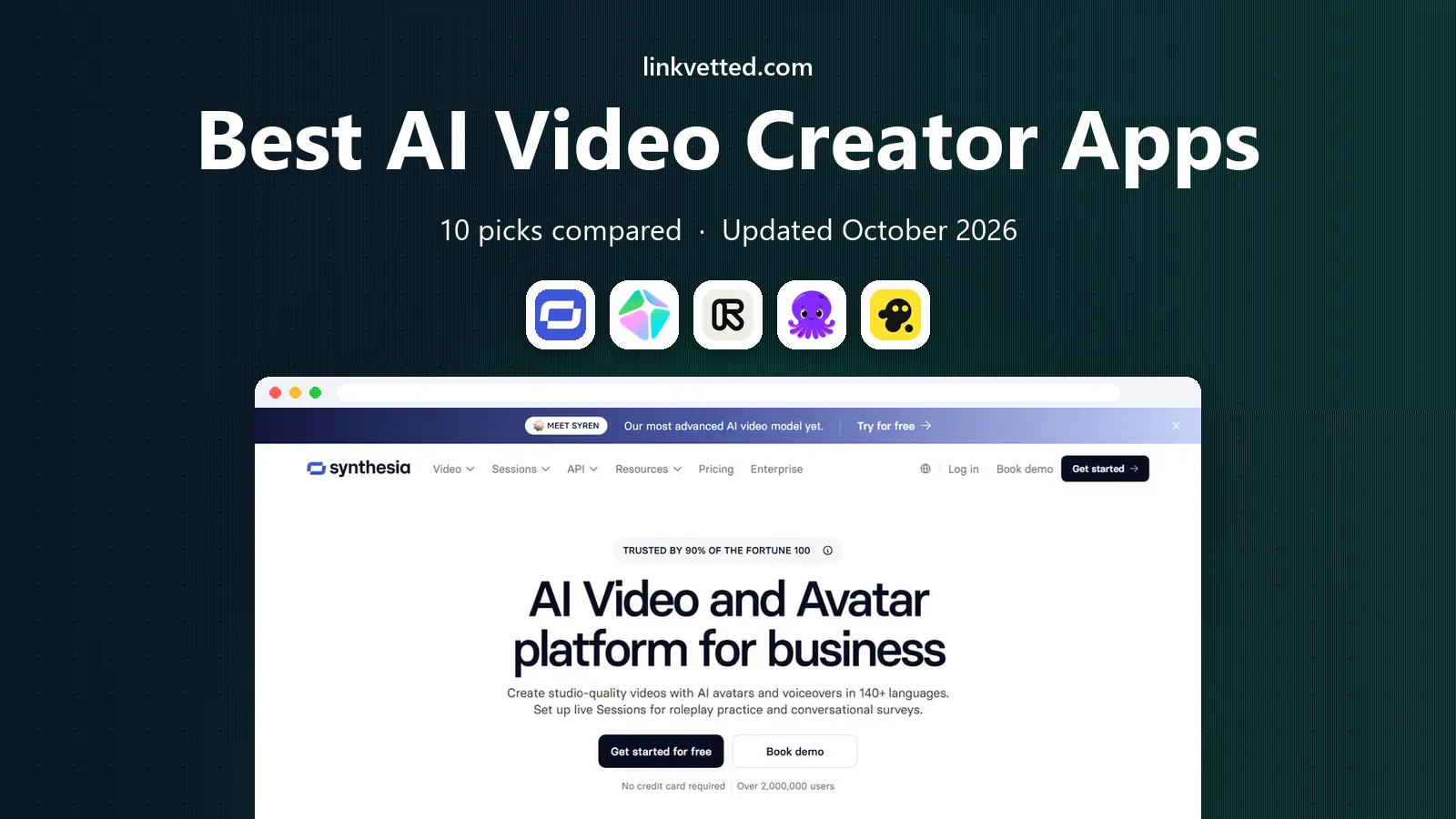
- Editor's choice
 Synthesia
Training and explainer videos with avatars
Starts at$29 per monthVisit synthesia.ioFull review - Great alternative
 HeyGen
Marketing videos with avatars and translation
Starts at$29 per monthVisit heygen.comFull review - Also consider
 Runway
Original cinematic clips from prompts
Starts at$12 per monthVisit runwayml.comFull review
TL;DR:
- Synthesia and HeyGen are our top picks for avatar-led training and marketing videos, thanks to realistic presenters and many languages.
- Runway is the best pick for original, cinematic clips from text or images, while Pictory and InVideo suit fast script-to-video work.
- Descript is the strongest choice for editing real footage by editing text, which saves time for podcasters and YouTubers.
- Most AI video tools use credits, so compare minutes, clips, and export quality, not just the monthly price.
- Free plans are useful for testing, but most include watermarks or limits that make paid plans necessary for published work.
Quick comparison
| Tool | Best for | Starts at | Free plan? | |
|---|---|---|---|---|
| Synthesia | Training and explainer videos with avatars | $29 per month | Yes | Visit |
| HeyGen | Marketing videos with avatars and translation | $29 per month | Yes | Visit |
| Runway | Original cinematic clips from prompts | $12 per month | Yes | Visit |
 Pictory | Turning scripts and articles into video | $25 per month | Free trial | Visit |
 InVideo | Fast social and marketing videos | $9 per month | Yes | Visit |
 Descript | Editing real video by editing text | $12 per month | Yes | Visit |
 Veed | Browser editing, subtitles, and social clips | $9 per month | Yes | Visit |
 Lumen5 | Turning blog posts into social video | See website | Yes | Visit |
 Kapwing | Social clips and team editing | $16 per month | Yes | Visit |
 Opus Clip | Short clips from long videos | See website | Yes | Visit |
The best AI video creator apps
AI video tools fall into three groups. Avatar tools turn a script into a presenter video. Script-to-video tools turn text into stock footage with voiceover. Generative tools create original clips from text or images. Editors such as Descript and Veed help you shape real footage faster. We compared these apps on output style, voices and languages, credits, export quality, and ease of use.

Synthesia is our pick for teams that need many training, onboarding, or explainer videos without filming. You paste a script, pick an avatar, choose a voice and language, and generate a video. That workflow suits companies that update training often, since you can edit text and regenerate rather than reshooting.
The catch is style. Avatar videos work well for clear, structured content, but they are less suited to emotional storytelling or comedy. Credits also cap how many minutes you can produce each month, so check the plan against your output. For repeatable, professional training content, Synthesia is the most reliable avatar tool here.
- Large avatar and language library
- Simple script-to-video workflow
- Good for corporate training
- Avatar videos can feel formal
- Credits limit minutes on lower plans

HeyGen is the closest rival to Synthesia, with a stronger focus on marketing and short-form video. You can use stock avatars, create a personal avatar from your own footage, and translate videos into many languages with matching voices. That makes it useful for product demos, ads, and social clips that need to reach more than one market.
Avatar cloning needs good source video and still requires review before you publish, since likeness and voice cloning raise consent questions. Use your own likeness, or a licensed avatar, and disclose AI use where your audience expects it. For creators who want a presenter without filming every week, HeyGen is a strong, flexible pick.
- Personal avatar cloning
- Strong translation and voice options
- Good for short marketing videos
- Free plan is limited to a few short videos
- Cloning quality depends on source footage
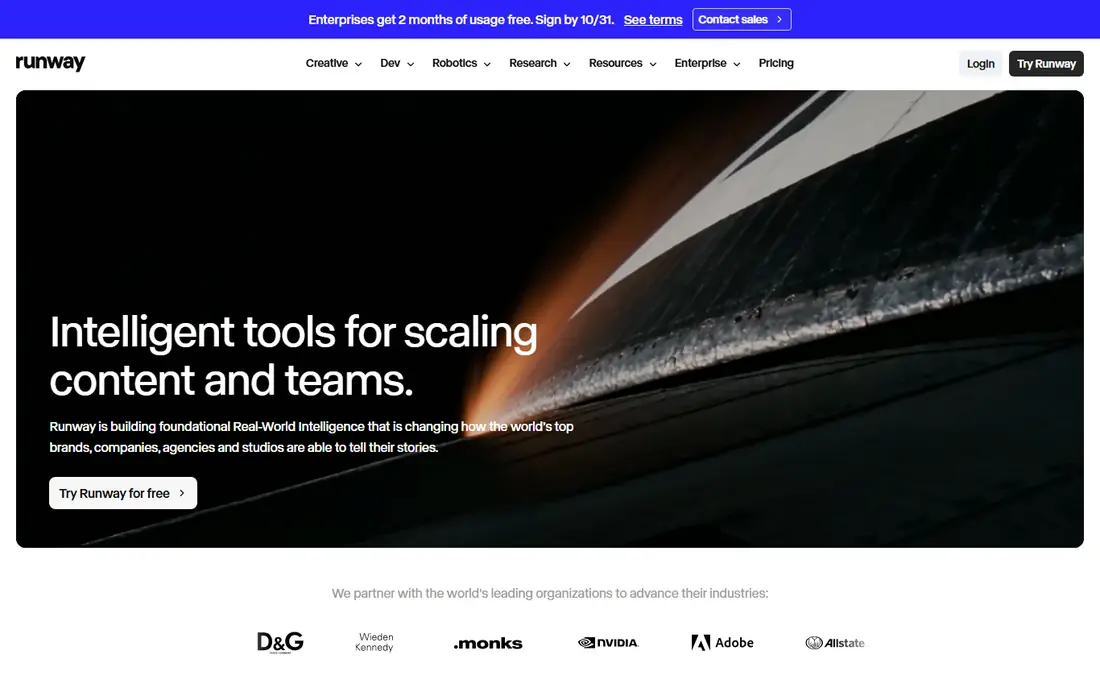
Runway is the pick for creators who want original footage, not stock clips. Its generative models turn text prompts or still images into short video clips with motion, camera moves, and style control. The platform also includes editing tools for background removal, inpainting, and motion tracking, which helps shape clips into finished pieces.
Runway rewards prompt skill. Vague prompts produce muddy results, and consistent characters across clips remain hard. Credits also limit how much you can generate, so heavy users should budget for higher plans. For filmmakers, advertisers, and creators who want distinctive visuals, Runway offers the most creative range here.
- Strong text and image to video models
- Full editing toolkit
- Active model updates
- Credit system can get costly for heavy use
- Results need prompt skill and review
Pictory suits creators who start with text. Paste a blog post or script, and Pictory builds a video with stock footage, voiceover, and captions. It also creates short highlight clips from longer videos, which helps repurpose webinars, podcasts, and tutorials for social media. That speed is the main selling point.
The trade-off is originality. Stock footage can look generic if you accept the first draft, so plan time to swap clips, adjust pacing, and check that visuals match the script. Pictory is best for faceless YouTube channels, course creators, and marketers who need steady video output from written content.
- Fast script-to-video workflow
- Large stock library
- Automatic captions and highlights
- No permanent free plan
- Stock footage can feel generic without careful editing
InVideo is built for speed. Templates cover ads, social posts, explainers, and YouTube intros, and the AI tool can build a draft from a prompt or script. The stock library saves time on visuals, and the editor is friendly for beginners who do not want a steep learning curve.
AI credits are the catch, since cost depends on the model, resolution, and length you choose. Check how many videos your plan actually covers before you commit to a publishing schedule. For small businesses and creators who need polished marketing videos quickly, InVideo is a practical, low-friction choice.
- Large template library
- Prompt-based video creation
- Stock media included
- Credit use varies by model and quality
- AI output often needs manual cleanup
Descript takes a different approach. It transcribes your video, and you edit the video by editing the transcript text. Delete a sentence from the transcript, and that part of the video goes too. Filler word removal, studio sound cleanup, and overdub-style fixes save hours for podcasters, course creators, and YouTubers who record real footage.
Descript is not primarily a generative video tool, so if you want AI avatars or fully generated clips, Synthesia or Runway will fit better. If you record yourself and hate timeline editing, Descript is our pick for making editing feel like writing. The free plan is useful for testing, but regular publishers will need a paid plan.
- Transcript-based editing
- Filler word removal
- Good podcast and YouTube workflow
- AI generation is not its main strength
- Higher plans needed for heavy video use
Veed is a browser editor that covers the everyday jobs creators repeat: trimming, adding subtitles, resizing for TikTok or YouTube Shorts, and cleaning up audio. Auto-subtitles are accurate enough for most social videos, and the avatar and translation tools add AI options without leaving the editor. Teams can share projects and brand kits on higher plans.
Veed is less specialized than Synthesia for avatars or Runway for generation, but that breadth is the point. If you want one browser tool for editing, subtitles, and short AI clips, Veed is a strong all-rounder. Check export resolution and watermark rules on the free plan before you publish client work.
- Browser-based editor with auto-subtitles
- Avatar and translation tools
- Easy resizing for social formats
- Rendering and export limits on lower plans
- AI features vary by plan
Lumen5 is made for marketing teams that already publish blog posts. Paste a link or text, and Lumen5 drafts a storyboard with stock footage, text overlays, and music. You can adjust scenes, branding, and pacing in a simple editor, then export for social channels. That workflow helps small teams turn one article into several short videos.
The output can feel template-driven if you do not customize it, so add your own branding, captions, and calls to action. Lumen5 is best for steady, professional social content rather than cinematic or avatar-led work. If you publish written content weekly, it can save real production time.
- Simple blog-to-video workflow
- Templates for social formats
- Good for marketing teams
- Output can feel template-driven
- Pricing details need checking on the vendor site
Kapwing is a browser studio that suits social teams and creators who make many short clips. It includes trimming, subtitles, resizing, templates, and AI tools for background removal and clip generation, plus shared workspaces for teams. The interface is friendly, and the template library helps beginners start fast.
Free exports carry a watermark, so paid plans are needed for published work. Browser editing also depends on your connection and computer, and very long projects may feel slower than desktop editing. For short-form teams that value speed and collaboration, Kapwing is a solid pick.
- Browser editor with AI tools
- Good meme and short-form workflow
- Team workspaces
- Free exports include a watermark
- Heavier projects can feel slow in a browser
Opus Clip solves a specific problem: turning a long video into many short clips. Upload a podcast, webinar, or YouTube video, and the AI scores moments, adds captions, and reframes for vertical formats. Creators can then review, edit, and publish the best clips, which saves hours of manual scrubbing.
AI clip selection is not perfect. It can miss context, pick awkward cuts, or overuse a single segment, so review every clip before posting. Used as a first draft tool, Opus Clip is excellent for repurposing. Pair it with a main editor such as Descript or Veed for final polish.
- AI finds highlight moments in long videos
- Auto-captions and reframing
- Fast social clip workflow
- Clip choices need human review
- Pricing and credit limits vary by plan
How we picked these
We compared official pricing pages, feature pages, and documentation for each tool, focusing on output style, avatar and voice quality, languages, credits, export limits, and ease of use. We favored tools that are available today, that cover avatar, script-to-video, generative, and editing workflows, and that offer a free plan or trial for testing. We did not claim hands-on testing, and we note that credit systems and prices change often, so confirm current limits before you buy.
How to choose the right AI video tool
Start with your source material. If you have a script and need a presenter, choose Synthesia or HeyGen. If you have a blog post, choose Pictory or Lumen5. If you have long footage, choose Opus Clip for clips and Descript for editing. If you need original visuals, choose Runway. Matching the tool to your starting point saves more time than chasing the most powerful model.
Check credits before price. A low monthly fee can still be expensive if it only covers a few minutes or clips. Count how many videos you publish each month, how long they are, and what resolution you need, then compare plans on that basis. Also check commercial use terms, watermark rules, and whether AI voices and avatars can be used in ads or client work.
Review AI output with care. Check facts, names, and claims in scripts, watch for visual errors in generated clips, and disclose AI-generated presenters where your audience or client expects transparency. AI video is a draft and production aid, not a replacement for editorial judgment, especially for training, health, or finance content.
FAQ
What is the best AI video creator app for beginners?
InVideo and Pictory are strong beginner picks because they turn a prompt or script into a finished draft quickly. Synthesia is also beginner-friendly for avatar videos, since the workflow is mostly writing and picking options. Beginners should start with a free plan or trial, publish a few test videos, and only then choose a paid plan.
Which AI video tool is best for YouTube creators?
Pictory and InVideo suit faceless YouTube channels that start from scripts, while Descript suits creators who film themselves and want faster editing. Runway suits creators who want original cinematic clips. Many YouTubers use two tools: one for generation or editing, and one for subtitles and short clips.
Are AI avatar videos good for business training?
Yes, for clear, repeatable training content. Avatar videos are easy to update, consistent across languages, and cheaper than reshooting with a presenter. They work less well for emotional, persuasive, or highly personal content, where a real presenter builds more trust. Review scripts for accuracy before you publish training material.
Do AI video creator apps include free plans?
Most do, but free plans usually include watermarks, credit limits, or lower resolution. Synthesia, HeyGen, Runway, InVideo, Descript, Veed, Lumen5, Kapwing, and Opus Clip offer free access or trials with limits. Pictory offers a trial rather than a permanent free plan. Check the current free terms before you plan published work around them.
How much do AI video creator apps cost?
Entry paid plans here range from about $9 to $29 per month, depending on the tool and billing period. Generative tools often add credit costs on top of the base price, so total cost depends on how much you generate. Always compare credits, minutes, and export quality, not just the headline monthly price.
Can you use AI video tools for commercial work?
Most paid plans allow commercial use, but terms vary by tool, plan, and asset type, including stock footage, voices, and avatars. Check the license for each tool before using output in ads, client work, or paid courses. Also confirm rules on avatar cloning and voice cloning, and only clone a likeness with clear consent.