Best AI Tools to Animate Static Images in 2026: 8 Tools Compared
Best ai tools to animate static images compared for motion quality, credits, pricing, and commercial use in 2026. before you buy compared side by side
- Editor's choice
 Runway
Pro image to video generation
Starts atSee websiteVisit runwayml.comFull review - Great alternative
 Pika
Short animated clips and effects
Starts atSee websiteVisit pika.artFull review - Also consider
 Kling AI
High quality image to video clips
Starts atSee websiteVisit klingai.comFull review
TL;DR:
- Kling and Runway lead on motion quality, while Pika and PixVerse lead on speed and simplicity.
- Credit systems differ widely, so compare cost per clip, not only monthly price.
- Check watermark and commercial terms before using a clip for business work.
Quick comparison
| Tool | Best for | Starts at | Free plan? | |
|---|---|---|---|---|
| Runway | Pro image to video generation | See website | Yes | Visit |
| Pika | Short animated clips and effects | See website | Yes | Visit |
| Kling AI | High quality image to video clips | See website | Yes | Visit |
 Luma Dream Machine | Multi model video generation | See website | Yes | Visit |
 Hailuo AI | Affordable image to video | See website | Yes | Visit |
 Kaiber | Stylized photo animation | See website | No | Visit |
 LeiaPix Converter | 3D depth animation from photos | See website | Yes | Visit |
 PixVerse | Fast social image animation | See website | Yes | Visit |
The best AI tools to animate static images
We compared tools on image to video quality, clip length, frame control, credit cost, and commercial terms. The list mixes pro tools with fast social tools, so creators and businesses can each find a fit.
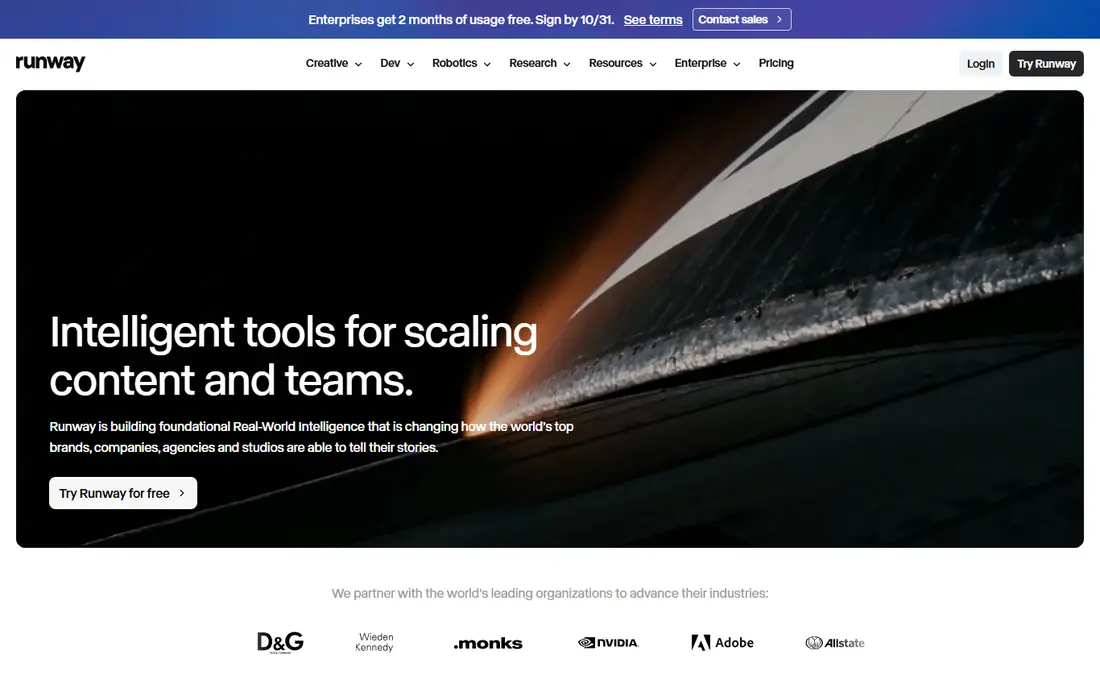
Runway suits creators who want pro control over image to video clips. It fits buyers who want a clear fit for that need without sorting through vague claims, and it works best when the buyer knows what outcome matters most before signing up.
Its Gen-4 tools give first frame control and a wider editor, which helps creators shape a clip beyond a single prompt. In practice, that strength shows up in day to day use, where clear limits, honest pricing pages, and a support path matter more than a long feature list.
The catch is credit use, since longer or higher quality clips consume credits quickly. Even so, the right choice depends on budget, team size, and how much help is wanted after the first month, so compare the terms on the official site before committing.
- Gen-4 image to video
- First frame control
- Editor and asset tools
- Credit costs rise fast
- Free credits are one time only
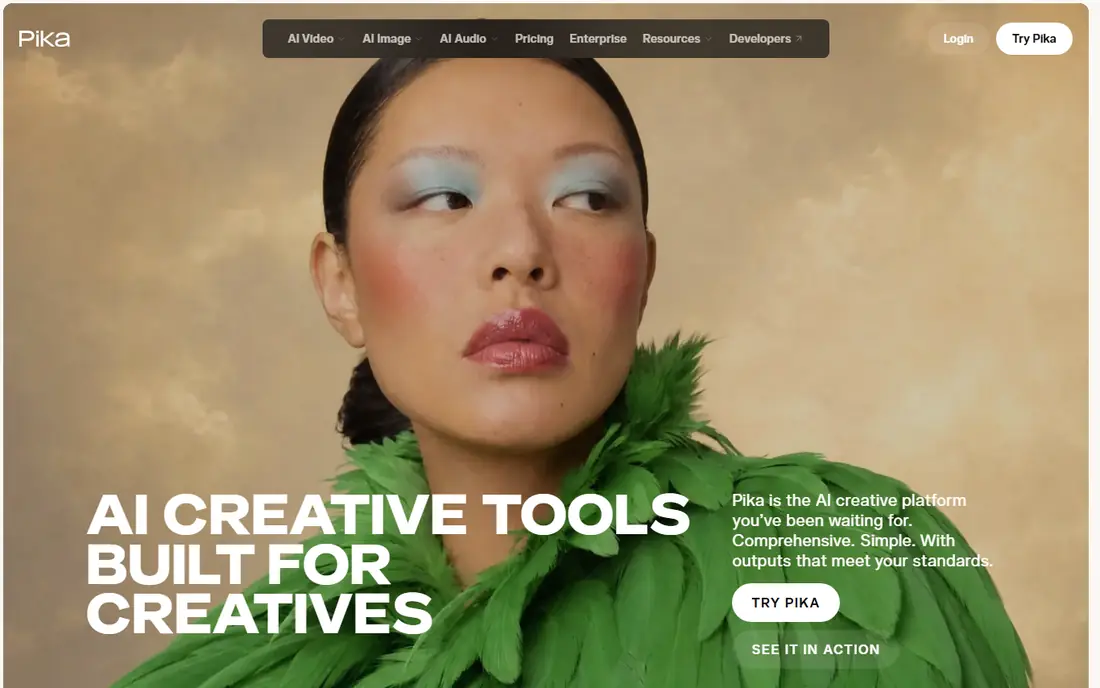
Pika suits social creators who want quick, fun animated clips from photos. It fits buyers who want a clear fit for that need without sorting through vague claims, and it works best when the buyer knows what outcome matters most before signing up.
Its effects and simple prompts make it easy to turn a still into a short clip for social feeds. In practice, that strength shows up in day to day use, where clear limits, honest pricing pages, and a support path matter more than a long feature list.
The limit is commercial rights, since paid plans are needed for commercial use. Even so, the right choice depends on budget, team size, and how much help is wanted after the first month, so compare the terms on the official site before committing.
- Image to video with effects
- Multiple stills on some plans
- Simple workflow
- Commercial use needs a paid plan
- Free plan has no monthly credits in some listings
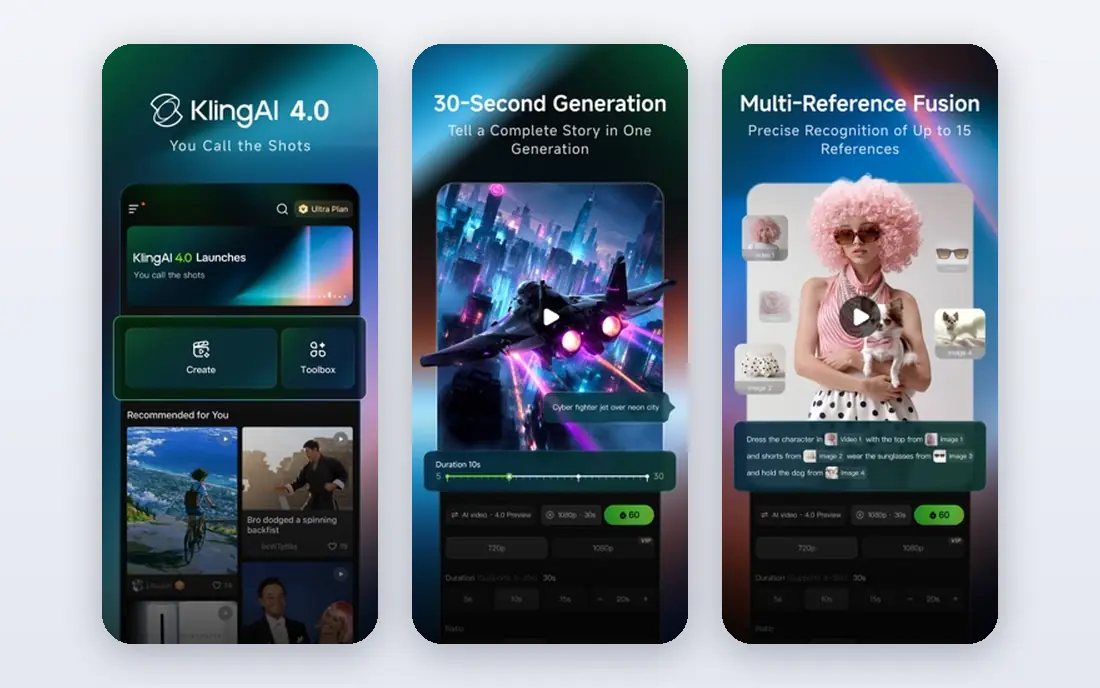
Kling AI suits creators who want smooth motion and longer clips from a still. It fits buyers who want a clear fit for that need without sorting through vague claims, and it works best when the buyer knows what outcome matters most before signing up.
Its image to video quality stands out for faces, movement, and camera motion when prompts are clear. In practice, that strength shows up in day to day use, where clear limits, honest pricing pages, and a support path matter more than a long feature list.
The catch is cost control, since high quality settings use more credits per second. Even so, the right choice depends on budget, team size, and how much help is wanted after the first month, so compare the terms on the official site before committing.
- Strong motion quality
- Start and end frames
- Up to 4K on some plans
- Free credits are limited and watermarked
- Credit cost per second varies
Luma Dream Machine suits creators who want to try several video models on one bill. It fits buyers who want a clear fit for that need without sorting through vague claims, and it works best when the buyer knows what outcome matters most before signing up.
Its multi model approach helps creators compare results without managing separate subscriptions. In practice, that strength shows up in day to day use, where clear limits, honest pricing pages, and a support path matter more than a long feature list.
The limit is pricing clarity, since plan credits and free access have changed over time. Even so, the right choice depends on budget, team size, and how much help is wanted after the first month, so compare the terms on the official site before committing.
- Multiple video models in one place
- Keyframe options
- Image to video
- No clear free plan in some listings
- Credit system varies by plan
Hailuo AI suits budget creators who want to test image animation without a high subscription. It fits buyers who want a clear fit for that need without sorting through vague claims, and it works best when the buyer knows what outcome matters most before signing up.
Its low entry cost and daily credits make it a low risk way to learn image to video prompting. In practice, that strength shows up in day to day use, where clear limits, honest pricing pages, and a support path matter more than a long feature list.
The catch is consistency, since results vary more with vague prompts than with detailed prompts. Even so, the right choice depends on budget, team size, and how much help is wanted after the first month, so compare the terms on the official site before committing.
- Low entry price in some listings
- Daily free credits
- Simple prompts
- Credit and watermark terms vary
- Quality varies by prompt
Kaiber suits creators who want stylized, artistic animation rather than realistic motion. It fits buyers who want a clear fit for that need without sorting through vague claims, and it works best when the buyer knows what outcome matters most before signing up.
Its style options help turn a photo into a music video style clip with a distinct look. In practice, that strength shows up in day to day use, where clear limits, honest pricing pages, and a support path matter more than a long feature list.
The limit is realism, since stylized output may not suit product or documentary work. Even so, the right choice depends on budget, team size, and how much help is wanted after the first month, so compare the terms on the official site before committing.
- Stylized animation styles
- Music video focus
- Simple upload workflow
- No free plan in some listings
- Style focus limits realism
LeiaPix Converter suits users who want a quick 3D depth effect from a single photo. It fits buyers who want a clear fit for that need without sorting through vague claims, and it works best when the buyer knows what outcome matters most before signing up.
Its depth model adds parallax motion without a prompt, which works well for social posts and slides. In practice, that strength shows up in day to day use, where clear limits, honest pricing pages, and a support path matter more than a long feature list.
The catch is motion range, since depth animation cannot add new actions or change a scene like full video models. Even so, the right choice depends on budget, team size, and how much help is wanted after the first month, so compare the terms on the official site before committing.
- Depth based 3D motion
- Very simple workflow
- Free basic use
- Motion is depth based, not full video generation
- Export limits apply
PixVerse suits social creators who want fast animated clips for feeds and stories. It fits buyers who want a clear fit for that need without sorting through vague claims, and it works best when the buyer knows what outcome matters most before signing up.
Its speed helps creators test many prompts quickly and keep only the best clips. In practice, that strength shows up in day to day use, where clear limits, honest pricing pages, and a support path matter more than a long feature list.
The limit is control, since fast social tools may offer less frame and camera control than pro tools. Even so, the right choice depends on budget, team size, and how much help is wanted after the first month, so compare the terms on the official site before committing.
- Fast generation
- Social clip focus
- Free credits in some listings
- Quality varies by model
- Commercial terms need checking
How we picked these
We compared official product pages and public image to video comparisons from 2026, and we favored tools with a current image to video feature. We noted where free access is limited or watermarked, since that changes the real cost of testing. We did not claim hands-on generation testing.
How to choose an image animation tool
Start with a clear prompt and a high quality source image. Sharp, well lit photos animate better than blurry or crowded images. Test the same photo on two tools with the same prompt, then compare motion smoothness, face stability, and background artifacts.
Check credits before a project. A monthly price means little if each clip uses many credits, and free plans often add watermarks or block commercial use. For business work, confirm commercial rights, output resolution, and whether faces of real people need consent.
FAQ
What are the best ai tools to animate static image files?
Runway, Kling AI, and Pika are strong starting points for full image to video clips. LeiaPix suits simple depth motion. The best tool depends on whether you need realism, style, or speed.
Can I animate a photo for free?
Some tools offer free credits or a free tier, but free exports are often watermarked or limited in length and resolution. Paid plans usually remove watermarks and add commercial rights. Check terms before publishing.
How long are AI animated clips?
Most image to video clips run from 5 to 10 seconds, with some tools offering up to 15 or 20 seconds. Longer clips often need extension steps and more credits. Plan projects as short clips, not long scenes.
Do I need consent to animate a photo of a person?
Yes, in many cases, especially for commercial use or for photos of people who did not agree to animation. Get written consent for identifiable people, and avoid animating photos of children or private individuals without clear permission.