6 Best AI Press Release Generators for 2026, Vetted and Compared
A practical guide to the best AI press release generators in 2026, compared from vendor documentation and public sources, with limits and buying checks.
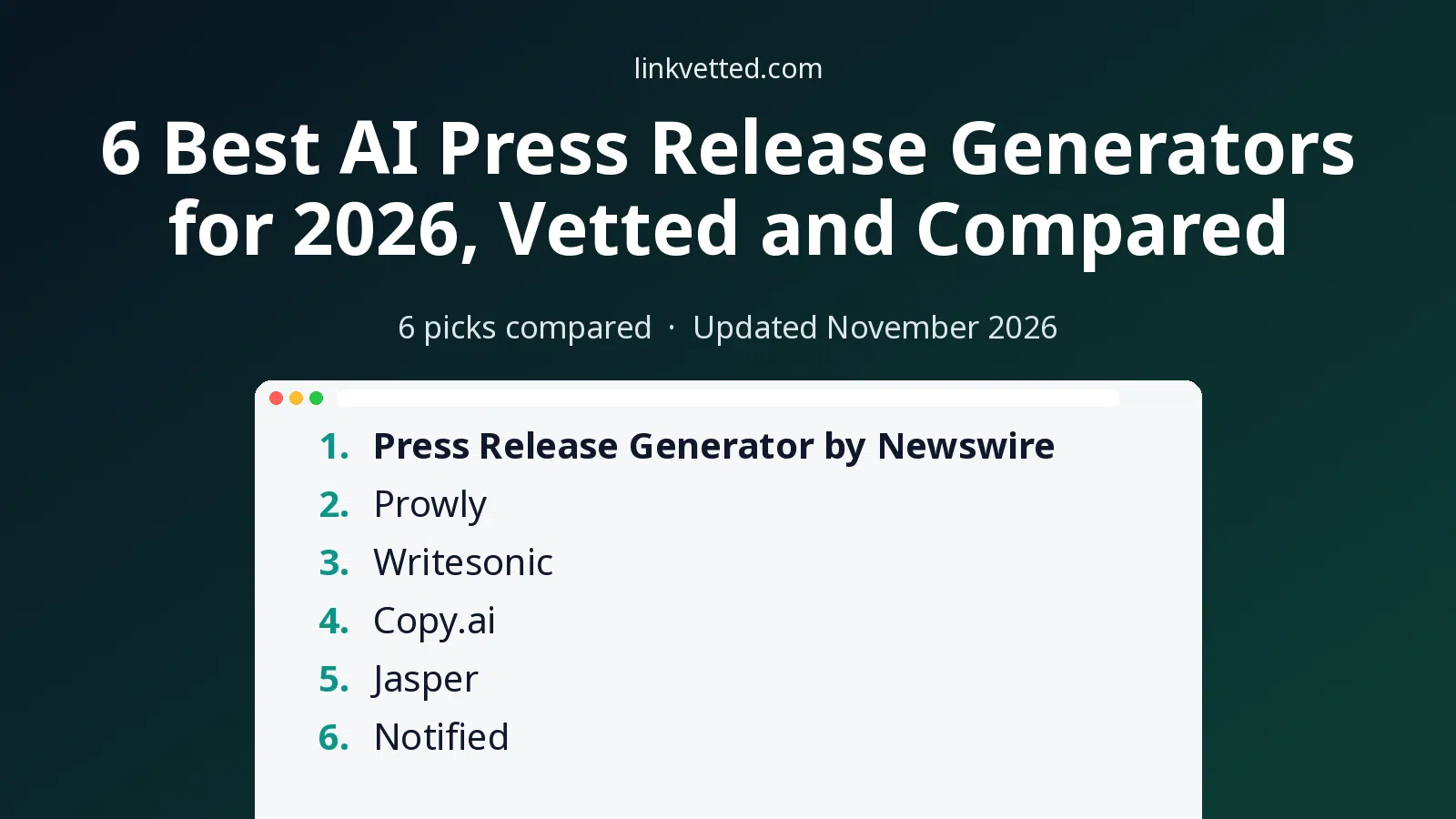
- Editor's choicePress Release Generator by Newswire
Drafting close to distribution
Starts atSee websiteVisit newswire.comFull review - Great alternative
 Prowly
AI writing inside a PR platform
Starts atSee websiteVisit prowly.comFull review - Also consider
 Writesonic
A free first draft
Starts atSee websiteVisit writesonic.comFull review
Direct answer
My top pick is Press Release Generator by Newswire, because it is built by a distribution company and keeps drafting close to the actual send. For teams that want AI writing inside a wider PR platform, Prowly is the stronger fit, and for a free starting point Writesonic is the easiest to try. Each one suits a different workflow, so the right choice depends on whether you mainly need drafting help, media database features or a low-cost first step.
TL;DR:
- The best tool for you depends on whether you need a draft, a full PR platform or a distribution service.
- AI output always needs a human edit before it goes to journalists, especially quotes and facts.
- Tools tied to a distribution network can save a step but may push you toward that network.
- Free tiers are useful for testing tone and structure, not for regular client work.
- Check export formats and approval features before you commit a team to any tool.
Last checked November 2026. Plan prices are not quoted in this guide because they change often; see each vendor's own pricing page for current figures before you buy.
Quick comparison
| Tool | Best for | Starts at | Free plan? | |
|---|---|---|---|---|
| Press Release Generator by Newswire | Drafting close to distribution | See website | Not stated | Visit |
| Prowly | AI writing inside a PR platform | See website | Free trial | Visit |
| Writesonic | A free first draft | See website | Free plan | Visit |
 Copy.ai | Short announcements and variants | See website | Free plan | Visit |
 Jasper | Brand voice across many drafts | See website | Free trial | Visit |
| Notified | Larger IR and PR teams | See website | Not stated | Visit |
The best AI press release generators compared
I put this comparison together from vendor documentation, help pages and public sources, and I did not run hands-on tests of each tool. My aim is to show where each one fits a real press release workflow, what it does well on paper and where the limits sit, so you can shortlist with your own eyes open.
Press Release Generator by Newswire
Best for: Drafting close to distribution
This is a drafting tool from Newswire, a press release distribution service. It is aimed at small businesses and agencies that already plan to distribute through Newswire and want help getting from a rough idea to a structured announcement. If you send releases through several networks, this is not the most flexible pick.
In practice, the value is the guided flow. You answer prompts about the announcement, the company and the key facts, and the tool builds a draft in a standard release structure. That saves time on the blank page and keeps headings and boilerplate in the right order, which matters when a client sends you notes at short notice.
The limit is obvious: it is part of a distribution product. If you have your own media list and never use Newswire, the drafting help is less relevant. Skip it if you want a neutral writer that exports anywhere.
- Built by a distribution company
- guided drafting flow
- connects to a send option
- Tied to one provider
- less useful if you send elsewhere
Prowly is a PR platform with a media database, pitching tools, monitoring and a release publishing module. Its AI assistant sits inside that workflow, so you can draft and refine copy without leaving the tool where your contacts and campaigns live. It fits agencies and in-house teams that send releases regularly.
The useful part for press releases is the combination. You draft in the editor, keep the release next to the campaign, and reuse the same contact lists for pitching. That reduces copy-pasting between a writer and a CRM, which is where small errors creep in during a busy news week.
The drawback is cost and scope. If you only need help writing two releases a month, a standalone writer is cheaper. Skip Prowly if you have no interest in media databases or monitoring.
- AI assistant inside a PR tool
- media database and monitoring nearby
- contact management
- Subscription for the full platform
- overkill for one-off drafts
Writesonic is a general AI writing platform with templates for press releases and announcements. It is a reasonable place to start if you want to see how AI handles your announcement before paying for anything. The free plan lets you test structure and tone on a real draft.
For press releases, the workflow is simple: pick a template, paste your facts and notes, and generate a draft. I would treat the output as a skeleton. The facts, the quote and the boilerplate need your own work, because the model does not know your spokesperson or your legal wording.
The limit is that it is not a PR tool. There is no media database, no distribution and no approval flow. Skip it if you need a platform rather than a writer.
- Free tier to test
- templates for announcements
- quick output
- Generic tone needs editing
- output can sound templated
Copy.ai is an AI writing tool aimed at marketing copy, and it handles short announcements and product news well. It is less focused on the formal press release structure than the PR-specific options, but it is useful when you want several angles on the same news quickly.
In a press release workflow, I would use it for the headline, the subhead and the short pitch email, not the full body. Generating a few variants helps you pick a clearer angle before you write the release properly. That is a small but real time saver.
The limit is structure. You will need to impose the release format yourself, and the output can drift into marketing language. Skip it if you want a tool that already knows the format.
- Free plan available
- good for short copy
- easy to produce variants
- Less PR-specific structure
- needs a firm brief
Jasper is an AI writing platform built for marketing teams, with brand voice settings and collaboration features. It fits agencies that write for several clients and want each one to sound different. The setup effort is real, but it pays off across many drafts.
For press releases, the brand voice feature is the main draw. You can keep a client's tone consistent across releases, pitches and social posts, which matters when several people write for the same account. Templates cover announcements and product news, and the editor is straightforward.
The limit is price and setup. A solo operator writing occasional releases will not get much from it. Skip Jasper if you want something you can use in five minutes without configuration.
- Brand voice controls
- team collaboration
- many templates
- Cost for small teams
- setup takes time
Notified
Best for: Larger IR and PR teams
Notified is a platform for investor relations and public relations, with release distribution, monitoring and reporting. It is aimed at larger organizations that send releases on a schedule and need an audit trail. The AI features sit inside that wider system rather than as a standalone writer.
For press releases, the appeal is the end-to-end path: draft, review, distribute and report in one place. That suits teams with approvals and compliance needs, where a release cannot go out without sign-off. The drafting help is a small part of a bigger workflow.
The limit is fit. It is not a cheap or quick option for a small agency. Skip it unless you need the enterprise workflow around the release.
- Built for IR and PR workflows
- distribution and reporting nearby
- enterprise features
- Aimed at larger teams
- setup and sales process
How I chose
I chose these tools by reading vendor documentation, help pages and public descriptions of each product, then matching them to common press release workflows. I did not run hands-on tests, so I am not claiming benchmark results or personal experience with each one. The aim is to give you a shortlist you can verify yourself.
My criteria were simple: does the tool actually help with drafting a release, does it fit a real workflow, and what does it clearly not do? I also looked at whether a free plan or trial exists, because testing tone matters before you pay. Where a tool is tied to a distribution network or an enterprise setup, I said so, since that changes who should consider it.
What to check before you buy
- Confirm the tool covers the full release structure, including headline, dateline, boilerplate and contact block.
- Check whether you can export to plain text or Word, so the draft moves into your own approval process.
- Ask whether the AI keeps your inputs private and how the vendor describes data use.
- Test one real announcement on a free plan or trial before committing a team.
- Look at whether brand voice or client separation is included if you write for several clients.
- Check if distribution is bundled or separate, since that changes the total cost of a send.
FAQ
Are AI press release generators good enough to send without editing?
No. They are useful for structure and a first draft, but facts, quotes, legal wording and contact details need a human check. Treat the output as a starting point and edit it the way you would edit a junior writer's draft. A release that goes out with a wrong figure or a made-up quote is worse than no release at all.
Do I need a PR platform or just a writer?
It depends on what you already use. If you have a media list and a send process, a standalone writer is enough. If you manage contacts, pitching and reporting in one place, a platform with AI inside it saves copy-pasting. Start with the workflow you have, not the tool you like the look of.
Can these tools write quotes from my spokesperson?
They can produce a quote-shaped paragraph, but it will not be your spokesperson's words. Use the tool to suggest a direction, then get the real quote from the person. Never publish an AI-generated quote attributed to a real person without their approval.
Is a free plan enough for regular work?
Usually not. Free plans are good for testing tone and structure on one or two drafts. For regular client work you will hit limits on length, exports or seats. Check the paid terms before you build a process around a free tier.
How do I keep client tone consistent across releases?
Use a tool with brand voice or client separation, and keep a short style note for each client. Feed that note into the prompt and review the output against it. Consistency comes from the brief and the edit, not from the model alone.
Sources
- https://www.newswire.com
- https://prowly.com
- https://writesonic.com
- https://www.copy.ai
- https://www.jasper.ai
- https://www.notified.com