Best AI Platforms for Teaching in 2026: 8 Platforms Compared
Searching for the best AI platforms for teaching? We compare 8 AI teaching tools on lesson planning, grading help, safety, and classroom fit for schools.
- Editor's choice
 MagicSchool AI
Most teachers needing planning and admin help
Starts atSee websiteVisit magicschool.aiFull review - Great alternative
 Khanmigo
Tutoring and guided student practice
Starts atSee websiteVisit khanacademy.orgFull review - Also consider
 Curipod
Interactive lessons from a topic
Starts atSee websiteVisit curipod.comFull review
TL;DR:
- MagicSchool AI is our pick for most teachers because it covers lesson plans, worksheets, and parent communication in one dashboard.
- Khanmigo is the best choice for tutoring and guided practice, with a focus on learning rather than giving answers.
- Curipod and Diffit help teachers turn a topic into an interactive lesson or a reading at the right level quickly.
- Brisk Teaching and Eduaide save time inside Google Docs and classroom workflows teachers already use.
- Always review AI output before sharing it with students, and check your school policy on student data and age limits.
Quick comparison
| Tool | Best for | Starts at | Free plan? | |
|---|---|---|---|---|
| MagicSchool AI | Most teachers needing planning and admin help | See website | Yes | Visit |
| Khanmigo | Tutoring and guided student practice | See website | Yes | Visit |
| Curipod | Interactive lessons from a topic | See website | Yes | Visit |
 Diffit | Leveled readings and adapted texts | See website | Yes | Visit |
 Brisk Teaching | Teachers working in Google Docs | See website | Yes | Visit |
 SchoolAI | Safe classroom AI spaces for students | See website | Yes | Visit |
 Eduaide | Lesson plans and worksheet generation | See website | Yes | Visit |
 Quizizz | AI quizzes, lessons, and student practice | See website | Yes | Visit |
The best AI platforms for teaching
AI teaching platforms should save teachers time on planning and grading, while keeping students learning rather than copying answers. We compared official feature pages, classroom controls, and pricing models for AI teaching tools available to US schools in October 2026, with a focus on safety, data handling, and real classroom fit.
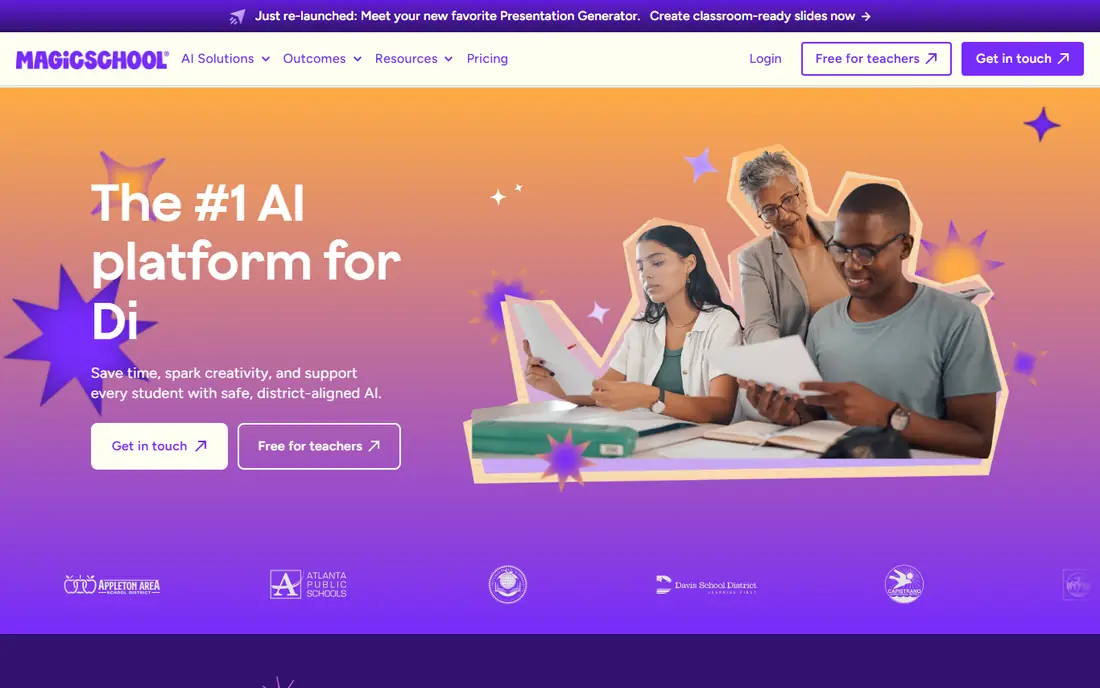
MagicSchool AI is our pick for most teachers because it gathers dozens of classroom tools in one place, from lesson plans and unit outlines to worksheets, rubrics, report card comments, and parent emails. A teacher can start from a topic and grade level, generate a draft, then edit it to fit their class, which saves the most time on routine planning and admin writing. The free tier lets teachers test the core tools before paying for higher limits.
The main caution is review. AI drafts can contain errors, weak questions, or content that does not fit your students, so teachers should check every output for accuracy, reading level, and bias before sharing it. Free limits also mean heavy users will need a paid plan. For a teacher who wants one AI dashboard for many small tasks, MagicSchool offers the broadest practical value.
- Many tools in one dashboard
- Lesson plans and rubrics
- Parent communication help
- Free limits apply
- Output needs review
- Some tools need paid plans

Khanmigo, from Khan Academy, is designed as a tutor and teaching assistant that guides students with questions and hints, rather than simply giving answers. That design matters for learning, because a student who works through a problem with prompts learns more than one who copies a solution. Teachers can also use Khanmigo for lesson planning help, and schools get controls for student use, which helps with safety and oversight.
The limits are scope and access. Khanmigo is strongest for tutoring and practice inside Khan Academy subjects, and less useful for general admin writing than MagicSchool. Availability and pricing also vary by school, district, and plan, so check the current Khan Academy page for your situation. For a school that wants AI tutoring with a learning focus, Khanmigo is the most classroom aligned choice in this list.
- Guided tutoring, not answer giving
- Tied to Khan Academy content
- Teacher controls
- Availability varies by school and plan
- Needs Khan Academy setup
- Less for admin tasks
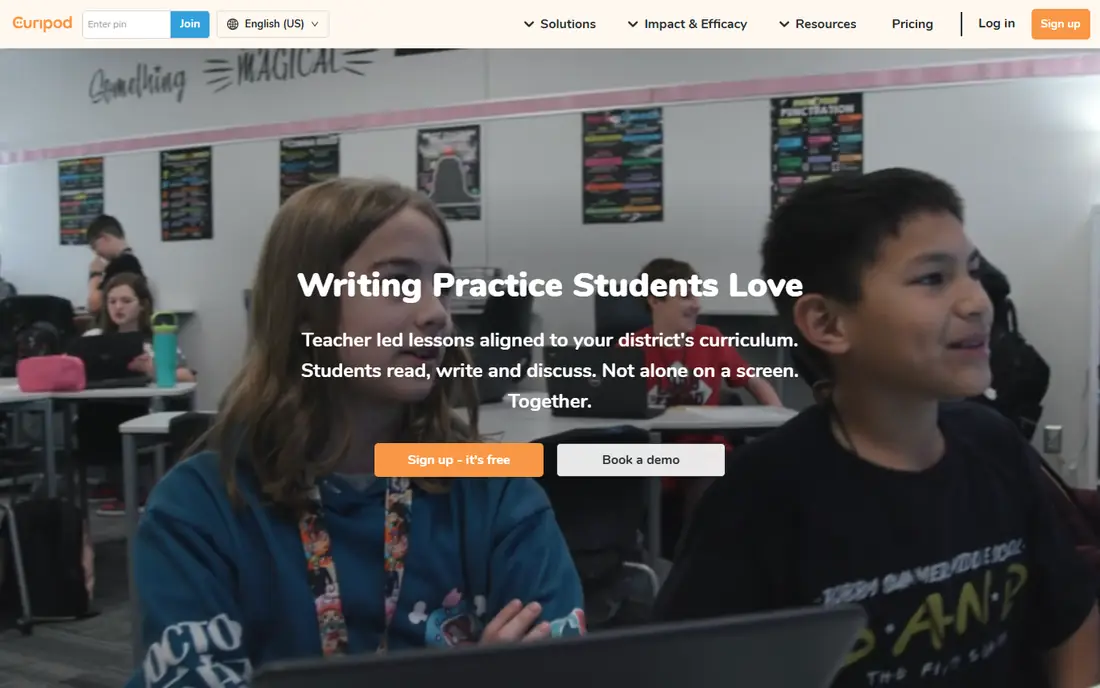
Curipod turns a topic into an interactive lesson in minutes, with slides, polls, word clouds, open response questions, and drawing activities that students join from their devices. That interactivity suits whole class teaching, because students respond live rather than only listening, and teachers can see responses in real time and adjust the lesson. The free tier lets teachers test a lesson before committing to a paid plan.
The trade off is depth. Curipod lessons are strong for engagement and discussion, but they may need teacher editing to add depth, differentiation, and assessment for a full unit. Accuracy also needs checking, since AI generated facts and questions can contain errors. For a teacher who wants to make a dry topic interactive quickly, Curipod is a useful, focused tool.
- Fast interactive lesson creation
- Polls and open responses
- Student engagement tools
- Free limits apply
- Lesson depth varies
- Needs teacher review for accuracy
Diffit helps teachers adapt a text to different reading levels, which is valuable for mixed ability classes. You can paste a text or enter a topic, generate a leveled reading, summary, vocabulary list, and questions, then share different versions with different groups. That differentiation saves time compared with rewriting a text by hand for each level, and it helps struggling readers access the same topic as their peers.
The main caution is level accuracy. A label that says a text is at a certain grade level is a guide, not a guarantee, so teachers should read the output and adjust vocabulary and sentence length for their actual students. Diffit is also narrower than MagicSchool, since it focuses on readings rather than full unit planning. For differentiation and reading support, Diffit is a strong, practical pick.
- Reading levels and summaries
- Adapted texts for any topic
- Worksheet generation
- Free limits apply
- Reading level needs teacher check
- Less for full unit planning
Brisk Teaching is a Chrome extension that works inside Google Docs, Slides, and Classroom, which is why many teachers like it. You can generate lesson materials, adjust reading levels, create quizzes, and get AI assisted feedback suggestions on student writing, all without leaving the Google tools you already use. That workflow fit saves clicks and training time, especially for schools already on Google Workspace for Education.
The limits are ecosystem and review. Brisk works best inside Google tools, so a Microsoft school will get less value, and AI feedback on student work must be reviewed by the teacher before it reaches a student, since tone and accuracy matter. Free limits also apply to heavy use. For a Google school that wants AI help inside existing workflows, Brisk is an excellent, low friction choice.
- Works inside Google Docs and Classroom
- Grading feedback help
- Lesson tools
- Best inside Google ecosystem
- Free limits apply
- Feedback needs teacher review
SchoolAI lets teachers create controlled AI spaces where students can chat with an AI tutor, complete a guided activity, or work through a lesson, with teacher oversight and safety controls. That control is the key point, because teachers can set the topic, limits, and guardrails for student use, rather than letting students use a general chatbot without supervision. SchoolAI also offers tools for lesson creation and grading help for teachers.
The trade offs are setup and maturity. Schools need to set policies for student AI use, age limits, and data handling, and SchoolAI is newer than Khan Academy or Quizizz, so its content library is smaller in some subjects. For a school that wants students to use AI directly, with teacher controls in place, SchoolAI offers a safer structure than an open chatbot.
- Teacher controlled AI spaces
- Student safety controls
- Lesson and chatbot tools
- Setup needs school oversight
- Free limits apply
- Newer than some rivals
Eduaide, formerly Eduaide.AI, offers a wide set of generators for lesson plans, unit outlines, worksheets, quizzes, and feedback, with a simple interface that suits busy teachers. You pick a tool, enter a topic and grade level, and get a draft to edit, which is useful for planning a week of lessons or creating differentiated materials quickly. The free tier lets teachers test the core generators before paying.
The main caution is editing time. Eduaide drafts are a starting point, not a finished lesson, and they need checking for accuracy, alignment to standards, and fit for your students. Eduaide is also more teacher facing than student facing, so it does not replace a tutor like Khanmigo. For a teacher who needs many planning drafts fast, Eduaide is a strong, affordable option.
- Many lesson generators
- Feedback and planning tools
- Simple interface
- Free limits apply
- Output needs editing
- Less student facing tutoring
Quizizz is well known for quizzes and interactive lessons, and its AI tools now help teachers generate quizzes, lessons, and practice sets from a topic or document. Students can join live or complete work at their own pace, and teachers get reports on scores, question performance, and misconceptions, which helps with reteaching. The large existing library also means teachers can often find a ready made quiz to adapt, rather than starting from scratch.
The limits are quality and limits. AI generated quizzes can include weak distractors or unclear questions, so teachers should review each item before assigning it, and free limits apply to some AI features. Quizizz is best as a practice and assessment tool, not as a full planning system. For a teacher who wants quick, engaging quizzes with useful reports, Quizizz is a strong classroom pick.
- Large quiz library
- AI lesson and quiz generation
- Student reports
- Free limits apply
- Quiz quality varies
- AI output needs review
How we picked these
We compared official feature pages, classroom controls, and pricing models for AI teaching tools available in October 2026. We favored tools with teacher oversight, clear student data policies, and a practical classroom use, such as planning, differentiation, tutoring, or assessment. We also weighed free tiers, Google and Microsoft fit, and whether the tool helps students learn rather than only producing answers.
How to use AI in teaching safely and well
Start with your school policy on AI, student data, and age limits, and never enter sensitive student information into a tool that is not approved for school use. Use AI for drafts, ideas, and differentiation, then edit for accuracy, reading level, and alignment to your standards before sharing anything with students. Teach students to check AI answers, cite sources, and show their working, so AI becomes a learning aid, not a shortcut.
Next, be transparent with students and families about when AI is used, and set clear rules for student AI use, such as using it for brainstorming and feedback, not for submitting AI work as their own. Review student AI conversations where your tool allows it, and watch for errors, bias, or overreliance. A good AI teaching tool saves teacher time and supports student thinking, and both goals need human judgment to hold.
Questions to ask before adopting a tool
Ask how student data is stored, whether it is used to train models, what age limits apply, and how teachers can monitor student use. Ask whether the tool works with your learning management system, whether it supports your grade levels and subjects, and what happens to data when a student leaves. Those answers matter more than a long feature list.
FAQ
What is the best AI platform for teaching?
MagicSchool AI is the best pick for most teachers because it covers many planning and admin tasks in one dashboard. Khanmigo is best for tutoring, Curipod is best for interactive lessons, and Brisk Teaching is best for Google Docs workflows.
Is AI allowed in schools?
It depends on your school and district policy, which varies widely. Many schools allow teacher use for planning and student use with controls, while others limit student AI use by age or subject. Check your local policy, data rules, and age limits before adopting any tool.
Can students use AI without cheating?
Yes, when the task is designed for it. Use AI for brainstorming, feedback, and guided practice, and require students to show working, cite sources, and explain their reasoning. Tasks that only ask for a final answer are easy to copy, while tasks that ask for process and reflection are harder to fake.
Do AI teaching tools replace lesson planning?
No. AI tools produce drafts that save time, but teachers still need to check accuracy, adapt to their students, and align work to standards. The best use is draft plus teacher editing, not copy and paste into a classroom.
Are AI teaching tools free for teachers?
Many tools in this list offer a free tier for teachers, with paid plans for higher limits and more features. Check the current free limits on the official site, since free tiers change, and ask your school about district licenses, which may cover paid plans.
How do I check AI output for accuracy?
Read every draft, verify facts against a trusted source, check reading level and vocabulary for your class, and test questions yourself before assigning them. Watch for outdated facts, weak quiz distractors, and content that does not fit your students, and edit or reject anything that fails those checks.