Best AI Podcast Editing Software in 2026: 9 Tools Compared
We compared the best ai podcast editing software for transcription, filler removal and studio sound, with prices, free trials and tips for new creators.
- Editor's choice
 Descript
Text based podcast editing
Starts at$16 per monthVisit descript.comFull review - Great alternative
 Adobe Podcast
Studio sound cleanup
Starts atSee websiteVisit podcast.adobe.comFull review - Also consider
 Riverside
Remote recording plus editing
Starts at$19 per monthVisit riverside.fmFull review
TL;DR:
- The best AI podcast editing tools cut editing time by transcribing audio, removing filler words, and cleaning up background noise.
- Descript leads for text based editing, while Adobe Podcast and Auphonic lead for studio sound cleanup.
- For remote recording, Riverside and Podcastle combine recording with AI editing in one workflow.
- Check export quality, pricing by minutes or hours, and how the tool handles multiple speakers before you commit.
Quick comparison
| Tool | Best for | Starts at | Free plan? | |
|---|---|---|---|---|
| Descript | Text based podcast editing | $16 per month | Yes | Visit |
| Adobe Podcast | Studio sound cleanup | See website | Yes | Visit |
| Riverside | Remote recording plus editing | $19 per month | Yes | Visit |
 Podcastle | All in one podcast creation | $11.99 per month | Yes | Visit |
 Auphonic | Automatic audio leveling | See website | Yes | Visit |
 Cleanvoice AI | Filler and noise removal | See website | Free trial | Visit |
 Resound | Fast AI editing for creators | See website | Free trial | Visit |
 Alitu | Simple podcast production | See website | Free trial | Visit |
 Kapwing | Browser video and audio editing | $16 per month | Yes | Visit |
The best AI podcast editing software
AI editing changes podcast production from cutting waveforms to editing a transcript, which is faster for most creators. The tools below cover transcription editing, sound cleanup, remote recording and simple production.
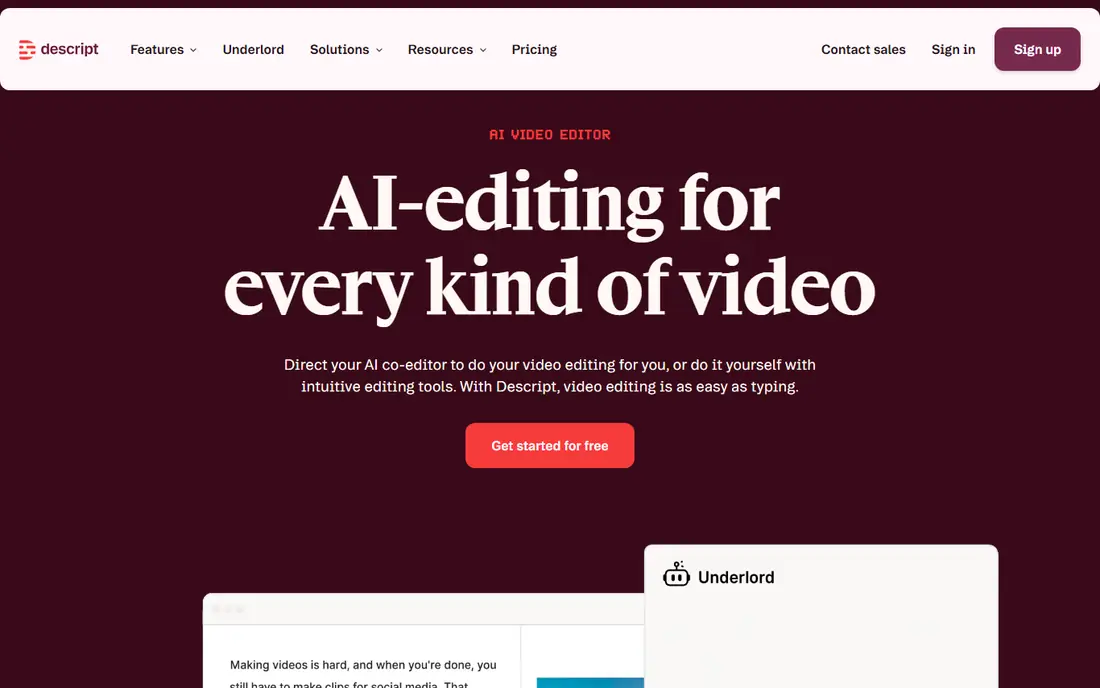
Descript is our pick for most podcasters because it lets you edit audio by editing its transcript. Delete a sentence in the text and it is gone from the audio, which makes cutting interviews and solo shows far faster than waveform editing. Its filler word removal and Studio Sound tools also clean up ums, background noise and uneven levels with little manual work.
Pricing is based in part on transcription hours, so heavy users should model their monthly output before choosing a plan. Advanced features such as video editing and AI voices also take time to learn. For a podcaster who wants the fastest path from raw recording to a clean episode, Descript is hard to beat.
- Edit audio by editing text
- Filler word removal
- Studio Sound cleanup
- Pricing by transcription hours
- Learning curve for advanced features

Adobe Podcast, formerly Adobe Podcast Studio, focuses on making a recording sound like it was made in a studio, even when it was recorded in a noisy room. Its speech enhancement removes echo and background noise while keeping voices natural, which is valuable for home recorded shows. Browser tools for transcription and editing keep the workflow simple.
It is less of a full editor than Descript, with lighter multi track and publishing features, and some tools need a paid Adobe plan. Adobe Podcast fits best as a cleanup step, or for creators who mainly need better sound rather than a full production suite. Pair it with a fuller editor if you need complex episode assembly.
- Strong speech enhancement
- Simple browser tools
- Adobe ecosystem links
- Editing features are lighter than Descript
- Some features need a paid plan
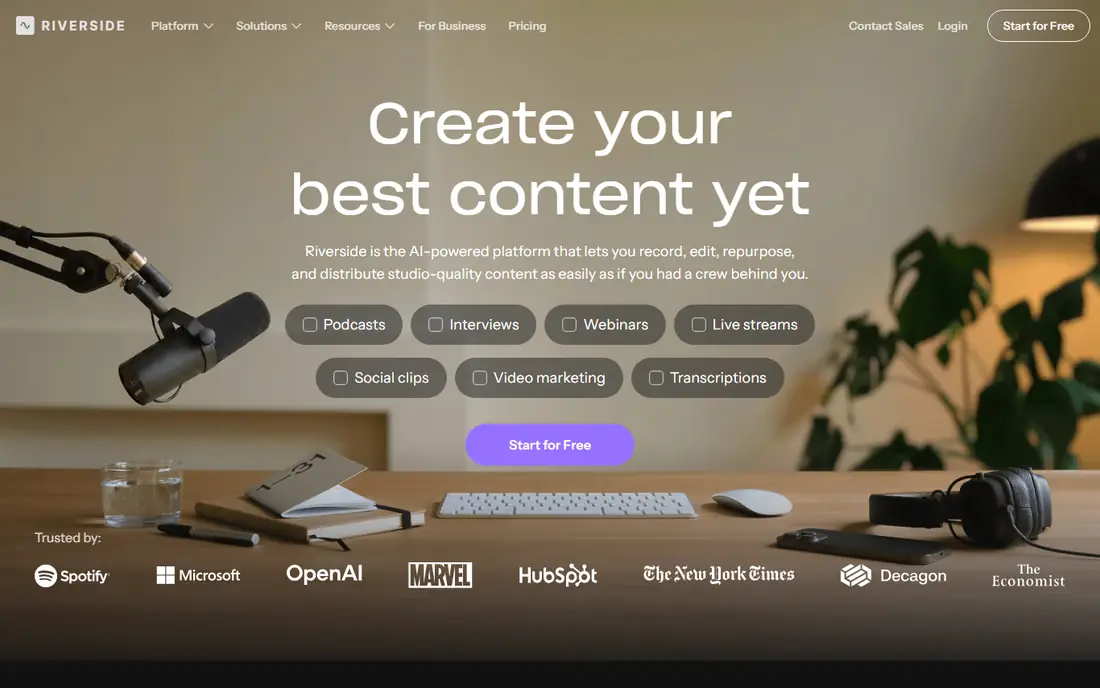
Riverside solves the remote recording problem first: each guest is recorded locally in high quality, so internet glitches do not ruin the audio. Its AI editing tools then help trim, clean and clip episodes, and its clip maker helps turn a long episode into short social videos. For interview shows with remote guests, that combined workflow saves time and improves quality.
Its text based editing is newer and less deep than Descript, so complex edits may still need another tool. Pricing also depends on recording hours on some plans. For remote interview podcasts, Riverside is a strong all in one choice that starts with recording quality.
- High quality local recording
- AI editing and clips
- Separate tracks per guest
- Editing is newer than Descript
- Pricing by recording hours on some plans
Podcastle aims to cover the whole podcast workflow in one browser tool: record, edit by transcript, clean audio, add AI voices and publish. Its low starting price and clear interface make it appealing to new creators who do not want to juggle several apps. For a solo show or a small team starting out, that simplicity matters.
Audio depth is less than Descript or Auphonic for complex multi track work, and some AI features sit on higher tiers. Podcastle fits best for creators who value an all in one workflow over specialist depth. If your show grows more complex, you can move editing to a specialist tool later.
- Recording, editing and AI voices in one place
- Low starting price
- Easy interface
- Audio depth is less than specialist tools
- Some AI features need higher tiers
Auphonic is a specialist for the final polish step: leveling loudness, reducing noise and hum, and preparing audio to broadcast standards. It handles multi speaker shows well, balancing voices that were recorded at different levels, which is a common podcast problem. Many creators run a finished edit through Auphonic as a last step before publishing.
It is not a full editor, so you still need another tool to cut and arrange an episode. Pricing is by audio hours, with a free allowance for testing. For creators who want consistent, professional loudness without manual mastering, Auphonic is a trusted and focused tool.
- Automatic leveling and noise reduction
- Good for multi speaker shows
- Reliable output
- Not a full editor
- Pricing by audio hours
Cleanvoice AI focuses on the tedious cleanup that takes hours by hand: filler words, mouth sounds, stutters and background noise. Upload an episode, and it returns a cleaned version with a timeline of edits, which you can review before exporting. Multi language support helps creators outside English, which many tools handle less well.
It is a cleanup tool, not a full editor, so you still need to arrange and publish the episode elsewhere. Always listen through the cleaned version, since automatic filler removal can occasionally cut a word that mattered. For fast cleanup of a raw recording, Cleanvoice is a practical addition to a podcast workflow.
- Removes filler words and mouth sounds
- Multi language support
- Simple workflow
- Not a full editor
- Output needs a listen through
Resound aims to shorten podcast editing to a quick review: upload audio, let AI remove filler and dead air, then approve or restore edits before exporting. That speed suits creators who publish often and want a consistent, low effort edit, rather than a highly produced show with music and complex segments. Its review workflow makes it easy to catch AI mistakes.
The feature set is smaller than Descript, with less depth for video, multi track work and publishing. Resound fits best for straightforward talk shows where speed matters most. For a creator with a tight schedule, it is a useful and focused option.
- Fast automated editing
- Filler removal
- Simple review workflow
- Smaller feature set than Descript
- Newer company
Alitu guides new podcasters through production step by step: upload recordings, let it clean audio, add music and transitions, then publish. That guided path helps creators who feel lost in a traditional editor, and its cleanup handles noise and leveling automatically. For a first podcast, Alitu removes many decisions that slow a launch.
Experienced editors may want more control over tracks, effects and fine edits than Alitu offers. Pricing is by show, so check costs if you run several podcasts. For a beginner who wants a finished episode without learning audio engineering, Alitu is a friendly choice.
- Guided production workflow
- Automatic cleanup
- Easy publishing help
- Less control for experienced editors
- Pricing by show
Kapwing is a browser editor that suits video podcasts and creators who publish both audio and video versions of a show. Its transcription, captioning and trimming tools work in a browser without a heavy install, and its templates help turn clips into social content. For a creator whose show lives on video as well as audio, that breadth is useful.
It is less podcast focused than Descript, with broader audio tools rather than specialist podcast features. Kapwing fits best for video first creators who also need podcast audio, rather than audio only shows that need deep podcast editing. For that mixed workflow, it is a practical browser option.
- Browser based editing
- Good for video podcasts
- Transcription and captions
- Less podcast focused than Descript
- Audio tools are broader, not specialist
How we picked these
We compared official pricing pages, feature pages and creator reviews for tools that use AI for podcast transcription, filler removal, sound cleanup or automated editing. We favored tools still sold in 2026, with clear podcast use, and we covered text editing, cleanup, recording and simple production. Where pricing is by hours or minutes, we noted it, since that affects heavy users most.
What to check before you buy
Start with your recording setup and your publishing pace. A remote interview show needs good local recording first, while a solo show needs fast transcript editing. Trial a tool on a real episode, not a short demo clip, and listen on headphones, since AI cleanup can sound different on speakers versus headphones.
Check pricing by minutes or hours against your actual output, including outtakes and re recordings. Also check export quality and whether the tool keeps separate tracks for each speaker, which matters if you need to fix one guest later. Finally, keep an original recording backup. AI edits should always be reversible, so a mistake does not lose the only copy of a good interview.
FAQ
What is the best AI podcast editing software for beginners?
For beginners, Descript is a strong pick because editing a transcript feels natural, while Podcastle and Alitu offer simpler all in one workflows. Trial two tools with a real episode and see which editing style feels faster. A simple workflow you actually use beats a powerful tool you avoid.
What are the best AI podcast editing tools for removing filler words?
Descript, Cleanvoice AI and Resound all remove filler words well, with Descript offering the most control through transcript editing. Always review automatic removals, since a filler word can carry meaning in a natural conversation. For a quick cleanup, Cleanvoice and Resound are fast options.
Can AI podcast editing software improve bad audio?
It can improve noisy, echoey or uneven audio a lot, especially with tools such as Adobe Podcast and Auphonic, but it cannot fully rescue a badly distorted or clipped recording. Good microphone placement and a quiet room still matter more than any cleanup tool. Use AI cleanup as a polish step, not a fix for a poor recording.
How much does AI podcast editing software cost?
Prices range from free tiers with limited hours to around 16 to 19 dollars per month for starter plans, with higher tiers for more transcription or recording hours. Check whether pricing is per month, per hour of audio, or per show, since that changes the total for frequent publishers. Trials help you model your real cost.
Does AI editing work for multiple speakers?
Yes, most tools in this list separate speakers in transcription and keep separate tracks where recording supports it, which helps with remote interviews. Riverside records each guest locally, which gives the cleanest multi speaker result. Check speaker separation in a trial with your actual guest setup.
Should I keep the original recording after AI editing?
Yes, always keep the original recording as a backup, separate from the edited version. AI edits can occasionally remove a word or change a tone you wanted to keep, and an original lets you restore it. Store originals in a separate folder and do not overwrite them with edited exports.