Best AI Podcast Tools Software in 2026: 8 Tools Compared
Compare the best AI podcast tools software in 2026 for recording, editing, cleanup, and clips, with pricing and the right tool for each podcast workflow.
- Editor's choice
 Descript
All-in-one text-based editing
Starts at$16 per monthVisit descript.comFull review - Great alternative
 Riverside
Remote studio recording
Starts at$24 per monthVisit riverside.fmFull review - Also consider
 Podcastle
Beginner-friendly AI studio
Starts at$11.99 per monthVisit podcastle.aiFull review
TL;DR:
- Descript is our pick for most podcasters because text-based editing, filler removal, and publishing live in one tool.
- Riverside is the best choice for remote interviews where recording quality matters more than editing speed.
- Adobe Podcast is the strongest free cleanup option for noisy or uneven audio, while Auphonic is best for consistent final masters.
- Most podcasters need only one recording tool and one editing tool, so avoid stacking overlapping subscriptions.
Quick comparison
| Tool | Best for | Starts at | Free plan? | |
|---|---|---|---|---|
| Descript | All-in-one text-based editing | $16 per month | Yes | Visit |
| Riverside | Remote studio recording | $24 per month | Yes | Visit |
| Podcastle | Beginner-friendly AI studio | $11.99 per month | Yes | Visit |
 Adobe Podcast | AI speech cleanup | $9.99 per month | Yes | Visit |
 Auphonic | Automatic mastering | $11 per month | Yes | Visit |
 Alitu | Guided episode assembly | $32 per month | Free trial | Visit |
 Cleanvoice | Filler and mouth-sound removal | $11 per month | Free trial | Visit |
 Podsqueeze | Show notes and repurposing | $8.99 per month | Yes | Visit |
The best AI podcast tools software
AI podcast tools now cover recording, transcription, editing, cleanup, mastering, and repurposing. No single tool does every job best, so the smart approach is to pick tools by workflow stage. The list below covers the strongest options for each stage, from recording a remote interview to publishing clips and show notes.
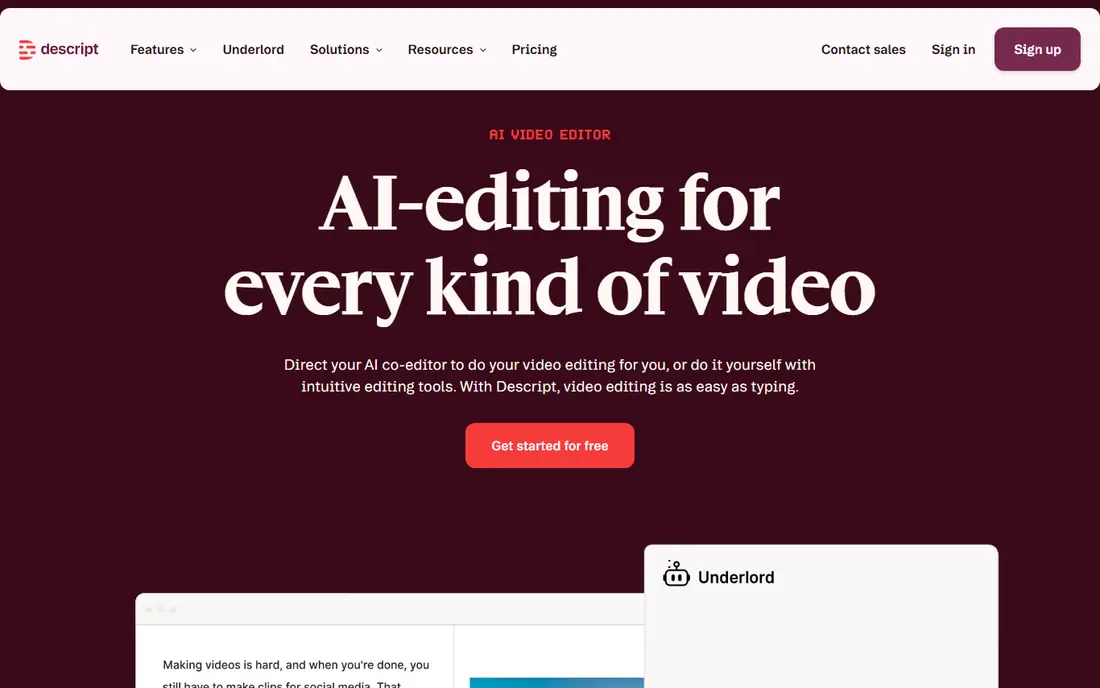
Descript changed podcast editing by treating audio like a document. Delete a sentence from the transcript and the audio follows, which makes cutting tangents, mistakes, and dead air feel like editing a draft. It also removes filler words, polishes audio with Studio Sound, and can regenerate a flubbed line with Overdub, a cloned voice feature that requires training and consent.
The tradeoff is ceiling. Traditional audio editors offer finer control for music, complex mixing, and detailed waveform work, and Descript's transcription limits matter for long or frequent shows. For most interview and solo podcasts, however, Descript covers recording, editing, and publishing in one subscription, which is why it is our pick for most podcasters.
- Edit audio by editing a transcript
- One-click filler removal
- Studio Sound cleanup and Overdub voice fixes
- Transcription hours are capped on lower plans
- Timeline editing is less precise than a traditional audio workstation
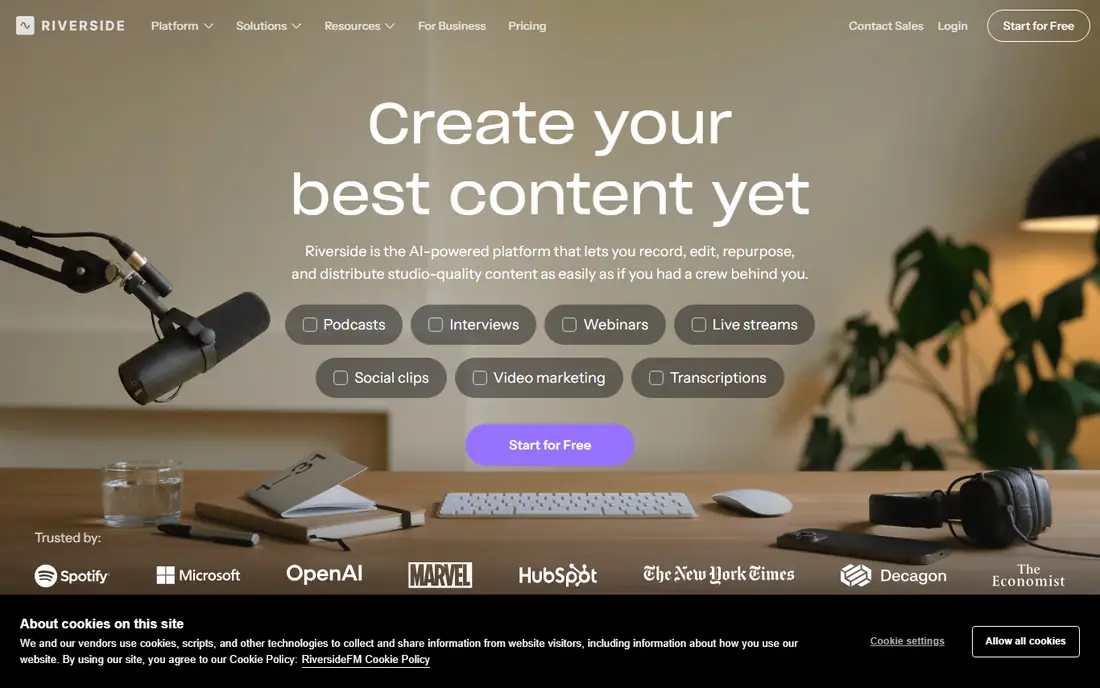
Riverside is built for remote interviews. Each participant is recorded locally in high quality, so a guest's weak internet connection does not ruin the audio or video. Separate tracks for each speaker make editing easier, and video recording supports video podcasts without a separate studio setup.
The catch is that Riverside is primarily a recording platform with editing added, rather than a full editor. Many podcasters record in Riverside and edit in Descript, which means paying for two tools. If recording quality is the top priority, especially for video podcasts, Riverside is worth that extra step.
- Local recording in high quality for each guest
- 4K video for video podcasts
- Magic Clips for short-form highlights
- Paid plans start higher than some editors
- Editing is less deep than Descript

Podcastle suits beginners who want one browser tool for recording, editing, and publishing without installing software. It offers AI audio cleanup, text-based editing, and a simple workflow from raw recording to finished episode. That simplicity helps new podcasters publish consistently, which matters more than advanced features at the start.
The limit is growth. Experienced editors may want finer timeline control, more export options, or deeper video tools, and Podcastle's plan limits can matter for frequent publishers. For a first show or a solo podcast with a simple format, Podcastle offers good value at its entry price.
- Browser-based recording and editing
- AI cleanup and voice tools
- Simple interface for new podcasters
- Less depth than Descript for advanced editing
- Plan limits on recording and transcription hours
Adobe Podcast is best used as a cleanup tool rather than a complete podcast studio. Its Enhance Speech feature can turn echoey, noisy, or phone-quality speech into clearer studio-like audio, which is useful for guest recordings made in poor rooms. The free tier lets podcasters test cleanup on real audio before paying.
The tradeoff is scope. Adobe Podcast does not replace Descript or Riverside for recording and full editing, so it works best as an addition to an existing workflow. Podcasters with consistently good recording conditions may not need it, but those who interview guests in varied locations often will.
- Strong Enhance Speech cleanup for noisy audio
- Free tier for trying cleanup
- Useful alongside any editor
- Not a full podcast editor
- Premium features require a paid plan
Auphonic is the finishing step for podcasters who want consistent loudness and clean levels across episodes. Upload finished audio, and Auphonic applies loudness normalization, noise reduction, and level balancing, producing a master that meets common podcast loudness standards. That consistency matters for listeners who switch between shows.
The limit is that Auphonic does not edit content. It polishes audio that is already cut, so podcasters still need an editor for structure and mistakes. The free tier covers a small amount of audio per month, which is enough to test the workflow before buying a plan.
- Automatic loudness, noise, and level mastering
- Multitrack support
- Consistent output across episodes
- Not an editor for cutting content
- Credit-based pricing can rise with long episodes
Alitu is designed for podcasters who want guidance rather than a blank editor. It walks users through recording, cleanup, assembling segments, adding music, and publishing, with automation handling much of the technical work. That structure helps solo podcasters and small teams publish regularly without learning audio engineering.
The tradeoff is price and control. Alitu costs more than Podcastle at entry level, and experienced editors may find its guided workflow restrictive. For podcasters who value a clear process and a finished episode over fine-grained editing, Alitu is a strong choice.
- Guided workflow from recording to publishing
- Automatic cleanup and music handling
- Episode builder for beginners
- Higher entry price than simpler editors
- Less manual control for experienced editors
Cleanvoice focuses on one job and does it well. It removes filler words, long silences, and mouth sounds such as clicks and lip smacks, then lets the user review edits on a timeline before exporting. That cleanup step can save a lot of manual editing time, especially for interview podcasts with many ums and pauses.
The limit is scope. Cleanvoice does not record, host, or publish episodes, so it belongs in a stack with a recorder and an editor. Podcasters who already use Descript may not need it, since Descript includes filler removal, but users of other editors often find Cleanvoice a useful addition.
- Automatic filler, silence, and mouth-sound removal
- Timeline view for reviewing edits
- Works with many editors
- Not a full recording or publishing tool
- Trial is limited to a short amount of audio
Podsqueeze handles the work after editing. Feed it an episode or a recording link, and it generates show notes, timestamps, transcripts, audiograms, and social posts that can be adapted for different platforms. That repurposing step helps podcasters promote episodes without writing every asset from scratch.
The catch is review. AI-generated show notes and quotes can contain errors or miss the tone of a show, so hosts should check output before publishing. For teams that publish often and need consistent episode pages and clips, Podsqueeze offers good value at a low entry price.
- Generates show notes, chapters, transcripts, and social content
- Fast repurposing workflow
- Low entry price
- Output needs human review for accuracy and tone
- Not a recording or editing tool
How we picked these
We compared official pricing pages, feature lists, and product documentation for AI podcast tools that are actively available in October 2026. We favored tools with clear recording, editing, cleanup, mastering, or repurposing functions, and with a verifiable official homepage. We excluded general video editors without podcast-specific AI features, and tools with no current product page.
How to build a podcast stack without overlap
Start with the bottleneck. If recording quality is the problem, buy Riverside first. If editing time is the problem, buy Descript first. If audio quality is the problem, try Adobe Podcast or Auphonic before buying a new editor. Adding every tool at once usually means paying for the same filler removal or transcription feature three times.
Next, test the stack on one real episode. Record, edit, clean, master, and publish with the chosen tools, and time each step. Keep only the tools that save measurable time or clearly improve quality. For most solo podcasters, Descript plus one cleanup tool is enough. For interview shows, Riverside plus Descript is a common and effective pair.
FAQ
What are AI podcast tools?
AI podcast tools use artificial intelligence to help with recording, transcription, editing, cleanup, mastering, and repurposing. Examples include text-based editing, filler word removal, speech enhancement, automatic show notes, and short-form clip generation. They reduce manual editing time but still require human review for accuracy and tone.
Which AI podcast tool is best for beginners?
Descript and Podcastle are both good beginner choices. Descript offers the most complete editing workflow, while Podcastle offers a simpler browser-based studio at a lower entry price. Beginners should start with a free plan, publish a few episodes, and only upgrade when transcription or recording limits become a real constraint.
Can AI tools replace a human podcast editor?
For simple interview and solo shows, AI tools can handle much of the routine editing, cleanup, and repurposing work. For narrative shows, complex sound design, or music-heavy episodes, a human editor still adds judgment that AI tools lack. Most podcasters get the best result by using AI for routine work and human review for story, pacing, and final quality.
Do I need Riverside if I already use Descript?
Not always. Descript includes recording, but Riverside records each remote guest locally in higher quality, which protects against poor internet connections. Podcasters who record remote video interviews often use both, while solo podcasters or in-person recorders may not need Riverside.
How much do AI podcast tools cost?
Entry prices commonly range from $9 to $32 per month, with free plans or trials on most tools. Total cost depends on how many tools are stacked, plus transcription hours, recording limits, and team seats. Start with one or two tools, check plan limits on a real episode, and add tools only when they solve a specific bottleneck.