Best AI Calendar App in 2026: 8 Products Compared
Find the best ai calendar app in 2026, comparing 8 tools for auto-scheduling, focus time, booking links and smart calendar management daily in detail.

- Editor's choice
 Reclaim.ai
People who want focus time and habits protected automatically
Starts atFreeVisit reclaim.aiFull review - Great alternative
 Motion
Task-heavy users who want a full auto-scheduled day
Starts at$29 per monthVisit usemotion.comFull review - Also consider
 Calendly
Booking links for clients, interviews, and meetings
Starts atFreeVisit calendly.comFull review
TL;DR:
- AI calendar tools differ in approach: Reclaim and Motion auto-schedule tasks, while Calendly and Cal.com mainly handle booking links.
- Clockwise shut down on March 27, 2026, so it is not included as a current pick, and former users should look at Reclaim or Motion instead.
- Check calendar support first, since most tools work with Google Calendar and Outlook, while iCloud support varies.
- Free tiers from Reclaim, Calendly, and Cal.com suit solo users, while paid plans add team features, automation, and integrations.
- Privacy matters for calendar data, so check data retention, sharing settings, and admin controls before connecting a work calendar.
Quick comparison
| Tool | Best for | Starts at | Free plan? | |
|---|---|---|---|---|
| Reclaim.ai | People who want focus time and habits protected automatically | Free | Yes | Visit |
| Motion | Task-heavy users who want a full auto-scheduled day | $29 per month | No | Visit |
| Calendly | Booking links for clients, interviews, and meetings | Free | Yes | Visit |
 Cal.com | Solo users and teams who want flexible, open booking | Free | Yes | Visit |
 Morgen | People with calendars across Google, Outlook, and iCloud | See website | Yes | Visit |
 Sunsama | People who want a guided daily planning ritual | $20 per month | No | Visit |
 Akiflow | Keyboard-driven users who want fast time blocking | See website | No | Visit |
 Fantastical | Apple users who want fast natural language calendar entry | See website | Yes | Visit |
The best AI calendar apps
We compared official feature pages, pricing pages, app store listings, privacy policies, and public reviews, with attention to auto-scheduling, focus protection, booking, integrations, and calendar support. Clockwise is excluded because it shut down in March 2026.
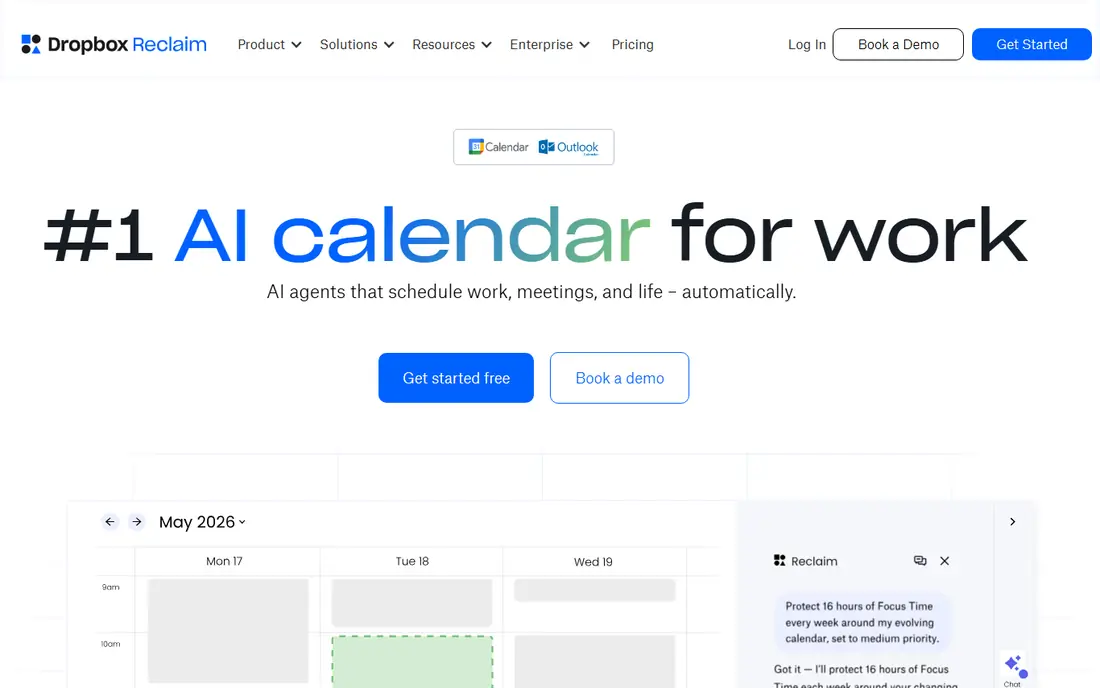
Reclaim.ai works as a layer on Google Calendar or Outlook, defending focus time, scheduling habits, and auto-scheduling tasks around meetings. When a meeting moves, Reclaim can reschedule protected blocks, which helps people whose calendars fill quickly. Booking links add a simple way for others to book time without email back-and-forth. The free Lite tier covers basic use, while paid plans start around $10 per seat per month billed annually in recent pricing checks, with higher tiers for teams. Setup takes time, since habits, priorities, and scheduling rules need configuration. For focus protection at low cost, Reclaim is the strongest value pick in this list.
- Free Lite tier, auto-schedules tasks and habits, works with Google and Outlook
- Paid tiers needed for full team features, interface takes setup time

Motion combines tasks, projects, docs, and calendar into one AI workspace, then builds a daily schedule from deadlines and priorities. When priorities change, Motion reschedules tasks automatically, which suits managers and knowledge workers with many competing deadlines. The app works with Google Calendar and Outlook. Motion has no free tier, and solo pricing sits around $29 per month billed annually, or $49 month to month, in recent pricing checks. That price is hard to justify for light calendar use. For users who want task management and calendar automation in one place, Motion offers the deepest auto-scheduling in this list.
- Auto-schedules tasks and projects, calendar and task manager in one app, reschedules automatically
- No free tier, higher price, setup can take days for complex projects
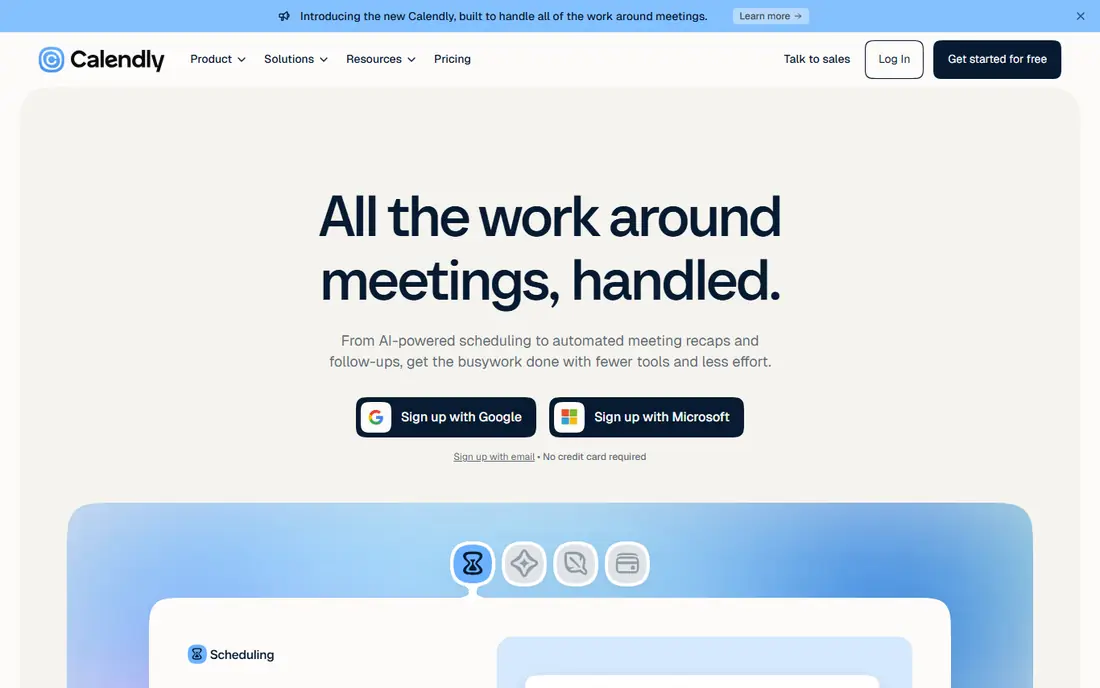
Calendly is a booking tool rather than a full auto-scheduler, but it belongs in an AI calendar comparison because it removes scheduling email and handles time zones, buffers, and reminders. Users create event types, share a link, and let others book available slots. Team plans add round-robin assignment and routing. Calendly pricing starts free for basic use, with paid plans around $10 to $16 per seat in recent checks. It will not defend focus time or auto-schedule tasks like Reclaim or Motion, so pair it with a calendar layer if you need both booking and auto-scheduling. For client-facing booking, Calendly remains a standard choice.
- Simple booking links, round-robin routing, wide calendar and video integrations
- Does not auto-schedule your own tasks, paid tiers needed for team routing and automation
Cal.com offers booking links with unlimited event types for solo users, plus team plans with routing and scheduling automation. Routing forms help screen inbound requests and direct them to the right person or event type. The open source option appeals to teams that want more control over hosting and data. Team pricing sits around $12 per user per month in recent checks, while solo use is free. Cal.com does not auto-schedule tasks in the way Motion does, so it suits booking-first users. For a free, flexible booking layer, Cal.com is a strong alternative to Calendly.
- Free solo tier, unlimited event types, routing forms, open source option
- Interface can feel technical, auto-scheduling features are thinner than Motion
Morgen aggregates calendars from Google, Outlook, iCloud, and other sources into one view, with task lists and scheduling tools alongside. That aggregation helps freelancers, founders, and anyone juggling work and personal calendars. An AI planner in beta suggests placements for tasks, though it is less mature than Motion auto-scheduling. Morgen offers a free tier with limited calendars and paid plans around $15 per month in recent comparisons. Check the current Morgen pricing page for plan details, since tiers change. Morgen suits calendar unification first, with AI scheduling as a growing bonus.
- Multi-calendar view, task integration, AI planner in beta
- AI features are still developing, pricing varies by plan
Sunsama guides users through a daily planning ritual: pull tasks from connected tools, drag them onto the calendar, and review the day. That structured ritual helps people who feel overwhelmed by an unstructured task list. Integrations cover Google Calendar, Outlook, and popular task tools. Sunsama pricing sits around $20 per month, or $16 per month billed annually in some pricing comparisons, with no free tier. It does not auto-schedule tasks like Motion, since the user places each task. For mindful, manual planning, Sunsama is a strong pick.
- Guided daily planning, task drag to calendar, integrations with Google and Outlook
- Manual planning rather than full auto-scheduling, no free tier
Akiflow pulls tasks from many sources into one inbox, then lets users time-block them onto a calendar with keyboard shortcuts. That speed appeals to power users who plan each day in minutes. Calendar support covers Google, Outlook, and iCloud, which is wider than some AI calendar tools. Akiflow pricing in recent comparisons sits around $19 to $24 per month depending on billing, with no free tier. Check the current Akiflow pricing page before subscribing. Akiflow suits fast manual planners, rather than users who want the AI to build the whole day alone.
- Fast task capture, time blocking, many task integrations, calendar support for Google, Outlook, and iCloud
- Manual placement rather than full AI auto-scheduling, no free tier
Fantastical
Best for: Apple users who want fast natural language calendar entry
Fantastical lets users type phrases such as lunch with Sam tomorrow at noon, and turns them into calendar events with correct dates, times, and alerts. That natural language entry saves time for people who add many events manually. Calendar views, widgets, and Apple integration make it pleasant for daily use. Fantastical is not a full AI auto-scheduler like Motion or Reclaim, since it does not auto-place tasks or defend focus time. It offers a free basic tier, with paid plans for full features. For Apple users who want a fast, clean calendar, Fantastical is a practical pick.
- Natural language input, clean calendar views, Apple device integration
- AI depth is limited, mainly a calendar app with smart input rather than auto-scheduling
How we picked these
We compared official feature pages, pricing pages, app store listings, privacy policies, and public reviews, and we kept only tools that work today in October 2026 for calendar scheduling, auto-scheduling, or booking. Clockwise was excluded because it shut down on March 27, 2026. We favoured tools with clear calendar support, stated pricing, and a distinct scheduling strength.
Buying guide: how to choose the best AI calendar app
Decide between auto-scheduling and booking
Auto-scheduling tools such as Motion and Reclaim place tasks and protect focus time. Booking tools such as Calendly and Cal.com let others book your available time. Many users need both, so a common setup is Reclaim for focus plus Calendly or Cal.com for booking, rather than one tool for everything.
Check calendar and tool integrations
Most tools support Google Calendar and Outlook, while iCloud support varies. Check integrations with your task manager, video tool, CRM, and Slack before paying, since a missing integration can break an otherwise good workflow. Trial periods help reveal sync gaps.
Test with a real week, not a demo day
Calendar tools behave differently when meetings move, deadlines shift, and tasks pile up. Use a trial week with real work, and watch how rescheduling, buffers, and focus blocks behave. A tool that looks smart on day one may need too much manual fixing by day five.
Review privacy and admin controls
Calendar data is sensitive, so check data retention, sharing defaults, and admin controls for teams. Work users should confirm whether their employer allows third-party calendar tools, and whether single sign-on or audit controls are available on paid plans.
FAQ
What is the best AI calendar app for focus time?
Reclaim.ai suits focus time best for most users, because it defends focus blocks and habits and offers a free tier. Motion also protects focus, but through full task auto-scheduling at a higher price.
What are the best AI calendar tools for auto-scheduling tasks?
Motion offers the deepest auto-scheduling, while Reclaim offers strong task and habit scheduling at lower cost. Morgen and Trevor AI offer lighter scheduling, so check whether you need full automation or simple suggestions.
Is Clockwise still available?
No, Clockwise shut down on March 27, 2026, after its team joined Salesforce, according to public notices. Former Clockwise users often move to Reclaim for focus protection or Motion for full auto-scheduling.
Do AI calendar apps work with Outlook?
Reclaim, Motion, Calendly, Cal.com, Morgen, Sunsama, and Akiflow support Outlook in various forms, while Fantastical focuses more on Apple calendars. Check each vendor page for your exact Outlook plan, since business and personal support can differ.
Are AI calendar apps safe for work calendars?
Reputable tools use standard calendar permissions and offer admin controls on paid plans, but calendar data is sensitive. Review privacy policies, limit permissions to what the tool needs, and confirm employer policy before connecting a work calendar.
Should I pay for an AI calendar app or use Google Calendar focus time?
Google Calendar focus time works as a free fallback for simple recurring blocks. Paid AI tools add auto-rescheduling, habit protection, task scheduling, and booking, which help when calendars change often or task load is high.
Sources
https://www.reclaim.ai https://www.usemotion.com https://www.calendly.com https://www.cal.com https://www.morgen.so https://www.sunsama.com https://www.akiflow.com https://www.fantastical.com