Best AI Call Center Software in 2026: 8 Platforms Compared
Compare the best AI call center software in 2026, from Genesys and Five9 to Talkdesk and Dialpad, with pricing, AI features, and the right fit for each team.
- Editor's choice
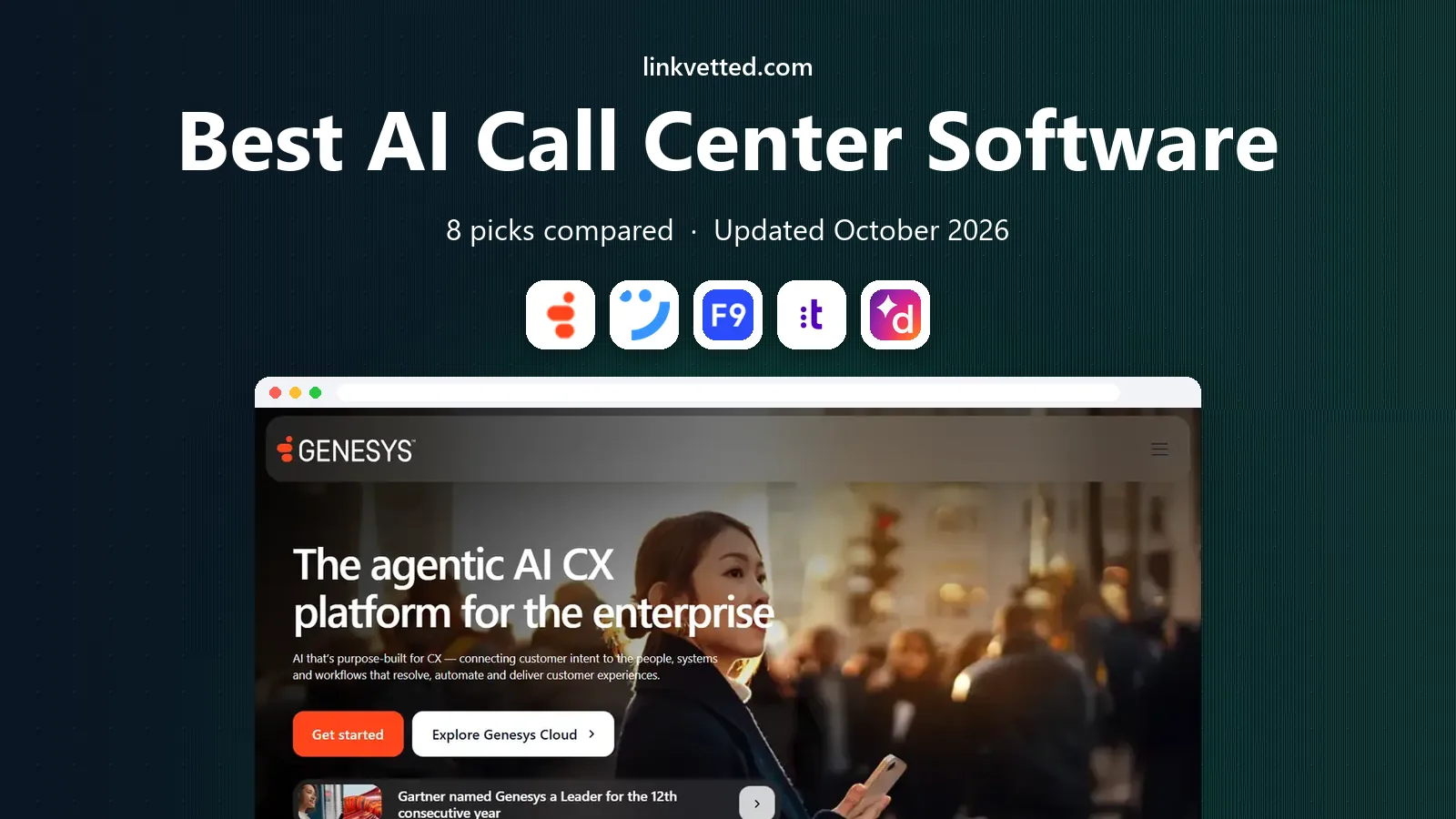
 Genesys Cloud CX
Large global contact centers
Starts at$75 per user per monthVisit genesys.comFull review - Great alternative
 NICE CXone
Enterprise AI and workforce tools
Starts at$110 per agent per monthVisit nice.comFull review - Also consider
 Five9
High-volume blended centers
Starts at$119 per seat per monthVisit five9.comFull review
TL;DR:
- Genesys Cloud CX and NICE CXone lead for large, complex contact centers, but implementation takes weeks, not days.
- Dialpad and RingCentral RingCX suit smaller teams that want AI transcription and coaching without an enterprise project.
- Five9's concurrent-seat pricing can suit high-volume teams, but its 50-seat minimum rules out small centers.
- Amazon Connect is the pay-as-you-go outlier, with per-minute pricing instead of a seat fee.
- Price AI, minutes, numbers, and implementation separately, because the seat price alone hides much of the bill.
Quick comparison
| Tool | Best for | Starts at | Free plan? | |
|---|---|---|---|---|
| Genesys Cloud CX | Large global contact centers | $75 per user per month | Free trial | Visit |
| NICE CXone | Enterprise AI and workforce tools | $110 per agent per month | No | Visit |
| Five9 | High-volume blended centers | $119 per seat per month | No | Visit |
 Talkdesk | Industry-specific contact centers | $85 per user per month | No | Visit |
 Dialpad Ai Contact Center | Mid-market teams wanting built-in AI | $80 per user per month | Free trial | Visit |
 RingCentral RingCX | Phone plus contact center in one | $65 per user per month | Free trial | Visit |
 Aircall | Small teams with many integrations | $30 per license per month | Free trial | Visit |
 Amazon Connect | Pay-as-you-go AWS contact centers | See website | No | Visit |
The best AI call center software
AI call center software now covers three different jobs: answering routine calls itself, helping human agents during a call, and analysing calls afterwards for quality and coaching. The platforms below differ in which of those jobs they do best, and at what scale.

Genesys Cloud CX starts at 75 dollars per user a month billed yearly for voice, with CX 2 at 115, CX 3 at 155, and CX 4 at 240 dollars. That ladder matters, because digital channels, advanced AI, and workforce tools sit on higher tiers. For a large center, the breadth is the point: voice, chat, email, social, routing, and analytics in one platform.
Smaller teams should be careful. Genesys is built for scale, and the time to go live is measured in weeks. If you have a handful of agents, a lighter platform will give you AI transcription and summaries sooner and cheaper.
- Broad omnichannel routing and orchestration
- Strong workforce management at higher tiers
- Large global customer base
- AI features are tiered and some are usage-based
- Implementation is a project, not a setup wizard
- CRM integration is an add-on in some tiers
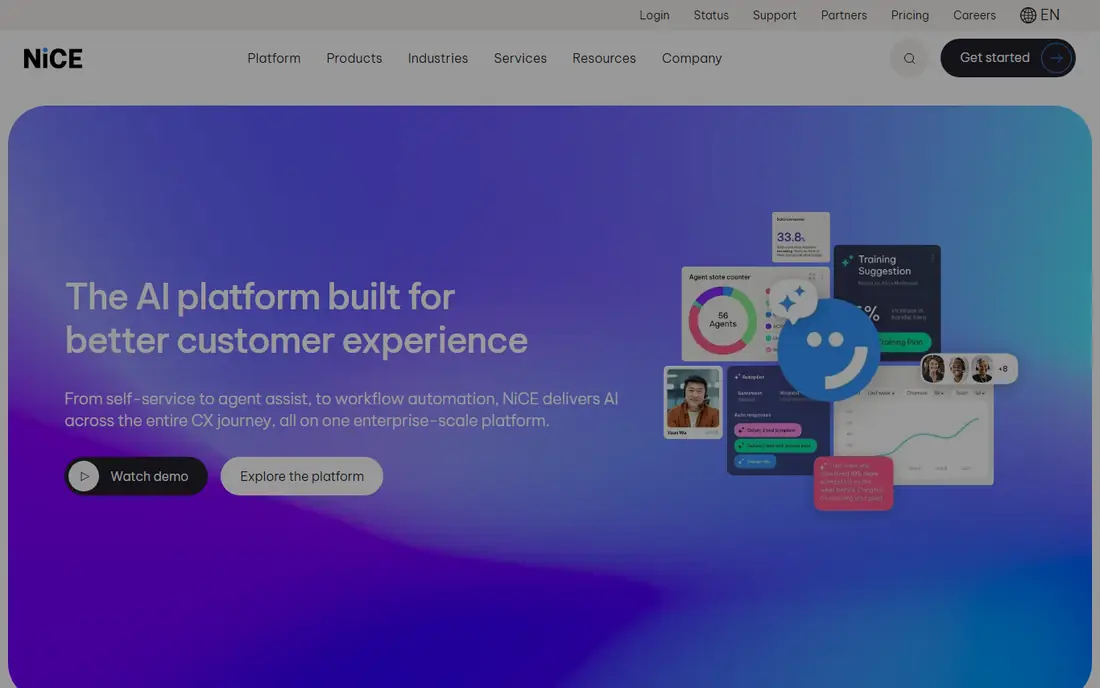
NICE CXone starts with an omnichannel tier at 110 dollars per agent a month, rising through Essential, Core, and Complete to Ultimate at 249 dollars plus per-session charges. The higher tiers add the AI features many buyers actually want, such as Copilot agent assist, AI summaries, and self-service agents, so the entry price is not the AI price.
For large, regulated operations, that depth is worth paying for. Workforce management, quality management, and analytics are unusually complete here. For a mid-sized team, the same depth can feel like paying for a system you will only partly use.
- Deep AI, quality, and workforce management in one suite
- Strong for regulated and complex operations
- Broad channel coverage
- Copilot and self-service AI agents sit on the highest tier
- Pricing climbs quickly
- Implementation takes time
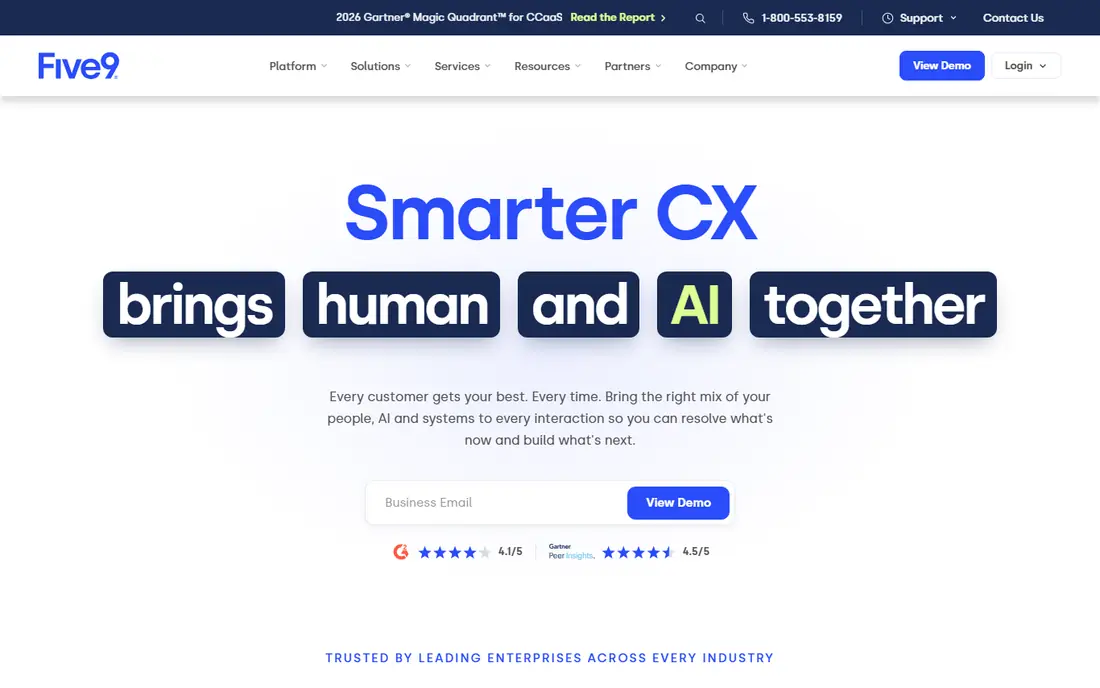
Five9 prices by concurrent seat rather than by named user, which suits centers where agents work in shifts and not everyone is on the phones at once. Digital starts at 119 dollars per concurrent seat a month, and Core at 159 dollars, both with a 50-seat minimum in published comparisons. That structure is a good deal for large shift teams and a non-starter for small ones.
AI summaries and live transcription appear from Core, while virtual agents and deeper AI are add-ons. Five9 is a proven, high-volume choice, but buyers should get a full quote that separates seats, AI, minutes, and implementation before comparing it with a named-user platform.
- Strong inbound, outbound, and blended dialing
- Concurrent-seat licensing suits shift-based teams
- Reliable at high volume
- 50-seat minimum on published tiers
- AI agents and some AI features are add-ons
- Higher bundles are quote-only
Talkdesk starts at 85 dollars per user a month for digital, 105 dollars for voice, and 165 dollars for Elite, with industry clouds at 225 dollars. The industry editions are the differentiator: prebuilt workflows and compliance-aware templates for sectors where a generic contact center needs heavy customisation.
That focus helps mid-market and enterprise teams in regulated or specialised sectors. It helps less if you want a simple, published AI price. Talkdesk AI, known as CXA in recent material, is often priced through sales, so a demo and a written quote matter more than the homepage tier list.
- Industry editions for healthcare, finance, and retail
- Strong automation and AI tooling
- Clean agent workspace
- AI features are often priced through sales
- Voice and digital together need higher tiers
- Enterprise pricing needs a quote for full scope
Dialpad's contact center starts at 80 dollars per user a month billed yearly for Essentials, with Advanced at 115 and Premium at 150 dollars. Transcription is included on every plan, which is a real advantage for teams that want every call searchable without buying an add-on. The Premium tier adds AI scorecards and deeper coaching tools.
The confusion to avoid is Dialpad's cheaper business phone pricing, which is a different product. Contact center buyers should compare the Support tiers above, plus minutes, and check that the AI features they want are on the tier they plan to buy.
- AI transcription and summaries built in from the start
- One vendor for phones and contact center
- Fast to deploy
- AI scorecards sit on the Premium tier
- Per-minute call charges apply on top
- Contact center pricing is separate from basic phone plans
RingCX starts at 65 dollars per user a month billed yearly for Standard, with Professional at 95 and Elite at 145 dollars. For teams already using RingCentral for company phones, adding RingCX avoids a second vendor, a second admin console, and a second set of integrations.
RingCX will not match the AI and workforce depth of the enterprise leaders, and that is fine for many buyers. It suits teams that want a solid omnichannel center with AI assistance, without running an enterprise implementation project.
- Lowest published omnichannel seat price on this list
- One vendor for internal phones and customer contact
- Quick deployment
- AI depth is lighter than Genesys or NICE
- Higher tiers needed for advanced features
- Minutes and add-ons add cost
Aircall starts at 30 dollars per license a month with a three-license minimum in published comparisons, which makes it one of the most accessible entries here. It integrates with more than 100 tools, including major CRMs and help desks, and small teams can be live in days rather than weeks.
The trade is scope. Aircall is a strong phone system with contact center features and AI add-ons, not a full enterprise workforce platform. AI voice agents start from around 19 cents a minute in recent comparisons, so high-volume AI answering needs its own budget line.
- Easy setup with a small minimum
- Large integration marketplace
- AI voice agents available as an add-on
- Contact center depth is lighter than enterprise suites
- AI voice agents cost extra per minute
- Advanced routing needs higher tiers
Amazon Connect charges by use: voice from around 3.8 cents a minute plus telephony, chat from around 1 cent a message, and email from around 8 cents a message in published comparisons. There is no per-agent seat fee, which changes the maths for seasonal or spiky volumes.
That flexibility comes with build work. A basic center can be live quickly, but a production center with routing, CRM integration, AI agents, and reporting needs AWS expertise and time. Teams already on AWS, with developers available, get the most from it. Teams that want a packaged center should prefer a seat-priced platform.
- No seat fee, with per-minute voice and per-message chat pricing
- Scales with usage
- Strong fit for AWS teams
- Building a full center needs AWS skill
- Telephony and AI usage add up
- Support tooling is less packaged than rivals
How we picked these
We compared official pricing pages, product documentation, and independent contact center comparisons published in 2026, focusing on platforms with real AI features such as transcription, summaries, agent assist, or voice agents. We kept only tools that are actively sold to US businesses and that cover voice as a core channel. We mixed enterprise suites, mid-market platforms, small-team tools, and a usage-priced option, because the right AI center depends on team size as much as on AI features.
How to pilot AI without annoying callers
Start with the simplest, most repeated call type, such as order status, opening hours, or appointment booking. Measure how often the AI resolves the call fully, how often it hands off cleanly, and how callers rate the experience. A pilot on one call type gives you a containment rate you can trust, while a wide launch gives you noise.
Keep a human path obvious and fast. Callers accept an AI agent far more readily when they can reach a person without repeating themselves, and when the AI hands over the conversation history. Set a clear escalation rule before launch, and review failed calls weekly in the first month, because those failures are where the AI improves fastest.
FAQ
What is the best AI software for call centers?
There is no single winner. Genesys and NICE lead for large, complex centers, Dialpad and RingCentral suit mid-sized teams that want built-in AI quickly, and Amazon Connect suits AWS teams with variable volume. Match the platform to your agent count and your AI use case first.
Can AI really handle customer calls on its own?
For routine, well-defined calls, yes, with vendor-reported containment rates often between 30 and 70 percent. For complex, emotional, or high-stakes calls, AI works better as an assistant that transcribes, summarises, and suggests next steps for a human agent.
How much does AI call center software cost?
Seat-priced platforms on this list start from around 30 dollars per license a month for Aircall to 110 dollars or more for enterprise suites, before minutes, AI add-ons, and implementation. Amazon Connect is different, charging per minute and per message with no seat fee.
Do I need a CRM to use AI call center software?
You need somewhere for customer data to live, and a CRM is the natural home. Every platform here integrates with Salesforce, HubSpot, Zendesk, or similar tools, and the quality of that integration matters more than the feature list, so verify it in a live demo.
How long does it take to set up an AI call center?
Small-team tools such as Aircall and Dialpad can go live in days. Enterprise platforms such as Genesys, NICE, and Five9 typically take 8 to 16 weeks including routing design, CRM integration, agent training, and number porting.
What is the difference between AI agent assist and an AI voice agent?
Agent assist helps a human during a call with transcription, summaries, and suggested replies. An AI voice agent talks to the caller directly and tries to resolve the call without a human. Many centers use both, with the voice agent handling routine calls and assist supporting the rest.