AI AR WYSIWYG Editor Software in 2026: The 6 Best Options Side by Side
Best AI AR WYSIWYG editor software, compared. 6 tools with published prices, free plans and limits. Verdicts stay brief and factual. Skim the table first.
- Editor's choiceWix Studio
Agencies and enterprise delivery
Starts atSee websiteVisit wix.comFull review - Great alternativePlasmic
Visual editing inside your codebase
Starts at$39 a monthVisit plasmic.appFull review - Also consider
 Webflow
Structured business sites at scale
Starts at$15 per monthVisit webflow.comFull review
Direct answer
Wix Studio is the first pick on this list for agencies and enterprise delivery. Listed starting prices: Plasmic from $39 a month, Webflow from $15 per month and Anima from $500 per month. For a different need, Plasmic covers visual editing inside your codebase and Webflow covers structured business sites at scale. Details, prices and limits for the rest of the 6 tools are below.
TL;DR:
- The list opens with Wix Studio, aimed at agencies and enterprise delivery.
- For cross-team collaboration in one codebase, Builder.io is worth a look.
- Framer is the lowest-priced starter here at $10 per month.
- Before buying Anima, weigh this: output quality depends on input design.
Last checked November 2026. Prices and plan details were read from the vendors' own pages in November 2026; vendors change plans often, so confirm the current price on the vendor site before you buy.
Quick comparison
| Tool | Best for | Starts at | Free plan? | |
|---|---|---|---|---|
| Wix Studio | Agencies and enterprise delivery | See website | Not stated | Visit |
| Plasmic | Visual editing inside your codebase | $39 a month | Yes | Visit |
| Webflow | Structured business sites at scale | $15 per month | Yes | Visit |
 Anima | Turning Figma designs into code | $500 per month | Yes | Visit |
 Framer | AI-assisted site design and launch | $10 a month | Yes | Visit |
 Builder.io | Cross-team collaboration in one codebase | $24 per user per month | Yes | Visit |
6 options for AI AR WYSIWYG editor software in detail
Choosing AI AR WYSIWYG editor software usually comes down to price, fit and limits. This LinkVetted guide sets 6 tools side by side on those three points, with the facts kept short and checkable.
Wix Studio
Best for: Agencies and enterprise delivery
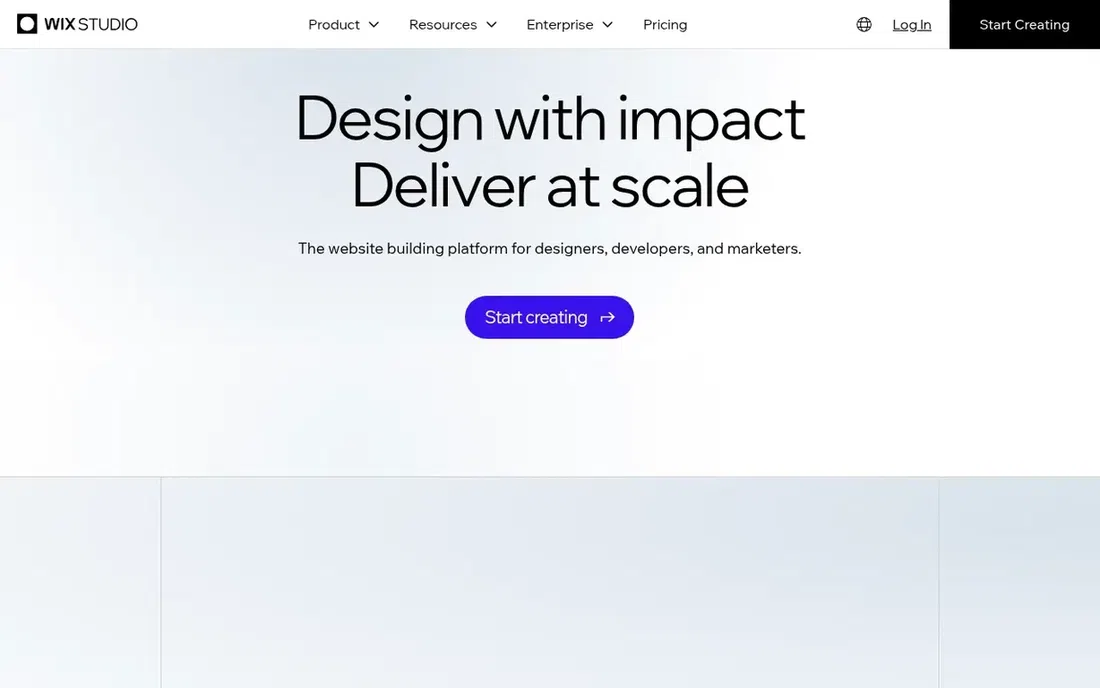
Choose Wix Studio for agencies and enterprise delivery. It suits teams that deliver plenty of client sites and want a visual editor with management tooling in the same environment.
Drawbacks to consider: Platform-bound instead of code-export first.
As for the details, consider it when delivery speed and management matter more than portability. Check the vendor site for Wix Studio pricing; none is listed in this comparison. On free options: Not stated.
- Positioned for agencies and enterprises
- Smart design and dev capabilities
- Advanced customization can need workarounds
Plasmic
Best for: Visual editing inside your codebase
In short, Plasmic is for visual editing inside your codebase. Product teams shipping app interfaces will find the model familiar.
Beyond that, choose it when code integration matters more than launching a standalone site rapidly. Plasmic pricing: $39 per month. Free access exists with Plasmic.
What to check first: Less marketing-site tooling from day one.
- Builds internal tools and user-facing products
- Visual editor without product lock-in
- Developer setup required
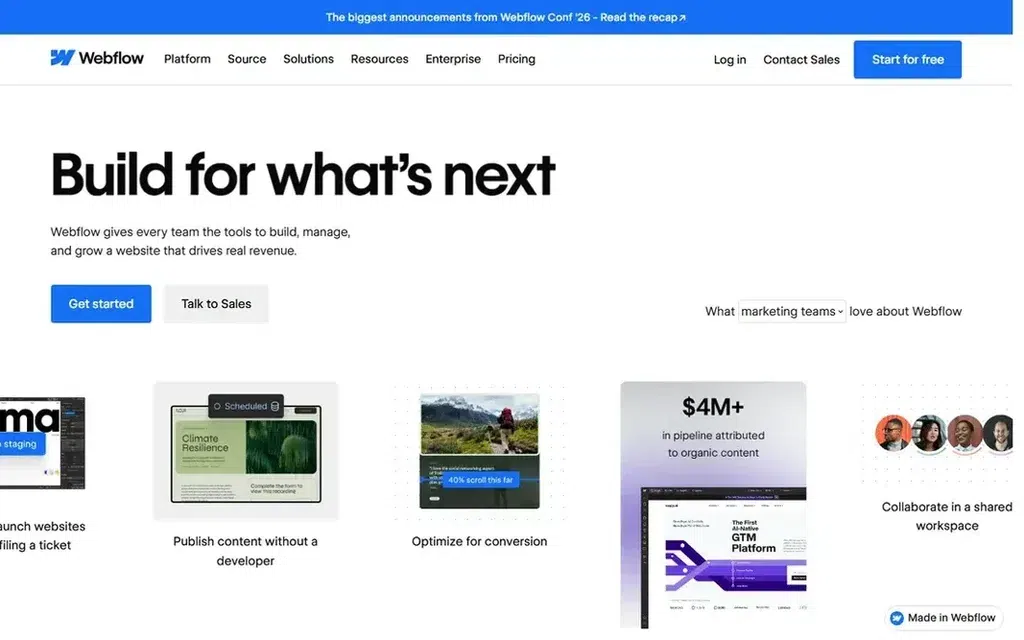
Webflow is built with structured business sites at scale in mind. Teams building internal tools or app interfaces may prefer a component-driven tool like Plasmic or Builder.io.
Where it is weaker: Ramp-up time for advanced interactions.
Price to start with Webflow: $15 per month. You can start on Webflow without paying.
- Build and optimize in one place
- CMS and AEO built in
- Visual model can feel rigid for app logic
Anima targets turning Figma designs into code. Anima is a design-aware AI agent that bridges creativity and code, generating production-ready apps from Figma files, URLs or prompts. For everyday use, results depend heavily on the quality of the source design, so messy files produce messier code.
Strengths: Accepts Figma files.
It is less oriented toward continuing content management, so teams running content-heavy sites may pair it with a CMS-first product instead. From a buyer's view, the workflow is most solid when a clear design already exists. Starting cost for Anima: $500 per month. Free access exists with Anima. Points against: Output quality relies on input design.
- URLs or prompts
- Design-aware AI agent
- Centred on generation instead of continuing CMS work
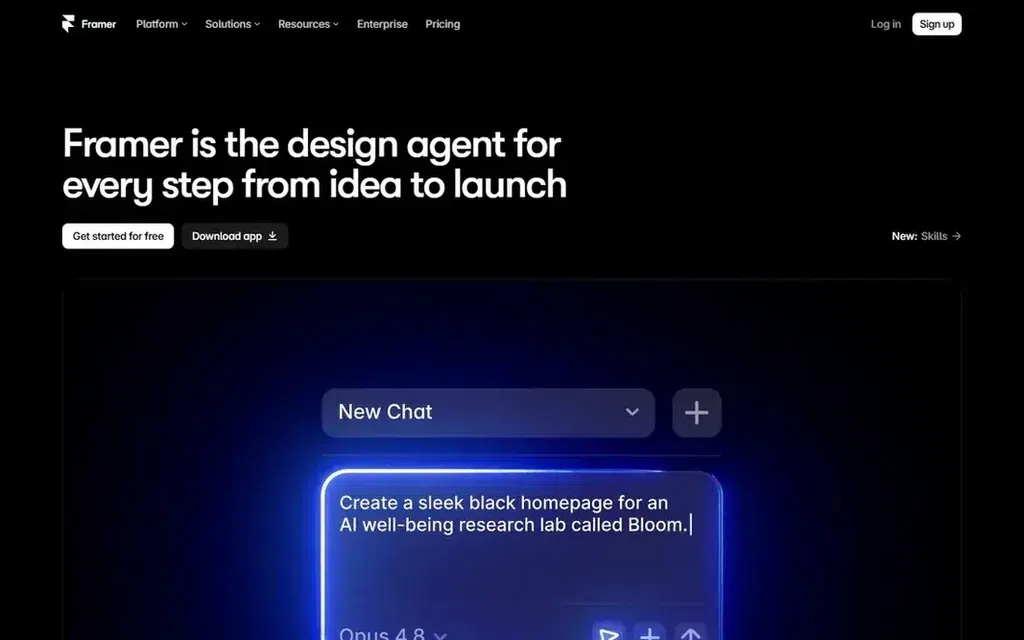
Pick Framer if this describes you: AI-assisted site design and launch. Framer is a website builder centered on a design agent that takes a concept toward launch whereas keeping generated changes editable.
Drawbacks to consider: Less suited to deep custom codebases.
In daily use, if your project relies on a large existing codebase, a code-first choice such as Plasmic or Builder.io is worth comparing before committing. Hosting, CMS, analytics, SEO and AEO are built in, which means marketing teams can publish without stitching tools together. Entry price for Framer: $10 per month. Framer includes a free tier.
- Changes stay editable after generation
- Analytics and SEO included
- Best value for marketing-style sites
Builder.io targets cross-team collaboration in one codebase. Builder.io is a collaborative product for building with AI agents, giving engineers, designers, PMs and marketers one codebase and one source of truth.
Work stays on brand and in code with no handoffs to clean up, which fits product organizations where several roles touch the same interface. It assumes engineering participation and an existing codebase, so solo designers or straightforward marketing sites may find it heavier than needed. Starting cost for Builder.io: $24 per user per month. A free plan is available with Builder.io.
Points against: Needs engineering involvement.
- Works with AI agents
- Keeps output on brand and in code
- Setup assumes an existing codebase
How we built this list
The comparison looks at four things: starting price, free access, how well the feature set matches AI AR WYSIWYG editor software, and the main limit of each tool. Seat minimums, billing terms and add-ons can move the real cost, so the starting prices here are a guide and not a quote. Order on the page follows fit for the typical buyer first, then price transparency and free access. Your own requirements should decide the final pick.
Pre-purchase checklist
- Confirm the entry price on the vendor page. For Wix Studio that means a quote rather than a fixed price.
- Check what the free option really includes: Plasmic, Webflow, Anima and others offer a free plan, and usage caps differ.
- Before choosing Wix Studio, weigh its main limit: platform-bound instead of code-export first.
- Map your must-have features to a specific Anima plan before you compare prices.
- The entry price of Webflow is only the starting point; model the full cost with seats and extras.
FAQ
Should I pick a hosted builder or a code-integrated tool?
Code-integrated tools like Builder.io and Plasmic suit teams that already have a codebase and need the visual editor to fit inside it.
How are the tools for AI AR WYSIWYG editor software ordered?
The order follows typical fit for AI AR WYSIWYG editor software, with Wix Studio first and Builder.io last, then price clarity and free access. It is editorial judgement, not a score, so another team could rank the tools differently.
Is Wix Studio the right pick for everyone comparing AI AR WYSIWYG editor software?
No single tool suits every team. Wix Studio comes first because it fits agencies and enterprise delivery, while Plasmic suits visual editing inside your codebase and Webflow suits structured business sites at scale. Match the tool to your own size, budget and workflow before deciding.
What is the cheapest option for AI AR WYSIWYG editor software in this list?
On published monthly entry prices, Framer is the lowest here at $10 per month. Entry price is only part of the cost, because seats, add-ons and billing terms can change the total. All 6 picks in this AI AR WYSIWYG editor software comparison list a starting price, free plan details and the main limits on their cards above.
Which options for AI AR WYSIWYG editor software have a free plan?
On this list, Plasmic, Webflow, Anima, Framer and Builder.io include a free plan. Caps on seats, usage or features are common, so test the free plan against your real workload.
Sources
- https://www.wix.com/studio
- https://www.plasmic.app
- https://webflow.com
- https://www.animaapp.com
- https://www.framer.com
- https://www.builder.io