Best AI Video Editor Apps in 2026: 9 Apps Compared
Best AI video editor app picks for 2026: we compare 9 editors on AI tools, credits, captions and price, so creators can pick the right app for their videos.
- Editor's choice
 Descript
Editing video by editing text
Starts at$24 per monthVisit descript.comFull review - Great alternative
 CapCut
Fast mobile and desktop editing
Starts atFreeVisit capcut.comFull review - Also consider
 Runway
AI video generation
Starts at$15 per monthVisit runwayml.comFull review
TL;DR:
- Descript and VEED suit creators who edit existing footage, with transcript editing and strong caption tools.
- Runway leads for AI generation, while Pictory, Lumen5 and InVideo turn text and long videos into finished clips.
- Synthesia and Opus Clip solve narrow jobs well: avatar presenters and short-form clips from long recordings.
- CapCut is the cheapest way to start, but credit limits and export rules matter on every AI tool here, so check them first.
Quick comparison
| Tool | Best for | Starts at | Free plan? | |
|---|---|---|---|---|
| Descript | Editing video by editing text | $24 per month | Yes | Visit |
| CapCut | Fast mobile and desktop editing | Free | Yes | Visit |
| Runway | AI video generation | $15 per month | Yes | Visit |
 Pictory | Turning text and long videos into clips | $29 per month | Free trial | Visit |
 Synthesia | Avatar presenter videos | $29 per month | Yes | Visit |
 Opus Clip | Short clips from long videos | $15 per month | Yes | Visit |
 InVideo | Template-based AI video creation | $17 per month | Yes | Visit |
 VEED | Browser editing with captions and AI tools | $9 per month | Yes | Visit |
 Lumen5 | Blog and script to video | $19 per month | Yes | Visit |
The best AI video editor apps
AI video editors fall into three groups: editors that clean up footage you already shot, generators that create new clips from text, and repurposing tools that turn long videos into short ones. The nine apps below cover all three, so start with the job you do most often, not the tool with the longest feature list.
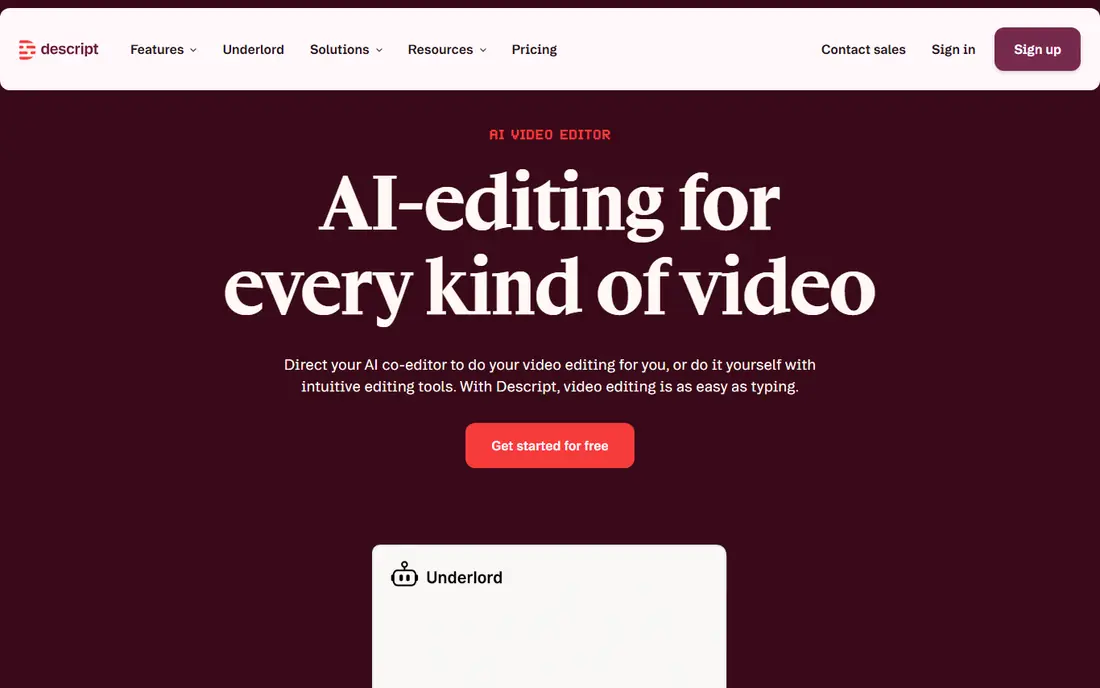
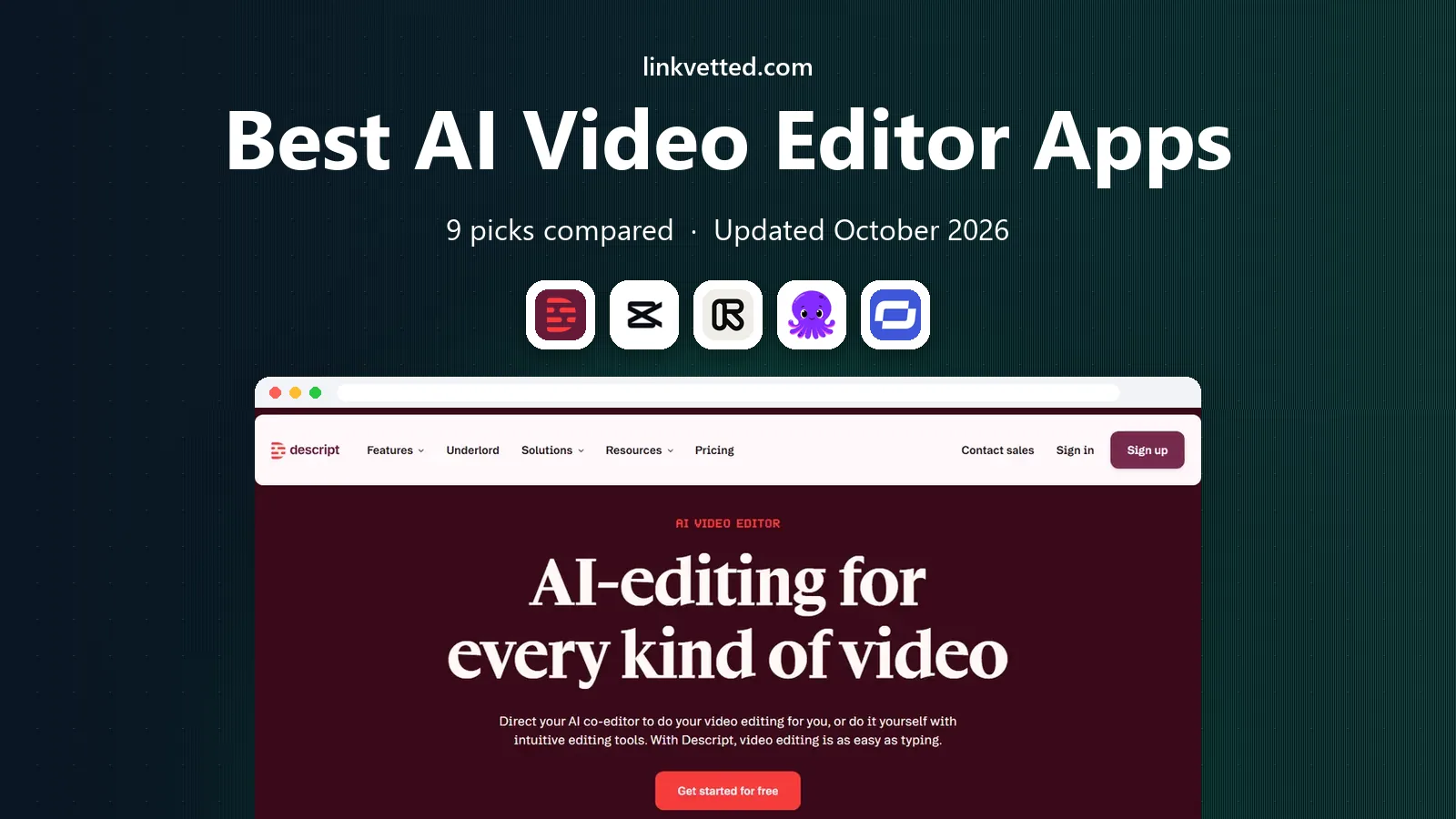
Descript changes how editing feels. You upload a recording, get a transcript, and cut video by deleting words from the text. That workflow suits podcasts, interviews, tutorials and talking-head videos, where the words drive the edit. Studio Sound cleans up noisy audio, and filler word removal tidies speech without manual cutting.
Pricing starts at $24 per month on monthly billing for Hobbyist, with $16 per month on annual billing, and plans measure media minutes and AI credits separately. That metering can surprise heavy users, so check your monthly volume. If you edit spoken video often, Descript saves more time than any other tool here.
- Transcript-based editing
- Studio Sound audio cleanup
- Filler word removal
- Credit and media limits vary by plan
- Less suited to pure AI generation
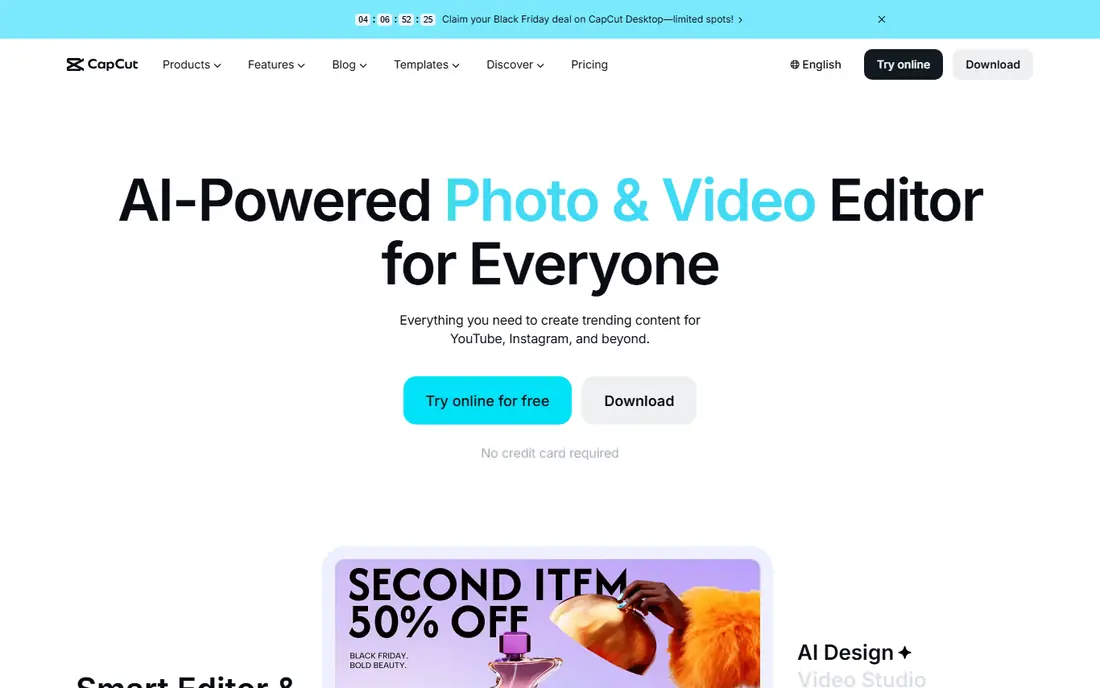
CapCut is the fastest way to make a polished short video. The free editor covers trimming, captions, effects, transitions and templates, with mobile and desktop apps that sync projects. AI tools for captions, background removal and script-to-video sit alongside the manual timeline, which helps creators who want speed without learning a complex editor.
The free tier is generous, but some exports and premium effects need Pro, and pricing varies by platform. CapCut is less suited to long-form editing or avatar generation. For social videos, reels and quick edits, it is the best free starting point in this list.
- Free core editing
- Templates and effects
- Mobile and desktop apps
- Some exports carry watermarks on free use
- Pro features and AI tools cost extra
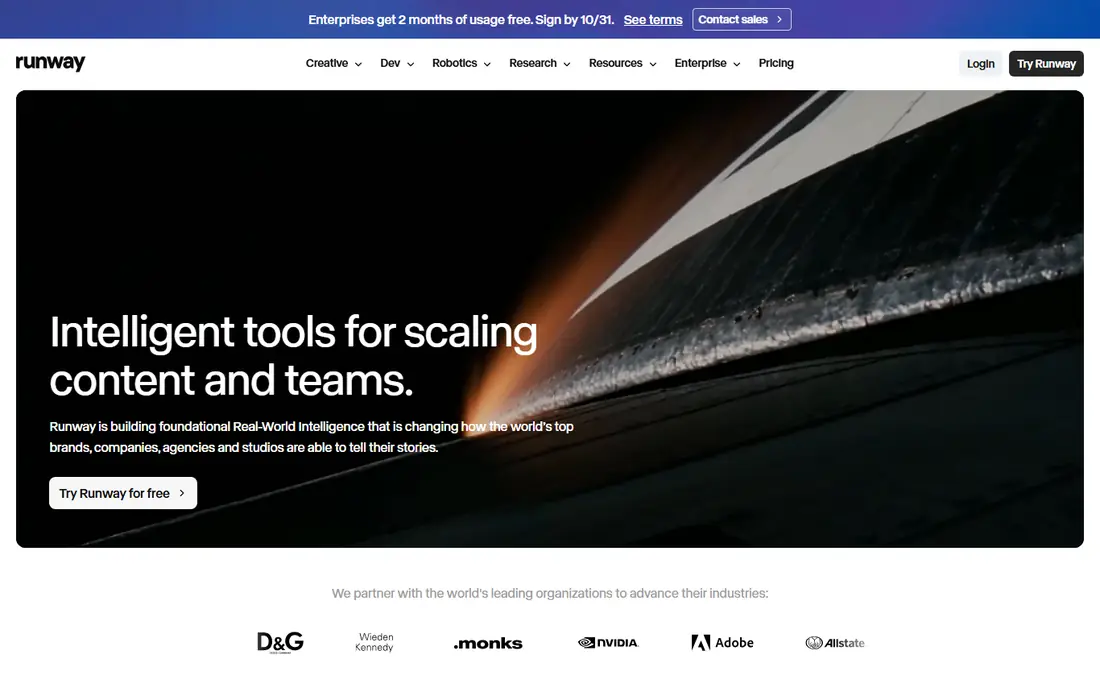
Runway is the generation pick. Its models turn text and images into video clips, with editing tools for inpainting, upscaling and motion control. Creators use it for ads, music videos, product shots and experimental work where filming is costly or impossible. The Standard plan costs $15 per month on monthly billing, with $12 per month on annual billing, for 625 credits.
Credits are the catch: newer models use more credits per second, so a few generations can use a whole month's allowance. The free plan gives 125 one-time credits, not a monthly refill. If you generate video often, budget for Pro or higher, and test prompts on short clips before committing credits.
- Strong generative models
- Image-to-video and text-to-video
- Editing and upscaling tools
- Credit costs rise fast on newer models
- Free plan is limited to one-time credits
Pictory suits marketers and educators who turn articles, scripts and long recordings into finished videos. Paste text and it builds a captioned video over stock footage, or upload a webinar and pull out highlight clips. Starter costs $29 per month, with Professional at $59 and Team at $199, measured in video minutes.
The output leans on stock footage, so it can look generic without careful script and scene choices. There is no permanent free plan, only a trial, and avatar features sit in higher tiers. If you repurpose written or long-form content every week, Pictory's minute-based pricing is easier to plan than credit-heavy generators.
- Text-to-video over stock footage
- Highlight extraction from long recordings
- Predictable minute-based plans
- No permanent free plan, only a trial
- Stock-heavy output can look generic
Synthesia creates presenter videos from a script, with AI avatars that speak in many languages. That suits training, onboarding, product explainers and internal updates, where filming a presenter for every update would be slow and costly. Starter costs $29 per month, with a free Basic tier that allows limited monthly minutes but no downloads.
The limit is tone: avatar presenters work for clear, instructional content, but they struggle with humor, emotion or complex demonstrations. Minutes are metered, so long courses need higher tiers. If you need many training videos fast, Synthesia is the most efficient tool here.
- Large avatar library
- Multilingual output
- No filming or studio needed
- Avatar videos can feel flat for emotional topics
- Minutes are metered by plan
Opus Clip turns one long video into many short clips. Upload a podcast, webinar or interview, and it finds highlight moments, adds animated captions, reframes the video for vertical formats and scores clips for likely engagement. Starter costs $15 per month for 150 credits, while Pro costs $29 per month for 300 credits, with more aspect ratios and team features.
Free exports carry a watermark and expire after three days, and Starter outputs vertical video only, which limits reuse. The AI picks still need human review, since context and accuracy matter. For creators who publish short-form clips every week, Opus Clip saves hours of manual searching.
- AI highlight detection
- Auto captions and reframing
- Auto posting to social platforms
- Free exports carry a watermark and expire
- Starter outputs vertical video only
InVideo suits creators who want a finished video from a prompt or script without starting from a blank timeline. Templates cover ads, explainers, social posts and presentations, with AI tools for scripts, voiceovers and media. Entry pricing starts at around $17 per month on annual billing, with a free tier that resets weekly.
Credit limits and watermarks on free exports mean you should test a full project before committing. The template look can also feel familiar if you do not customize scenes, text and music. For small businesses that need regular video content without an editor, InVideo offers a fast, affordable route.
- Large template library
- AI script and media tools
- Low entry price on annual billing
- Credit limits apply
- Output can feel template-driven without careful editing
VEED is a browser editor that covers the full social video workflow: trim, captions, subtitles, translation, brand kits and AI tools, with team comments and review. Lite starts at around $9 per month, with Pro at $24 per month for more AI features and 4K exports. The free tier allows watermarked exports at lower resolution.
Because it runs in the browser, VEED suits teams that collaborate and publish often, but very large projects may feel smoother in a desktop editor. Check subtitle and AI credit limits for your volume. For marketing teams that need captions, branding and fast turnaround, VEED is a strong all-round pick.
- Browser-based editing with no install
- Strong captions and subtitles
- Collaboration tools
- AI features and exports are metered
- Heavy projects suit desktop editors better
Lumen5 turns a blog post or script into a scene-by-scene video with stock photos, video and captions, without filming or editing skill. That suits content teams that want a video version of every article. Basic costs $19 per month on annual billing, or $29 monthly, with unlimited videos and no branding, while Starter at $59 per month adds 1080p and a larger stock library.
The free Community plan caps videos at 480p, two minutes and five per month, with a branded outro, so it is for testing only. Output also looks like a stock slideshow, not original footage. If your goal is fast, consistent article-to-video content, Lumen5 does that job with the least effort.
- Fast blog-to-video conversion
- Worry-free stock library
- Simple drag-and-drop editing
- Free videos are low resolution with a branded outro
- Paid Basic caps at 720p
How we picked these
We compared official pricing pages, feature lists and public reviews, with weight on the core job each tool does, credit and minute limits, export quality and free access. We favored tools that fit a clear workflow, rather than tools that claim every AI feature at once. Prices and credit rules change often, so check the vendor page for your expected monthly volume before subscribing.
What to check before you choose
Start by naming your main job: editing spoken footage, generating new clips, making avatar training, or repurposing long videos into shorts. That choice narrows the list fast. Then test with a real project, not a demo clip, and check export resolution, watermark rules, caption accuracy and how many credits or minutes a finished video actually uses.
Watch for metering traps: free credits that do not refill, minutes that count differently from credits, and AI features that use separate allowances. Keep a human review step for captions, facts and brand details, since AI tools can mishear words or invent details. A tool that fits your weekly volume beats a cheaper tool that runs out mid-project.
FAQ
What is the best AI video editor app for beginners?
CapCut is the easiest free start for social videos, while VEED suits browser-based editing with captions. Descript is best if you edit spoken videos and like transcript editing, though its plans need a closer look for volume.
Is there a free AI video editor app?
Yes, CapCut, VEED, Runway, Descript, Opus Clip, InVideo and Lumen5 all offer free tiers or trials, but most free exports carry watermarks or resolution limits. Test the free tier with a real video before relying on it for published work.
Which AI video editor is best for YouTube Shorts and TikTok?
Opus Clip is built for turning long videos into vertical shorts, with captions and reframing, while CapCut offers fast manual editing and templates for short-form content. Use Opus Clip for repurposing and CapCut for original short edits.
Can AI video editors replace a human editor?
AI tools speed up captions, clipping, cleanup and first drafts, but human review still matters for story, accuracy, pacing and brand fit. Treat AI output as a strong first draft, not a finished video, especially for client or training work.
How do AI video credits work?
Many tools sell credits or minutes that are used up by generation, editing or export, with newer models costing more per second. Check the vendor's conversion for your model and plan, and budget extra for retries, since a failed generation still uses credits on some tools.