Best AI App Makers in 2026: 8 Tools Compared
Compare the best ai app maker tools that turn prompts into working apps, with free plans, no-code builders, templates and pricing for beginners in 2026.
- Editor's choice
 Bubble
Full web apps
Starts atFreeVisit bubble.ioFull review - Great alternative
 FlutterFlow
Mobile apps with code export
Starts atFreeVisit flutterflow.ioFull review - Also consider
 Glide
Spreadsheet to app
Starts atFreeVisit glideapps.comFull review
TL;DR:
- Bubble and FlutterFlow suit builders who want real apps with databases, logins, and publishing to app stores.
- Glide and Softr are faster for internal tools, directories, and data-driven apps built from a spreadsheet.
- AI generation speeds up a first draft, but you still need to test logins, payments, and data rules before launch.
- Free plans are good for learning and prototypes, while a live app with real users usually needs a paid plan.
Quick comparison
| Tool | Best for | Starts at | Free plan? | |
|---|---|---|---|---|
| Bubble | Full web apps | Free | Yes | Visit |
| FlutterFlow | Mobile apps with code export | Free | Yes | Visit |
| Glide | Spreadsheet to app | Free | Yes | Visit |
 Softr | Data-driven web apps | Free | Yes | Visit |
 Adalo | Simple mobile apps | Free | Yes | Visit |
 Thunkable | Drag and drop mobile apps | Free | Yes | Visit |
 Appy Pie | Quick app builder | Free | Yes | Visit |
 BuildFire | Business apps with support | See website | Free trial | Visit |
The best AI app makers
AI app makers range from prompt-based generators to visual builders with AI help. We included both, because a beginner and a small business owner need different levels of control.
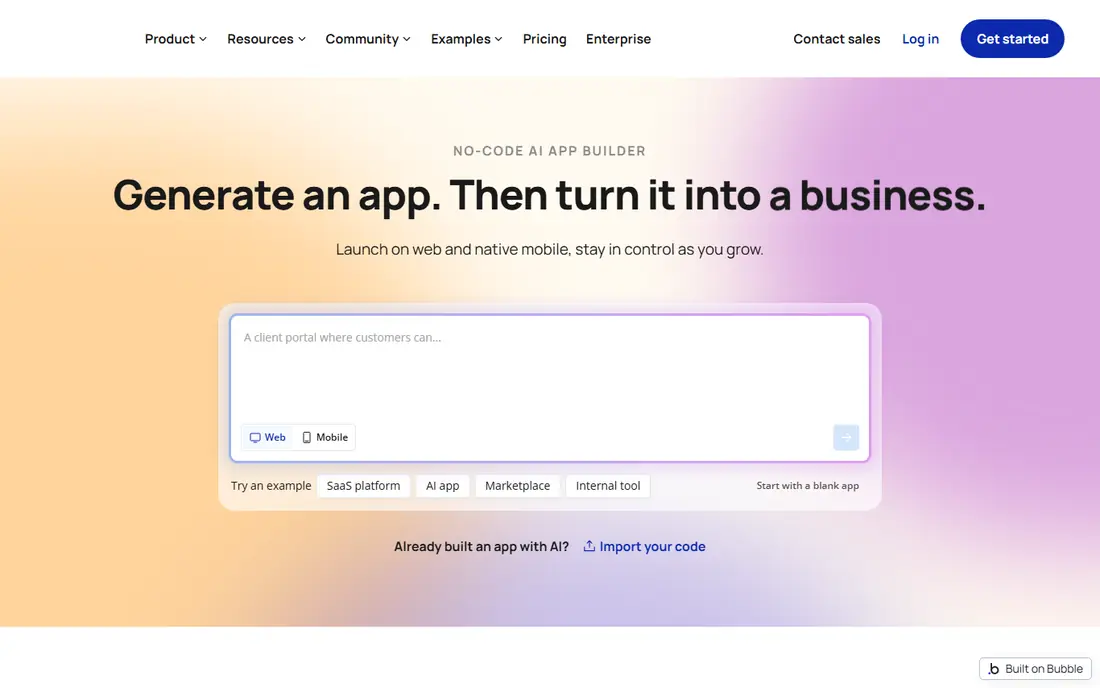
Bubble is our pick for builders who want a real web app, not just a landing page. You can build a database, set up user accounts, create workflows, and connect payment tools, all with a visual editor. AI features can help generate pages and workflows, but the core strength is control over how the app actually works.
The catch is learning time. Bubble rewards builders who spend a few weeks learning its logic, and it is less direct for native mobile apps than FlutterFlow. If you want a full product with real users, Bubble gives you room to grow without writing code from scratch.
- Visual database and workflows
- User logins and payments
- Large plugin library
- Learning curve is steep
- Mobile apps need extra work
- Paid plan needed for custom domain
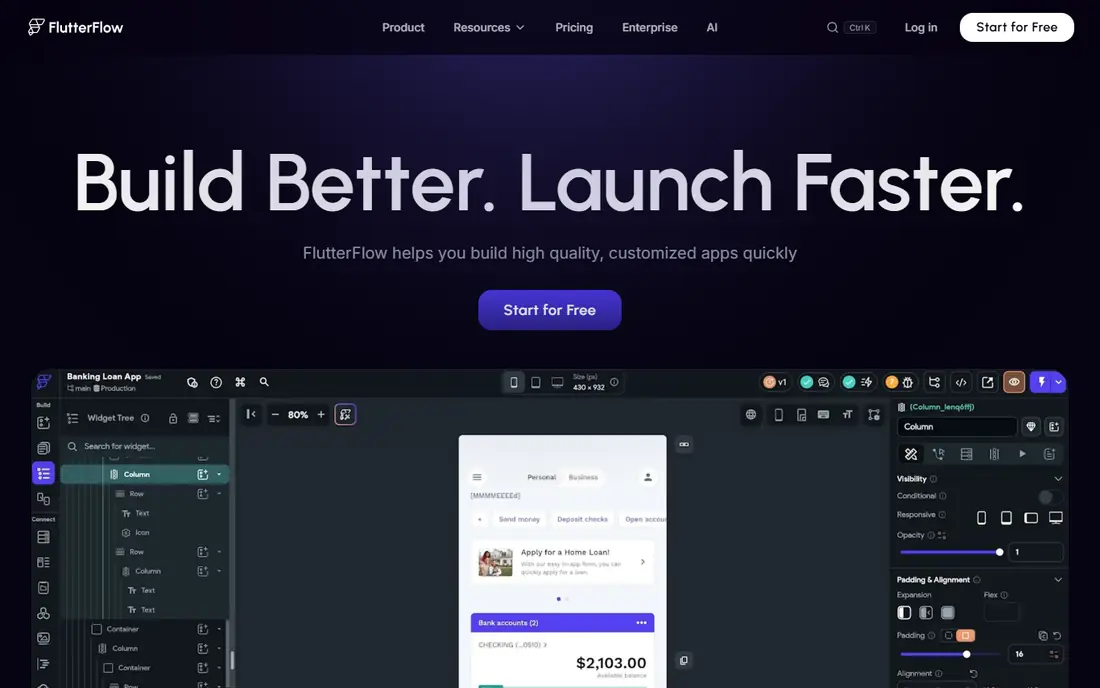
FlutterFlow suits builders who want a mobile app they can publish to iOS and Android. The visual builder creates Flutter apps, and you can export code if you later work with a developer. Firebase integration covers logins, databases, and storage, which are the parts that often slow a first app.
The trade-off is complexity. FlutterFlow is more powerful than a simple drag and drop builder, and that power comes with more settings to learn. If your goal is a polished mobile app with a path to code, FlutterFlow is the strongest pick here.
- Visual mobile app builder
- Flutter code export
- Firebase integration
- Steeper than simple builders
- Some features need paid plans
- Design control takes practice
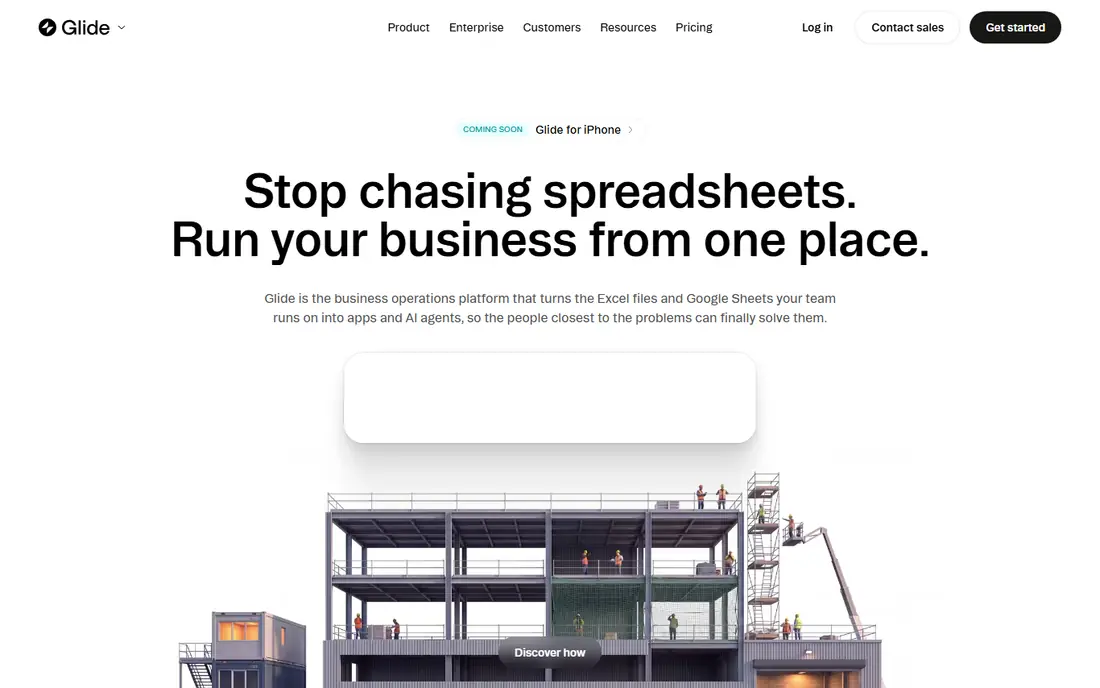
Glide is the fastest way to turn a spreadsheet into a usable app. A team directory, an inventory tracker, or a simple customer portal can be live in a day, with a clean mobile layout and search built in. AI features help generate screens and structure from your data, which cuts setup time further.
The limit is depth. Glide is not the best choice for complex workflows, custom payments, or highly custom design. If your app is mainly data in and data out, Glide is hard to beat for speed. If you need deep logic, start with Bubble or FlutterFlow.
- Turns sheets into apps fast
- Clean mobile layout
- AI help for data apps
- Less suited to complex logic
- Paid plans for more users and rows
- Custom design is limited
Softr is a strong pick for client portals, member directories, and internal tools built on Airtable or Google Sheets. Templates cover common cases, so you can start from a working layout instead of a blank page. Permissions let you show different data to different users, which matters for client work.
The catch is dependence on your data source. If your data lives elsewhere, you need to move or sync it first. Softr also suits data apps more than games or highly interactive products. For a professional portal built on a sheet or Airtable base, Softr is a practical choice.
- Builds from Airtable or Google Sheets
- Client portals and directories
- Templates for common use cases
- Tied to your data source
- Advanced logic is limited
- Paid plans for more users
Adalo suits beginners who want a simple mobile app without learning a complex system. You can design screens, add a database, set up logins, and publish to app stores from one builder. The interface is friendly, and the learning curve is gentler than Bubble or FlutterFlow.
The limit is scale. Larger apps with many users or complex logic can feel slower, and some advanced features are not as deep as in fuller builders. Adalo is best for a first mobile app, a simple business app, or a prototype you want in real users hands quickly.
- Simple mobile app builder
- Visual database
- Publish to app stores
- Performance can lag on large apps
- Advanced features are limited
- Paid plans for publishing
Thunkable uses drag and drop blocks for logic, which makes it a good learning tool and a fast builder for simple apps. Students, small teams, and first-time builders can create a working mobile app, test it on a phone, and publish it without writing code. The block logic also teaches how app workflows fit together.
The trade-off is polish and scale. Design options are more basic than FlutterFlow, and a large app built from many blocks can become hard to manage. Thunkable fits simple apps, school projects, and prototypes, while a commercial product may outgrow it.
- Block-based logic
- IOS and Android apps
- Good for learning app logic
- Design options are basic
- Larger apps can get messy
- Paid plans for publishing and teams
Appy Pie is built for speed. Templates cover restaurants, stores, churches, fitness, and other common app types, so you can start from a layout that already fits your business. The builder guides you through screens, menus, and basic features without code.
The catch is originality. Template-based apps can look similar, and deeper customization takes work or a paid plan. Appy Pie suits a small business that needs a functional app fast, not a startup building a unique product. Check publishing costs before you commit, since store publishing often sits in paid tiers.
- Quick templates for common app types
- No-code setup
- App store publishing help
- Templates can feel generic
- Paid plans for full publishing
- Customization is limited
BuildFire targets businesses that want an app plus support, rather than a do-it-yourself hobby project. Templates and plugins cover common business needs, and managed options can help if you do not want to build alone. That support matters when an app must work reliably for customers.
The limit is price clarity and cost. Pricing varies by plan and features, so you need a quote or a trial to judge value. BuildFire fits a business with a budget and a clear app need, while a solo builder on a free plan will find better value higher on this list.
- Business app templates
- Plugin marketplace
- Support and managed options
- Pricing is not fully public
- Less suited to hobby projects
- Custom work can add cost
How we picked these
We compared official feature pages, free plan limits, publishing options, and data tools for each builder. We favored tools that still work in October 2026, offer a real free or trial start, and can produce a working app rather than only a mockup. We did not claim hands-on lab testing. We also weighed whether a tool suits web apps, mobile apps, or internal tools, since no single builder is best for all three.
How to choose an AI app maker
Start with the app you want to ship, not with the AI demo. A prompt can make a nice first screen, but the real work is logins, data, and testing.
Define the core job first
Write down what one user does in your app, from sign-up to the main action. If that job is viewing data from a sheet, Glide or Softr may be enough. If it involves payments, bookings, or complex rules, Bubble or FlutterFlow gives you more control.
Test with real data and real users
Build a small version with real data, not sample data, and ask five people to use it. Watch where they get stuck, and check logins, forms, and mobile layout. AI-generated screens often look good but miss edge cases, such as empty states, errors, and slow connections.
Check publishing, privacy, and cost
Confirm how you publish to the web or app stores, what a paid plan costs at your user count, and how data is stored. Read the privacy terms before collecting user data, and plan for backups. A free prototype is cheap, but a live app with real users needs a paid plan, support, and a clear data plan.
FAQ
What is the best AI app maker?
Bubble is our top pick for full web apps, and FlutterFlow is our top pick for mobile apps. Glide is best for fast data apps from a spreadsheet. The right pick depends on whether you need a web app, a mobile app, or an internal tool.
Can I make an app with AI for free?
Yes, most tools here offer free plans for learning and prototypes. A live app with a custom domain, many users, or app store publishing usually needs a paid plan, so check the cost at your expected user count before launch.
Do I need to know how to code?
No, these builders are no-code or low-code, and AI help can generate screens and workflows. You still need to understand your app logic, data, and testing, and code export in FlutterFlow helps if you later hire a developer.
Can AI build a complete app from one prompt?
AI can build a useful first draft, but a complete app needs testing, fixes, and decisions about logins, payments, and privacy. Treat AI output as a starting point, and test each feature with real users before launch.
Which app maker is best for a small business?
Glide and Softr suit internal tools and client portals, while Adalo and Appy Pie suit simple customer apps. Bubble suits a business that wants a full web product, and BuildFire suits a business that wants support with the build.