Best AI Video Maker App in 2026: 8 Apps Compared
Find the best ai video maker app for social clips, explainers, and ads, with free plans, pricing, templates, and honest limits compared in full for 2026.
- Editor's choice
 Runway
Creative AI video
Starts atSee websiteVisit runwayml.comFull review - Great alternative
 Pika
Short social AI clips
Starts atSee websiteVisit pika.artFull review - Also consider
 Synthesia
Talking-head explainers
Starts atSee websiteVisit synthesia.ioFull review
TL;DR:
- Runway and Pika suit creators who want text-to-video and image-to-video control, while Synthesia and HeyGen suit talking-head explainers.
- InVideo and Pictory suit fast social and blog-to-video work from scripts and templates, while CapCut suits phone-first editing.
- Free plans are good for testing style and workflow, but watermarks, short lengths, and credit caps limit finished work.
- Plan your script, voice, and length before spending credits, since long or repeated generations cost the most.
Quick comparison
| Tool | Best for | Starts at | Free plan? | |
|---|---|---|---|---|
| Runway | Creative AI video | See website | Yes | Visit |
| Pika | Short social AI clips | See website | Yes | Visit |
| Synthesia | Talking-head explainers | See website | Yes | Visit |
 HeyGen | AI avatar videos | See website | Yes | Visit |
 InVideo | Fast social videos | See website | Yes | Visit |
 Pictory | Blog-to-video | See website | Free trial | Visit |
 Luma Dream Machine | Text-to-video scenes | See website | Yes | Visit |
 CapCut | Phone video editing | Free | Yes | Visit |
The best ai video maker app
We compared official feature and pricing pages, app listings, and recent reviews to judge generation quality, avatar options, templates, and cost. The apps below serve different jobs, from a five-second social clip to a full training video, so match the app to the output you need.
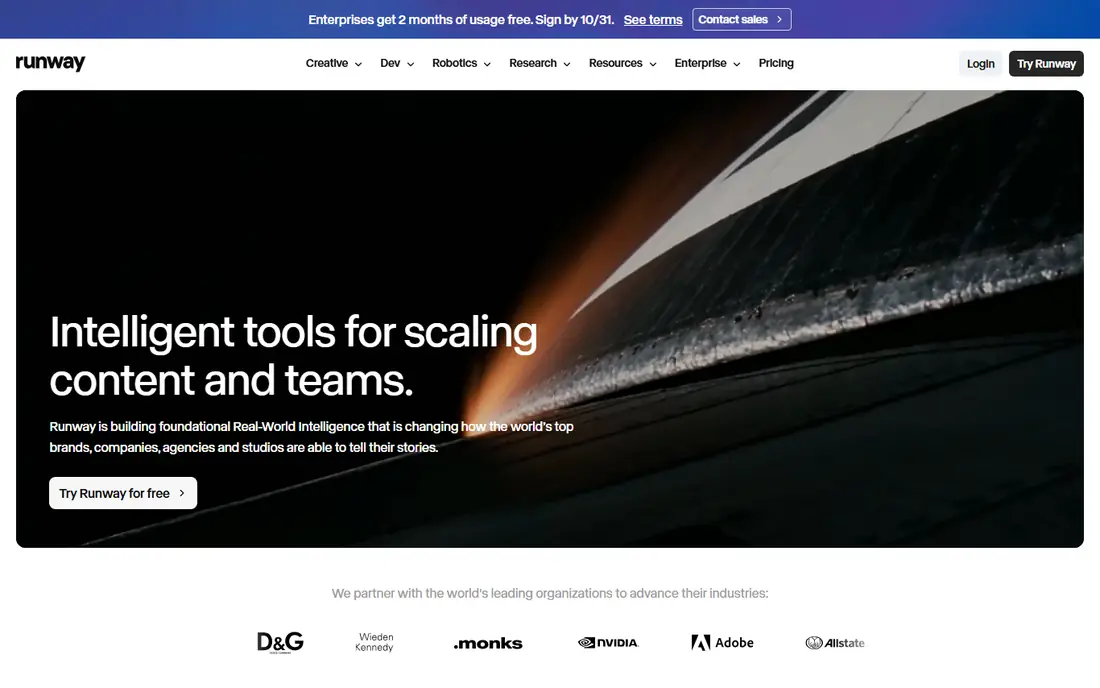
Runway is the most capable creative tool on this list for users who want to shape a video from an idea, an image, or a prompt. You can generate scenes, extend clips, and edit within the same platform, which suits short films, ads, and social concepts that need a specific look. The results reward clear prompts and a few iterations.
That control costs credits and time. Longer clips and repeated generations add up, and beginners may need a few sessions to learn the workflow. Start with free credits, keep early clips short, and save paid credits for versions you plan to publish. For ambitious creative work, Runway remains the benchmark.
- Strong image and text-to-video controls
- Useful editing tools in one platform
- Regular model updates
- Credit costs rise with length and retries
- Steeper learning curve than template apps
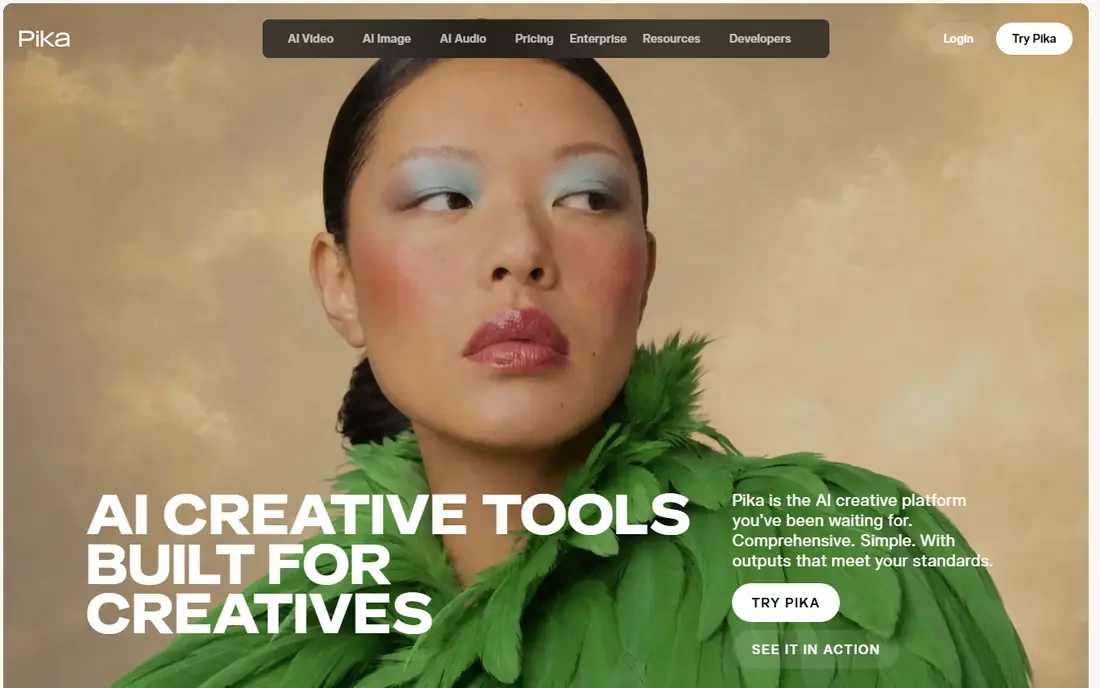
Pika is a practical choice for social creators who need short, shareable AI clips without a complex editor. Upload an image or write a prompt, describe the motion, and you can get a clip ready for reels, shorts, or ads. The workflow is quick, which helps when you test several ideas in one session.
Clip length is the main limit, especially on free and lower plans, so Pika suits short posts rather than long stories. Output style can vary, so plan on generating extra versions and picking the best. For quick social experiments and trend posts, Pika offers a good balance of speed and quality.
- Fast short generations
- Good motion from prompts and images
- Simple web workflow
- Short clip limits on lower plans
- Style varies between generations

Synthesia is built for training, onboarding, and explainer videos where a presenter delivers a script. Choose an avatar, paste a script, pick a voice and language, and generate a video without filming. That workflow saves time for companies that update training often or need videos in several languages.
The trade-off is tone. Avatar delivery can feel formal compared with a real presenter, and very emotional or casual scripts may sound flat. Higher plans allow longer videos, custom avatars, and brand controls, so check limits before planning a full course. For clear, repeatable explainers, Synthesia is a strong, time-saving choice.
- Realistic AI avatars and voices
- Good for training and onboarding
- No camera or studio needed
- Avatar videos can feel formal
- Higher plans needed for longer or branded work
HeyGen also focuses on avatar videos, with a strong set of presenters, voices, and languages for marketing, sales, and internal updates. You can create a video from a script in minutes, add your own avatar from a short recording on higher plans, and produce versions for different audiences. That speed helps small teams that cannot film regularly.
Credit limits control how many minutes you can generate each month, so longer series need a higher plan. Custom avatar results also depend on clear source video and audio. For teams that need frequent presenter-led videos without a studio, HeyGen is a flexible alternative to Synthesia, and a free trial will show which avatar style fits your brand.
- Good avatar and voice options
- Useful for marketing and sales videos
- Easy script-to-video flow
- Credit limits shape video length
- Custom avatar quality depends on source footage
InVideo suits creators who want a finished social video fast. Start from a script or a template, add stock clips, text, and music, and export in formats for each platform. The template library covers ads, product promos, explainers, and social posts, which helps when you need volume rather than one artistic clip.
Free exports may include a watermark, and heavy template use can make videos look similar to other creators unless you customize text, colors, and clips. InVideo also offers AI generation features alongside its editor, so you can mix generated clips with stock footage. For marketers who publish often, the speed is the main draw.
- Large template library
- Script-to-video workflow
- Good for ads and social posts
- Free exports may include watermark
- Template look can feel generic without edits
Pictory is built for repurposing. Paste a blog post, article, or script, and it builds a video with stock visuals, text overlays, and captions, which you can then edit. That workflow suits bloggers, course creators, and marketers who already have written content and want a video version without filming or designing each scene.
Creative control is narrower than Runway or Pika, since Pictory leans on stock clips and templates rather than fully generated scenes. The trial is limited, so test with a short article first. If your goal is to turn existing text into watchable social or YouTube videos at scale, Pictory is one of the most direct tools for the job.
- Turns articles and scripts into video
- Automatic captions
- Good for repurposing content
- Less creative control than Runway
- Trial limits need checking before a project
Luma Dream Machine generates scenes from text and images with a focus on camera movement and atmosphere. It suits concept clips, product mood videos, and short social scenes where the shot itself matters. The interface is clean, and the output often feels more cinematic than a simple template video.
Free use can involve waiting during busy periods, and complex scenes may need several attempts. Write prompts that name the subject, action, and camera move in plain words, and keep clips short while you learn. For creators who want polished short scenes without avatar or template limits, Luma is a strong complement to Runway and Pika.
- Strong scene and camera motion
- Clean interface
- Good for mood and concept clips
- Free queues can be slow at peak times
- Longer scenes need careful prompting
CapCut is the practical pick for phone-first creators who want AI tools inside a normal editor. You can generate or animate clips, add captions, music, transitions, and text, and publish from the same app. That all-in-one flow matters when you post daily and do not want to move files between tools.
AI generation depth is lower than Runway, Pika, or Luma, since CapCut covers many editing jobs at once. Some templates, effects, and higher-quality exports require a paid plan. For everyday social creators, though, CapCut often wins on speed and convenience, and the free plan is enough to test whether its AI features fit your style.
- Full editing on phone and desktop
- Many templates and effects
- Easy social sharing
- AI generation is one feature among many
- Some exports and effects need a paid plan
How we picked these
We compared official feature and pricing pages, app listings, and recent reviews, focusing on generation quality, avatar options, template depth, export options, and what free plans actually allow. We favored apps active in October 2026 that cover distinct jobs, from creative generation to avatar explainers to fast social editing. We did not claim hands-on testing, and credit models change, so check the vendor page before you buy.
How to get good results without wasting credits
Start with a short script, not a long prompt. Write the message in one or two sentences, name the subject and action, and state the length you need. For avatar videos, keep sentences short and natural, since long, complex sentences can sound stiff when spoken by an AI voice. For scene generation, add one camera direction, such as a slow push or a side pan, rather than five at once.
Next, test before you scale. Generate one short version, check movement, voice, captions, and branding, and only then generate the full set. Keep a simple log of prompts that worked, since small wording changes can shift results. Finally, check rights and consent. Only use photos, voices, and likenesses you have permission to use, and do not present AI video of a real person as real footage.
Choosing between avatars, templates, and generation
Use avatars when a person must deliver information clearly, such as training or product updates. Use templates when speed and volume matter, such as daily social posts. Use generation when you need a scene that does not exist, such as a concept shot or a stylized visual. Many teams use two tools: one for explainers and one for social clips.
FAQ
What is the best free ai video maker app?
CapCut, Runway, Pika, and Luma offer free plans that are good for testing, while InVideo offers a free tier with watermark limits. Free plans usually cap length, credits, or export quality, so they suit learning and short posts rather than a full paid campaign. Test two free plans with the same script to compare style.
Can AI video makers replace a camera crew?
For simple explainers, social clips, and concept videos, yes, they can reduce filming needs a lot. For high-end ads, emotional storytelling, or complex live action, a real crew still offers control and nuance that AI generation does not match. Many teams mix AI clips with real footage for the best result.
How long can AI-generated videos be?
Most generated clips are short, often a few seconds to a minute on lower plans, while avatar and template tools can produce longer videos tied to a script. Longer projects usually stitch several clips together in an editor. Check credit and minute limits on the plan you choose.
Do AI video apps add a watermark?
Some free plans add a watermark or limit export quality, while paid plans usually remove it. Check the free plan terms for each app before you publish, since watermark rules differ. If you plan to use videos for paid ads, a paid plan is usually required.
Is it legal to use AI video of a real person?
You need permission to use a real person likeness or voice, and you should not present AI video as real footage of someone doing something they did not do. Read the app terms, get consent for custom avatars, and label AI-generated content where the platform or audience expects it.