Best AI App for T-Shirt Design in 2026: 8 Tools Compared
Best AI app for t shirt design in 2026: we compared 8 tools for print-ready art, mockups, text handling and commercial use, so you can pick with confidence.
- Editor's choice
 Canva
Beginners and fast social-ready designs
Starts atFreeVisit canva.comFull review - Great alternative
 Kittl
Print-on-demand sellers
Starts at$14 per monthVisit kittl.comFull review - Also consider
 Adobe Express
Quick branded designs
Starts atFreeVisit adobe.comFull review
TL;DR:
- Kittl is our pick for most print-on-demand sellers because it pairs AI generation with merch templates, mockups and a commercial licence on paid plans.
- Canva is the easiest starting point for beginners, while Ideogram handles words inside an image better than most general image tools.
- Text, print quality and licence terms matter more than the number of styles, so check export resolution and commercial rights before you sell a design.
- Free plans are useful for testing ideas, but low-resolution exports and personal-use limits often make a paid plan necessary for selling.
Quick comparison
| Tool | Best for | Starts at | Free plan? | |
|---|---|---|---|---|
| Canva | Beginners and fast social-ready designs | Free | Yes | Visit |
| Kittl | Print-on-demand sellers | $14 per month | Yes | Visit |
| Adobe Express | Quick branded designs | Free | Yes | Visit |
 Placeit | Mockups and ready-made templates | See website | Free trial | Visit |
 Ideogram | Designs with readable text | Free | Yes | Visit |
 Recraft | Vector art that scales cleanly | Free | Yes | Visit |
 Vexels | Ready-made merch graphics | See website | No | Visit |
 Printful | Designing and selling in one place | Free | Yes | Visit |
The best AI t-shirt design apps
These tools cover the full path from idea to a shirt you can sell, including generation, editing, mockups and print fulfilment. We compared official feature pages, pricing pages, export options and licence terms.
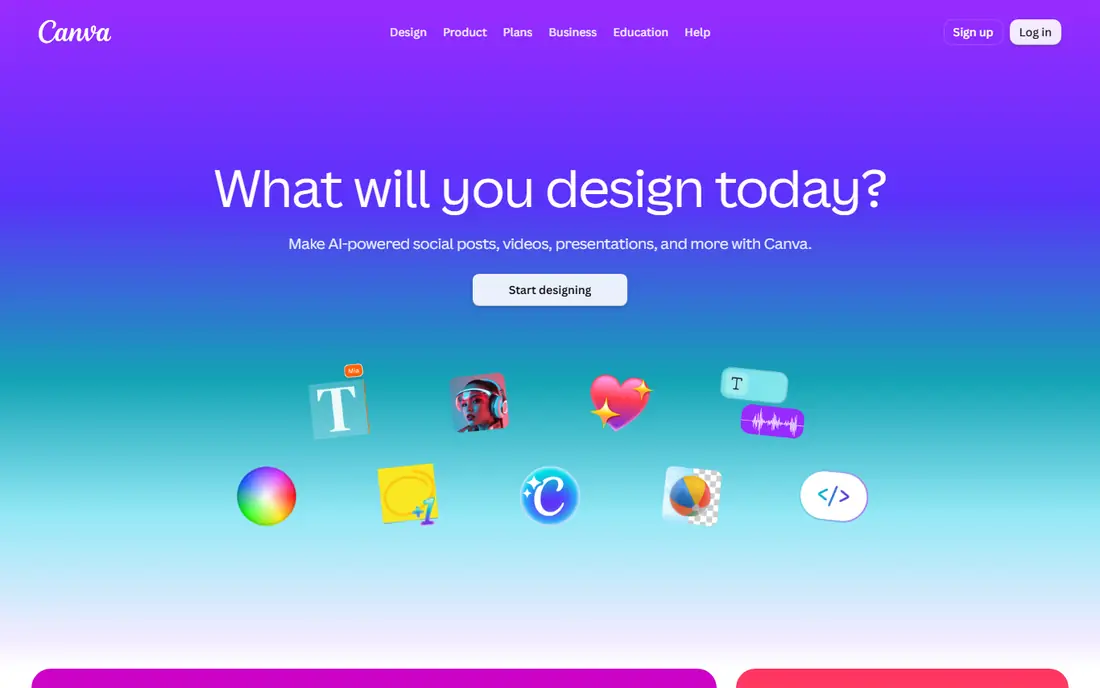
Canva suits a first-time seller who wants a clean design in an evening rather than a week of learning. Its AI tools can draft an image or a layout from a short prompt, and the editor makes it simple to change fonts, colours and placement on a shirt template. The mockup options help you see how a design looks on a garment before you publish it.
The catch is control. Canva is a general design tool, not a print specialist, so colour separation, vector editing and exact print sizing take more work than in a merch-focused editor. The free plan is fine for practice, but paid features, higher-quality exports and brand tools are worth the upgrade once you start selling regularly.
- Very easy editor
- Large template library
- Useful AI image and text tools
- Print file control is limited
- Best features sit behind Pro
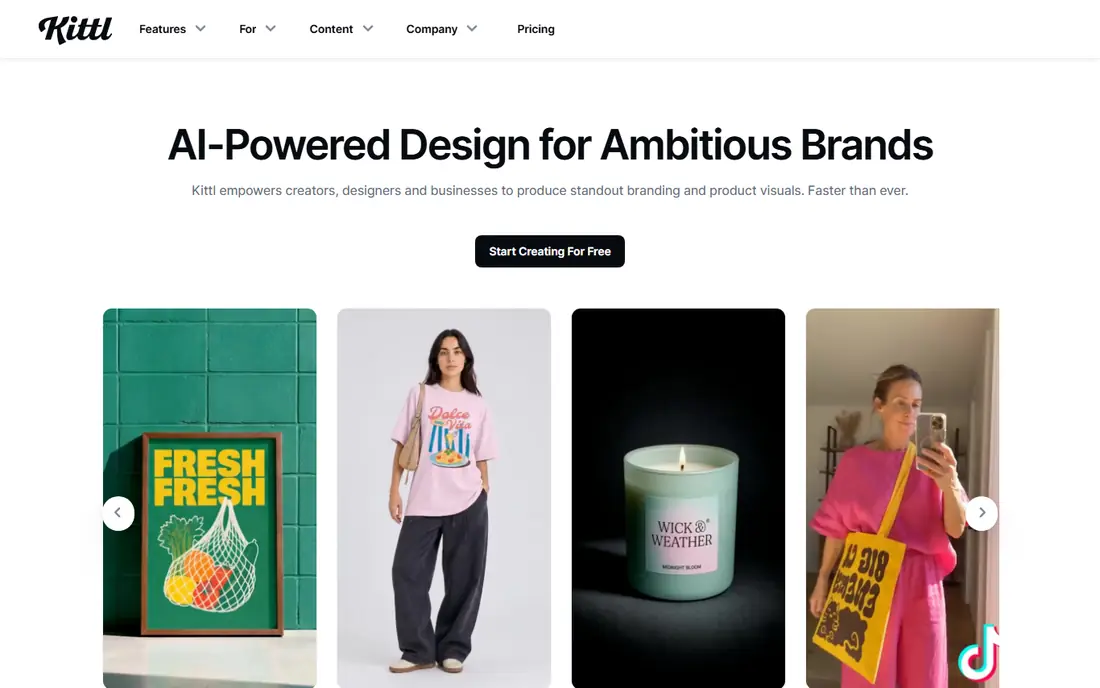
Kittl is our pick for most people who plan to sell shirts, because the whole workflow is built around merchandise. You can generate art with AI, add vintage-style lettering, place it on a shirt mockup and export a print-ready file without moving between several apps. The template library also gives new sellers a useful starting point that still leaves room to change colours, fonts and layout.
The free plan shows the editor well, but it is not a selling plan. Exports are limited in resolution, and commercial use requires a paid plan. If you sell even a few shirts a month, the Pro plan at about $14 per month when billed annually is the sensible entry point, and it includes the commercial licence that the free plan lacks.
- Built for merch design
- Strong text effects
- Mockups included
- Free exports are low resolution
- Free plan is for personal use only
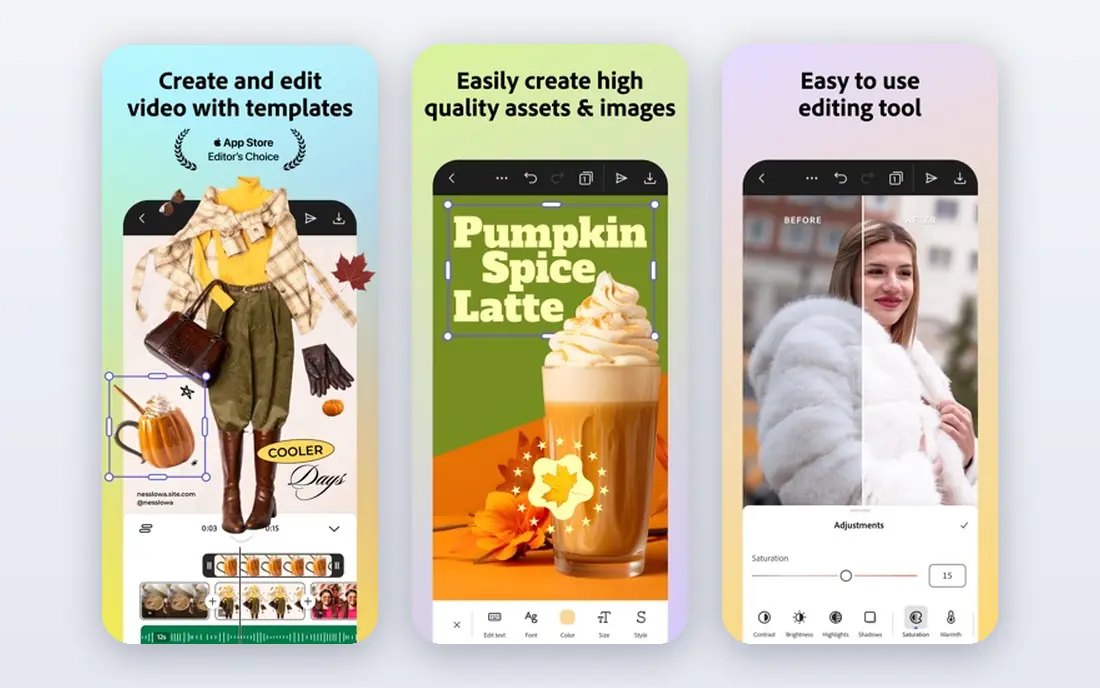
Adobe Express works well for sellers who already use Adobe tools or who want a tidy, brand-led look. Its AI image tools and text effects help you build a simple graphic quickly, and the template range covers sales posts and shop banners as well as shirt art. That breadth is handy when one design has to work across a store, a listing and social media.
It is less focused on print-on-demand than Kittl, so you will need to check file size, background transparency and print dimensions yourself before uploading to a printer. The free plan covers many basics, while Premium adds more assets, fonts and AI credits. For a side project, the free plan is a fair test, but regular sellers will likely want Premium.
- Clean templates
- Good text tools
- Links to Adobe stock assets
- Fewer merch-specific features than Kittl
- Premium plan needed for full access
Placeit is strongest after you have artwork, or when you want a template as a starting point. Its mockup library is one of the largest available, with many models, settings and shirt styles, which makes listings look more professional than a flat image alone. You can drop your design onto a shirt, adjust the fit and download a listing-ready photo in minutes.
It is not primarily an AI image generator, so sellers who want original art from a prompt should pair it with a generator such as Ideogram or Recraft. Pricing and download limits vary by plan, so check the current subscription terms before you commit. For sellers who list often, the time saved on mockups can justify the cost on its own.
- Huge mockup library
- Simple template editing
- Commercial licence on downloads
- Less AI generation than rivals
- Subscription needed for unlimited downloads
Ideogram stands out for one practical reason: words on shirts. Many image generators garble slogans, spellings and lettering, while Ideogram handles short phrases far more reliably. That matters because a shirt with a spelling error is unsellable, no matter how good the artwork looks. Its print-on-demand mode is also a useful touch for sellers who plan to list designs directly.
The free tier is useful for testing prompts and styles, but check the terms on public images and commercial use before you publish a design. Paid plans add private generations and higher usage limits. We would use Ideogram to generate slogan-led art, then finish the file in Kittl or Canva for print sizing and mockups.
- Strong text rendering in images
- Dedicated print-on-demand mode
- Fast results
- Free images may be public
- Commercial use needs a paid plan
Recraft is a smart choice when print quality is the priority. It can generate vector graphics, which scale from a small chest print to a large back print without going blurry. That is a real advantage over raster images, which lose sharpness when enlarged. Style controls help you keep a set of designs consistent, which matters if you are building a shop around one look.
The free tier is a good way to learn the tool, but its terms around public outputs and commercial use mean sellers should read the licence before listing anything made on a free account. Paid plans add ownership terms and vector export options that print shops prefer. If you plan to sell detailed illustrations, Recraft deserves a place in your workflow.
- True vector output
- Clean scalable graphics
- Good style control
- Free outputs may be public and non-commercial
- Learning curve for vectors
Vexels suits sellers who would rather assemble and adapt a design than generate one from scratch. Its library is built for merchandise, with graphics, fonts and templates that come with a print-on-demand licence on paid plans. You can change colours, combine elements and add your own text, which helps a design feel less generic than a straight download.
The main drawback is originality. Other sellers can buy the same base graphics, so customising matters. There is no free plan, so this is a tool for sellers who are ready to invest in assets. Check the current plan price and licence scope on the vendor site, since merch licences vary by plan and by product type.
- Large merch-ready library
- Print-on-demand licence
- Editable designs
- No free plan
- Designs need customising to stand out
Printful is different from the other tools here because it also prints and ships the shirt. Its free design maker lets you upload art, add text and place designs on many garments, then connect the product to a store on Shopify, Etsy or a similar platform. That end-to-end path is appealing for a new seller who does not want to manage a printer separately.
The design tools are practical rather than advanced, so complex illustration work is better done elsewhere and uploaded as a finished file. Printful charges per order rather than a monthly fee for the basic account, which keeps startup costs low but means margins depend on your retail price. Use it as the fulfilment layer, and pair it with a stronger design tool for original art.
- Free design tools
- Direct print fulfilment
- Wide product range
- Design tools are simpler than Kittl
- You pay per product when orders arrive
How we picked these
We compared official feature pages, pricing pages, export options and licence terms, and we checked app store listings and public reviews for signs of problems with print quality or commercial use. We favoured tools that are still actively offered in October 2026, that produce files a printer can use, and that state their commercial terms clearly. We left out generic image tools with no merch workflow, and tools whose pricing or licence terms we could not verify.
What to check before you sell a design
A good-looking preview is not the same as a good print file. Start with resolution and file type, since a low-resolution image will look soft on fabric even if it looks sharp on screen. Check whether the background is transparent, whether the print area matches your printer, and whether colours will shift on dark shirts. A quick test order is worth the cost before you list a design at scale.
Licence terms deserve the same care. Some free plans allow personal use only, and some AI tools keep rights or make free outputs public. Read the commercial terms for the exact plan you use, and avoid prompts that copy brands, characters, celebrities or other protected work. Original wording, original art direction and your own edits are safer than a prompt that asks for a known style or logo.
FAQ
What is the best AI app for t shirt design for beginners?
Canva is the easiest starting point because its editor, templates and AI tools are simple to learn. Kittl is a better second step once you want merch templates, mockups and print-ready exports in one place.
Can I sell designs made with a free AI tool?
Sometimes, but not always. Some free plans allow personal use only, and some make outputs public or limit resolution. Check the licence for your exact plan before you list a design for sale, and upgrade if commercial use requires it.
What is the best AI tool for t shirt design with text?
Ideogram is our pick for slogan-led designs because it renders short phrases more reliably than most general image tools. Always proofread the final image at full size, since even good tools can make small spelling errors.
Do I need vector files for t-shirt printing?
Vector files are ideal for clean, scalable prints, especially for logos and line art. Raster files can also print well if they are high resolution and sized correctly, but they will lose quality if enlarged too far.
How do mockups help sell t-shirts?
Mockups show a design on a real-looking garment, which helps buyers judge size, placement and style. Placeit and Printful both offer mockups, and a clear, well-lit mockup usually converts better than a flat design image alone.