Best Accounting Software for Inventory Management in 2026: 8 Tools Compared
Looking for the best accounting software for inventory management? We compare 8 tools on stock tracking, cost, reports, and small business fit for firms.
- Editor's choice
 QuickBooks Online
Most small product businesses
Starts at$140 per monthVisit quickbooks.intuit.comFull review - Great alternative
 Zoho Books
Small teams that want value
Starts atSee websiteVisit zoho.comFull review - Also consider
 Xero
Teams that want unlimited users
Starts atSee websiteVisit xero.comFull review
TL;DR:
- QuickBooks Online Plus is our pick for most small businesses because accountants know it well and it links stock, sales, and books in one place.
- Zoho Books is the best value for small teams, with inventory on lower priced plans and low per user costs.
- Xero suits businesses that want unlimited users and strong bank feeds, though inventory depth varies by plan and add-on.
- Wave is a good free starting point, but it is not a full inventory system for a growing product business.
- Always test inventory with your real products, including variants, purchase orders, and low stock alerts, before you commit.
Quick comparison
| Tool | Best for | Starts at | Free plan? | |
|---|---|---|---|---|
| QuickBooks Online | Most small product businesses | $140 per month | Free trial | Visit |
| Zoho Books | Small teams that want value | See website | Yes | Visit |
| Xero | Teams that want unlimited users | See website | Free trial | Visit |
 Sage Accounting | Established small businesses | See website | Free trial | Visit |
 FreshBooks | Service businesses with light product sales | See website | Free trial | Visit |
 Wave | Solo owners starting for free | Free | Yes | Visit |
 Odoo | Growing teams needing ERP depth | See website | Yes | Visit |
 NetSuite | Larger companies needing full ERP | See website | No | Visit |
The best accounting software for inventory management
Good accounting software for inventory should track what you have, what it cost, what you sold, and what you need to reorder, without forcing you to keep a separate spreadsheet. We compared official pricing pages, inventory feature lists, and integration options for tools that combine bookkeeping with stock tracking in October 2026.
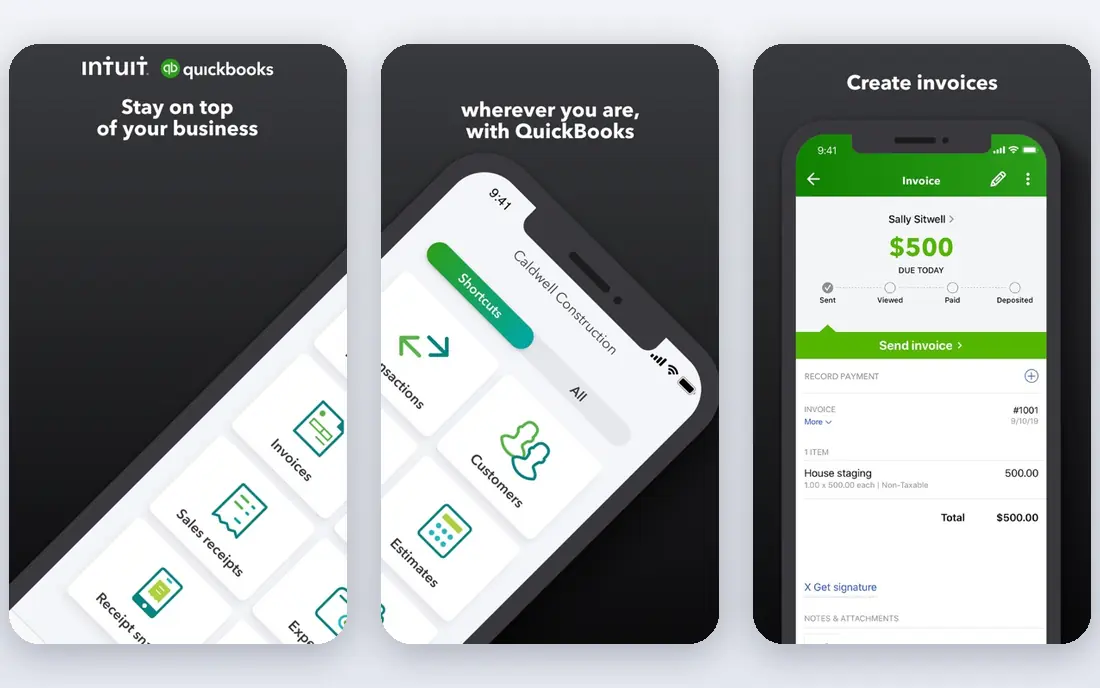
QuickBooks Online Plus is our pick for most small product businesses because it covers the full loop in one system. You can track inventory quantities, set reorder points, create purchase orders, record cost of goods sold, and see profitability by product or project, all linked to invoices and bank transactions. The Plus plan, listed at $140 per month in October 2026 for up to five users, is the first tier that includes inventory, so budget from Plus, not from the cheaper Simple Start plan.
The main drawbacks are price and seat limits. QuickBooks raised prices during 2026, and a sixth user on Plus forces a move to Advanced at $340 per month, which is a steep jump. Payroll is also a separate add-on. Still, the wide support from accountants and bookkeepers saves time at tax season, and the integration list is unmatched. If your bookkeeper already uses QuickBooks, staying with it is usually the practical choice.
- Inventory on Plus
- Wide accountant support
- Strong bank feeds and reports
- Price rose sharply in 2026
- Seat caps on Plus
- Payroll costs extra
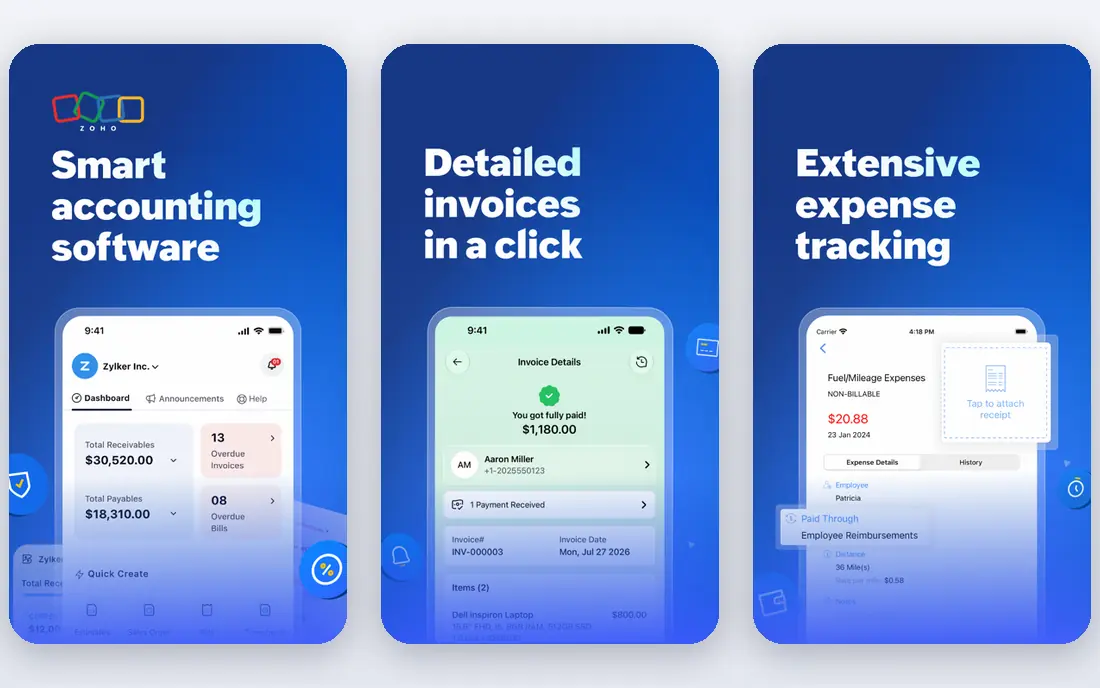
Zoho Books is the best value option in this list for a small product business. It offers inventory tracking, item variants, warehouse management on higher plans, purchase orders, and vendor bills, at prices well below QuickBooks for comparable features. The free plan suits very small businesses under a revenue limit, and paid plans add users at a low per user cost, which helps a growing team avoid the seat cap shock that QuickBooks Plus creates.
The trade off is ecosystem. Fewer US accountants use Zoho Books as their default, so you may need to explain your setup at tax time or work with a Zoho aware bookkeeper. Some advanced reports and automation also sit on higher tiers. For a cost conscious team that is comfortable managing its own books, or that already uses other Zoho apps, Zoho Books offers strong inventory depth for the price.
- Low cost plans
- Inventory and multi-warehouse options
- Good automation
- Smaller accountant network in the US
- Some advanced reports need higher plans
- Learning curve
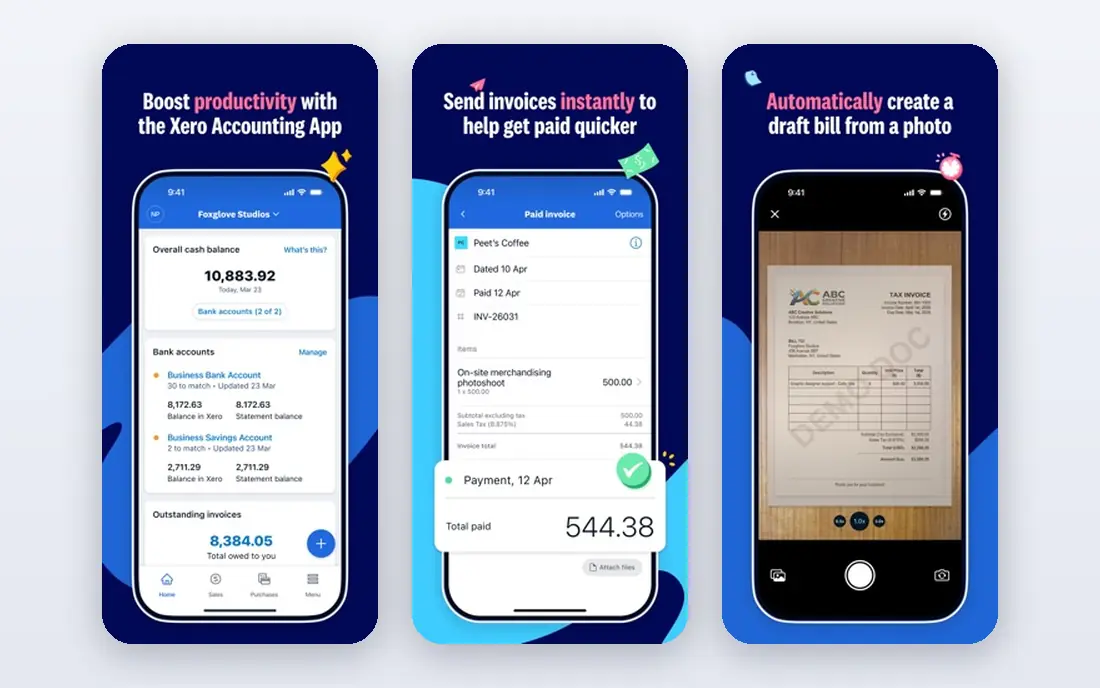
Xero is a strong choice for a business that wants many team members in the books without paying per seat. Its interface is clean, bank feeds and reconciliation are well regarded, and it integrates with a wide range of inventory add-ons for businesses that outgrow its built-in stock tracking. That add-on route is flexible, because you can pick a specialist inventory tool and keep Xero as the accounting core.
The caution is that built-in inventory in Xero is more basic than QuickBooks Plus or Zoho Books for complex stock needs, such as multi-warehouse tracking or detailed assembly. Teams with many variants, bundles, or manufacturing steps should test the add-on route before committing, and confirm the total cost of Xero plus the add-on. For a service led business with light product sales, or a team that values unlimited users, Xero is an excellent fit.
- Unlimited users on plans
- Strong bank reconciliation
- Clean interface
- Inventory depth is basic without add-ons
- Pricing varies by region
- Payroll is separate
Sage Accounting, formerly Sage One in some markets, offers invoicing, expense tracking, bank reconciliation, and inventory features for small businesses, with payroll available as an add-on in many regions. Its long history means many accountants know Sage products, and its reports cover the basics that a small product business needs, including stock levels and sales by item.
The main drawback is feel. Sage can feel less modern than QuickBooks, Xero, or Zoho, and its integration list is narrower for newer ecommerce and inventory tools. Pricing also varies by country and plan, so check the US pricing page for the tier that includes inventory before you compare totals. For an established business that already uses Sage, or that wants a steady, traditional accounting tool with stock tracking, Sage is a dependable choice.
- Long track record
- Inventory and invoicing
- Payroll options
- Interface feels dated in places
- Pricing varies by plan
- Fewer modern integrations
FreshBooks is best known for invoicing and client management, and it suits a service business that also sells a small range of products. You can create invoices, track time and expenses, accept payments, and manage inventory items at a basic level, which is enough for a consultant who sells a few products alongside services, or a small shop with a simple catalog.
It is not a full inventory system. Businesses with many variants, warehouses, purchase orders, or manufacturing steps will quickly hit its limits and need a dedicated inventory tool. FreshBooks also prices by client count on some plans, so a growing client list can raise costs. Pick FreshBooks when invoicing and client work come first and inventory is a secondary need. Pick QuickBooks or Zoho when stock is the core of the business.
- Easy invoicing
- Clean time and expense tracking
- Good client portal
- Inventory is light
- Higher plans needed for more users
- Fewer stock reports
Wave offers free accounting, invoicing, and receipt scanning, with paid add-ons for payments and payroll, which makes it the cheapest starting point for a solo owner. The Pro plan, listed near $19 per month in recent comparisons, adds features for a growing business, but the core appeal remains the free tier for a very small operation that needs clean books without a monthly subscription.
The limit is inventory. Wave does not offer the stock tracking, purchase order, and reorder tools that a product business needs at scale, so it works best for a service business, a freelancer, or a seller with a handful of items tracked elsewhere. If you sell physical products in volume, start with Wave only as a temporary step, and plan a move to QuickBooks, Zoho, or Xero once stock tracking becomes daily work.
- Free accounting and invoicing
- Simple setup
- Good for very small businesses
- No full inventory system
- Paid features for payroll and payments
- Limited reports
Odoo is different from the other tools here because it is a full business suite, not just accounting software. Its inventory app handles warehouses, stock moves, purchase orders, and manufacturing, while its accounting app records the financial side, and its sales and ecommerce apps connect the two. That depth suits a growing product business that has outgrown a simple accounting tool and wants one system for stock, sales, and books.
The cost is complexity. Odoo needs setup time, decisions about which apps to enable, and ongoing admin to keep stock, accounting, and sales in sync. Pricing depends on the apps and users you choose, so get a quote for your exact setup rather than comparing a single headline price. For a team ready to invest in an ERP style system, Odoo offers far more inventory depth than QuickBooks or Zoho. For a small shop, it is more than you need.
- Inventory, sales, and accounting in one ERP
- Modular apps
- Open source option
- Setup takes time
- Pricing depends on apps and users
- Needs admin effort
NetSuite, owned by Oracle, is a full ERP system that combines accounting, inventory, order management, CRM, and ecommerce for mid sized and larger companies. Its inventory tools handle multiple locations, lot and serial tracking, demand planning, and advanced costing, which suits a company with complex stock, multiple warehouses, or international sales. Reporting is also deeper than small business tools, with consolidated views across subsidiaries.
The drawbacks are price and implementation time. NetSuite is quote based, implementation can take months, and it needs trained admins to run well. A small business with one warehouse and a simple catalog will pay for depth it never uses. Pick NetSuite when your inventory, order, and financial complexity has outgrown QuickBooks Advanced or Odoo, and you need a single ERP to run the whole operation.
- Full ERP with advanced inventory
- Multi-location and multi-currency
- Strong reporting
- Quote based pricing
- Long implementation
- Overkill for small businesses
How we picked these
We compared official pricing pages, inventory feature lists, and integration options for accounting tools available in the US in October 2026. We favored tools that link inventory quantities to invoices, purchase orders, and cost of goods sold, rather than tools that only list items on an invoice. We also weighed user limits, accountant support, bank feed quality, and whether inventory was built in or required a paid add-on.
How to choose inventory accounting that fits your stock
Start by counting your products, variants, and warehouses, and by listing how you buy, store, and sell. A business with ten products and one location needs a different tool than a business with five hundred variants across three warehouses. Check whether the tool supports your costing method, purchase orders, low stock alerts, and barcode scanning, and test those features with real products, not sample data.
Next, check the total cost, including users, payroll, payments, and any inventory add-on. A cheap headline price can become expensive once you add users or a specialist stock tool. Ask your accountant which tools they support, because a tool your accountant knows well will save time and fees at year end. This is not financial advice, but a practical point, since bookkeeping errors cost more than a software subscription.
Inventory features that matter most
Reorder points, purchase orders, and stock valuation matter more than a long feature list. Make sure the tool warns you before you run out of a best seller, records the true cost of each sale, and reconciles stock counts with the books after a physical count. If any of those steps need a spreadsheet outside the system, the tool is not doing its job for a product business.
FAQ
What is the best accounting software for inventory management?
QuickBooks Online Plus is the best pick for most small product businesses because it links inventory, sales, and books, and accountants know it well. Zoho Books is the best value pick, and Xero is best for teams that want unlimited users with a specialist inventory add-on.
Does QuickBooks Online include inventory tracking?
Yes, on Plus and Advanced plans. Simple Start and Essentials do not include inventory, so product businesses should start at Plus, listed at $140 per month in October 2026, and check seat limits before choosing a plan.
Can Xero handle inventory management?
Xero offers basic built-in inventory tracking and integrates with specialist inventory add-ons for deeper needs. That combination works well for businesses with light stock or for teams that want a best in class inventory tool alongside Xero accounting.
What is the cheapest accounting software with inventory?
Zoho Books is among the cheapest full featured options, with a free plan for very small businesses and low cost paid plans. Wave is free, but it does not offer full inventory tracking, so it suits service businesses more than product businesses.
Do I need separate inventory software?
It depends on complexity. A small catalog with one warehouse often works inside QuickBooks or Zoho Books. A business with multiple warehouses, manufacturing, lot tracking, or high order volume will benefit from a dedicated inventory system that syncs with the accounting tool.
How do I track cost of goods sold correctly?
Use a tool that records purchase costs, links each sale to its stock cost, and updates inventory quantities automatically. Reconcile stock counts regularly, review cost reports each month, and ask your accountant to check your costing method at year end, since errors here affect tax and profit figures.