Best Stock Inventory Software in 2026: 8 Products Compared
Looking for the best stock inventory software? We compare 8 tools for tracking stock, orders, warehouses, and low stock alerts in 2026. Prices checked.
- Editor's choice
 Zoho Inventory
Low cost small sellers
Starts atFreeVisit zoho.comFull review - Great alternative
 Cin7 Core
Multichannel scaling brands
Starts at$349 per monthVisit cin7.comFull review - Also consider
 inFlow Inventory
B2B and wholesale
Starts at$99 per monthVisit inflowinventory.comFull review
TL;DR:
- Zoho Inventory is the best low cost start, while Cin7 suits multichannel brands with complex stock needs.
- Check whether pricing is by orders, users, locations, or SKUs, since that decides cost as you grow.
- Manufacturing, warehouse, and B2B features sit on higher plans in most tools, so test them early.
- A tool that syncs with your store, marketplace, and accounting system saves more time than a longer feature list alone.
Quick comparison
| Tool | Best for | Starts at | Free plan? | |
|---|---|---|---|---|
| Zoho Inventory | Low cost small sellers | Free | Yes | Visit |
| Cin7 Core | Multichannel scaling brands | $349 per month | Free trial | Visit |
| inFlow Inventory | B2B and wholesale | $99 per month | Free trial | Visit |
 Katana | Small manufacturers | $299 per month | Yes | Visit |
 Fishbowl | QuickBooks based warehouses | $229 per month | No | Visit |
 Sortly | Simple visual stock tracking | Free | Yes | Visit |
 Ordoro | E-commerce shipping and stock | $349 per month | Free trial | Visit |
 Square for Retail | Stores already on Square | Free | Yes | Visit |
The best stock inventory software
We compared official feature pages, pricing pages, and public reviews to find inventory tools that track stock accurately across stores, warehouses, and sales channels.
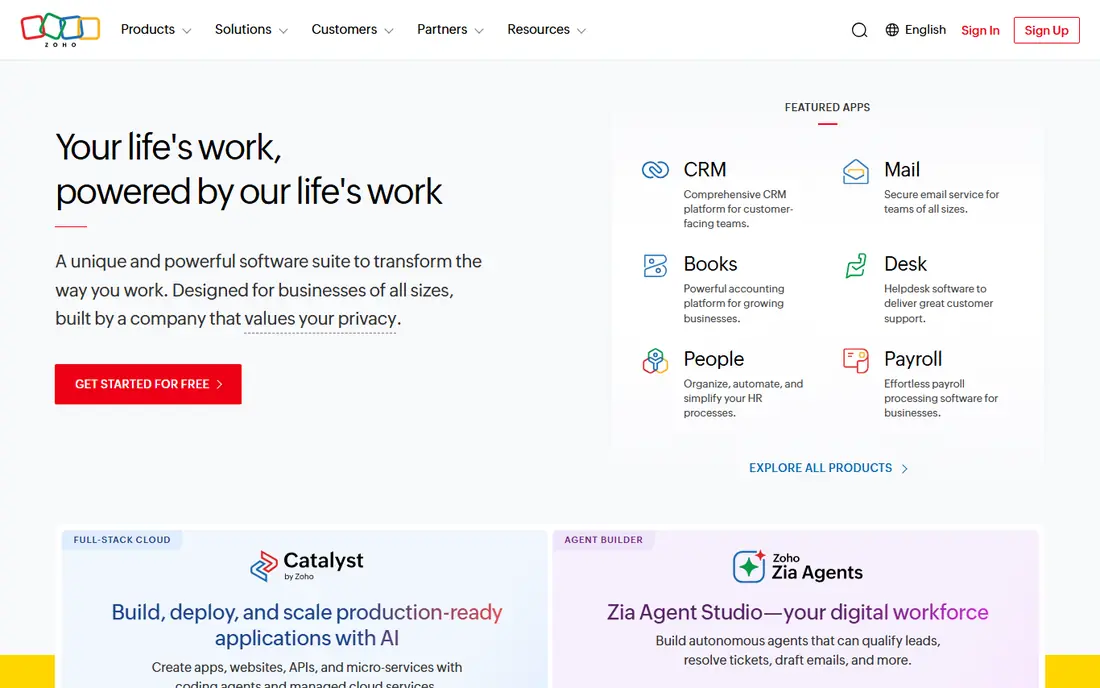
Zoho Inventory is the best value start for small sellers. The free plan covers a modest order volume, and paid plans from $29 per month in annual billing add users, locations, and features. It syncs with Shopify, Amazon, Etsy, and eBay, and links cleanly to Zoho Books for accounting.
Caps matter as you grow. Lower plans limit orders and users, and batch or serial tracking sits higher up. For a small seller who wants solid stock control without a large monthly bill, Zoho Inventory is hard to beat.
- Free plan to 50 orders per month
- Multi channel sync
- Integrates with Zoho Books
- Order and user caps on lower plans
- Advanced batch and serial tracking need higher plans
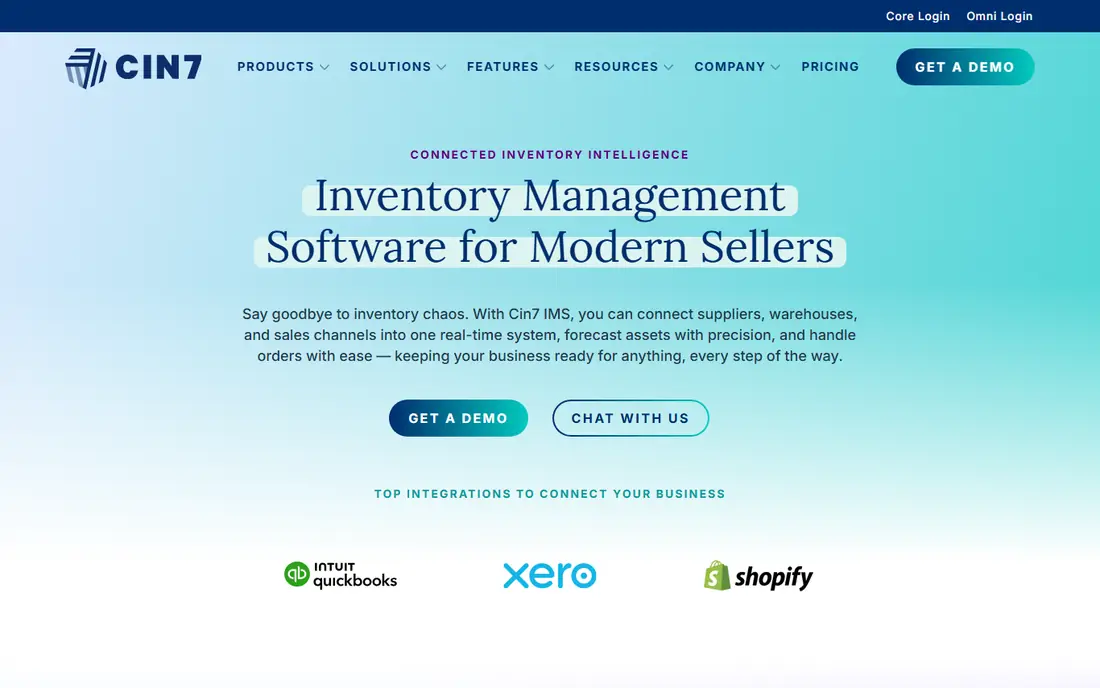
Cin7 Core suits brands that have outgrown simple stock tools. It handles multiple warehouses, channels, purchasing, and B2B sales in one system, with automation for routing and reordering. That depth helps brands selling direct, wholesale, and on marketplaces at the same time.
The $349 per month entry price is a real jump from free tools, and setup needs planning. For brands above roughly $1 million in annual revenue with complex stock, the control often justifies the cost. For a single channel shop, it is likely more than needed.
- Deep multichannel and warehouse support
- Purchasing and manufacturing on higher plans
- Many integrations
- High entry price
- Setup and onboarding take time
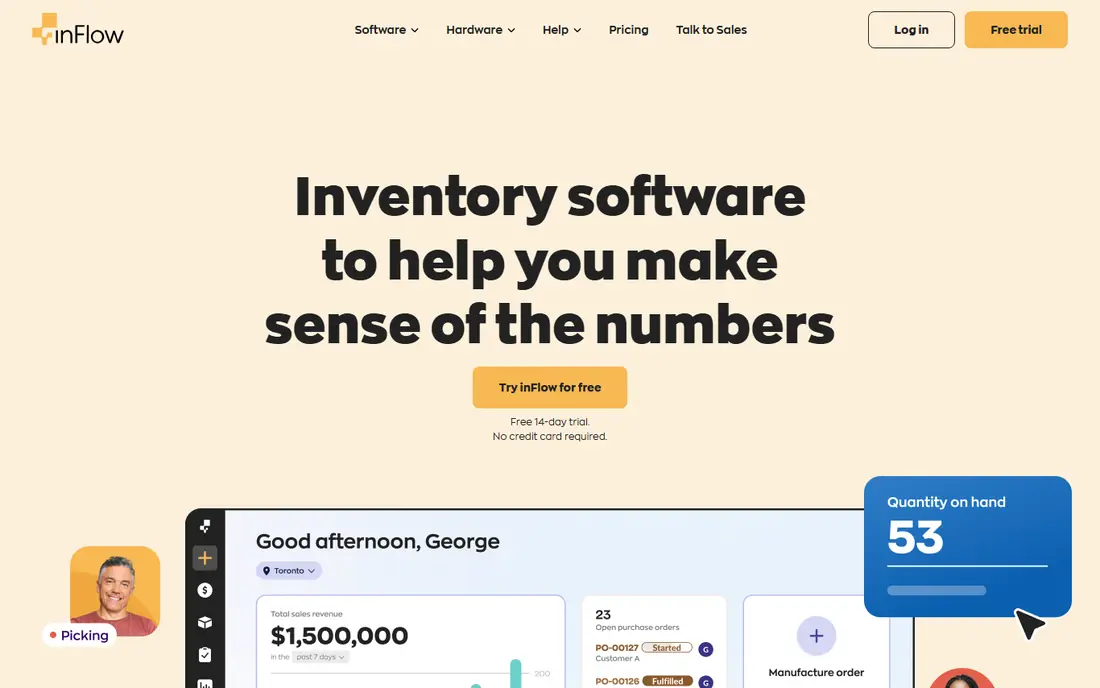
inFlow Inventory suits wholesale and B2B businesses that need structured orders and showrooms. You can manage customers, pricing, purchase orders, and sales orders, with barcode scanning for warehouse work. B2B showrooms let trade customers order at agreed prices without phone or email back and forth.
Pricing in current listings varies by billing period, with annual billing lower than monthly. Test showroom and order workflows during the trial, since those features are the main reason to choose inFlow over a simpler tracker.
- Strong order, showroom, and invoicing features
- Barcode and purchase order support
- B2B friendly
- Entry cost is higher than free tools
- Pricing varies by billing period and plan
Katana is built for businesses that make or assemble products, not just resell them. It tracks raw materials, bills of materials, production orders, and finished stock in one view, so you can see what to make and what to buy. Shopify and other channel sync keeps finished stock accurate as orders arrive.
Pure resellers will pay for manufacturing depth they do not use. For makers, assemblers, and light manufacturers, Katana links production and stock in a way that simple inventory tools cannot match.
- Manufacturing with bills of materials
- Production planning
- Multichannel stock sync
- High price for pure resellers
- Manufacturing setup takes time
Fishbowl is the go to inventory add on for businesses whose financial life runs on QuickBooks. It syncs inventory, costs, purchase orders, and sales orders with QuickBooks in both directions, and adds warehouse, manufacturing, and barcode features. That link matters when stock costs must match the ledger exactly.
There is no free tier, and setup can be complex for larger warehouses. For QuickBooks based manufacturers and distributors, Fishbowl offers depth that cloud only tools often lack. For a small seller without QuickBooks, a simpler tool will be faster.
- Deep QuickBooks integration
- Manufacturing and warehouse workflows
- Barcode and lot tracking
- No free tier
- Interface feels older
- Implementation can be complex
Sortly suits teams that need to know what is where, without a full order system. You can photograph items, organize them by folder and location, scan barcodes on a phone, and set low stock alerts. That visual approach works well for supplies, equipment, parts, and small stockrooms.
It is not a high volume e-commerce engine. Purchase orders, advanced counts, and marketplace sync are limited compared with Cin7 or Zoho. For simple tracking, Sortly is the easiest tool in this list to start and teach.
- Photo based visual tracking
- Mobile barcode scanning
- Easy for teams new to inventory
- Advanced purchase orders and stock counts need higher plans
- Not built for high volume e-commerce
Ordoro suits e-commerce brands that want shipping and stock in one workflow. Orders flow in from channels, stock updates as items ship, and forecasting helps plan reorders. That combined view reduces errors when a team ships from several channels each day.
Check plan details carefully, since shipping plans and inventory plans are priced separately in current listings. For shipping first brands that also need stock control, Ordoro keeps both jobs in one system.
- Shipping and inventory in one place
- Order forwarding and forecasting
- Multichannel support
- Inventory plan price is high
- Shipping only plans differ from inventory plans
Square for Retail suits brick and mortar stores already running Square at the counter. Stock updates as items sell in store, and staff can check counts, receive stock, and manage variants without a separate system. That tight link between till and stock reduces manual entry.
It is less suited to complex warehouses, manufacturing, or many marketplace channels. For a single or few location store on Square, the combined point of sale and stock system is a practical and low friction choice.
- Point of sale and stock in one system
- Easy in store use
- Free plan for basic retail
- Advanced warehouse and multichannel features are limited
- Best inside the Square ecosystem
How we picked these
We compared official feature pages, pricing pages, and public reviews for inventory tools that are live today and fit small to mid sized product businesses. We favored tools with stock tracking, low stock alerts, purchase orders, and channel or accounting sync, and we mixed free, low cost, and high depth options. We also noted whether pricing is by orders, users, locations, or SKUs, since that changes cost as a business grows.
We did not claim hands-on testing. Prices shown are list prices from vendor pages and public pricing summaries checked for October 2026, and promotions may change the price you see at signup.
What to check before you buy
Count what the vendor counts
Some tools charge by orders, others by users, locations, or SKUs. Run your last six months of orders, SKUs, and locations through each model. A tool that looks cheap at 100 SKUs may cost more at 1,000 SKUs.
Test a full stock cycle
During a trial, receive stock, sell an item, return an item, and run a stock count. Check that counts, costs, and channel listings update correctly. A tool that passes a demo but fails a return will create problems later.
Check accounting and channel sync
Confirm sync with your store, marketplaces, and accounting tool, including how often it syncs and what happens when sync fails. A daily sync delay can cause overselling on busy days.
Plan for counts and barcodes
Decide how you will count stock, label items, and handle damaged or expired goods. Barcode scanning and mobile counts save time in a warehouse, while a visual tool may suit a small stockroom better.
FAQ
What is stock inventory software?
It is software that tracks how much stock you have, where it sits, and how it moves through purchases, sales, returns, and production. Good tools add low stock alerts, purchase orders, barcode scanning, and reports for planning reorders.
Do I need inventory software if I only sell on one channel?
Not always at first, but it helps once stock counts, variants, or locations grow. A simple tool such as Sortly or Zoho Inventory can prevent overselling and stockouts, even for a single store or marketplace shop.
How does inventory software prevent overselling?
It keeps a central stock count across channels and updates that count as orders arrive and ship. When sync is fast and accurate, a sale on one channel reduces available stock on all channels at once.
What is the difference between inventory software and an ERP?
Inventory software focuses on stock, orders, and warehouses. An ERP adds finance, human resources, manufacturing, and other business functions in one large system. Small businesses often start with inventory software and move to ERP only when several functions need one system.
Can inventory software handle manufacturing?
Some tools can, especially Katana, Cin7 on higher plans, and Fishbowl, which track bills of materials and production orders. Simple trackers such as Sortly do not handle manufacturing well, so choose based on whether you make products or only resell them.
How often should I count stock?
Count fast moving and high value items often, and do a full count at least a few times a year. Cycle counting, where you count a small section each week, keeps counts accurate without shutting down operations for a full stocktake.