The 6 Best Accessibility Compliance Tools for E-Learning in 2026, Ranked
Shortlisting the best accessibility compliance tools for E-Learning? 6 products compared on cost, free access and ideal buyer. Short verdicts, no fluff.
- Editor's choice
 Moodle
Configurable LMS for diverse accessibility needs
Starts atPricing on requestVisit moodle.comFull review - Great alternative
 D2L Brightspace
LMS with AI and analytics for accessibility
Starts atPricing on requestVisit d2l.comFull review - Also consider
 Adobe Captivate
Authoring tool for accessible mobile courses
Starts atPricing on requestVisit adobe.comFull review
Direct answer
For configurable LMS for diverse accessibility needs, Moodle is where this list starts. If your case is different, D2L Brightspace suits LMS with AI and analytics for accessibility and Adobe Captivate suits Authoring tool for accessible mobile courses. The full list of 6 tools follows, with free plan facts. None of these vendors publish plan prices, so pricing is on request for every option.
TL;DR:
- Number one here is Moodle, a fit for configurable LMS for diverse accessibility needs.
- The main caution on Canvas LMS: may require additional configuration for full compliance.
- Rise 360 fits Responsive e-learning with accessibility.
- None of the 6 tools, from Moodle to Rise 360, has a free plan, so budget for a subscription or use a trial.
Last checked November 2026. Pricing on request: vendors did not publish plan prices when this guide was last checked (November 2026), so ask each vendor for a written quote.
Quick comparison
| Tool | Best for | Starts at | Free plan? | |
|---|---|---|---|---|
| Moodle | Configurable LMS for diverse accessibility needs | Pricing on request | Not stated | Visit |
| D2L Brightspace | LMS with AI and analytics for accessibility | Pricing on request | Not stated | Visit |
| Adobe Captivate | Authoring tool for accessible mobile courses | Pricing on request | Not stated | Visit |
 Canvas LMS | Approachable LMS with accessibility features | Pricing on request | Not stated | Visit |
 H5P | Open-source interactive content with accessibility | Pricing on request | Not stated | Visit |
| Rise 360 | Responsive e-learning with accessibility | Pricing on request | Not stated | Visit |
The best accessibility compliance tools for E-Learning
LinkVetted compared 6 tools for accessibility compliance tools for E-Learning. The goal is a practical shortlist: published prices, free plan facts, best-fit use cases and honest limits for every entry.
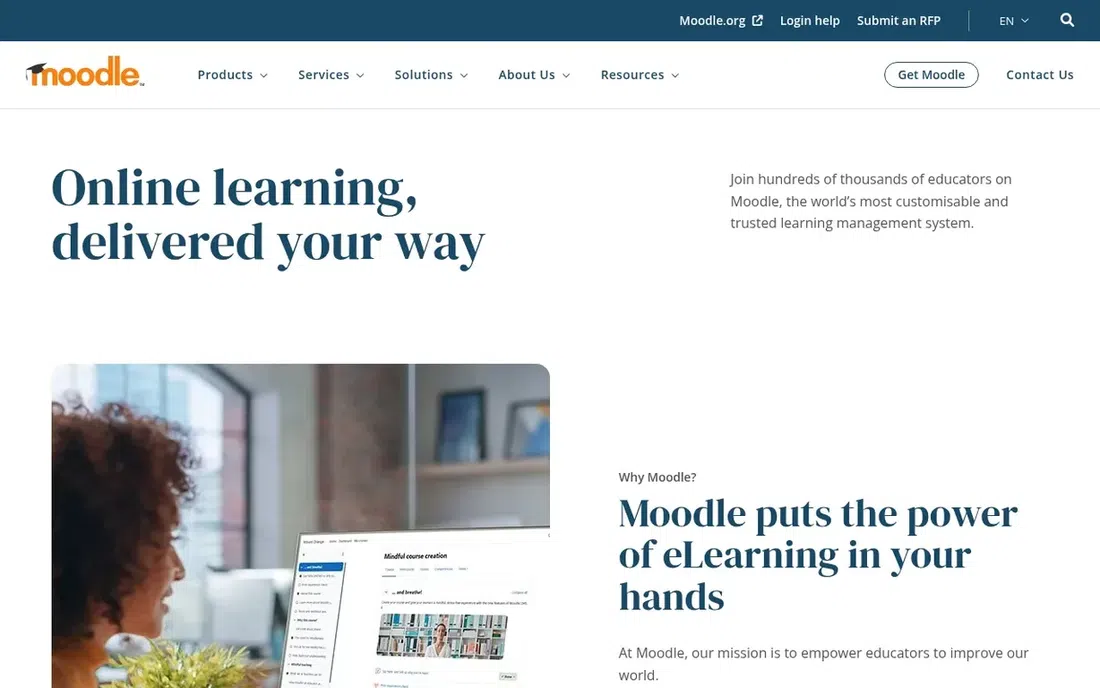
In short, Moodle is for configurable LMS for diverse accessibility needs. Moodle is a configurable learning management system used by educators and organizations worldwide.
Where it falls short: Steeper ramp-up time for administrators.
Its open-source nature lets for broad customization, making it possible to tailor accessibility features to specific needs. Check the vendor site for Moodle pricing; none is listed in this comparison. Free options: Not stated.
- Widely used in education and enterprise
- Open-source adaptability
- Accessibility features may need extras
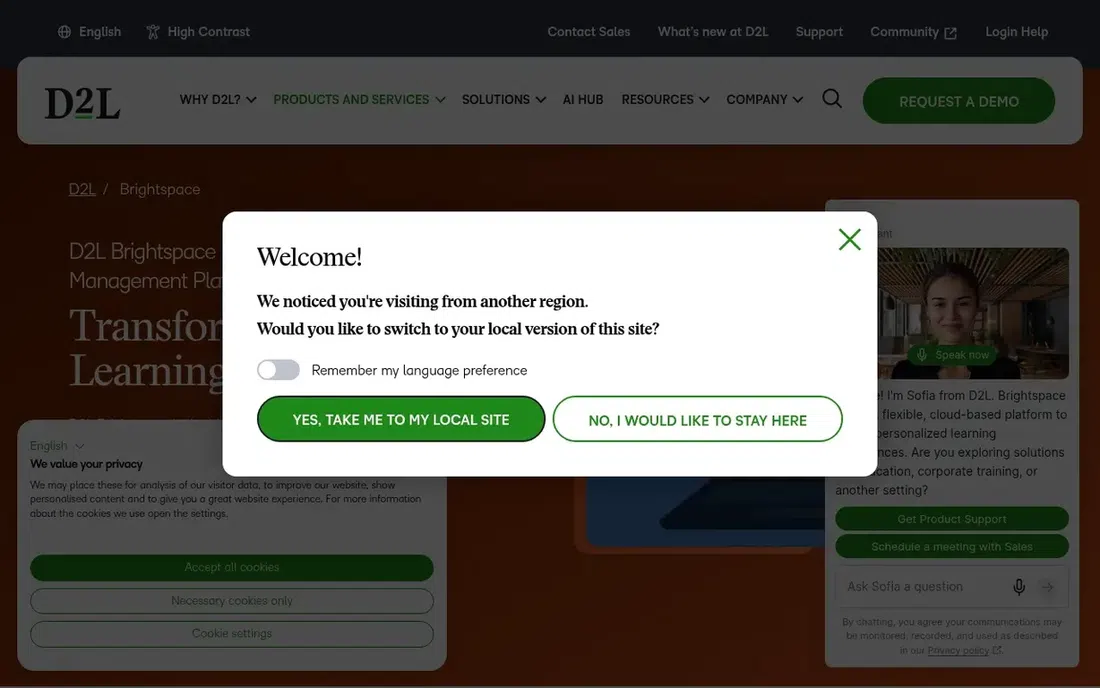
Pick D2L Brightspace if this describes you: LMS with AI and analytics for accessibility. D2L Brightspace is a learning product for higher education, K-12, associations, and business, featuring AI tools like D2L Lumi, Creator+ authoring, and Performance+ analytics. These features can help institutions monitor and boost accessibility.
What to check first: May be complex for small organizations.
Brightspace may be more complex and expensive for small organizations, and some accessibility features might need specific extras. Also, if you need a more straightforward, more budget-friendly option, consider other choices. D2L Brightspace shows no starting price here, so confirm the cost on the vendor site. On free options: Not stated.
- Performance analytics for monitoring
- Supports several sectors
- Accessibility features vary by add-on
Choose Adobe Captivate for Authoring tool for accessible mobile courses. Adobe Captivate is an authoring tool that makes it possible for the creation of mobile-ready courses in minutes, with ease for beginners and speed for professionals.
It bundles features to support accessibility, for example closed captions and keyboard navigation. Check the vendor site for Adobe Captivate pricing; none is listed in this comparison. Free access: Not stated.
Watch-outs: Accessibility features need careful configuration.
- Mobile-ready output
- A good match for beginners and professionals
- Subscription-based pricing
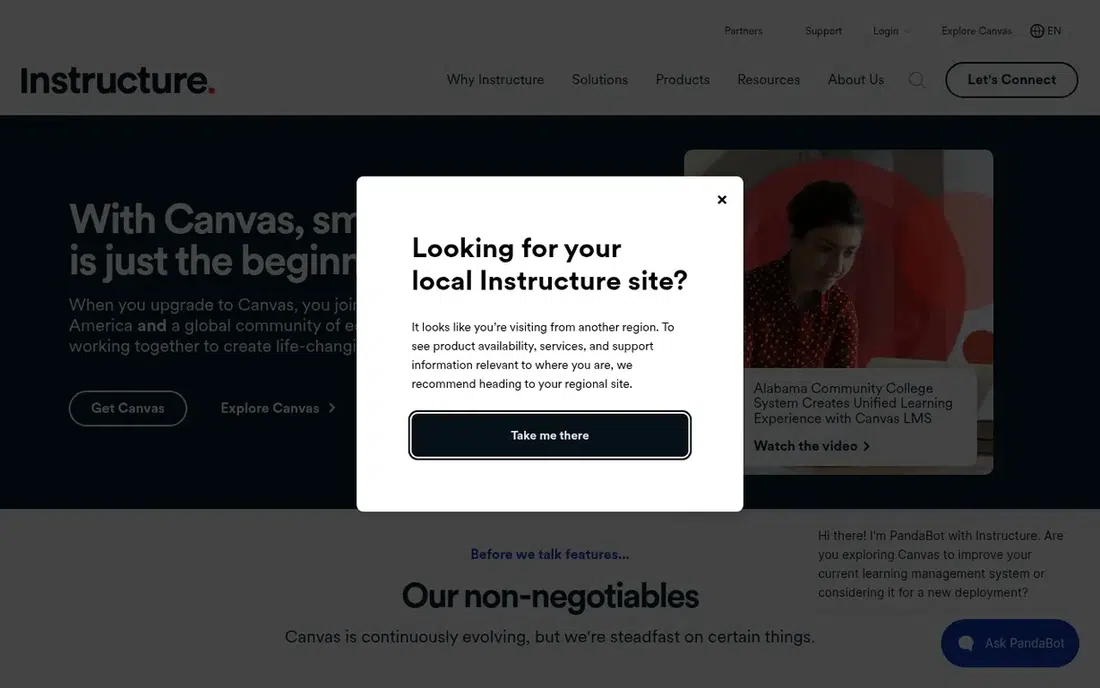
Canvas LMS is a good fit for approachable LMS with accessibility features. Canvas LMS by Instructure is a learning management system meant to ease teaching and enhance student learning.
What to check first: Restricted customization compared with some alternatives.
If you need deep customization or specific accessibility tools not offered by Canvas, consider exploring other choices. As for the details, while Canvas LMS bundles accessibility features, it may not include every compliance requirement from day one, and some customization may be needed. Canvas LMS shows no starting price here, so confirm the cost on the vendor site. Trial and free access: Not stated.
- Meant to ease teaching
- Easy-to-learn interface for easy navigation
- May need extra configuration for full compliance
Pick H5P if this describes you: open-source interactive content with accessibility. H5P enables users to produce, share, and reuse interactive HTML5 content using just a web browser and a supporting website. It gives you several content types, plenty of with accessibility features.
Where it is weaker: Needs a supported system.
From a buyer's view, if you need a standalone authoring tool with guaranteed accessibility, consider other choices. On top of that, H5P needs a system that supports it, and accessibility features can vary depending on the content type chosen. H5P does not show a starting price in this comparison, so check the vendor site for current pricing. As for free access: Not stated.
- Broad range of interactive content types
- Browser-based creation
- Accessibility varies by content type
Rise 360
Best for: Responsive e-learning with accessibility
Think of Rise 360 for Responsive e-learning with accessibility. Rise 360 by Articulate is a responsive e-learning authoring tool that lets users to build mobile-friendly courses with an easy-to-learn interface.
Honest limits: Restricted customization compared with some tools.
In practice, if you need deep customization, consider other choices. Rise 360 may not offer the same level of customization as more complicated authoring tools, and some accessibility features might need additional steps. No starting price is listed for Rise 360 here; confirm pricing on the vendor site. As for free access: Not stated.
- Completely responsive design
- Easy-to-learn course creation
- Accessibility features may need additional steps
How the list was put together
For each of the 6 tools we noted price, free plan or trial, fit for accessibility compliance tools for E-Learning and the main limit, using vendor pages and documentation. Seat minimums, billing terms and add-ons can move the real cost, so the starting prices here are a guide and not a quote. Position on the page reflects fit for a typical buyer first, with price clarity and free access breaking ties. Treat it as a guide, not a ruling.
What to confirm before you sign up
- Confirm the entry price with every vendor: no tool from Moodle to Rise 360 shows a fixed starting price.
- Read the limits listed for Moodle first: steeper ramp-up time for administrators.
- Find out whether the entry plan of D2L Brightspace covers your must-haves or only a trimmed-down version.
- Make sure Moodle lets you export your data in a format another tool can read.
- Let daily users try Canvas LMS on real work; their feedback beats any feature checklist.
FAQ
Can I try these tools before paying?
Not by default. None of the tools, from Moodle to Rise 360, lists a free plan or a free trial here, so ask each vendor for a demo before committing.
Is Moodle the right pick for everyone comparing accessibility compliance tools for E-Learning?
No single tool suits every team. Moodle comes first because it fits customizable LMS for diverse accessibility needs, while D2L Brightspace suits LMS with AI and analytics for accessibility and Adobe Captivate suits Authoring tool for accessible mobile courses. Match the tool to your own size, budget and workflow before deciding.
Do these tools publish their prices?
No. None of the tools, from Moodle to Rise 360, shows a fixed starting price here, so budget time for quotes.
Is H5P a good match for creating accessible interactive content?
H5P provides a set of interactive content types, plenty of with accessibility features. Even so, accessibility can vary by content type, and it needs a supporting product to function.
Does any tool for accessibility compliance tools for E-Learning here have a free plan?
A permanent free plan is not offered by Moodle, Rise 360 or the other tools here. Plan a short evaluation period instead.
Sources
- https://moodle.com
- https://www.d2l.com/brightspace
- https://www.adobe.com/products/captivate.html
- https://www.instructure.com/canvas
- https://h5p.org
- https://articulate.com/rise