5 Best ACA Compliance Software for 2026, Vetted and Compared
Best ACA compliance software: 5 contenders ranked by fit, with entry costs and free tiers. Weaknesses are named for every tool. Built for quick decisions.
- Editor's choice
 Benefitfocus
Benefits administration and health plans
Starts atPricing on requestVisit benefitfocus.comFull review - Great alternative
 UKG Pro
HR, pay and workforce management
Starts atPricing on requestVisit ukg.comFull review - Also consider
 ADP Workforce Now
Payroll-led compliance for expanding teams
Starts atPricing on requestVisit adp.comFull review
Direct answer
Benefitfocus leads the list, best for benefits administration and health plans. UKG Pro is the stronger choice for HR, pay and workforce management, while ADP Workforce Now suits payroll-led compliance for growing teams. Free plan facts and limits for all 5 tools follow. None of these vendors publish plan prices, so pricing is on request for every option.
TL;DR:
- Benefitfocus takes the first slot, best suited to benefits administration and health plans.
- Neither Benefitfocus nor Paycom, nor any of the other 3 tools, has a permanent free plan; trials and quotes are the norm.
- UKG Pro comes with a trade-off: ACA reporting not the headline.
- Paycom suits single-database HR and payroll automation.
Last checked November 2026. Pricing on request: vendors did not publish plan prices when this guide was last checked (November 2026), so ask each vendor for a written quote.
Quick comparison
| Tool | Best for | Starts at | Free plan? | |
|---|---|---|---|---|
| Benefitfocus | Benefits administration and health plans | Pricing on request | Not stated | Visit |
| UKG Pro | HR, pay and workforce management | Pricing on request | Not stated | Visit |
| ADP Workforce Now | Payroll-led compliance for expanding teams | Pricing on request | Not stated | Visit |
| ACA Reporter | Dedicated IRS ACA reporting | Pricing on request | Not stated | Visit |
 Paycom | Single-database HR and payroll automation | Pricing on request | Not stated | Visit |
ACA Compliance Software profiles
Choosing ACA compliance software usually comes down to price, fit and limits. This LinkVetted guide sets 5 tools side by side on those three points, with the facts kept short and checkable.
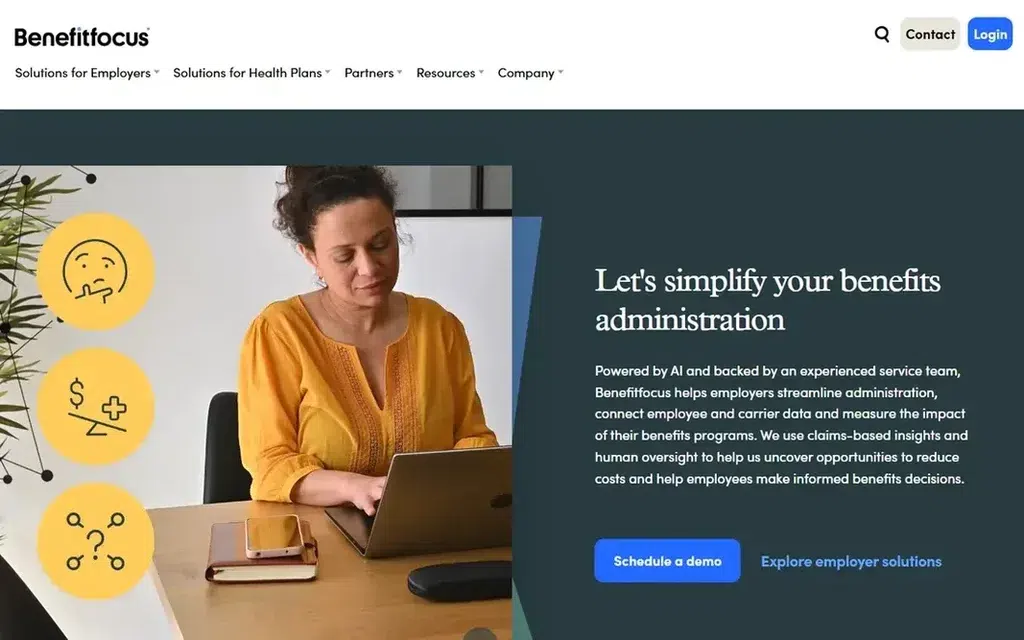
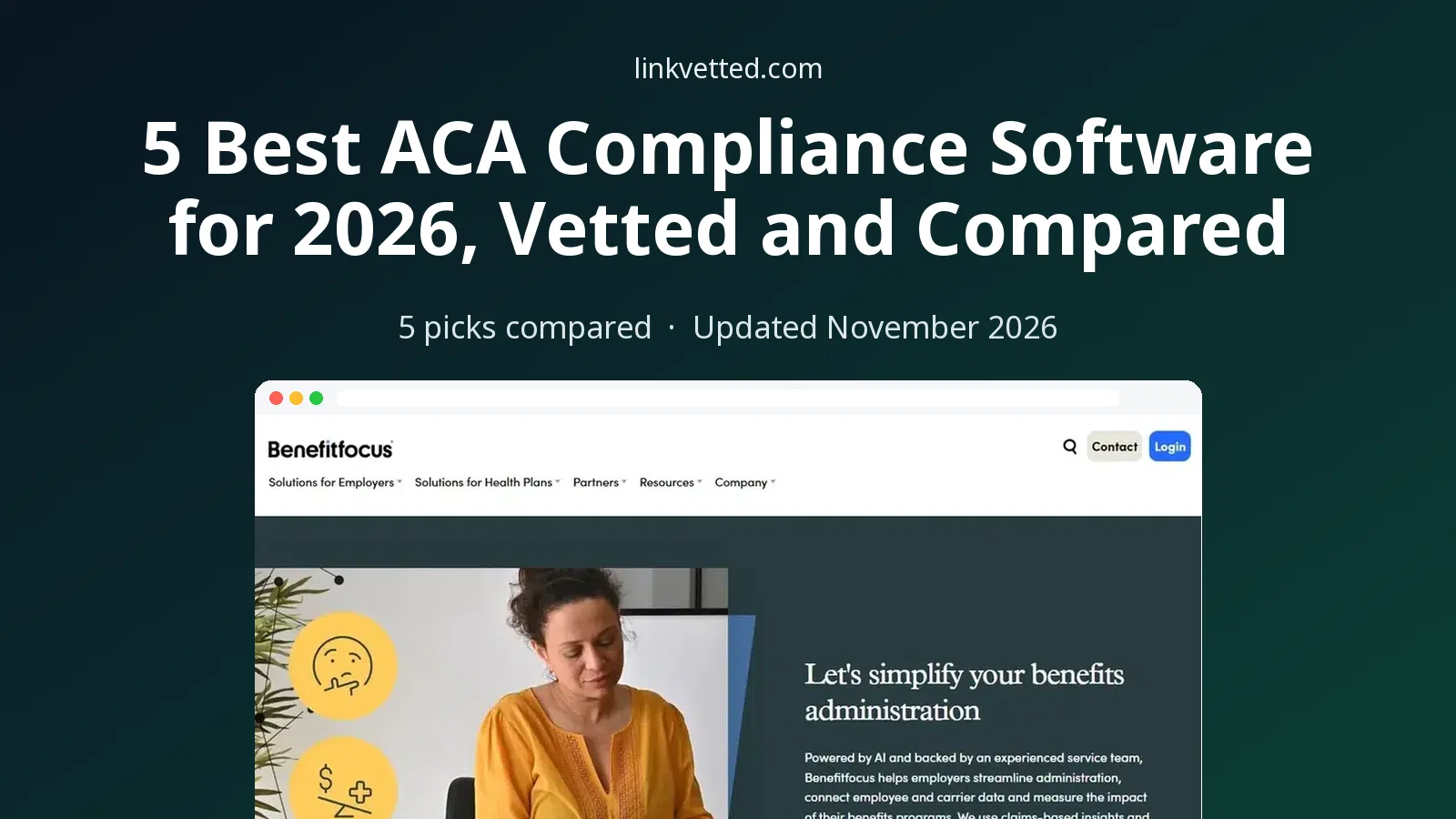
For benefits administration and health plans, Benefitfocus is a natural candidate. Benefitfocus is a benefits administration product pitched at employers and health plans. Its vendor describes data-driven software intended to ease benefits management, save time and boost outcomes.
What to check first: ACA reporting relies on configuration.
Beyond that, for ACA purposes, it fits organizations that want eligibility, enrollment and coverage data managed in one benefits system, with reporting built on that foundation instead of handled as a standalone task. It is a benefits system first, so confirm how ACA forms and filing are handled for your setup before committing. Benefitfocus does not show a starting price in this comparison, so check the vendor site for current pricing. Free options: Not stated.
- Capable benefits management focus
- Data-driven administration tools
- Not marketed as ACA-only software
Think of UKG Pro for HR, pay and workforce management. UKG Pro brings HR, payroll and workforce management together on a product the vendor describes as made for modern operations.
Upsides: Designed for modern operations.
The main drawbacks: Implementation scope can be wide. If you only have to produce and file ACA forms, a dedicated reporting product may be quicker to adopt. No starting price is listed for UKG Pro here; confirm pricing on the vendor site. Trial and free access: Not stated.
- Payroll and scheduling
- Workforce intelligence positioning
- ACA reporting not the headline
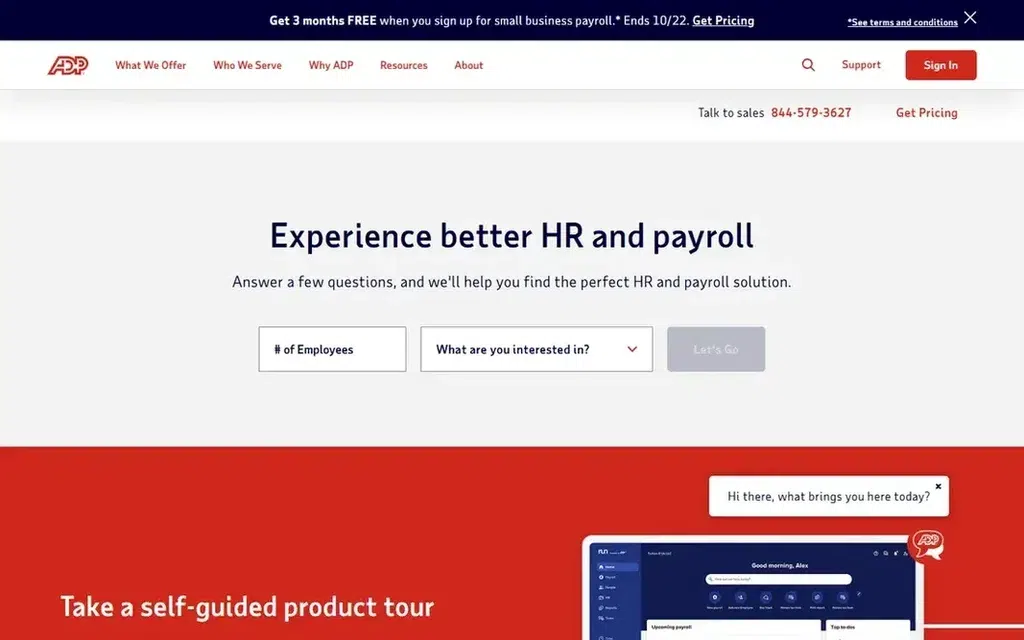
Where ADP Workforce Now fits: payroll-led compliance for expanding teams. It suits employers that want payroll, tax and HR functions connected instead of stitched together from separate vendors.
Trade-offs to know: ACA work tied to ADP ecosystem.
For everyday use, the breadth of the suite means more setup and administration than a narrow reporting tool. Pricing for ADP Workforce Now is not stated here, so ask the vendor for current figures. On free options: Not stated.
- Payroll and tax under one roof
- Wide HR and HCM functions
- Large suite can feel complicated
ACA Reporter
Best for: Dedicated IRS ACA reporting
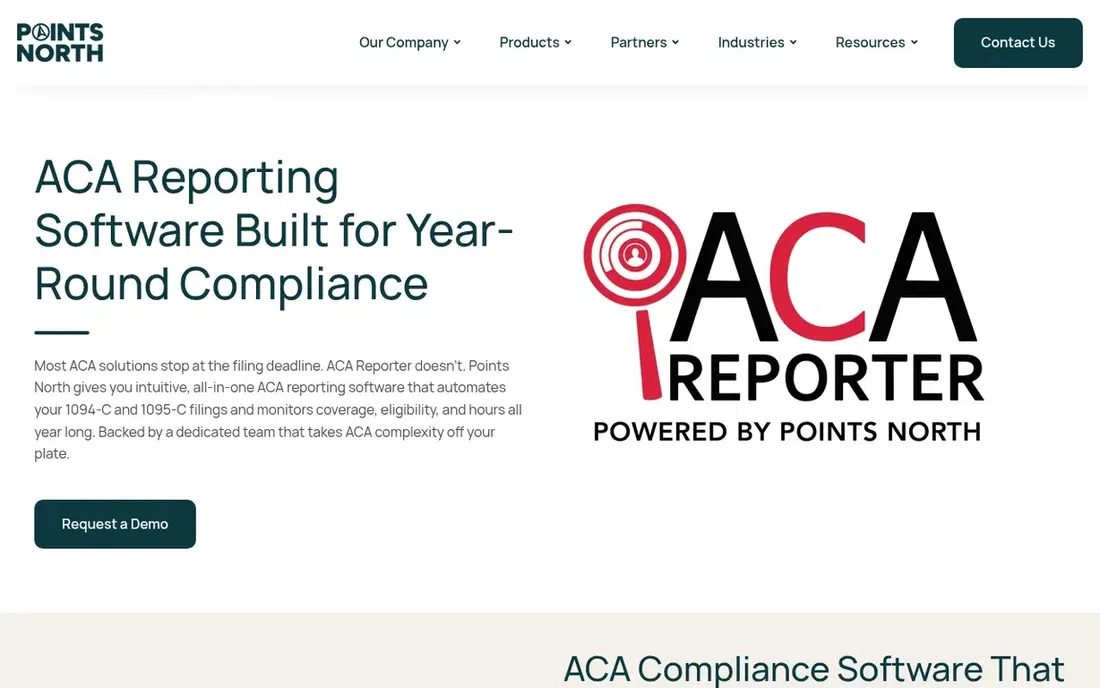
ACA Reporter was built for dedicated IRS ACA reporting. ACA Reporter from Points North is a focused option built around IRS Affordable Care Act reporting. That makes it a natural fit for employers, benefits teams or service providers that already run payroll and benefits elsewhere and primarily need help producing and filing ACA information returns accurately.
The main drawbacks: Narrow scope beyond ACA forms.
As for the details, since it is a specialized reporting tool, it does not replace a payroll or benefits administration system. So you still need clean eligibility and coverage data from another source. More specifically, pick a broader HR product instead if you want reporting bundled with payroll, onboarding and benefits enrollment in one place. ACA Reporter shows no starting price here, so confirm the cost on the vendor site. Free plan details: Not stated.
- Cuts reporting complexity
- Positioned as straightforward to use
- Not a full HR or payroll suite
Where Paycom fits: single-database HR and payroll automation. Confirm the specific ACA reporting workflows you need before deciding, and compare with a dedicated reporting tool if ACA is your only gap.
In daily use, Paycom positions its HR and payroll software around full-solution automation across the employee life cycle in a single database. Paycom shows no starting price here, so confirm the cost on the vendor site. As for free access: Not stated.
Where it falls short: Full-suite commitment required.
- Single database design
- Merges HR and payroll
- ACA features need verification
How we built this list
We compared the tools on published pricing, free plan or trial availability, feature coverage for ACA compliance software, and the limits each vendor documents. Seat minimums, billing terms and add-ons can move the real cost, so the starting prices here are a guide and not a quote. Tools are placed by general fit for ACA compliance software, with price clarity and free access as tie-breakers. A different team can reasonably rank them differently.
What to confirm before you sign up
- Confirm the entry price with every vendor: no tool from Benefitfocus to Paycom shows a fixed starting price.
- Before choosing Benefitfocus, weigh its main limit: not marketed as ACA-only software.
- Before rolling out UKG Pro, verify the integrations your workflow depends on.
- Test how quickly Paycom answers a pre-sales question; it hints at how support will feel later.
- Price ACA Reporter for your actual team size; headline prices rarely include add-ons or overage.
FAQ
Is a dedicated ACA reporting tool better than an HR suite?
A dedicated tool for example ACA Reporter can be quicker to adopt when payroll and benefits already run elsewhere. More specifically, the right choice relies on where your data lives and how much change you want to take on.
How are the tools for ACA compliance software ordered?
Benefitfocus sits first and Paycom last because the order follows typical fit for ACA compliance software, then price clarity and free access. It is a judgement call, so read each profile for fit and limits.
Does any tool for ACA compliance software here have a free plan?
A permanent free plan is not offered by Benefitfocus, Paycom or the other tools here. Plan a short evaluation period instead.
How do I verify ACA reporting features before buying?
Ask vendors to walk through eligibility calculation, form generation, e-filing and correction workflows using your own scenarios. Also check support for record retention, since ACA documentation may be needed in audits.
Can I try these options before paying?
Not by default. None of the tools, from Benefitfocus to Paycom, lists a free plan or a free trial here, so ask each vendor for a demo before committing.
Is Benefitfocus the right pick for everyone comparing ACA compliance software?
No single tool suits every team. Benefitfocus comes first because it fits benefits administration and health plans, while UKG Pro suits HR, pay and workforce management and ADP Workforce Now suits payroll-led compliance for growing teams. Match the tool to your own size, budget and workflow before deciding.
Sources
- https://www.benefitfocus.com
- https://www.ukg.com
- https://www.adp.com
- https://www.acareporter.com
- https://www.paycom.com