5 AutoHotkey Alternatives Worth Switching To in 2026
5 options for AutoHotkey alternatives, with entry costs, free tiers and the buyer each one serves. Caveats come with every verdict. Read the profiles.
- Editor's choiceMacro Recorder
Recording and replaying mouse and keyboard actions
Starts atSee websiteVisit macrorecorder.comFull review - Great alternativeKeyboard Maestro
Macro automation on macOS
Starts at$36Visit keyboardmaestro.comFull review - Also considerHammerspoon
Lua scripting for macOS power users
Starts atSee websiteVisit hammerspoon.orgFull review
Direct answer
This list puts Macro Recorder first for recording and replaying mouse and keyboard actions. Listed starting prices: Keyboard Maestro from $36 and UiPath Studio from $25 a month. If your case is different, Keyboard Maestro suits Macro automation on macOS and Hammerspoon suits Lua scripting for macOS power users. Details, prices and limits for the rest of the 5 tools are below.
TL;DR:
- Macro Recorder takes the first slot, best suited to recording and replaying mouse and keyboard actions.
- UiPath Studio fits enterprise business process automation.
- Just one of the 5 tools, UiPath Studio, has a free plan.
- Check the limits for Macro Recorder before you commit: recorded routines can be brittle when screens change.
Last checked November 2026. Prices and plan details were read from the vendors' own pages in November 2026; vendors change plans often, so confirm the current price on the vendor site before you buy.
Quick comparison
| Tool | Best for | Starts at | Free plan? | |
|---|---|---|---|---|
| Macro Recorder | Recording and replaying mouse and keyboard actions | See website | Not stated | Visit |
| Keyboard Maestro | Macro automation on macOS | $36 | Free trial | Visit |
| Hammerspoon | Lua scripting for macOS power users | See website | Not stated | Visit |
| AutoIt | Windows GUI scripting and automation | See website | Not stated | Visit |
| UiPath Studio | Enterprise business process automation | $25 a month | Yes | Visit |
AutoHotkey, one by one
Choosing AutoHotkey usually comes down to price, fit and limits. This LinkVetted guide sets 5 tools side by side on those three points, with the facts kept short and checkable.
Macro Recorder
Best for: Recording and replaying mouse and keyboard actions
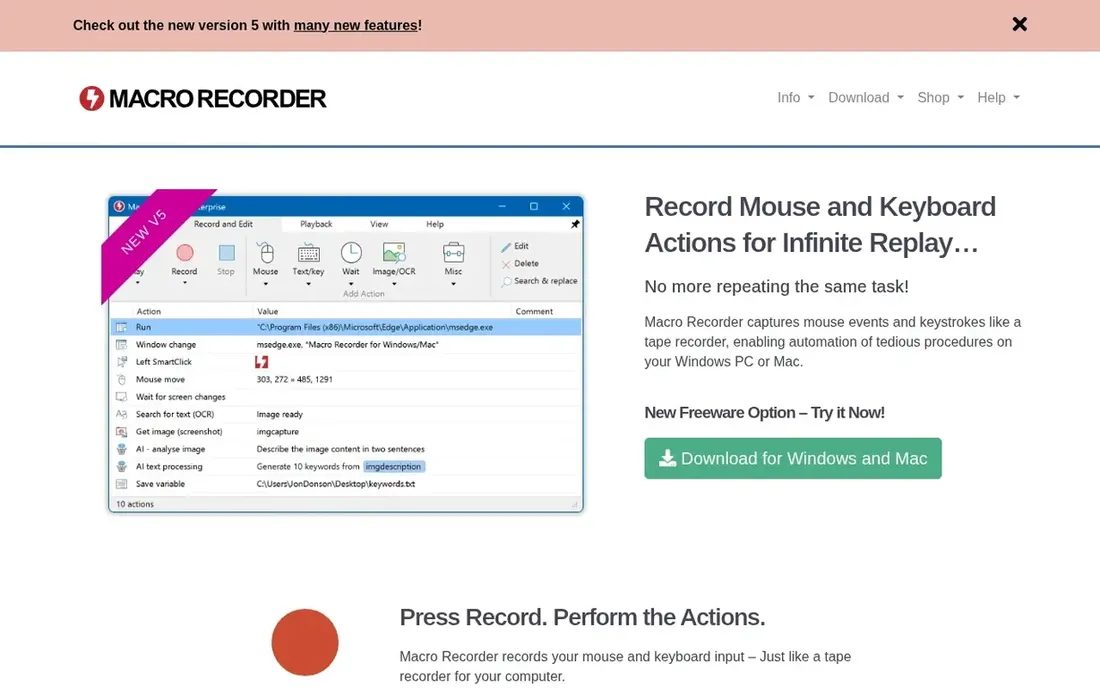
Pick Macro Recorder if this describes you: recording and replaying mouse and keyboard actions. Macro Recorder records mouse clicks, mouse movements and keyboard input, then replays them to remove repetitive procedures.
It runs on both Windows and Mac, which helps people who split time between systems. Check the vendor site for Macro Recorder pricing; none is listed in this comparison. Trial and free access: Not stated.
Trade-offs to know: Less adaptable than a scripting language for complicated logic.
- Records mouse clicks and movements like a tape recorder
- Works on Windows and Mac
- Recorded routines can be brittle when screens change
Keyboard Maestro
Best for: Macro automation on macOS
Keyboard Maestro was built for Macro automation on macOS. Some users find the macro editor takes time to learn before it feels natural. From a buyer's view, Keyboard Maestro is macOS automation software that runs macros from straightforward keystrokes.
Its homepage positions it as a leading tool for Mac automation. Its focus is on turning repeated actions into shortcuts you trigger whereas you work. It is exclusively for macOS, so Windows users need a different choice. Also, choose Keyboard Maestro when your work lives on a Mac and you want keystroke-driven automation across applications. Keyboard Maestro starts at: $36. As for free access: Free trial.
Watch-outs: macOS only.
- Made for macOS automation
- Macro creation triggered by straightforward keystrokes
- Macro building takes some learning
Hammerspoon
Best for: Lua scripting for macOS power users
Choose Hammerspoon for Lua scripting for macOS power users. Windows users are out of scope entirely. There is no point-and-click builder, so non-programmers will struggle.
Honest limits: Needs programming knowledge.
In practice, Hammerspoon brings desktop automation to macOS through Lua scripting, describing itself as staggeringly powerful. Rather than a visual macro editor, it hands you a runtime you extend with code, so window management, hotkeys and app control can be wired together exactly as you like. Check the vendor site for Hammerspoon pricing; none is listed in this comparison. Free plan details: Not stated.
- Extensible runtime for custom workflows
- Scriptable desktop automation through Lua
- MacOS only
AutoIt
Best for: Windows GUI scripting and automation
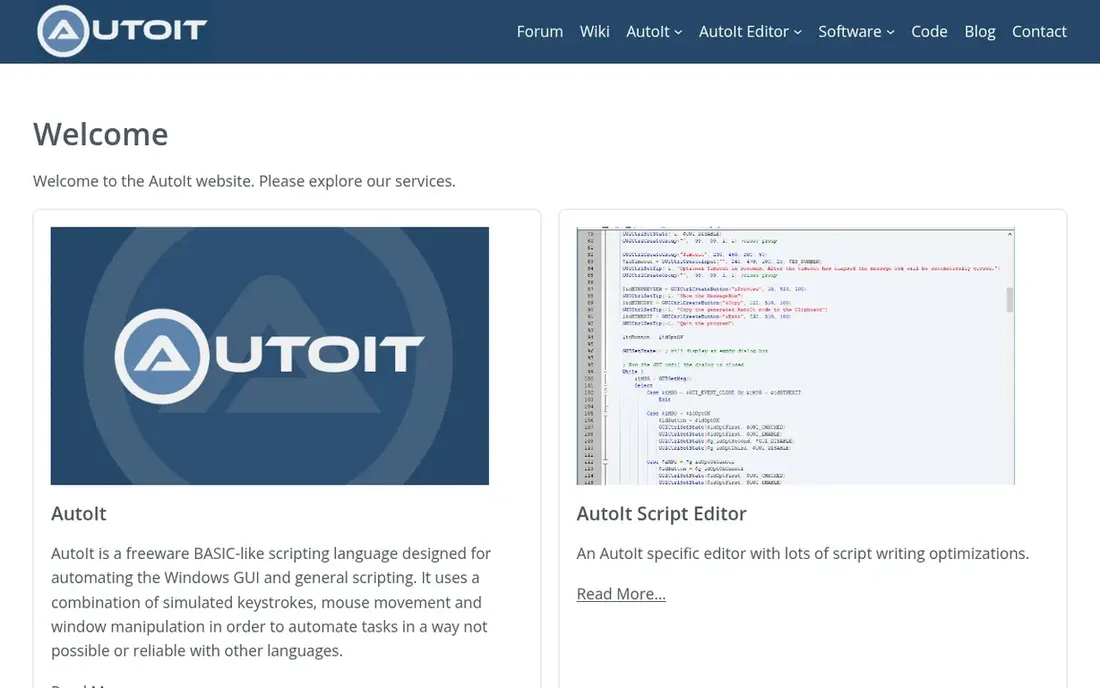
AutoIt is designed for Windows GUI scripting and automation. It merges simulated keystrokes and mouse movement with window control, which makes it a natural landing point for Windows users who want a code-based approach similar in spirit to AutoHotkey.
In practice, users who want to avoid code entirely may prefer a recorder. Since it is tied to Windows, anyone working across Mac and Windows needs a second tool. AutoIt shows no starting price here, so confirm the cost on the vendor site. As for free access: Not stated.
Drawbacks to consider: Needs learning a scripting language.
- Built for automating the Windows GUI
- BASIC-like language that is approachable for beginners
- Windows only
UiPath Studio
Best for: Enterprise business process automation
Where UiPath Studio fits: enterprise business process automation. It targets organizations automating structured business processes instead of individuals shortcutting a handful of clicks.
Where it falls short: Heavier than a personal macro tool.
Worth adding: setup and administration assume an organizational context. Choose UiPath Studio when automation is a business initiative with processes, oversight and scale behind it. UiPath Studio pricing: $25 per month. UiPath Studio has a free plan. What users get: Geared toward secure.
- Robots and people
- Compliant enterprise outcomes
- Overkill for straightforward desktop shortcuts
How we compared the tools
Pricing pages, product documentation and feature lists were the main sources, and every entry carries at least one honest drawback. Seat minimums, billing terms and add-ons can move the real cost, so the starting prices here are a guide and not a quote. The order reflects how well each tool fits the most common buying scenario for AutoHotkey, then price clarity, then free plan access. It is a starting point, not a verdict.
Things to verify first
- Confirm the entry price on the vendor page. For Macro Recorder, Hammerspoon and AutoIt that means a quote rather than a fixed price.
- Test the free plan from UiPath Studio against your real workload before relying on it.
- Use real work to test the free trial from Keyboard Maestro, rather than a demo project.
- Read the limits listed for Macro Recorder first: recorded routines can be brittle when screens change.
- Confirm you can export your data from UiPath Studio, so leaving later does not mean losing records.
- Ask Macro Recorder about contract length, onboarding fees and user minimums before you sign.
FAQ
Do these tools publish their prices?
Not all of them. Macro Recorder, Hammerspoon and AutoIt publish no starting price, so expect a quote request for those. The rest, Keyboard Maestro included, show a starting price, though seats and billing terms still change the final cost.
What is the cheapest option for AutoHotkey in this list?
On published monthly entry prices, UiPath Studio is the lowest here at $25 per month. Entry price is only part of the cost, because seats, add-ons and billing terms can change the total.
Which options for AutoHotkey have a free plan?
UiPath Studio is the only tool in this list with a free plan. Free plans usually cap users, projects or features, so check the limits on the vendor page. One other tool offers a trial instead.
Is Macro Recorder the right pick for everyone comparing AutoHotkey?
No single tool suits every team. Macro Recorder comes first because it fits recording and replaying mouse and keyboard actions, while Keyboard Maestro suits Macro automation on macOS and Hammerspoon suits Lua scripting for macOS power users. Match the tool to your own size, budget and workflow before deciding.
When should I consider UiPath Studio rather than a desktop macro tool?
UiPath Studio belongs to a system geared toward business orchestration with AI agents, robots and people at scale. It fits organizations running formal automation programs instead of individuals shortcutting a few repetitive clicks.
Sources
- https://www.macrorecorder.com
- https://www.keyboardmaestro.com
- https://www.hammerspoon.org
- https://www.autoitscript.com
- https://www.uipath.com