Best Applitools Alternatives in 2026: 8 Tools Compared
Looking for Applitools alternatives? We compare 8 visual testing tools on price, Storybook support, cross-browser coverage, and review workflow today.
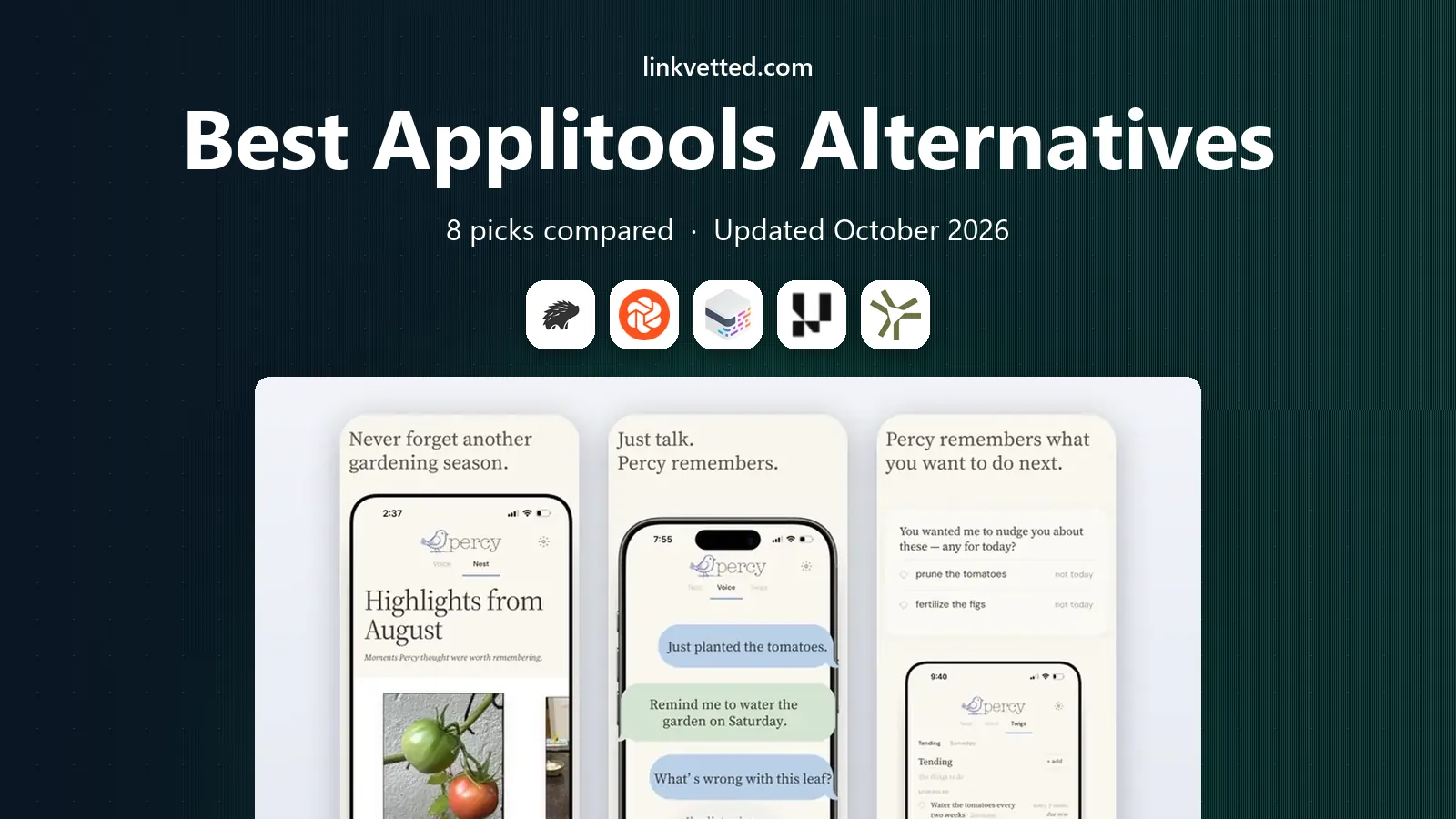
- Editor's choice
 Percy
Teams already using BrowserStack
Starts at$199 per monthVisit percy.ioFull review - Great alternative
 Chromatic
Storybook design systems
Starts at$179 per monthVisit chromatic.comFull review - Also consider
 mabl
Low-code automation plus visual checks
Starts atSee websiteVisit mabl.comFull review
TL;DR:
- Percy and Chromatic are the simplest hosted replacements for most teams, with free tiers that cover small projects.
- Chromatic is the strongest pick when a design system already lives in Storybook, while Percy fits teams that already run tests on BrowserStack.
- Argos and BackstopJS keep costs down, with Argos offering a low paid entry point and BackstopJS costing nothing but your own hosting and review time.
- Teams that need full test automation plus visual checks should look closely at mabl, LambdaTest, and Sauce Labs rather than a snapshot-only tool.
- No single tool matches Applitools on every point, so match the pick to your framework, your browser matrix, and how much triage time your team can spare.
Quick comparison
| Tool | Best for | Starts at | Free plan? | |
|---|---|---|---|---|
| Percy | Teams already using BrowserStack | $199 per month | Yes | Visit |
| Chromatic | Storybook design systems | $179 per month | Yes | Visit |
| mabl | Low-code automation plus visual checks | See website | Free trial | Visit |
 LambdaTest SmartUI | Teams already on the LambdaTest grid | $199 per month | Yes | Visit |
 Sauce Labs Visual | Enterprise teams on Sauce Labs | See website | Free trial | Visit |
 Argos | Budget teams on Playwright or Cypress | $100 per month | Yes | Visit |
 BackstopJS | Self-hosted open source visual testing | Free | Yes | Visit |
 Playwright | Code-first teams already using Playwright | Free | Yes | Visit |
The best Applitools alternatives
Applitools Eyes is known for visual AI that ignores small rendering noise while catching real changes. That power comes with a price and a platform that can feel large for a small team. The tools below cover the same core job, which is catching visual regressions before users see them, and each one makes a different trade-off on price, setup, and review workflow.
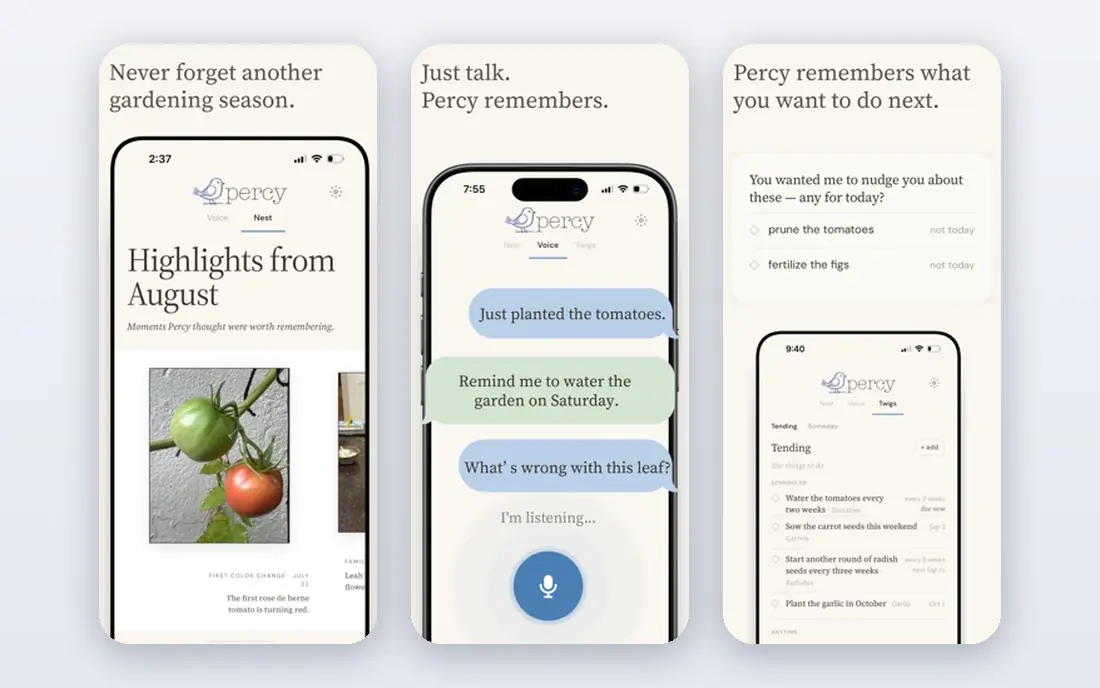
Percy fits teams that want visual testing without building their own screenshot pipeline. It captures snapshots across browsers and widths, then shows differences inside pull requests where reviewers already work. That placement matters, because a visual check that lives outside the pull request is easy to ignore when a release is close.
The catch is cost control. Snapshot pricing means a wide browser matrix and many pages can add up quickly, so teams should start with key pages and flows rather than screenshotting everything. Dynamic content such as ads, dates, and animations also needs freezing or masking, or reviewers will spend time approving noise. For BrowserStack users, the pairing is natural, since Percy sits beside live and automated testing on the same platform.
- Works with Playwright, Cypress, and Selenium
- Cross-browser snapshots
- Pull request review built in
- Snapshot-based pricing grows with coverage
- Dynamic content needs careful handling
Chromatic is built around Storybook, and that focus shows in its review flow. It snapshots every story, compares each one to an accepted baseline, and lets designers and engineers approve or request changes in a shared view. Teams with a component library get far more value here than teams testing only full pages, because each component is checked in isolation.
Chromatic also publishes Storybook for sharing and review, which helps product and design colleagues see changes without running code locally. The weakness is the same as its strength. If your Storybook is out of date or rarely used, Chromatic will feel like a tool for a workflow you do not have. It also supports Playwright and Cypress end-to-end visual tests, so it is not limited to components alone, but Storybook remains its home turf.
- Deep Storybook integration
- Designer-friendly review workflow
- Cross-browser snapshots
- Best value depends on a maintained Storybook
- Snapshot costs grow with coverage
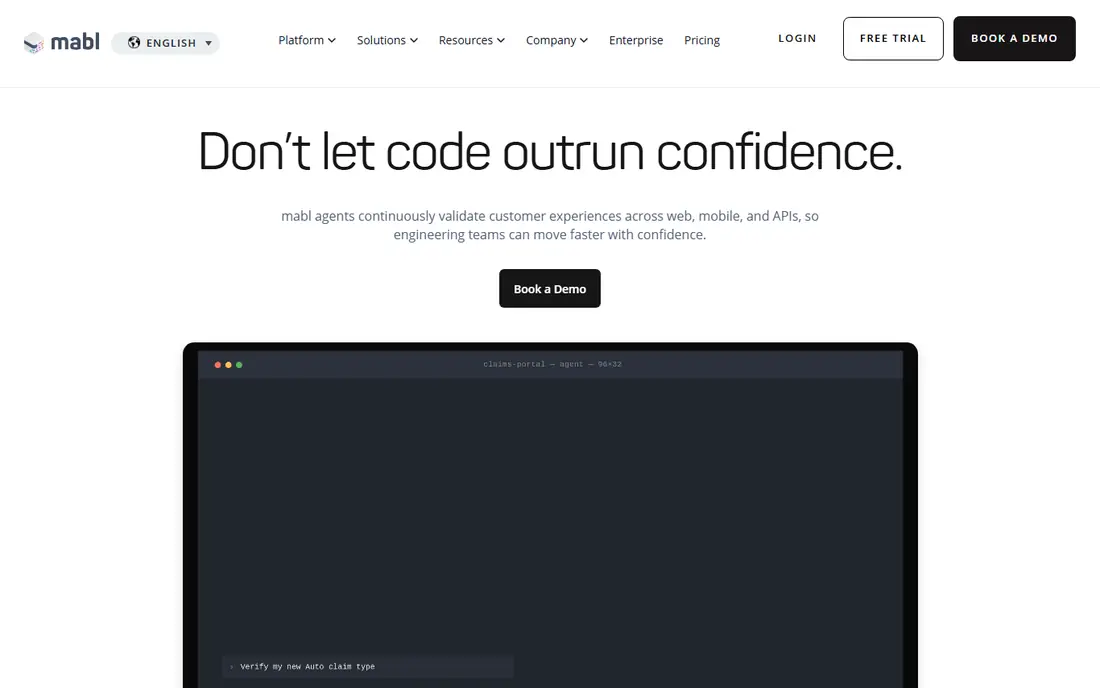
mabl takes a different path from Percy and Chromatic. Instead of only comparing screenshots, it runs functional tests that click, fill forms, and check behavior, then flags visual changes along the way. That combination suits teams that want one tool to answer two questions: does the page work, and does it look right.
Auto-healing is the feature teams mention most, because it adjusts tests when minor page changes would otherwise break them. That can cut maintenance, though it also means teams should review healed tests rather than trusting them blindly. Pricing requires a conversation with sales for most plans, so budget approval takes longer than with a tool that shows a price on its site. For teams moving away from Applitools because they want broader automation, not just cheaper snapshots, mabl is worth a trial.
- Combines functional and visual testing
- Auto-healing tests
- Cloud runs with diagnostics
- Pricing is not published on a simple self-serve page
- More platform than a snapshot-only team needs
SmartUI, from LambdaTest, is a natural pick for teams that already run cross-browser tests there. It captures screenshots across browsers and devices, highlights differences, and lets reviewers approve changes without leaving the platform. Keeping visual work beside functional test runs reduces context switching and makes it easier to tie a visual failure to the build that caused it.
The pricing model is snapshot based, so teams should plan coverage carefully and use baselines wisely. A free tier with a limited screenshot allowance lets small teams try the workflow before paying. The main drawback is lock-in by convenience. If you later move your test grid elsewhere, you may need to move visual testing too, or run two platforms side by side.
- Visual checks on a large browser grid
- Unlimited users on paid plans
- Smart diff handling
- Value drops if you do not use LambdaTest for other testing
- Snapshot limits need watching
Sauce Labs Visual suits larger teams that already trust Sauce Labs for automated and live testing. It adds visual comparison to that cloud, so a team can check appearance across browsers and real devices in the same place it runs functional suites. Enterprise controls around access, reporting, and compliance also matter here, since visual testing in a large company often needs audit trails and role-based access.
Smaller teams may find the platform heavier than they need. The sales-led pricing path and the breadth of the Sauce Labs suite mean a simple visual check can turn into a platform decision. Still, for a team already paying for Sauce Labs, adding visual testing there is often cheaper in effort than adopting a separate tool, even if the headline price is not the lowest on this list.
- Visual testing beside a large test cloud
- Real device and browser coverage
- Enterprise controls
- Pricing is quote based for many plans
- Setup is heavier than a snapshot-only tool
Argos is the pick for teams that want hosted visual review without a large monthly bill. It works with Playwright and Cypress, captures screenshots in continuous integration, and presents differences for review. The free hobby tier gives small projects a real way to start, and the paid tier stays well below several rivals at a similar snapshot volume.
The trade-off is scale and ecosystem. Argos does not carry the same breadth of integrations, enterprise controls, or long track record as the larger tools on this list. For a startup or a small product team, that gap rarely matters. For a regulated enterprise with strict access rules, it may. Judge Argos on the workflow you will use every day, not on a feature list you may never open.
- Low paid entry point
- Playwright and Cypress support
- Clear visual review workflow
- Smaller ecosystem than Percy or Chromatic
- Fewer enterprise features
BackstopJS is the do-it-yourself option, and for some teams that is exactly the point. It runs visual regression tests from your own machines or continuous integration, compares screenshots to approved references, and produces a report you can review. There is no monthly fee, no snapshot limit set by a vendor, and no data leaving your infrastructure unless you choose to send it elsewhere.
That freedom comes with work. You handle browser setup, storage, baseline management, and review discipline yourself. Dynamic content, responsive widths, and large suites all need configuration, and the reporting is functional rather than polished. Teams with strong DevOps habits and modest suites often love BackstopJS. Teams that want a polished review inbox and vendor support will prefer a hosted tool.
- Free and open source
- Full control over config and hosting
- Good for small suites
- You build and maintain the pipeline
- Review workflow is basic compared with hosted tools
Playwright deserves a place here because many teams already use it for functional tests, and its built-in screenshot comparison covers a large share of visual testing needs at no extra cost. Tests can assert that a page or element matches an approved snapshot, and failures show a diff for review. It runs across Chromium, Firefox, and WebKit, which covers the engines most users actually run.
The limitation is workflow, not capability. Playwright does not offer the same hosted review inbox, approval history, or designer-friendly interface as Percy or Chromatic. Baselines live with your code, and triage happens through test reports and pull requests. For engineering-led teams that prefer code over dashboards, that is a strength. For teams where designers need to approve visual changes, a hosted tool may fit better.
- Visual checks built into a leading test framework
- Free and open source
- Strong cross-browser support
- Visual review is code and report based, not a polished hosted inbox
- You manage baselines
How we picked these
We compared official feature pages, pricing pages, and public documentation for each tool, plus app store listings and public reviews where they helped clarify real use. We favored tools that are actively maintained in 2026, that work with common frameworks such as Playwright and Cypress, and that cover a clear part of the Applitools job, from snapshot review to full automation. We left out tools that are discontinued, that only do manual screenshot capture, or that could not be verified as working products today.
What to check before you switch
Start with your framework and your browser matrix, because those two facts narrow the list fast. A Storybook team should trial Chromatic first. A Playwright or Cypress team on a budget should trial Argos and Playwright itself. A team already paying for BrowserStack, LambdaTest, or Sauce Labs should check the visual tool inside that platform before adding another vendor.
Count snapshots before you price
Snapshot pricing rewards focus. List your most valuable pages, your checkout and signup flows, and your core components, then estimate snapshots per run times runs per month. A tool that looks cheap at a small volume can become costly once every page is covered on every browser. Freeze dates, ads, and animations where you can, and mask areas that change on every load.
Trial the review workflow, not just the capture
Capturing a screenshot is easy. Approving changes quickly, without approving real bugs by mistake, is the hard part. Run a trial with a real pull request that changes a component on purpose, and see how long review takes for both engineers and designers. Check baseline history, who approved what, and how easy it is to revert a bad approval. The tool that makes review boring and fast is the one your team will actually keep using.
FAQ
What is the best Applitools alternative for small teams?
Percy and Argos are strong starting points, with free tiers and clear review workflows. BackstopJS and Playwright cost nothing in licence fees if your team can run them. Choose the hosted option if review speed matters more than saving money, and the open source option if control matters more.
Are top Applitools alternatives free?
Several offer free tiers, including Percy, Chromatic, Argos, BackstopJS, and Playwright. Free tiers usually limit snapshots or screenshots per month, so they suit small projects or trials. Larger suites normally need a paid plan, and snapshot volume is the main cost driver to watch.
Does Chromatic work without Storybook?
Chromatic is built for Storybook, but it also supports Playwright and Cypress visual tests. You will get the most value with Storybook in place, since component-level snapshots and publishing are its core strengths. Without Storybook, Percy or Argos may be a simpler fit.
How do Applitools alternatives handle dynamic content?
Most tools let you mask areas, freeze animations, or ignore regions that change on every load. Applitools uses visual AI to reduce noise, while snapshot tools rely more on masking and careful baselines. Expect some setup work for pages with ads, live data, or timestamps, whichever tool you choose.
Can I run visual tests in continuous integration?
Yes. Percy, Chromatic, Argos, mabl, LambdaTest, and Sauce Labs all support continuous integration, and BackstopJS and Playwright run in your own pipeline. The key is to run visual checks on pull requests, so failures block a merge rather than surfacing after release.
Should I replace Applitools completely or run tools side by side?
Run a trial side by side for a few weeks if you can. Keep Applitools on your main suite while the new tool covers a smaller set of pages, then compare false positives, review time, and cost. That comparison gives you real evidence for the switch, rather than a guess based on pricing pages alone.