Best Anecdotes Alternatives for 2026 (5 Compared)
Anecdotes alternatives: 5 contenders ranked by fit, with entry costs and free tiers. Price notes and drawbacks come with each one. Quick comparison inside.
- Editor's choiceOnPage
Healthcare secure on-call communication
Starts at$13.99 per user a monthVisit onpage.comFull review - Great alternativeOpsgenie
Atlassian-centric on-call alerting
Starts atSee websiteVisit atlassian.comFull review - Also considerSquadcast
AI alert correlation and on-call response
Starts at$2 per node a monthVisit squadcast.comFull review
Direct answer
If you need healthcare secure on-call communication, OnPage is the first tool to look at here. Listed starting prices: OnPage from $13.99 per user a month, Squadcast from $2 per node a month and PagerDuty from $21 per user a month. Look at Opsgenie for Atlassian-centric on-call alerting, and at Squadcast for AI alert correlation and on-call response. Prices, free plans and limits for all 5 tools follow.
TL;DR:
- OnPage sits first on this list: healthcare secure on-call communication.
- Squadcast is the lowest-priced starter here at $2 per node per month.
- xMatters is the one to check for automatic workflows for DevOps and SRE.
- PagerDuty, xMatters: these are the 2 tools out of 5 that offer a free plan.
Last checked November 2026. Prices and plan details were read from the vendors' own pages in November 2026; vendors change plans often, so confirm the current price on the vendor site before you buy.
Quick comparison
| Tool | Best for | Starts at | Free plan? | |
|---|---|---|---|---|
| OnPage | Healthcare secure on-call communication | $13.99 per user a month | Free trial | Visit |
| Opsgenie | Atlassian-centric on-call alerting | See website | Not stated | Visit |
| Squadcast | AI alert correlation and on-call response | $2 per node a month | Free trial | Visit |
 PagerDuty | AI-driven incident operations at scale | $21 per user a month | Yes | Visit |
 xMatters | Automatic workflows for DevOps and SRE | $15 per user a month | Yes | Visit |
Anecdotes, one by one
If you are comparing Anecdotes, this page covers 5 tools in one place: what each is best for, what it costs to start, whether it has a free plan, and the main limit to know about.
OnPage
Best for: Healthcare secure on-call communication
OnPage is aimed squarely at healthcare secure on-call communication. Choose OnPage when secure on-call communication and pager replacement are priorities.
Points against: Niche positioning may limit general appeal.
OnPage gives you incident alert management and pager replacement with a homepage that flags healthcare secure communication. Starting cost for OnPage: $13.99 per user per month. As for free access: Free trial.
- Secure communication emphasis
- Pitched at reducing resolution time
- Feature fit relies on communication needs
Opsgenie
Best for: Atlassian-centric on-call alerting
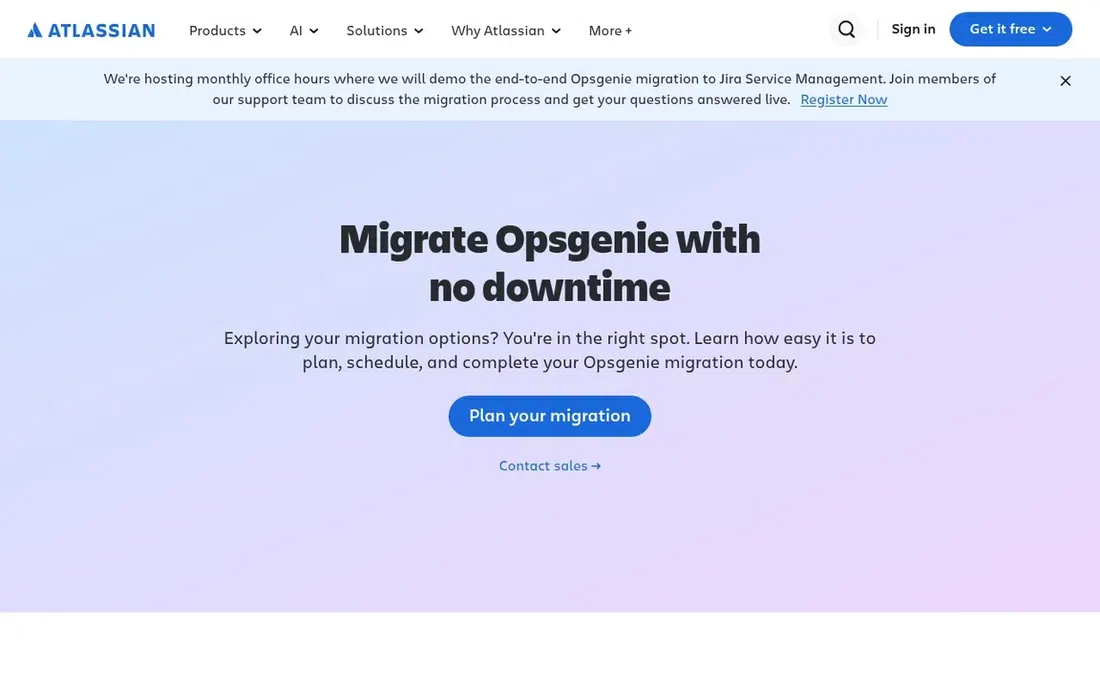
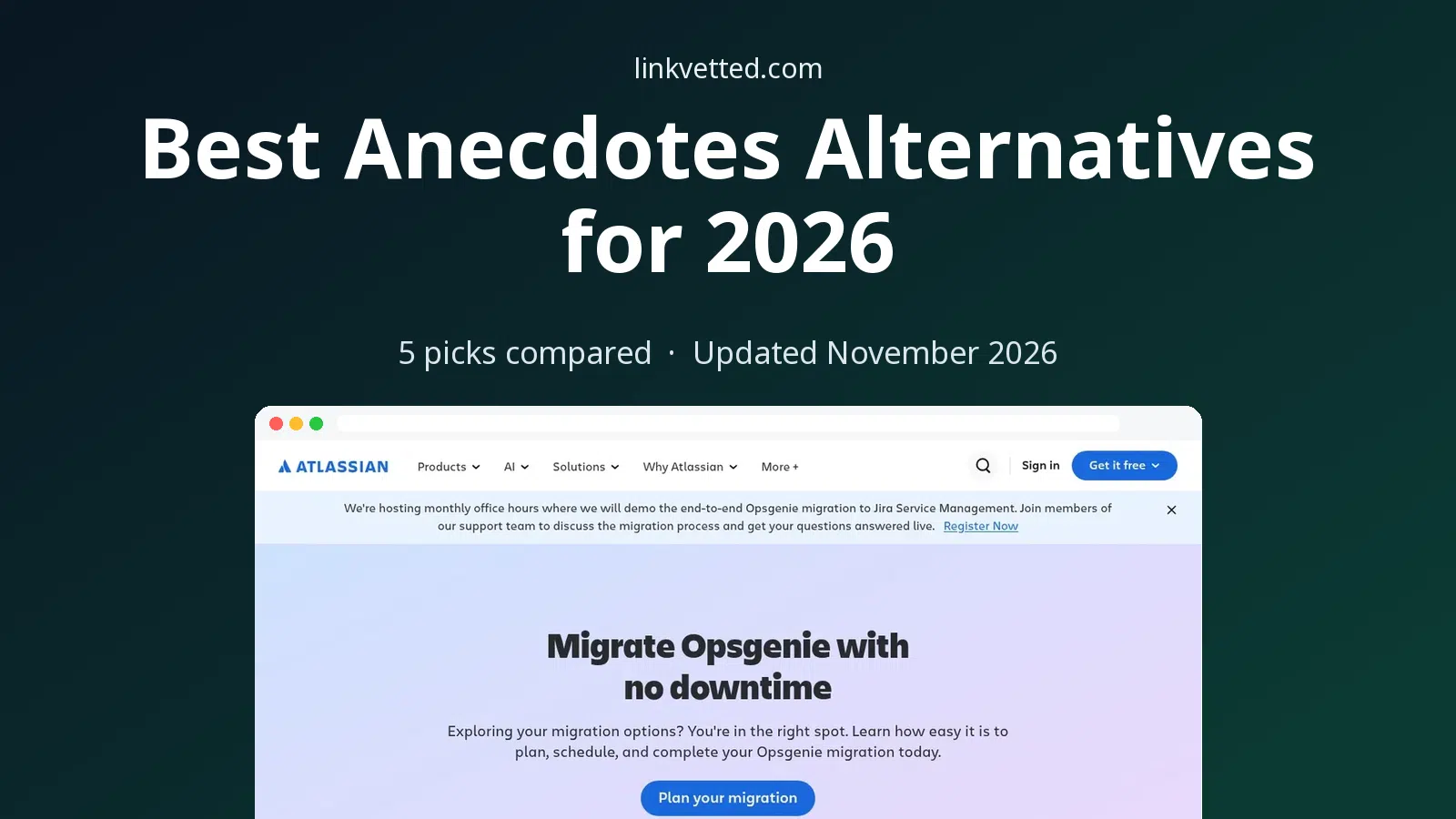
Pick Opsgenie if this describes you: Atlassian-centric on-call alerting. Choose Opsgenie when you are consolidating on Atlassian and want guided migration support. Also, the vendor describes planning, scheduling and completing the migration with an automatic tool.
Since the vendor's current messaging centres on migration to Jira Service Management, teams wanting a standalone alerting product should weigh that direction carefully. Those outside the Atlassian ecosystem may find less value. This comparison lists no price for Opsgenie; ask the vendor. On free options: Not stated.
The main drawbacks: Vendor messaging centers on migration.
- Suits Atlassian tool stacks
- On-call scheduling and alerting
- Long-term direction tied to Atlassian
Squadcast
Best for: AI alert correlation and on-call response
Squadcast is a good fit for AI alert correlation and on-call response. Squadcast is presented as IT incident response software under SolarWinds.
Consider Squadcast when alert correlation and quicker resolution are the central drivers. Price to start with Squadcast: $2 per node per month. Free options: Free trial.
Limits to weigh: Now presented under SolarWinds.
- Automated on-call scheduling
- AI-powered alert correlation
- Vendor transition may affect roadmaps
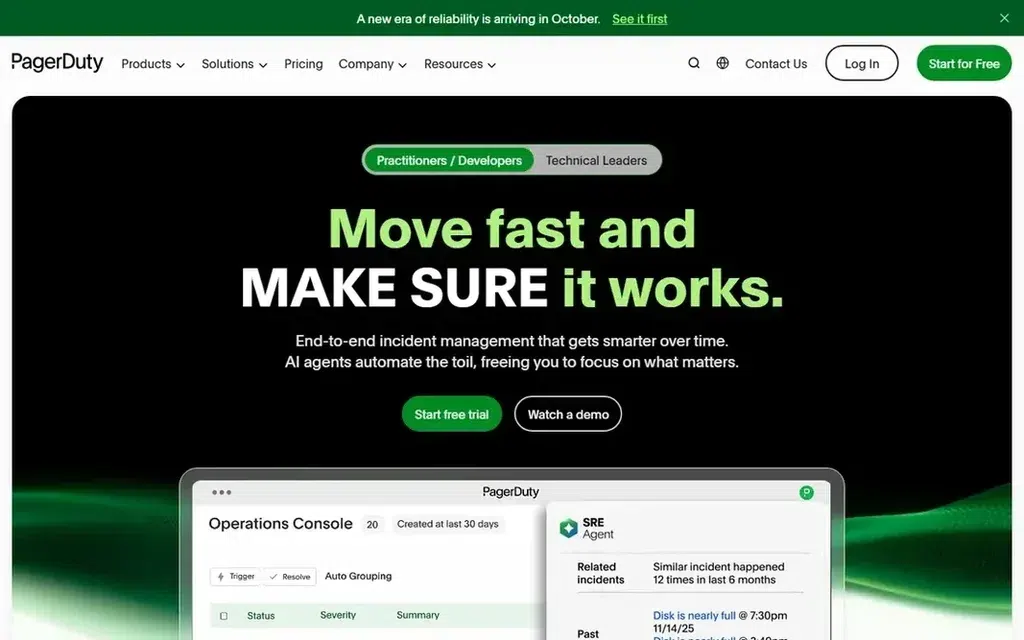
PagerDuty works best for AI-driven incident operations at scale. Its stated focus is automating, resolving and preventing critical issues across the full lifecycle from detection to resolution. That makes it a fit for organizations with formal incident processes and several response teams that want automation and analytical insight built into on-call workflows.
Consider PagerDuty when incident automation and intelligence across the lifecycle are central requirements. If you chiefly want straightforward paging with light escalation, a leaner tool may be simpler to run. On cost, PagerDuty starts like this: $21 per user per month. A free plan is available with PagerDuty.
Where it falls short: Configuration needs planning.
- AI-first operations system
- Wide incident lifecycle coverage
- Feature depth may overwhelm small teams
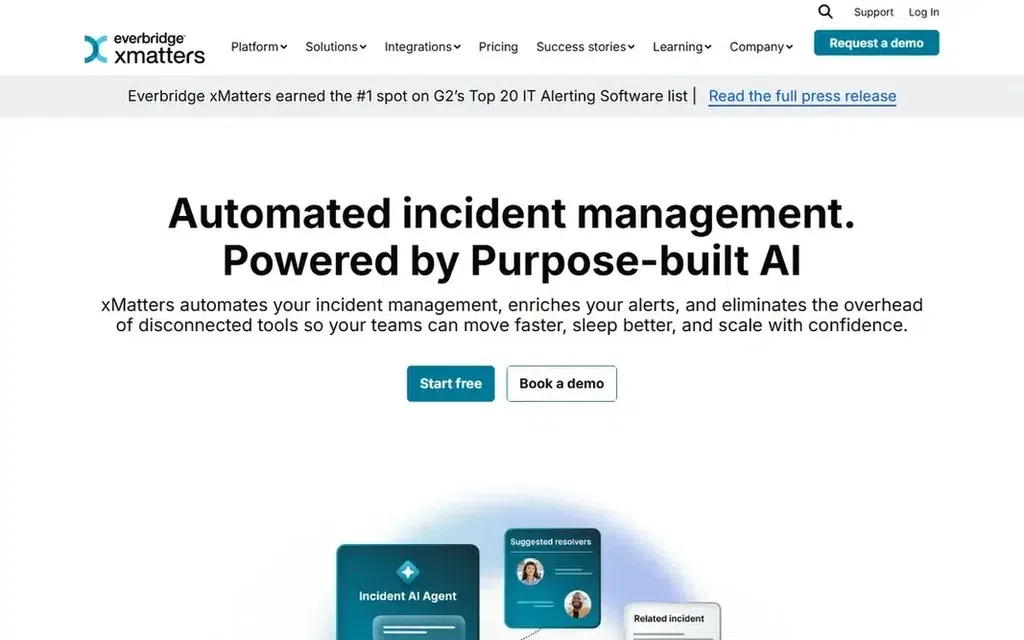
For automatic workflows for DevOps and SRE, xMatters is a natural candidate. The workflow-first approach asks for deliberate design work and a team comfortable maintaining automation logic.
Limits to weigh: Positioning is technical, not general IT.
Organizations seeking entry-level alert routing with minimal configuration may prefer something more straightforward. Price to start with xMatters: $15 per user per month. xMatters offers a free plan.
- Workflow automation focus
- Targeted at DevOps
- Workflow design needs upfront effort
How these tools were picked
The comparison looks at four things: starting price, free access, how well the feature set matches Anecdotes, and the main limit of each tool. Where a vendor does not publish a price, the entry says quote. Where a price depends on seats or billing term, the entry says so. The order reflects how well each tool fits the most common buying scenario for Anecdotes, then price clarity, then free plan access. It is a starting point, not a verdict.
Before you commit
- Confirm the entry price on the vendor page. For Opsgenie that means a quote rather than a fixed price.
- Read the fine print on the free plans from PagerDuty and xMatters; seat, project and feature caps differ.
- Use real work to test the free trial from OnPage and Squadcast, rather than a demo project.
- Before choosing OnPage, weigh its main limit: niche positioning may limit general appeal.
- Let daily users try Squadcast on real work; their feedback beats any feature checklist.
- Look at the help docs and support options for PagerDuty before you commit.
FAQ
Which Anecdotes have a free plan?
On this list, PagerDuty and xMatters include a free plan. Caps on seats, usage or features are common, so test the free plan against your real workload. Several others offer a trial instead.
What is the cheapest option for Anecdotes in this list?
On published monthly entry prices, Squadcast is the lowest here at $2 per node per month. Entry price is only part of the cost, because seats, add-ons and billing terms can change the total.
Do these tools publish their prices?
Not all of them. Opsgenie publishes no starting price, so expect a quote request for it. The rest, OnPage included, show a starting price, though seats and billing terms still change the final cost.
How do I plan a migration from my current paging tool?
Opsgenie, for instance, documents a migration path to Jira Service Management with an automatic tool, so ask every vendor about migration support.
Can I try these tools before paying?
Often, yes. PagerDuty and xMatters have a free plan and OnPage and Squadcast offer a free trial. Use your own data and a real task during the test, and check what the free tier or trial limits before you rely on it.
Sources
- https://www.onpage.com
- https://www.atlassian.com/software/opsgenie
- https://www.squadcast.com
- https://www.pagerduty.com
- https://www.xmatters.com