Top AMOS Alternatives in 2026: 5 Picks Ranked
AMOS alternatives, compared. 5 tools with published prices, free plans and limits. Top pick: Hexagon EAM, aimed at enterprise asset management. Costs up front.
- Editor's choice
 Hexagon EAM
Enterprise asset management
Starts atPricing on requestVisit hexagon.comFull review - Great alternative
 IBM Maximo Application Suite
Asset management with AI insights
Starts atPricing on requestVisit ibm.comFull review - Also considerMicrosoft Dynamics 365 Field Service
AI-driven scheduling and live data
Starts atPricing on requestVisit microsoft.comFull review
Direct answer
If you need enterprise asset management, Hexagon EAM is the first tool to look at here. Alternatives: IBM Maximo Application Suite for asset management with AI insights, and Microsoft Dynamics 365 Field Service for AI-driven scheduling and live data. All 5 tools are compared below on fit, free plan and limits. None of these vendors publish plan prices, so pricing is on request for every option.
TL;DR:
- Top of the list is Hexagon EAM, which targets enterprise asset management.
- Jobber suits small service companies.
- Every tool from Hexagon EAM to Jobber works by quote, with no list price shown.
- Neither Hexagon EAM nor Jobber, nor any of the other 3 tools, has a permanent free plan; trials and quotes are the norm.
- A fair warning about Hexagon EAM: restricted public information on features.
Last checked November 2026. Pricing on request: vendors did not publish plan prices when this guide was last checked (November 2026), so ask each vendor for a written quote.
Quick comparison
| Tool | Best for | Starts at | Free plan? | |
|---|---|---|---|---|
| Hexagon EAM | Enterprise asset management | Pricing on request | Not stated | Visit |
| IBM Maximo Application Suite | Asset management with AI insights | Pricing on request | Not stated | Visit |
| Microsoft Dynamics 365 Field Service | AI-driven scheduling and live data | Pricing on request | Not stated | Visit |
| ServiceNow Field Service Management | Digital workflows for service operations | Pricing on request | Not stated | Visit |
 Jobber | Small service firms | Pricing on request | Not stated | Visit |
Every option for AMOS explained
Short on time? The summary and table above give the quick view of 5 AMOS, and the profiles that follow give the detail behind each entry.
For enterprise asset management, Hexagon EAM is a natural candidate. Hexagon EAM is an enterprise asset management option from Hexagon, meant to help organizations handle assets and maintenance operations. It is usually used by large enterprises in industries such as utilities, manufacturing, and infrastructure that need thorough asset lifecycle management.
Worth adding: specific details about Hexagon EAM's features are not widely publicized, so buyers should request a demo and documentation. It may also be complicated and expensive for smaller service firms; in that case, consider Jobber or Microsoft Dynamics 365 Field Service. This comparison lists no price for Hexagon EAM; ask the vendor. Trial and free access: Not stated.
Limits to weigh: May be complicated to implement.
- Supports asset lifecycle management
- Part of Hexagon's portfolio
- Restricted public information on features
Choose IBM Maximo Application Suite for asset management with AI insights. IBM Maximo Application Suite helps organizations run, maintain, and optimize assets using AI insights to cut downtime, control costs, and boost reliability.
This comparison lists no price for IBM Maximo Application Suite; ask the vendor. Free access: Not stated.
Honest limits: Could need specialized training.
- Helps cut downtime
- Supports cost control
- May be complicated for non-asset-centric teams
Microsoft Dynamics 365 Field Service
Best for: AI-driven scheduling and live data
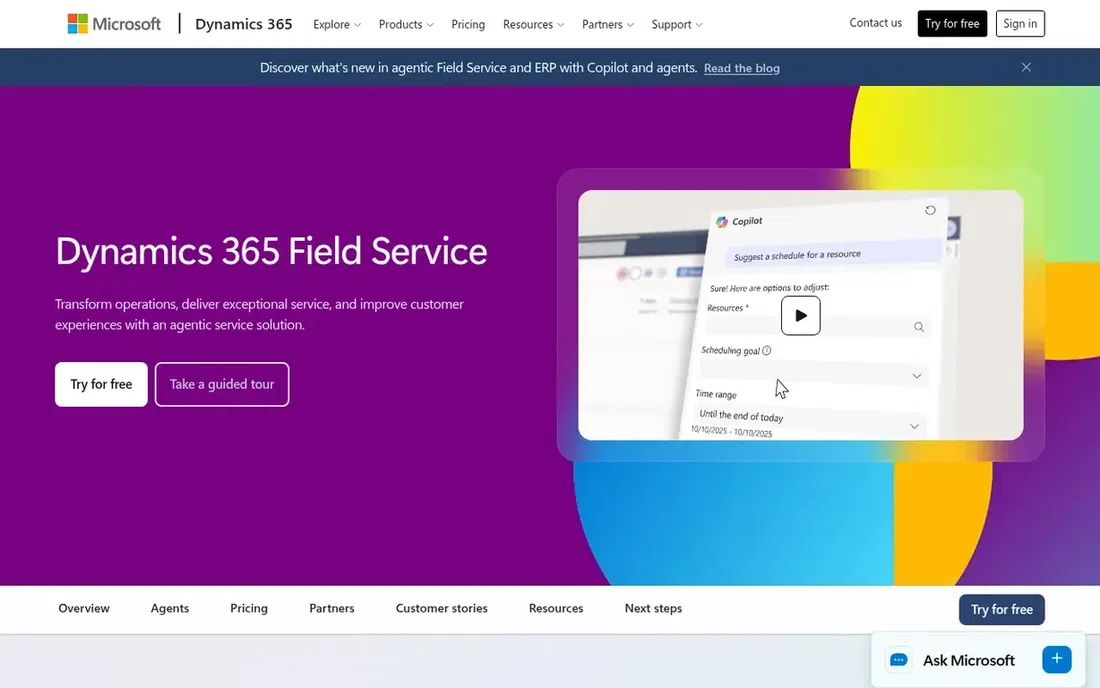
Where Microsoft Dynamics 365 Field Service fits: AI-driven scheduling and live data. Microsoft Dynamics 365 Field Service is a field service management option that supplies AI-driven self-service scheduling, live data, and automatic service reminders. It is meant to help organizations simplify service operations and boost customer experiences.
This tool is a solid fit for firms already invested in Microsoft technologies or those looking for AI-enhanced scheduling capabilities. On top of that, adoption may be challenging for teams unfamiliar with Microsoft Dynamics 365. The cost structure might be heavy for small service companies. Check the vendor site for Microsoft Dynamics 365 Field Service pricing; none is listed in this comparison. Free options: Not stated.
Honest limits: May need Microsoft ecosystem familiarity.
- Automatic service reminders
- Live data access
- Could be expensive for small companies
ServiceNow Field Service Management
Best for: Digital workflows for service operations
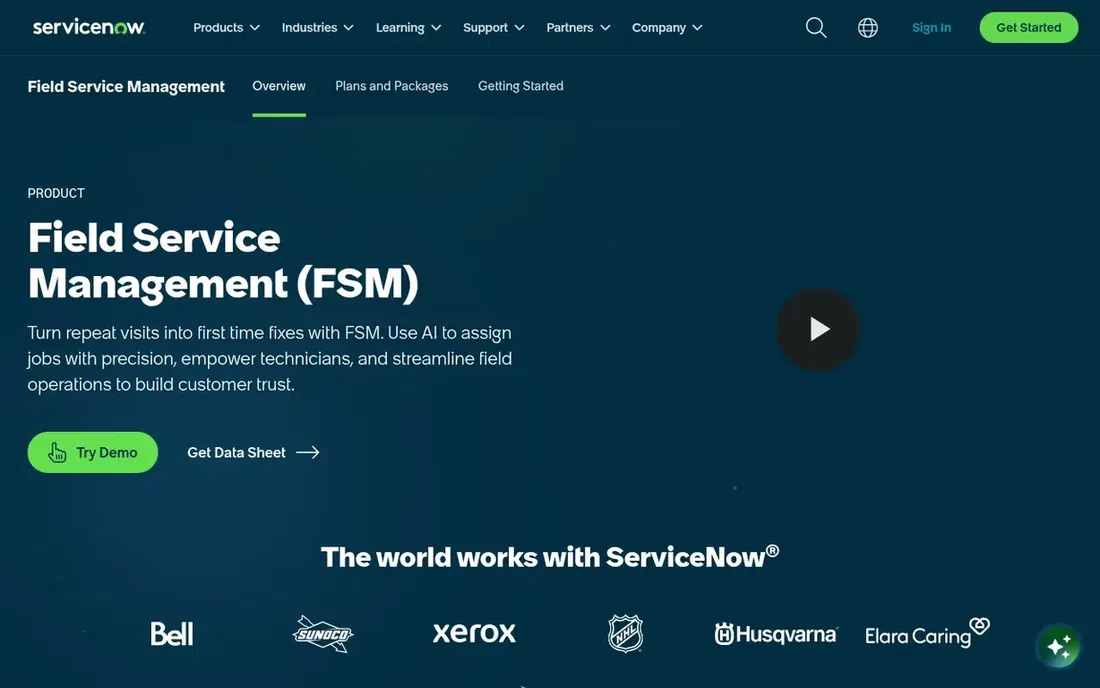
Think of ServiceNow Field Service Management for digital workflows for service operations. It also aims to help customers get what they need, when they need it.
Where it falls short: May need product expertise.
If you need a more straightforward, out-of-the-box option, consider Jobber or Microsoft Dynamics 365 Field Service instead. ServiceNow Field Service Management does not show a starting price in this comparison, so check the vendor site for current pricing. Free access: Not stated.
- Part of the ServiceNow system
- Makes it possible for employees to work flexibly
- Could be complicated for small teams
Jobber makes the most sense for small service companies. Jobber is a home and commercial service software that helps organize service firms by combining quoting, scheduling, invoicing, and payments in one place. Its easy-to-use app powers sales, operations, and customer service.
For everyday use, if you need advanced AI-driven scheduling or asset optimization, consider Microsoft Dynamics 365 Field Service or IBM Maximo Application Suite. In practice, Jobber may not offer the depth required for complicated asset management or large enterprise workflows. This comparison lists no price for Jobber; ask the vendor. Free plan details: Not stated.
What to check first: Could be restricted for complicated asset management.
- All-in-one quoting and invoicing
- Powers sales and operations
- May lack advanced enterprise features
How these tools were picked
Pricing pages, product documentation and feature lists were the main sources, and every entry carries at least one honest drawback. Figures are shown as the vendors publish them. Billing terms, seat minimums and add-ons can change the real cost. The order reflects how well each tool fits the most common buying scenario for AMOS, then price clarity, then free plan access. It is a starting point, not a verdict.
Things to verify first
- Request quotes from Hexagon EAM, Jobber and the others; the list shows no fixed prices.
- Read the limits listed for Hexagon EAM first: restricted public information on features.
- Before rolling out Hexagon EAM, verify the integrations your workflow depends on.
- Look at the renewal terms for ServiceNow Field Service Management: auto-renewal, notice periods and price changes can matter more than the first-year price.
- The entry price of Microsoft Dynamics 365 Field Service is only the starting point; model the full cost with seats and extras.
FAQ
Can I try these tools before paying?
Not by default. None of the tools, from Hexagon EAM to Jobber, lists a free plan or a free trial here, so ask each vendor for a demo before committing.
Does any tool for AMOS here have a free plan?
No tool in this list, Hexagon EAM and Jobber included, has a permanent free plan. Trials and quotes are the usual route, so plan a short evaluation period.
Do these tools publish their prices?
No. None of the tools, from Hexagon EAM to Jobber, shows a fixed starting price here, so budget time for quotes.
Is Hexagon EAM the right pick for everyone comparing AMOS?
No single tool suits every team. Hexagon EAM comes first because it fits enterprise asset management, while IBM Maximo Application Suite suits asset management with AI insights and Microsoft Dynamics 365 Field Service suits AI-driven scheduling and real-time data. Match the tool to your own size, budget and workflow before deciding.
How do I choose between Microsoft and ServiceNow?
Microsoft Dynamics 365 Field Service is ideal if you are already using Microsoft technologies and want AI-driven scheduling. ServiceNow Field Service Management fits organizations seeking flexible digital workflows and a solid product.
What is AMOS and why look for alternatives?
AMOS is a legacy field service management system. Organizations seek alternatives for modern features, better integration, or improved user experience.
Sources
- https://hexagon.com/products/hexagon-eam
- https://www.ibm.com/products/maximo
- https://www.microsoft.com/en-us/dynamics-365/products/field-service
- https://www.servicenow.com/products/field-service-management.html
- https://www.getjobber.com