Top 6 TPM Software in the US for 2026 (Prices and Free Plans)
Need the best TPM software in the US? We compare 6 tools on cost, free access and who each suits. Each listing flags where it falls short. Checked this month.
- Editor's choice
 Smartsheet
Enterprise execution with governance and visibility
Starts at$12 per Member/monthVisit smartsheet.comFull review - Great alternativeAha.
Product management and roadmap planning
Starts at$9 per user a monthVisit aha.ioFull review - Also consider
 Asana
Cross-functional teams coordinating with AI agents
Starts at$10.99 per user per monthVisit asana.comFull review
Direct answer
Smartsheet comes first here, mainly for enterprise execution with governance and visibility. Listed starting prices: Smartsheet from $12 per Member/month, Aha. from $9 per user a month and Asana from $10.99 per user per month. For a different need, Aha. Covers product management and roadmap planning and Asana covers cross-functional teams coordinating with AI agents. All 6 tools are compared below on price, free plan and limits.
TL;DR:
- Smartsheet takes the first slot, best suited to enterprise execution with governance and visibility.
- The lowest published monthly entry price here is $9 per user per month, from Aha.
- Check the limits for ClickUp before you commit: can be overwhelming because of plenty of features.
- Jira suits agile software teams and technical program management.
- Asana, ClickUp, Monday.com: these are the 3 tools out of 6 that offer a free plan.
Last checked November 2026. Prices and plan details were read from the vendors' own pages in November 2026; vendors change plans often, so confirm the current price on the vendor site before you buy.
Quick comparison
| Tool | Best for | Starts at | Free plan? | |
|---|---|---|---|---|
| Smartsheet | Enterprise execution with governance and visibility | $12 per Member/month | Not stated | Visit |
| Aha. | Product management and roadmap planning | $9 per user a month | Free trial | Visit |
| Asana | Cross-functional teams coordinating with AI agents | $10.99 per user per month | Yes | Visit |
 ClickUp | All-in-one productivity and task management | $9 per user a month | Yes | Visit |
 Monday.com | Visual project management with AI agents | $9 per seat per month | Yes | Visit |
 Jira | Agile software teams and technical program management | See website | Not stated | Visit |
Our 6 picks for TPM software in the US
Short on time? The summary and table above give the quick view of 6 tools for TPM software in the US, and the profiles that follow give the detail behind each entry.
Smartsheet is aimed squarely at enterprise execution with governance and visibility. The product merges spreadsheet familiarity with project management capabilities.
As for the details, teams seeking a more modern, visual interface might prefer Asana or Monday.com. Smartsheet cost at the entry level: $12 per Member/month. Free plan details: Not stated.
What to check first: Less easy-to-learn for non-spreadsheet users.
- Scalable for large enterprises
- Spreadsheet-like interface for simple adoption
- Advanced features need training
Aha.
Best for: Product management and roadmap planning
Think of Aha. For product management and roadmap planning. Aha. Is a strong match for product-centric TPM roles.
Where it falls short: less on general project management.
The system gives you tools for idea capture, prioritization, and release planning. Entry price for Aha.: $9 per user per month. On free options: Free trial.
- Solid strategy and release planning
- Thorough product roadmap tools
- Centred on product management
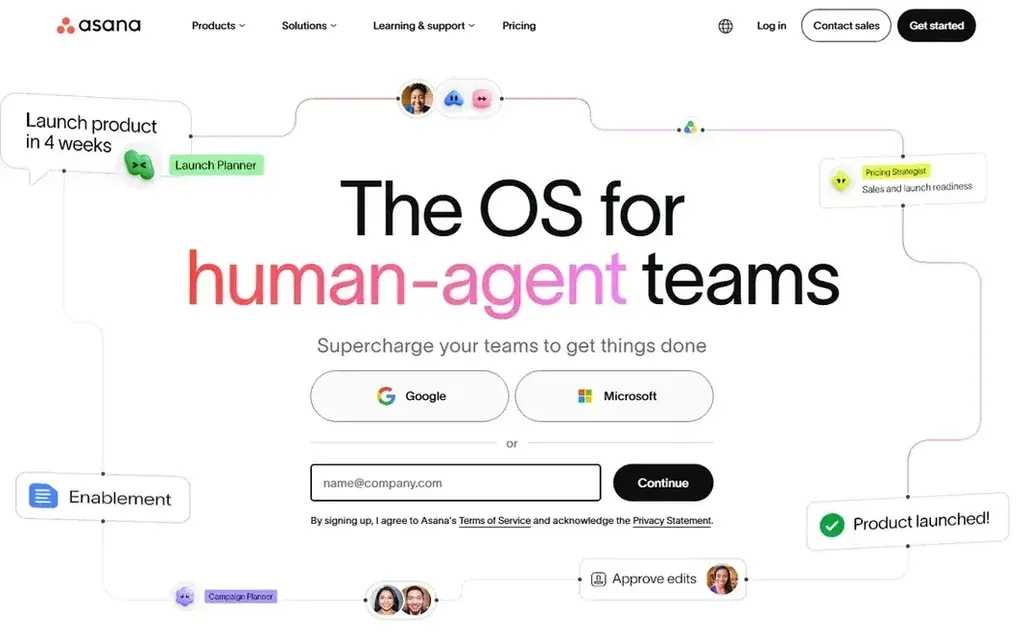
Asana makes the most sense for cross-functional teams coordinating with AI agents. Asana is work management software for teams and AI agents, enabling users to plan, automate, and execute critical workflows together. Teams needing deep customization or enterprise governance might look at Smartsheet or Jira.
Asana's interface is approachable and supports several project views. In daily use, Asana is a strong match for collaborative, cross-functional teams. Asana may lack some advanced features like built-in time tracking, and its more powerful capabilities are available in higher levels. Asana starts at: $10.99 per user per month. Free access exists with Asana.
Upsides: Easy-to-learn task and project views.
Drawbacks to consider: Advanced features require higher levels.
- Automation for routine workflows
- Supports human-agent collaboration
- Restricted built-in time tracking
ClickUp is designed for all-in-one productivity and task management. The tool aims to maximize productivity by bringing software, AI, and humans together.
Drawbacks to consider: Can be overwhelming because of plenty of features.
More specifically, ClickUp's deep feature set can be overwhelming, and performance may vary with large datasets. The starting price for ClickUp: $9 per user per month. You can start on ClickUp without paying.
- Supports tasks, docs, goals, chat
- Highly configurable workspaces
- Performance may vary with large datasets
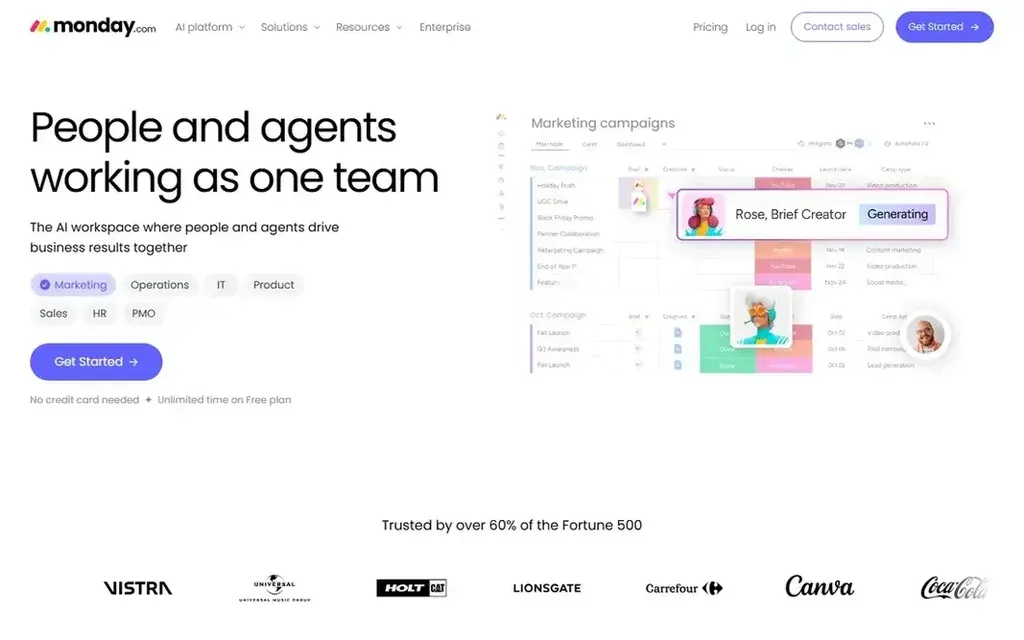
In short, Monday.com is for visual project management with AI agents. It suits program managers who prefer a visual, configurable approach to tracking projects and workflows.
Limits to weigh: May need setup for complicated workflows.
For everyday use, Monday.com can become expensive as team size grows, and complicated workflows may need initial setup. Entry price for Monday.com: $9 per seat per month. Free access exists with Monday.com.
- Capable visual dashboards
- Highly configurable boards
- Can become pricey at scale
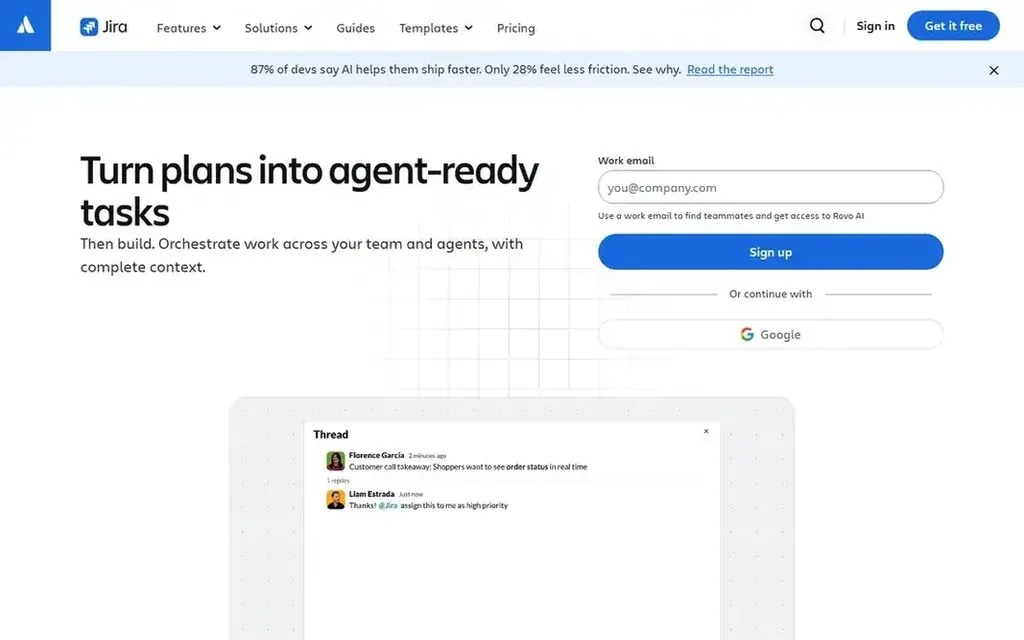
Jira makes the most sense for agile software teams and technical program management. Teams seeking a more straightforward, more visual tool might consider Asana or Monday.com instead.
Watch-outs: Can be complicated to configure.
- AI agents for project orchestration
- Capable issue and project tracking
- May need extras for advanced reporting
How we built this list
Selection started from tools commonly considered for TPM software in the US, then narrowed to 6 that have clear pricing information or a clear quote process. Prices and plan limits come from vendor pages and can change, so confirm them on the vendor site before you buy. The sequence is a judgement call: typical use case first, then pricing transparency, then free access. Use the profiles to check fit.
Pre-purchase checklist
- Get a written quote from Jira; the list shows no starting price for them.
- Read the fine print on the free plans from Asana, ClickUp and Monday.com; seat, project and feature caps differ.
- Take the trial from Aha. And push a live task through it before you pay.
- Read the limits listed for Smartsheet first: less easy-to-learn for non-spreadsheet users.
- Find out what support Jira includes on your plan, and whether onboarding help costs extra.
- Check how data leaves Smartsheet: formats, limits and whether exports are available on every plan.
FAQ
Is Smartsheet the right pick for everyone comparing TPM software in the US?
No single tool suits every team. Smartsheet comes first because it fits enterprise execution with governance and visibility, while Aha. Suits product management and roadmap planning and Asana suits cross-functional teams coordinating with AI agents. Match the tool to your own size, budget and workflow before deciding.
Can TPM software connect with other tools?
Most TPM software gives you integrations with typical business tools like Slack, GitHub, and CRM systems. For instance, Jira connects with development tools, while Asana links with communication systems.
Do these tools publish their prices?
Not all of them. Jira publishes no starting price, so expect a quote request for it. The rest, Smartsheet included, show a starting price, though seats and billing terms still change the final cost.
How does AI enhance TPM software?
Tools like Jira and Monday.com incorporate AI agents to assist with planning and execution. This can free up program managers to focus on strategic decisions.
Which options for TPM software in the US have a free plan?
On this list, Asana, ClickUp and Monday.com include a free plan. Caps on seats, usage or features are common, so test the free plan against your real workload. One other tool offers a trial instead.
What is TPM software?
TPM software helps technical program managers plan, track, and coordinate complicated projects across teams. It generally contains features for task management, resource allocation, reporting, and collaboration.
Sources
- https://www.smartsheet.com
- https://www.aha.io
- https://asana.com
- https://clickup.com
- https://monday.com
- https://www.atlassian.com/software/jira