Best Alternatives to Skype for Business in 2026: 8 Tools Compared
Need alternatives to skype for business? We compare 8 current calling and meeting tools, since Skype for Business Online was retired, with options compared.
- Editor's choice
 Microsoft Teams
Former Skype for Business users
Starts at$4 per user per monthVisit microsoft.comFull review - Great alternative
 Zoom Workplace
External meetings and webinars
Starts at$13.33 per user per monthVisit zoom.comFull review - Also consider
 Google Meet
Google Workspace teams
Starts at$7 per user per monthVisit meet.google.comFull review
TL;DR:
- Skype for Business Online was retired, so any replacement should be a current platform with active support, not a legacy install.
- Microsoft Teams is the direct path for most former Skype for Business users, especially those on Microsoft 365.
- Zoom and Google Meet suit teams that meet often with outside guests and want simple joining.
- RingCentral and Dialpad suit teams that need a full business phone system alongside meetings.
- Check phone numbers, meeting limits, and AI features together, since add-ons change the real price.
Quick comparison
| Tool | Best for | Starts at | Free plan? | |
|---|---|---|---|---|
| Microsoft Teams | Former Skype for Business users | $4 per user per month | Yes | Visit |
| Zoom Workplace | External meetings and webinars | $13.33 per user per month | Yes | Visit |
| Google Meet | Google Workspace teams | $7 per user per month | Yes | Visit |
 Webex | Enterprise security and meetings | See website | Yes | Visit |
 RingCentral | Business phone plus meetings | See website | No | Visit |
 GoTo Meeting | Simple hosted meetings | $12 per organizer per month | No | Visit |
 Zoho Meeting | Budget meetings | $1 per host per month | Yes | Visit |
 Dialpad | AI phone and meetings | See website | No | Visit |
The best alternatives to skype for business
Skype for Business Online was retired by Microsoft, and Skype itself closed in 2025, so companies still searching for a replacement need a current tool, not a workaround. The eight options below cover chat, meetings, and business calling, and we compared their published pricing, free tiers, and meeting features.
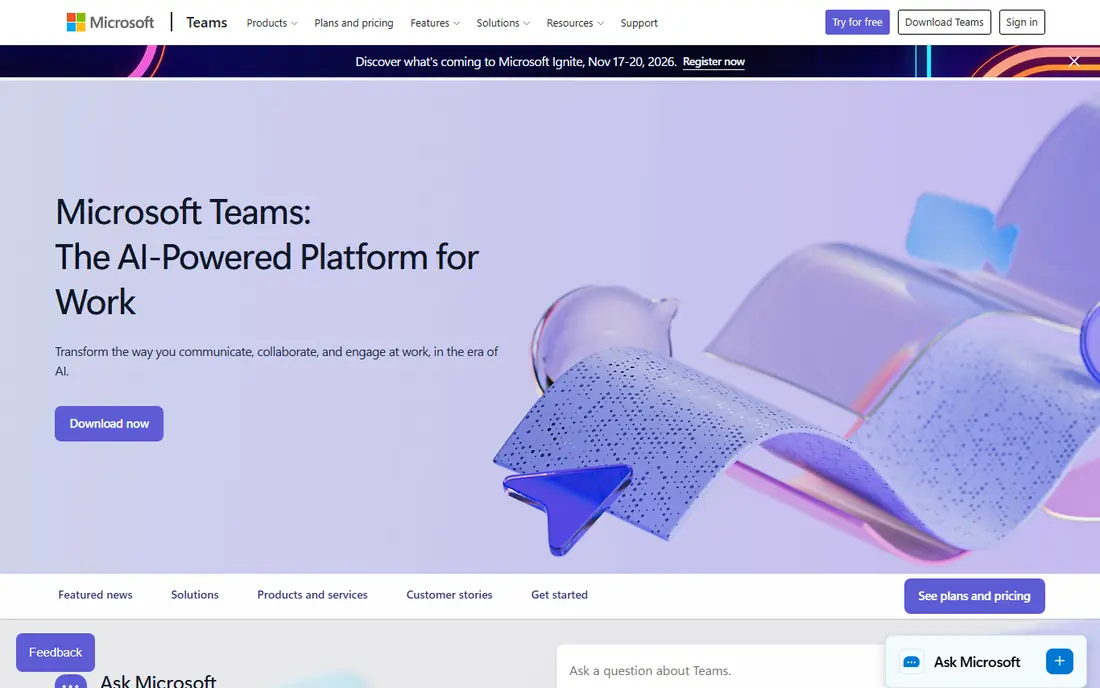
Teams is the natural replacement, since Microsoft built it as the successor to Skype for Business. It covers chat, video meetings, file sharing, and calling, and it fits tightly with Outlook, SharePoint, and OneDrive. Teams Essentials starts around $4 per user per month, and fuller Microsoft 365 plans bundle Teams with email and office apps.
The catch is weight. Teams can feel busy for a team that only needs meetings, and its best AI recap features sit in paid add-ons. Migration from Skype for Business also needs planning for phone numbers and meeting policies. For companies already on Microsoft 365, though, Teams is the simplest and most complete move.
- Direct Microsoft successor
- Chat, meetings, and files in one app
- Strong Microsoft 365 integration
- Can feel heavy for small teams
- Advanced AI costs extra
- Setup needs care for large orgs
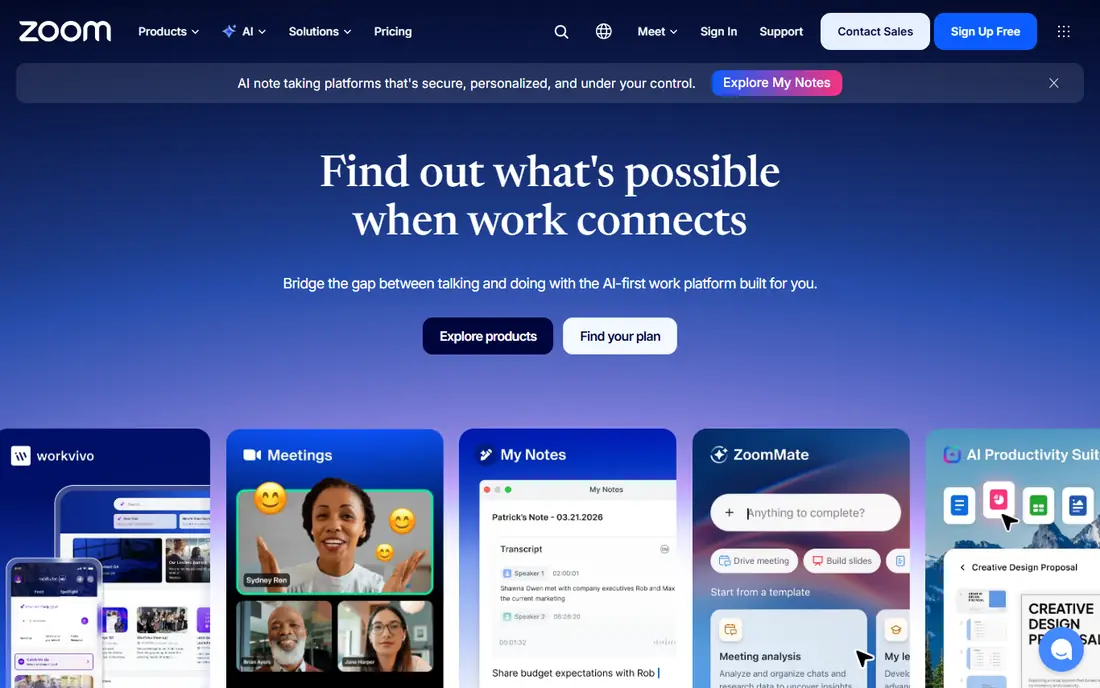
Zoom wins when most of your meetings involve people outside your company. Guests join from a link with little friction, and paid plans include AI Companion summaries at no extra charge. Workplace Pro starts around $13.33 per user per month billed yearly, with higher tiers for larger meetings and webinars.
The free plan caps group meetings at 40 minutes, which is shorter than Meet or Teams, and a full phone system costs extra. For internal-only teams on Google or Microsoft suites, a bundled option may cost less. For client-facing teams and webinar hosts, Zoom remains the easiest and most reliable choice.
- Easiest joining for outside guests
- Strong webinar tools
- AI Companion included on paid plans
- Free group meetings cap at 40 minutes
- Higher price than bundled options
- Phone is a separate add-on
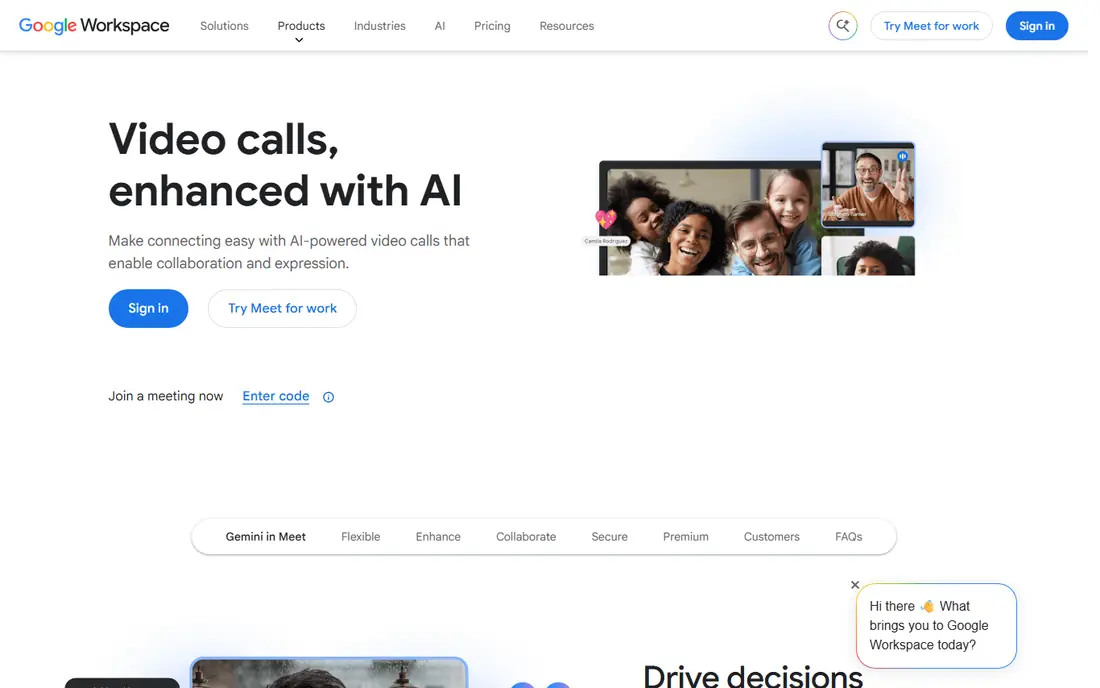
Google Meet suits teams already using Gmail, Calendar, and Drive. Meetings run in the browser with no heavy install, scheduling flows through Calendar, and recordings save to Drive. Workspace Business Starter, which includes Meet, starts around $7 per user per month, and free Meet allows group meetings up to 60 minutes.
Meet is less of a webinar platform than Zoom, and its AI note-taking features require Business Standard or higher. Business calling also needs a separate phone product. If your team lives in Google Workspace and mainly needs reliable meetings, Meet is the cheapest bundled path and the easiest to adopt.
- Simple browser-based meetings
- Strong Google Workspace fit
- 60-minute free group meetings
- Fewer webinar features than Zoom
- AI notes need higher Workspace tiers
- Phone needs separate tools
Webex, from Cisco, suits large and regulated companies that need strong security, compliance, and control over meetings. It covers video meetings, messaging, webinars, and calling, with admin controls that IT teams in finance, health care, and government often require. A free tier covers basic meetings, while paid suites are priced by plan.
The trade-off is complexity. Webex packs in many features, and new users may need training to use it well. Pricing also varies by suite and add-ons, so get a quote for your meeting and calling needs together. For enterprises that prioritize security and governance, Webex is a serious Teams and Zoom rival.
- Strong enterprise security and compliance
- Full meeting and messaging suite
- Good large-meeting support
- Interface can feel complex
- Pricing varies by suite
- Some features need higher tiers
RingCentral is the pick for teams that need to replace both Skype for Business meetings and an office phone system. It provides business phone numbers, call routing, voicemail, SMS, video meetings, and team messaging in one platform, with admin tools for managing users and call queues. That single-system approach suits companies retiring old PBX hardware.
It costs more than a meeting-only tool, and there is no free plan, though trials are available. Teams that only need video meetings will find it heavier than Meet or Zoom. Teams that need phones, meetings, and messaging together will save time by running them on one platform with one support team.
- Full cloud phone system
- Meetings and messaging included
- Strong admin and call features
- No free plan
- Pricing varies by tier
- More than meeting-only teams need
GoTo Meeting suits companies where a few people host meetings for many attendees. Pricing per organizer, starting around $12 per organizer per month, keeps costs predictable when most staff only join meetings rather than host them. Screen sharing, recording, and meeting tools cover the core job without a sprawling collaboration suite.
It lacks the deep chat, file, and app integration of Teams, and business calling sits in separate GoTo products. For meeting-led teams that want a simple, reliable host model, that focus is a plus. For teams that want an all-in-one workspace, Teams or Zoom Workplace will fit better.
- Simple pricing per organizer
- Reliable meetings for many attendees
- Easy screen sharing
- No free plan
- Fewer collaboration extras than Teams
- Phone features are separate
Zoho Meeting is the budget pick, with paid plans starting around $1 per host per month and a free tier for basic meetings. It covers video meetings, screen sharing, and webinars, and it fits naturally for companies already using Zoho apps for CRM, email, or workplace tools. Small teams and nonprofits often find it enough for weekly meetings and training sessions.
The limit is scale and breadth. Its integration catalog and advanced meeting features trail Zoom and Teams, and large webinar needs may push you to a higher tier or another tool. If budget is the main constraint and your meetings are straightforward, Zoho Meeting is hard to beat on price.
- Cheapest paid option here
- Simple meeting and webinar tools
- Good fit for Zoho users
- Smaller ecosystem than Zoom or Teams
- Fewer advanced features
- Support depth varies by plan
Dialpad combines business calling, video meetings, and messaging with AI features such as live transcripts and post-call summaries. That AI layer appeals to sales and support teams that need notes from every call without manual work. Its modern interface also feels lighter than older phone systems, which helps adoption.
Pricing varies by plan and is often confirmed through sales, so check the current published tiers before budgeting. Its ecosystem is smaller than Microsoft or Google, which may matter if you need deep integrations. For teams that want AI-assisted calling and meetings in one product, Dialpad is a strong modern option.
- AI summaries and transcripts
- Phone, meetings, and messaging in one app
- Modern interface
- Pricing is quote-based for many plans
- AI features vary by tier
- Smaller partner ecosystem
How we picked these
We compared official pricing pages, meeting limits, and calling features for each tool, and we confirmed each product is still sold and supported in October 2026. We favored current platforms that cover meetings, chat, or business calling, rather than legacy tools or retired services. Where pricing is bundled or quote-based, we wrote See website or the published entry price and noted what is bundled.
How to migrate from Skype for Business
Start with an inventory of what Skype for Business actually did for your company: internal meetings, external meetings, chat, or PSTN calling. Many teams used it for only one or two of those jobs, and that answer narrows the shortlist fast. Then check phone numbers, meeting room hardware, and any compliance recording needs, since those are the items that cause migration delays.
Run both systems during the move
Keep the old system running while you pilot the new one with one department, and move teams in waves rather than all at once. Train hosts first, since they set up meetings and handle guests, then move regular users. Test external joining, screen sharing, and recording with real clients before you switch off the old tool for good.
Check calling before you cut over
If you used Skype for Business for phone calls, confirm number porting, emergency calling, and call queue behavior on the new platform before migration day. Meeting tools without phone features will leave a gap, so pair them with a phone product or pick a combined platform such as Teams, RingCentral, or Dialpad. A short calling pilot with your busiest team will catch most problems early.
FAQ
Is Skype for Business still available?
No. Skype for Business Online was retired, and Microsoft moved users to Teams. Skype itself closed in 2025. Any company still on Skype for Business should migrate to a supported platform such as Teams, Zoom, Google Meet, or Webex.
What is the direct replacement for Skype for Business?
Microsoft Teams is the direct replacement, since Microsoft built it as the successor and offers migration paths from Skype for Business. Companies on Microsoft 365 get the smoothest move, while companies on other suites may prefer Google Meet, Zoom, or Webex.
Which Skype for Business alternative is cheapest?
Zoho Meeting is the cheapest paid option here, starting around $1 per host per month, with a free tier for basic meetings. Google Meet and Teams are also cheap when bundled with Workspace or Microsoft 365, since you may already pay for email and files in those suites.
Do I need a separate phone system with these tools?
It depends. Teams, RingCentral, and Dialpad can cover business calling as well as meetings, while Zoom, Meet, and GoTo Meeting need phone add-ons or separate products for full PSTN calling. Check your calling needs before you pick a meeting-only tool.
Can guests join without an account?
Yes, in most cases. Zoom, Google Meet, Webex, GoTo Meeting, and Zoho Meeting all allow guests to join from a link, though some features may need sign-in. Test guest joining with a real outside contact before you roll out, since guest rules vary by admin settings.
Sources
- https://www.microsoft.com/en-us/microsoft-teams/pricing
- https://www.zoom.com/pricing
- https://workspace.google.com/pricing.html
- https://www.webex.com/pricing
- https://www.ringcentral.com/pricing
- https://www.goto.com/meeting/pricing
- https://www.zoho.com/meeting/pricing.html
- https://www.dialpad.com/pricing