Best Alternatives to PayPal for International Payments in 2026: 8 Services Compared
Compare 8 alternatives to PayPal for international payments, with fees, exchange rates, payout options and the best fit for freelancers and businesses.
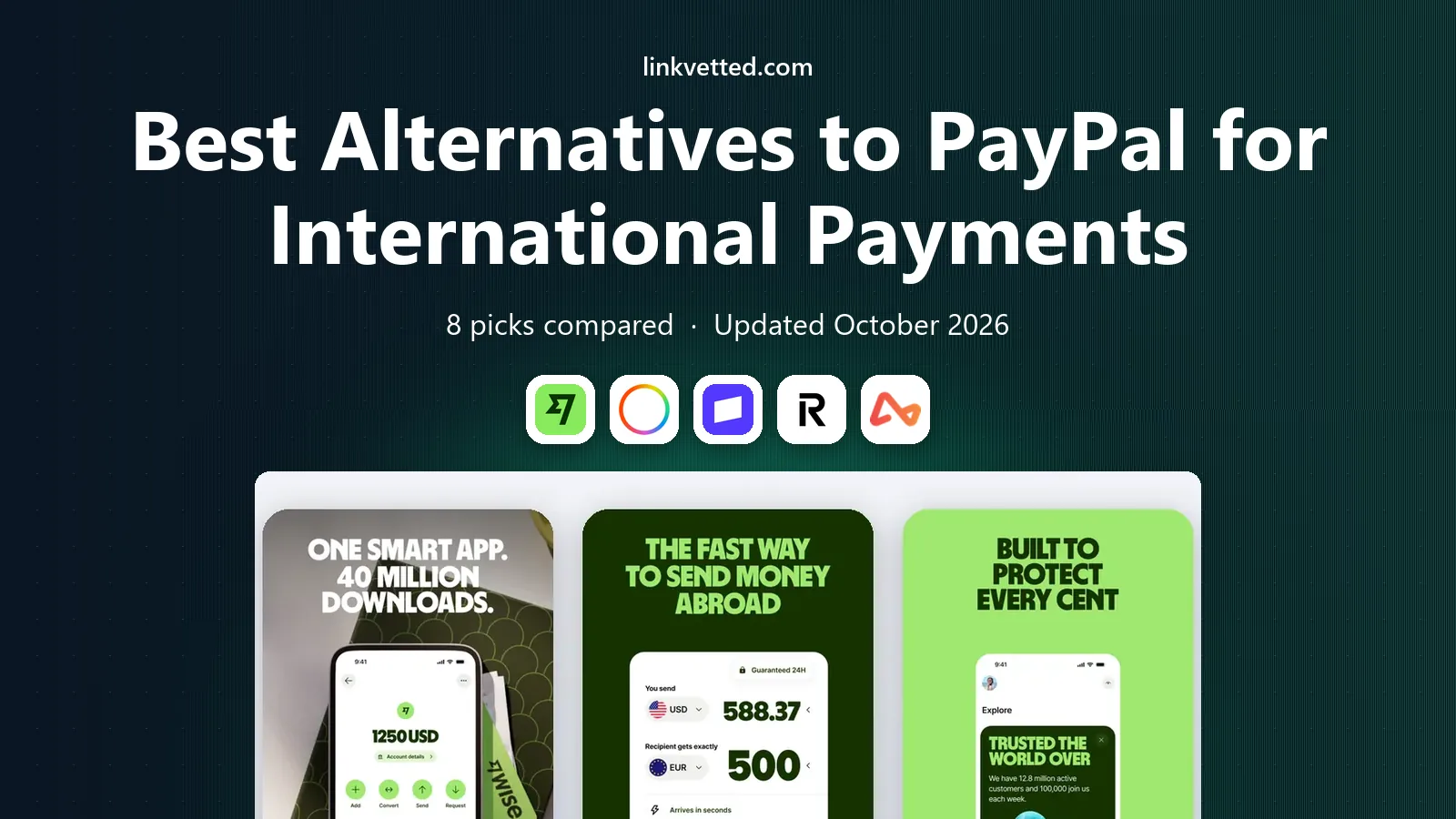
- Editor's choice
 Wise
Transparent low-cost transfers
Starts atFreeVisit wise.comFull review - Great alternative
 Payoneer
Freelancers and marketplace sellers
Starts atFreeVisit payoneer.comFull review - Also consider
 Stripe
Online businesses accepting cards
Starts at2.9% plus $0.30 per chargeVisit stripe.comFull review
TL;DR:
- Wise is our pick for most people because it shows the mid-market rate and a clear fee before you send.
- Payoneer and Airwallex suit businesses that receive from marketplaces or hold several currencies.
- Stripe is best when you need to accept card payments on a website rather than send a one-off transfer.
- Remitly and WorldRemit are stronger for personal transfers to family, including cash pickup in many countries.
- Always compare the total cost, not just the stated fee, because the exchange rate can cost more than the fee itself.
Quick comparison
| Tool | Best for | Starts at | Free plan? | |
|---|---|---|---|---|
| Wise | Transparent low-cost transfers | Free | Yes | Visit |
| Payoneer | Freelancers and marketplace sellers | Free | Yes | Visit |
| Stripe | Online businesses accepting cards | 2.9% plus $0.30 per charge | No | Visit |
 Revolut | Everyday multi-currency spending | Free | Yes | Visit |
 Airwallex | Businesses with global accounts | Free | Yes | Visit |
 Remitly | Personal transfers to family abroad | See website | No | Visit |
 OFX | Large business transfers | See website | No | Visit |
 WorldRemit | Mobile money and cash pickup | See website | No | Visit |
The best alternatives to PayPal for international payments
PayPal is easy to use, but its international fees and exchange rate markup add up fast. These eight services cover the main ways people move money across borders, from a single freelance invoice to regular business payouts.
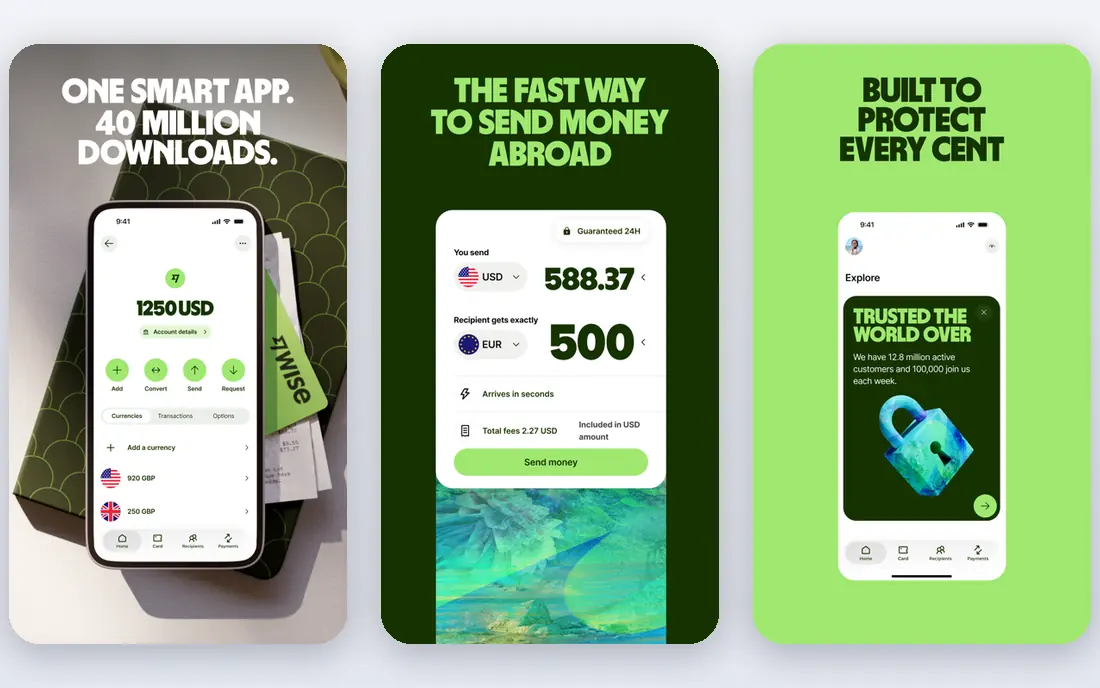
Wise, formerly TransferWise, is the service we recommend first for most readers. You see the exact fee and the rate you will get before you confirm, which makes it easy to compare with PayPal on the same amount. That clarity matters because many providers hide their margin inside a weaker rate. Wise also gives eligible users local bank details in currencies such as US dollars, pounds, and euros, so a client can pay you as if you were local.
The trade-off is that Wise is built for bank-to-bank transfers, not for every use case. It does not offer cash pickup, and it is not a card checkout tool for a store. If your main need is sending money to a bank account abroad at a fair rate, it is hard to beat. Business accounts add invoicing, batch payments, and cards, but setup takes longer than a personal account.
- Mid-market exchange rate shown upfront
- Local account details in several currencies
- Fast delivery on many routes
- No cash pickup
- Some business features require verification and extra checks

Payoneer is a strong fit if you sell on Amazon, Upwork, Fiverr, Airbnb, or similar platforms. It gives you receiving accounts in currencies such as dollars, euros, and pounds, so platforms can pay you locally. Transfers between Payoneer accounts are free, which helps when you work with clients or partners who also use it. Withdrawal to a local bank account is usually straightforward, though the cost depends on the currency and route.
The main catch is that Payoneer is less attractive for a single personal transfer than Wise. Its fee structure is harder to compare at a glance, and an annual fee may apply if your account stays inactive in certain cases. For regular marketplace income, though, the receiving accounts and payout links often save more time than the fee difference costs.
- Receiving accounts in major currencies
- Direct payouts from many marketplaces
- Card for spending balances
- Annual account fee can apply in some cases
- Currency conversion fees vary by route

Stripe is not a direct replacement for sending money to a friend abroad. It is the right choice when you run a website, app, or software service and need customers around the world to pay you. It accepts cards and many local payment methods, handles subscriptions, and gives you clear reporting. The standard US card price is 2.9 percent plus 30 cents per successful charge, with extra fees for international cards and currency conversion.
That structure makes Stripe predictable for a business, but expensive if you only need to move your own money. You also need a registered business in a supported country in most cases. If you sell online, pair Stripe with a low-cost transfer service for paying contractors, rather than using one tool for both jobs.
- Checkout for cards and local payment methods
- Strong developer tools
- Billing and subscriptions built in
- Not a personal remittance tool
- International card and currency conversion fees add up
Revolut works best as an everyday account for people who travel, shop abroad, or get paid in more than one currency. You hold balances in several currencies, exchange inside the app, and spend with a physical or virtual card. The free plan covers the basics, while paid plans raise exchange allowances and add travel and insurance perks. For small, frequent spending, that convenience is a real advantage over a separate transfer service.
The limits deserve attention. Fee-free currency exchange on the free plan is capped, and weekend rates can include a markup. Revolut is also not available everywhere on the same terms, so check your country before you rely on it for income. Used as a spending account next to a dedicated transfer service, it is a practical combination.
- Multi-currency account and cards in one app
- Weekday exchange at close to the interbank rate within plan limits
- Budgeting tools included
- Free plan limits on fee-free exchange
- Weekend exchange can cost more
- Availability varies by country
Airwallex is aimed at companies that invoice, pay suppliers, and hold money in several currencies. You can open global accounts, receive like a local business in many markets, and pay out in bulk. Corporate cards help teams control spending without reimbursing every purchase by hand. Links to accounting tools also reduce manual work at month end.
Because it is a business product, Airwallex is overkill for a single personal transfer. Onboarding asks for business documents, and pricing for foreign exchange and transfers varies by currency. For a growing company that pays staff or suppliers abroad every month, the account structure and batch tools can justify that setup time.
- Global accounts in many currencies
- Corporate cards
- Batch payments and accounting links
- Built for businesses, not personal transfers
- Some features depend on your country and business type
Remitly is designed for personal remittances, not business checkout. You can send to a bank account, a mobile wallet, or a cash pickup point, depending on the destination. That range matters when the person receiving the money does not have a bank account or prefers cash. Many routes let you pick a faster delivery option for a higher fee or a slower, cheaper economy option.
The cost is the fee plus the exchange rate margin, so compare the amount the recipient actually gets, not just the fee line. Limits also vary by corridor and by how fully you verify your identity. For regular support to family, Remitly is simple to use and easy to track from the app.
- Delivery to bank accounts, mobile wallets, and cash pickup
- Choice of speed on many routes
- Clear fee shown before sending
- Exchange rate includes a margin
- Limits vary by corridor and verification level
OFX suits larger transfers where a small rate difference is worth more than a slick app. It has no maximum limit on many routes, and business customers can speak with a dealer about timing a large payment. Forward contracts let a business lock in a rate for a future payment, which helps with budgeting when you pay suppliers in another currency.
For a small transfer, OFX is less convenient than Wise or Remitly. The service is built around bank transfers and larger amounts, and the minimums and process reflect that. If you are moving a house deposit, paying a large supplier invoice, or settling a business deal abroad, the rate and human support can matter more than speed.
- No maximum transfer limit on many routes
- Dealer support for large amounts
- Forward contracts for businesses
- No small personal transfer focus
- Online experience is less app-first than newer rivals
WorldRemit is a practical pick when the recipient wants mobile money or cash rather than a bank deposit. Its network covers many countries where mobile wallets are the main way people receive money. Sending from the app is quick, and tracking shows each stage of the transfer. That focus makes it a good second option alongside a bank-focused service.
As with Remitly, the total cost depends on the corridor, so check the amount received before you confirm. Some routes are very competitive, while others carry a wider margin. WorldRemit also works best for personal transfers, not for running a business checkout or holding balances long term.
- Wide cash pickup and mobile money network
- Transfers to many countries
- App-based sending and tracking
- Fees and rates vary widely by corridor
- Bank transfer options are thinner in some markets
How we picked these
We compared official pricing pages, fee and exchange rate disclosures, payout methods, and country coverage for each service. We favored services that are active in 2026, publish their fees or show a total before you send, and cover a distinct need, from personal remittances to business accounts and online checkout. We also checked which services support local receiving accounts, cash pickup, and mobile money, because the best choice changes with how the recipient wants to be paid.
What to check before you send money abroad
Start with the amount the recipient will receive, not the headline fee. A service with a low fee and a weak rate can cost more than a service with a higher fee and a fair rate. Run the same amount through two or three providers, including PayPal, and write down the delivered total. Also check the delivery method, speed, and any limits that apply to your corridor.
Match the tool to the job
Use a transfer service for moving your own money or paying a contractor, and use a checkout provider such as Stripe for taking card payments from customers. Mixing those jobs into one tool usually means paying more or losing features you need. If you get paid often, a local receiving account can save your clients wire fees and save you conversion costs.
Watch for limits, verification, and timing
Most services ask for identity verification, and larger amounts can trigger extra checks. That is normal, but it can delay a first transfer, so do not leave an urgent payment to the last day. Weekend exchange, bank holidays in either country, and cash pickup hours can also change delivery time. Keep a second provider ready for urgent payments, and keep records of fees and rates for tax and bookkeeping.
FAQ
What is the cheapest alternative to PayPal for international payments?
Wise is usually cheapest for bank-to-bank transfers because it uses the mid-market rate and shows a clear fee. The cheapest option still depends on the currencies, the amount, and whether the recipient wants a bank deposit, mobile money, or cash. Compare the delivered amount on the same day before you choose.
Are PayPal alternatives safe?
The services here are regulated money transmitters or financial institutions in the countries where they operate, and they use identity checks and fraud controls. Safety still depends on your habits. Send only to people and businesses you trust, double-check account details, and be wary of requests to send money to strangers or to open an account.
Can I receive payments from clients abroad without PayPal?
Yes. Wise and Payoneer give eligible users local receiving details in major currencies, and Stripe lets a business accept card payments from customers abroad. Airwallex offers similar global accounts for companies. Choose based on whether you need a one-off transfer, regular client payments, or a full checkout.
Is Stripe better than PayPal for international payments?
Stripe is better for a business that sells online and needs checkout, subscriptions, and local payment methods. PayPal is better when buyers already trust it and want a wallet checkout. For moving money you already own to another account, Wise, Payoneer, or Airwallex are usually cheaper than either checkout tool.
Does Revolut replace a bank account for international use?
Revolut can work as a spending account for travel and multi-currency use, but it is not a full replacement for every bank need in every country. Check whether local direct debits, employer payroll, and deposit protection apply in your market. Many people use Revolut for spending and keep a traditional bank account for salary and bills.
Which service is best for sending money to family abroad?
Remitly and WorldRemit are strong for family transfers because they support bank deposits, mobile money, and cash pickup in many countries. Wise is often cheaper when the recipient has a bank account. Pick the service that delivers in the way your family member can actually collect the money, then compare the delivered total.