Alternatives to Freemake Video Converter in 2026: The 5 Best Options Side by Side
Comparing alternatives to freemake video converter? 5 contenders, each with entry cost, free tier and best-fit buyer. Real limits included. Updated for 2026.
- Editor's choice
 VLC media player
Playback plus fast format conversion
Starts atPricing on requestVisit videolan.orgFull review - Great alternative
 FFmpeg
Scripted and automatic batch conversion
Starts atPricing on requestVisit ffmpeg.orgFull review - Also consider
 HandBrake
Everyday open-source video transcoding
Starts atPricing on requestVisit handbrake.frFull review
Direct answer
This list puts VLC media player first for playback plus fast format conversion. For a different need, FFmpeg covers scripted and automatic batch conversion and HandBrake covers everyday open-source video transcoding. All 5 tools are compared below on fit, free plan and limits. None of these vendors publish plan prices, so pricing is on request for every option.
TL;DR:
- The list opens with VLC media player, aimed at playback plus fast format conversion.
- Check the limits for Leawo Prof. Media before you commit: interface can feel busy.
- DaVinci Resolve suits editing, color, effects, and audio in one app.
- Pricing across the list, from VLC media player to DaVinci Resolve, is by quote only.
Last checked November 2026. Pricing on request: vendors did not publish plan prices when this guide was last checked (November 2026), so ask each vendor for a written quote.
Quick comparison
| Tool | Best for | Starts at | Free plan? | |
|---|---|---|---|---|
| VLC media player | Playback plus fast format conversion | Pricing on request | Not stated | Visit |
| FFmpeg | Scripted and automatic batch conversion | Pricing on request | Not stated | Visit |
| HandBrake | Everyday open-source video transcoding | Pricing on request | Not stated | Visit |
| Leawo Prof. Media | All-in-one multimedia conversion suite | Pricing on request | Not stated | Visit |
 DaVinci Resolve | Editing, color, effects, and audio in one app | Pricing on request | Not stated | Visit |
Tool-by-tool breakdown
If you are comparing Freemake Video Converter, this page covers 5 tools in one place: what each is best for, what it costs to start, whether it has a free plan, and the main limit to know about.
VLC media player makes the most sense for playback plus fast format conversion. VLC media player is a free and open-source multimedia player for Windows, macOS, Linux, Android, and iOS that plays most video and audio files and streams.
Beyond playback, it contains a conversion and streaming feature that can re-encode files into other formats, which makes it a practical fallback for fast jobs. This comparison lists no price for VLC media player; ask the vendor. As for free access: Not stated.
Limits to weigh: Not made for editing.
- Available on many products
- Free and open source
- Conversion choices are entry-level
Choose FFmpeg for scripted and automatic batch conversion. FFmpeg is a widely known open-source multimedia framework built around command-line tools for converting, recording, and streaming audio and video. It hands precise control over codecs, containers, and filters, and it can be scripted so recurring conversion jobs run automatically.
The main drawbacks: Needs technical knowledge.
In practice, if you prefer clicking through presets, HandBrake or VLC will be far friendlier; choose FFmpeg when automation matters. FFmpeg has no graphical interface, so every task is expressed as a command with flags that must be learned. FFmpeg shows no starting price here, so confirm the cost on the vendor site. Trial and free access: Not stated.
- Broad format and codec support
- Scriptable for repeatable jobs
- No graphical interface
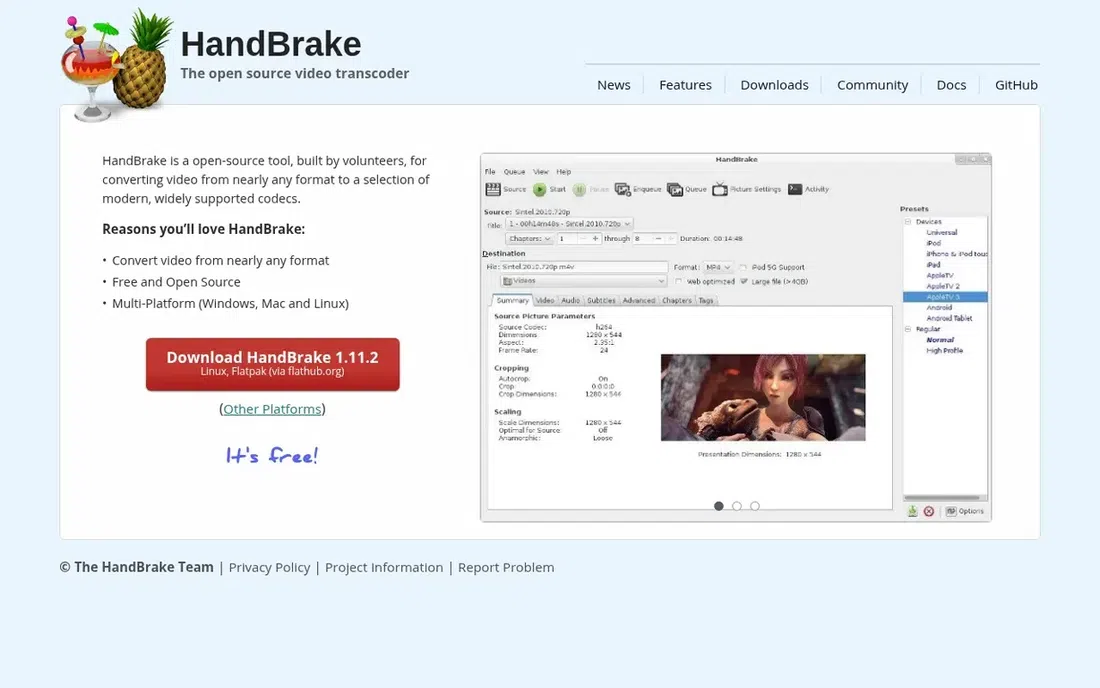
HandBrake is a good fit for everyday open-source video transcoding. HandBrake is an open-source, GPL-licensed, multiplatform, multithreaded video transcoder.
The main drawbacks: Presets can feel technical.
It suits users who primarily have to shrink files or change containers and codecs without a full editor, and it runs on Windows, macOS, and Linux. Pricing for HandBrake is not stated here, so ask the vendor for current figures. As for free access: Not stated.
- Presets for typical devices
- Open-source and multiplatform
- No timeline editing
Leawo Prof. Media
Best for: All-in-one multimedia conversion suite
For all-in-one multimedia conversion suite, Leawo Prof. Media is a natural candidate. Leawo Prof. The suite approach means a busier interface and features split across modules, which can be more than a straightforward conversion needs.
As for the details, confirm exactly which modules a given edition bundles before committing. In daily use, if you only convert files, a focused transcoder is simpler. Pricing for Leawo Prof. Media is not stated here, so ask the vendor for current figures. Free options: Not stated.
Downsides: Plenty of features behind separate modules.
- Bundled multimedia utilities
- Video conversion alongside disc tools
- Interface can feel busy
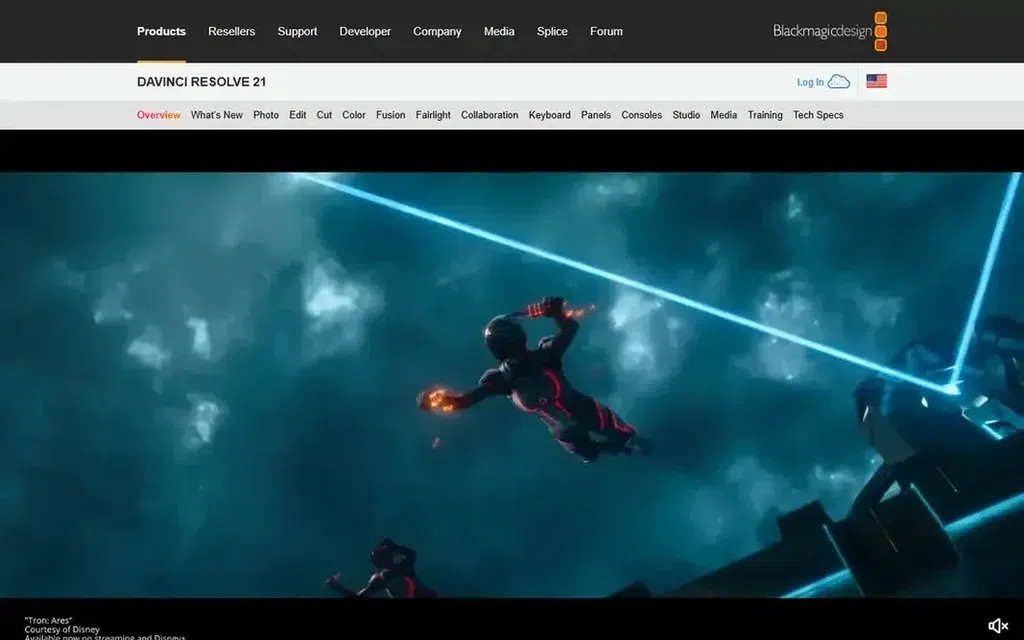
Choose DaVinci Resolve for editing, color, effects, and audio in one app. Resolve is a deep application, and its interface and node-based color tools take time to learn. It is also hardware-hungry on large projects.
Trade-offs to know: Steep ramp-up time.
DaVinci Resolve from Blackmagic Design merges professional video editing, color correction, visual effects, and audio post production in a single application, with free and premium versions for Mac, Windows, and Linux. If your only goal is converting a file, a lighter transcoder is the more sensible choice. Check the vendor site for DaVinci Resolve pricing; none is listed in this comparison. Free plan details: Not stated.
- Audio together
- Available for Mac, Windows, Linux
- Demanding on hardware
How these tools were picked
A buyer's checklist
- Confirm the entry price with every vendor: no tool from VLC media player to DaVinci Resolve shows a fixed starting price.
- Before choosing VLC media player, weigh its main limit: conversion options are entry-level.
- Test how quickly Leawo Prof. Media answers a pre-sales question; it hints at how support will feel later.
- Pick one real project and run it in FFmpeg first; a small pilot shows fit faster than a checklist.
- Check whether the features you need in VLC media player sit on the entry plan or only on higher tiers.
FAQ
Does any tool for Freemake Video Converter here have a free plan?
A permanent free plan is not offered by VLC media player, DaVinci Resolve or the other tools here. Plan a short evaluation period instead.
Can I try these tools before paying?
Not by default. None of the tools, from VLC media player to DaVinci Resolve, lists a free plan or a free trial here, so ask each vendor for a demo before committing.
Is VLC media player the right pick for everyone comparing Freemake Video Converter?
No single tool suits every team. VLC media player comes first because it fits playback plus quick format conversion, while FFmpeg suits scripted and automated batch conversion and HandBrake suits everyday open-source video transcoding. Match the tool to your own size, budget and workflow before deciding.
When should I choose FFmpeg over a graphical converter?
FFmpeg makes sense when you need repeatable, scripted conversions or fine control over codecs and filters. It runs from the command line, so it fits technical users and automatic pipelines.
Do these tools publish their prices?
No. None of the tools, from VLC media player to DaVinci Resolve, shows a fixed starting price here, so budget time for quotes.
What is the closest straightforward replacement for Freemake Video Converter?
HandBrake is the closest match for straightforward conversion, since it concentrates on transcoding files with presets and batch queues. VLC media player is a lighter fallback if you chiefly need playback with occasional conversion.
Sources
- https://www.videolan.org/vlc
- https://ffmpeg.org
- https://handbrake.fr
- https://www.leawo.org
- https://www.blackmagicdesign.com/products/davinciresolve