Best AIDA64 Extreme Alternatives for 2026 (5 Compared)
Searching for AIDA64 Extreme alternatives? Here are 5 options with prices and free plans. Each pick comes with its main catch. Built for quick decisions.
- Editor's choiceOpen Hardware Monitor
Entry-level sensor monitoring on a budget
Starts atPricing on requestVisit openhardwaremonitor.orgFull review - Great alternativeHWMonitor
Fast sensor and health readings
Starts atPricing on requestVisit cpuid.comFull review - Also considerHWiNFO
Deep hardware analysis and monitoring
Starts atPricing on requestVisit hwinfo.comFull review
Direct answer
Open Hardware Monitor comes first here, mainly for entry-level sensor monitoring on a budget. If your case is different, HWMonitor suits fast sensor and health readings and HWiNFO suits deep hardware analysis and monitoring. Details and limits for the rest of the 5 tools are below. None of these vendors publish plan prices, so pricing is on request for every option.
TL;DR:
- Open Hardware Monitor sits first on this list: entry-level sensor monitoring on a budget.
- No starting price is shown for any of the 5 tools, Open Hardware Monitor and Speccy included, so plan time for sales calls.
- None of the 5 tools, from Open Hardware Monitor to Speccy, has a free plan, so budget for a subscription or use a trial.
- A fair warning about HWiNFO: dense interface for beginners.
- Speccy fits finding specs and upgrade checks.
Last checked November 2026. Pricing on request: vendors did not publish plan prices when this guide was last checked (November 2026), so ask each vendor for a written quote.
Quick comparison
| Tool | Best for | Starts at | Free plan? | |
|---|---|---|---|---|
| Open Hardware Monitor | Entry-level sensor monitoring on a budget | Pricing on request | Not stated | Visit |
| HWMonitor | Fast sensor and health readings | Pricing on request | Not stated | Visit |
| HWiNFO | Deep hardware analysis and monitoring | Pricing on request | Not stated | Visit |
| CPU-Z | Processor, mainboard and memory details | Pricing on request | Not stated | Visit |
| Speccy | Finding specs and upgrade checks | Pricing on request | Not stated | Visit |
AIDA64 Extreme compared in detail
This LinkVetted guide covers 5 options for AIDA64 Extreme. Each profile lists a starting price, free plan details, strengths and drawbacks, so you can drop poor fits quickly.
Open Hardware Monitor
Best for: Entry-level sensor monitoring on a budget
In short, Open Hardware Monitor is for basic sensor monitoring on a budget. Open Hardware Monitor is an open source utility that presents core temperatures, fan accelerates and voltages. It is a general-purpose choice for users who want a straightforward sensor readout and prefer open source software.
Also, pick Open Hardware Monitor when entry-level sensor monitoring and open source code are what you value. From a buyer's view, Open Hardware Monitor is more straightforward than AIDA64 Extreme, with fewer reporting and analysis features. Its development pace is slower than commercial tools. Open Hardware Monitor does not show a starting price in this comparison, so check the vendor site for current pricing. Free plan details: Not stated.
Where it is weaker: Updates may be infrequent.
- Open source project
- Fan speed and voltage display
- Interface is entry-level
HWMonitor
Best for: Fast sensor and health readings
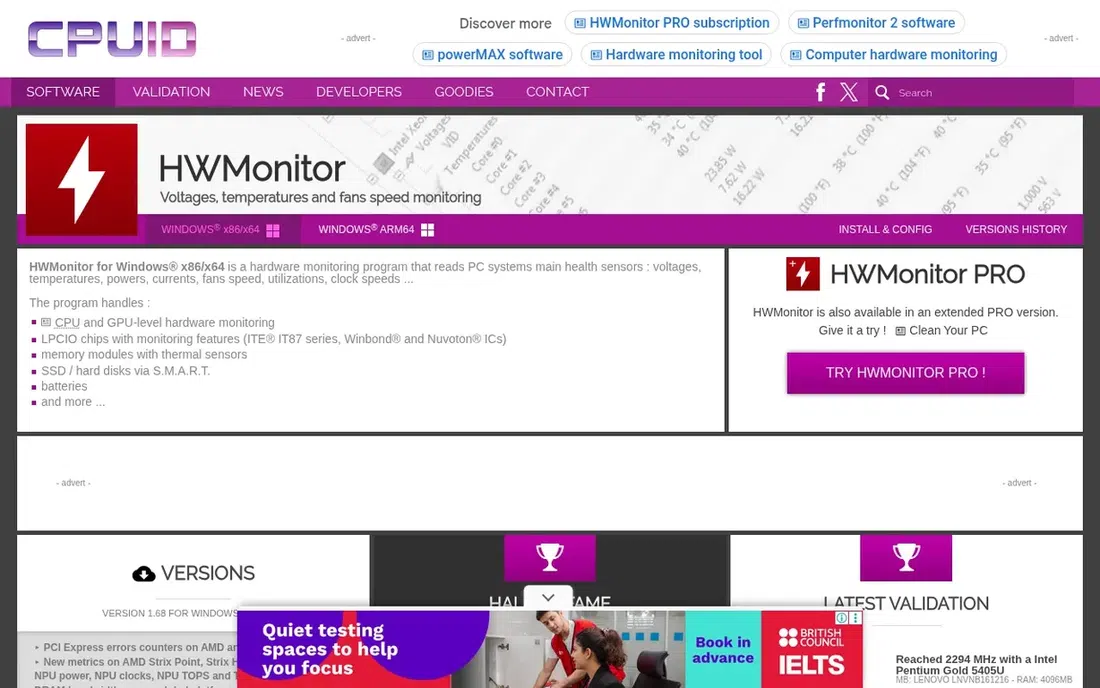
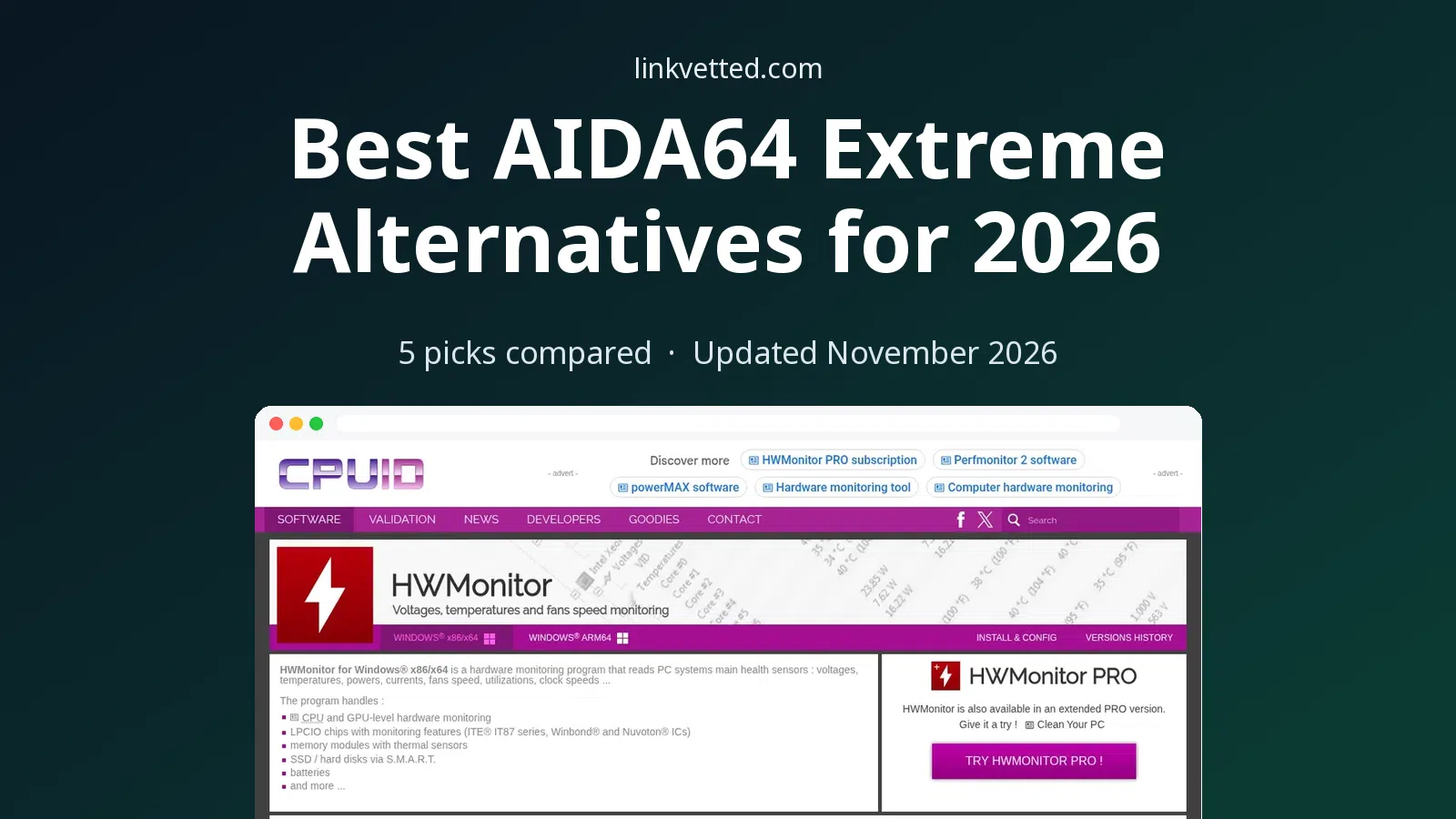
Choose HWMonitor for fast sensor and health readings. HWMonitor for Windows reads the primary health sensors of a PC, including voltages, temperatures, powers, currents, fan accelerates, utilizations and clock accelerates. It is a sensible pick when you want a straightforward view of how the system is behaving instead of a full hardware inventory.
On top of that, if you need in-depth hardware analysis, HWiNFO goes further. On top of that, HWMonitor is narrower than AIDA64 Extreme: it emphasizes live sensor readings over in-depth component documentation and reporting. Also, pick HWMonitor when a compact sensor overview is the central goal and additional detail would just get in the way. HWMonitor shows no starting price here, so confirm the cost on the vendor site. Trial and free access: Not stated.
Honest limits: Less centred on reporting.
- Spans voltages and temperatures
- Presents fan accelerates and utilization
- Fewer deep hardware details
HWiNFO
Best for: Deep hardware analysis and monitoring

For deep hardware analysis and monitoring, HWiNFO is a natural candidate. Choose HWiNFO when monitoring and reporting matter as much as the spec listing. Worth adding: the depth that makes HWiNFO handy also makes its interface busy, and new users may need time to find the readings they want.
HWiNFO is a free system information, monitoring and diagnostics utility. Its vendor describes in-depth hardware information, live system monitoring and reporting, which makes it a wide substitute for AIDA64 Extreme. This comparison lists no price for HWiNFO; ask the vendor. Free plan details: Not stated.
Watch-outs: Dense interface for beginners.
- Reporting included
- Live system monitoring
- Plenty of advanced choices to learn
CPU-Z
Best for: Processor, mainboard and memory details
Choose CPU-Z for processor, mainboard and memory details. It is a fast, focused way to confirm what hardware is installed.
In daily use, if you need live sensor trends across the entire system, HWiNFO or HWMonitor is the better fit. CPU-Z shows no starting price here, so confirm the cost on the vendor site. Free access: Not stated.
Limits to weigh: Graphics details are restricted.
- Mainboard and chipset data
- Light freeware utility
- Not a full monitoring suite
Speccy
Best for: Finding specs and upgrade checks
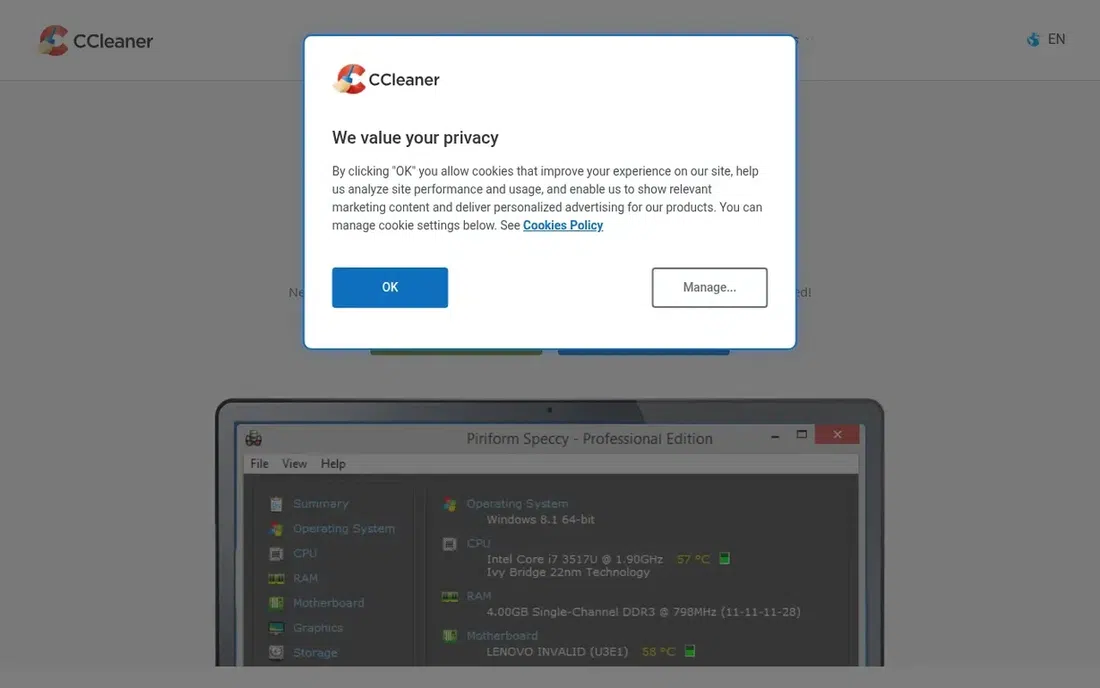
Where Speccy fits: finding specs and upgrade checks. Speccy is presented as a way to find the details of your computer's specs, useful for spotting issues or finding compatible upgrades. That makes it a friendly alternative when the goal is a readable inventory of what is inside the machine.
Downsides: Less live monitoring depth.
Since Speccy centers on spec discovery, it does not match AIDA64 Extreme for sustained sensor monitoring or in-depth reporting. More specifically, choose Speccy when a clear spec summary and upgrade planning are the priority. Pricing for Speccy is not stated here, so ask the vendor for current figures. Trial and free access: Not stated.
- Clear computer spec summary
- Handy for compatible upgrades
- More straightforward than full diagnostic suites
How we compared the tools
The comparison looks at four things: starting price, free access, how well the feature set matches AIDA64 Extreme, and the main limit of each tool. Treat prices as a snapshot: vendors change plans often, so check the vendor site for the figure that applies today. Tools are placed by general fit for AIDA64 Extreme, with price clarity and free access as tie-breakers. A different team can reasonably rank them differently.
What to check before you buy
- Confirm the entry price with every vendor: no tool from Open Hardware Monitor to Speccy shows a fixed starting price.
- Read the limits listed for Open Hardware Monitor first: interface is entry-level.
- Check whether HWiNFO bills monthly or annually, and what cancelling early costs.
- Check how data leaves Speccy: formats, limits and whether exports are available on every plan.
- Check the integration list for CPU-Z against the tools you run today, and note which ones need a higher plan.
FAQ
Do these tools publish their prices?
No. None of the tools, from Open Hardware Monitor to Speccy, shows a fixed starting price here, so budget time for quotes.
How are the tools for AIDA64 Extreme ordered?
Open Hardware Monitor sits first and Speccy last because the order follows typical fit for AIDA64 Extreme, then price clarity and free access. It is a judgement call, so read each profile for fit and limits.
What is the best free alternative to AIDA64 Extreme?
The first pick on this list is Open Hardware Monitor, because it suits entry-level sensor monitoring on a budget. HWMonitor is better for fast sensor and health readings, and HWiNFO for deep hardware analysis and monitoring. Check price and limits against your own needs before choosing.
Is Open Hardware Monitor the right pick for everyone comparing AIDA64 Extreme?
No single tool suits every team. Open Hardware Monitor comes first because it fits basic sensor monitoring on a budget, while HWMonitor suits quick sensor and health readings and HWiNFO suits deep hardware analysis and monitoring. Match the tool to your own size, budget and workflow before deciding.
Does any tool for AIDA64 Extreme here have a free plan?
A permanent free plan is not offered by Open Hardware Monitor, Speccy or the other tools here. Plan a short evaluation period instead.
Sources
- https://openhardwaremonitor.org
- https://www.cpuid.com/softwares/hwmonitor.html
- https://www.hwinfo.com
- https://www.cpuid.com/softwares/cpu-z.html
- https://www.ccleaner.com/speccy