Best Affinity Alternatives for 2026 (5 Compared)
Affinity alternatives: 5 contenders ranked by fit, with entry costs and free tiers. Price notes and drawbacks come with each one. Pick with confidence.
- Editor's choice
 Adobe InDesign
Print and digital publishing layouts
Starts atSee websiteVisit adobe.comFull review - Great alternative
 Sketch
UI design and prototyping on Mac
Starts at$12 per editor a monthVisit sketch.comFull review - Also consider
 Adobe Illustrator
Vector graphics and illustration
Starts atSee websiteVisit adobe.comFull review
Direct answer
Start with Adobe InDesign if you need print and digital publishing layouts. Listed starting prices: Sketch from $12 per editor a month and Figma from $3 a month. Alternatives: Sketch for UI design and prototyping on Mac, and Adobe Illustrator for vector graphics and illustration. Prices, free plans and limits for all 5 tools follow.
TL;DR:
- The list opens with Adobe InDesign, aimed at print and digital publishing layouts.
- Figma suits collaborative interface design.
- For the cheapest start, look at Figma: $3 per month.
- A permanent free plan is missing from all 5 tools, Adobe InDesign and Figma included; plan for a trial or a premium start.
Last checked November 2026. Prices and plan details were read from the vendors' own pages in November 2026; vendors change plans often, so confirm the current price on the vendor site before you buy.
Quick comparison
| Tool | Best for | Starts at | Free plan? | |
|---|---|---|---|---|
| Adobe InDesign | Print and digital publishing layouts | See website | Not stated | Visit |
| Sketch | UI design and prototyping on Mac | $12 per editor a month | Free trial | Visit |
| Adobe Illustrator | Vector graphics and illustration | See website | Not stated | Visit |
 Adobe Photoshop | Photo editing and image compositing | See website | Not stated | Visit |
 Figma | Collaborative interface design | $3 a month | Not stated | Visit |
Tool-by-tool breakdown
LinkVetted put together this guide to Affinity for readers who want a clear shortlist without reading every vendor page. It compares 5 tools on starting price, free plans, who each one suits and where each one falls short.
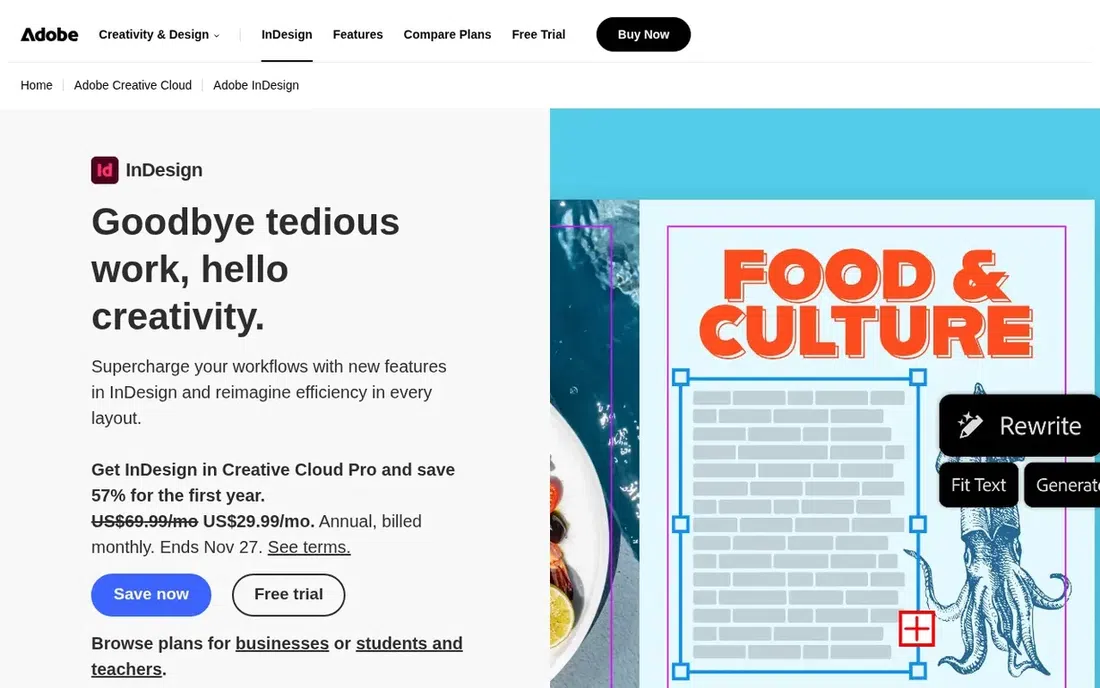
For print and digital publishing layouts, Adobe InDesign is a natural candidate. InDesign is not a photo editor or a vector illustration tool, so it is normally paired with other apps.
Watch-outs: Not for image editing.
The homepage emphasizes layout design for print and digital publishing. In daily use, Adobe InDesign is desktop publishing software for books, brochures, magazines, flyers, and interactive online documents. Check the vendor site for Adobe InDesign pricing; none is listed in this comparison. Free options: Not stated.
- Multi-page layout tools
- Print and interactive output
- Subscription required
Sketch is a good fit for UI design and prototyping on Mac. The homepage describes it as made by designers, for designers, with a focus on the work itself.
Sketch cost at the entry level: $12 per editor per month. Trial and free access: Free trial.
Where it is weaker: Smaller ecosystem than some rivals.
- Collaboration and handoff
- Design and prototyping focus
- Mac-only product
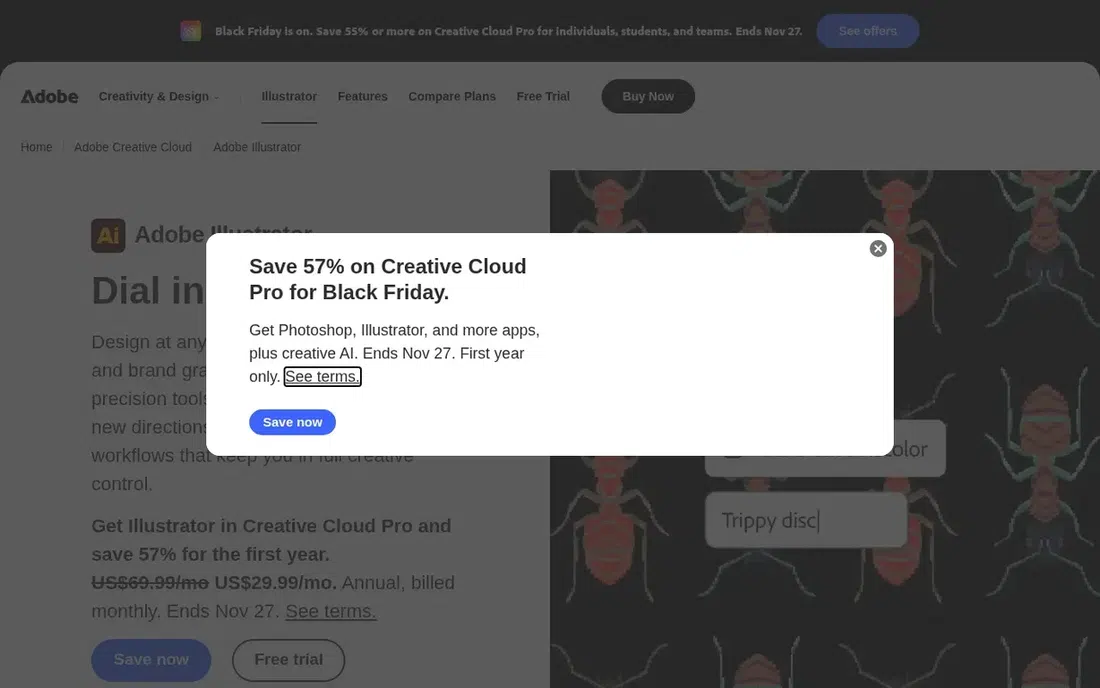
Adobe Illustrator targets vector graphics and illustration. Adobe Illustrator is vector graphics software for logos, icons, illustrations, and typography.
As for the details, Illustrator is not built for photo editing or long documents, and its interface can feel dense for beginners. For page layout and publishing, Adobe InDesign is the better fit. Adobe Illustrator does not show a starting price in this comparison, so check the vendor site for current pricing. As for free access: Not stated.
Where it is weaker: Subscription required.
- Scalable output
- Industry-standard vector tools
- Can be complicated for new users
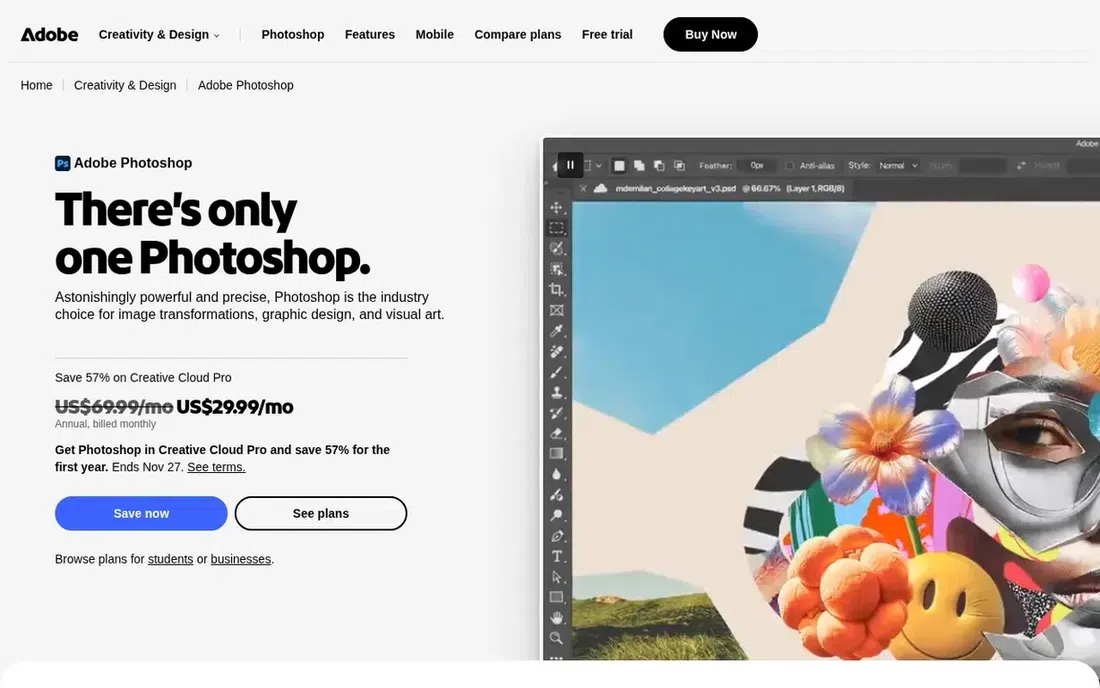
Adobe Photoshop works best for photo editing and image compositing. Adobe Photoshop is a long-standing image editor for photo retouching, compositing, and digital painting. From a buyer's view, if your work is primarily vector logos or page layout, Adobe Illustrator or Adobe InDesign may be a better fit.
Where it falls short: Ramp-up time for beginners.
The homepage flags fast ways to produce custom scenes, make complicated edits, and combine images online or with the mobile app. Its depth can overwhelm casual users who only need straightforward edits. Pricing for Adobe Photoshop is not stated here, so ask the vendor for current figures. Free options: Not stated.
- Advanced image manipulation
- Wide format support
- Subscription required
Figma is a good fit for collaborative interface design. It supports going from concept to production with an entire team in one place. If you need advanced image manipulation, Adobe Photoshop remains the more solid choice.
Drawbacks to consider: Not for print publishing.
More specifically, Figma is centered on interface and product design instead of photo editing or long-document layout. It may not replace a dedicated raster editor or publishing tool. Price to start with Figma: $3 per month. As for free access: Not stated.
- Browser-based access
- Live collaboration
- Needs internet for full collaboration
What went into this list
Selection started from tools commonly considered for Affinity, then narrowed to 5 that have clear pricing information or a clear quote process. Treat prices as a snapshot: vendors change plans often, so check the vendor site for the figure that applies today. Order on the page follows fit for the typical buyer first, then price transparency and free access. Your own requirements should decide the final pick.
Before you commit
- Get a written quote from Adobe InDesign, Adobe Illustrator and Adobe Photoshop; the list shows no starting price for them.
- Run a trial of Sketch with real work before paying for a year; your own workflow is the best test.
- Before choosing Adobe InDesign, weigh its main limit: subscription required.
- Find out whether the entry plan of Adobe InDesign covers your must-haves or only a trimmed-down version.
- Ask the daily users to test Figma on a live task before you roll it out to everyone.
FAQ
Can I try these tools before paying?
Often, yes. Sketch offers a free trial. Use your own data and a real task during the test, and check what the free tier or trial limits before you rely on it. Each of the 5 options in this Affinity alternatives guide has its own card above with the price, free plan and limits.
What is the best Affinity alternative for photo editing?
For most readers this guide would start with Adobe InDesign, built for print and digital publishing layouts. Sketch is the alternative for UI design and prototyping on Mac, and Adobe Illustrator for vector graphics and illustration. The right answer depends on budget and workflow.
How are the tools for Affinity ordered?
The order follows typical fit for Affinity, with Adobe InDesign first and Figma last, then price clarity and free access. It is editorial judgement, not a score, so another team could rank the tools differently.
Does any tool for Affinity here have a free plan?
No tool in this list, Adobe InDesign and Figma included, has a permanent free plan. Sketch offer a trial. Trials and quotes are the usual route, so plan a short evaluation period.
Is Adobe InDesign the right pick for everyone comparing Affinity?
No single tool suits every team. Adobe InDesign comes first because it fits print and digital publishing layouts, while Sketch suits UI design and prototyping on Mac and Adobe Illustrator suits vector graphics and illustration. Match the tool to your own size, budget and workflow before deciding.
Sources
- https://www.adobe.com/products/indesign.html
- https://www.sketch.com
- https://www.adobe.com/products/illustrator.html
- https://www.adobe.com/products/photoshop.html
- https://www.figma.com