5 Zoho Analytics Alternatives Worth Switching To in 2026
Comparing Zoho Analytics alternatives? 5 contenders, each with entry cost, free tier and best-fit buyer. Plain-spoken summaries throughout. Clear verdicts.
- Editor's choice
 Domo
Governed data for AI agents
Starts atSee websiteVisit domo.comFull review - Great alternative
 GoodData
High-concurrency embedded and agentic workloads
Starts atSee websiteVisit gooddata.comFull review - Also consider
 Tableau
Visual analytics and wide data connectivity
Starts at$15 per user per monthVisit tableau.comFull review
Direct answer
Our first pick is Domo, best for governed data for AI agents. Listed starting prices: Tableau from $15 per user per month. Look at GoodData for high-concurrency embedded and agentic workloads, and at Tableau for visual analytics and wide data connectivity. All 5 tools are compared below on price, free plan and limits.
TL;DR:
- This list starts with Domo, which is built for governed data for AI agents.
- What to know about GoodData first: may be overkill for small internal BI.
- Starting prices begin at $15 per user per month with Tableau.
- Tableau stands alone as the one tool in this list with a free plan.
- Looker is the one to check for governed metrics and embedded analytics.
Last checked November 2026. Prices and plan details were read from the vendors' own pages in November 2026; vendors change plans often, so confirm the current price on the vendor site before you buy.
Quick comparison
| Tool | Best for | Starts at | Free plan? | |
|---|---|---|---|---|
| Domo | Governed data for AI agents | See website | Free trial | Visit |
| GoodData | High-concurrency embedded and agentic workloads | See website | Free trial | Visit |
| Tableau | Visual analytics and wide data connectivity | $15 per user per month | Yes | Visit |
 Sisense | Embedded analytics with adaptable development | See website | Free trial | Visit |
 Looker | Governed metrics and embedded analytics | See website | Not stated | Visit |
The 5 tools in detail
If you are comparing Zoho Analytics, this page covers 5 tools in one place: what each is best for, what it costs to start, whether it has a free plan, and the main limit to know about.
Domo was built for governed data for AI agents. Domo centres on governed data for AI agents, strengthening the whole data journey with AI and data products.
Watch-outs: AI features need data governance planning.
Domo shows no starting price here, so confirm the cost on the vendor site. Free plan details: Free trial.
- Links and moves data from any source
- Accelerates business-critical insights
- May be complicated to set up across plenty of sources
In short, GoodData is for high-concurrency embedded and agentic workloads. GoodData.AI runs dashboards, data applications, and agents on one governed foundation.
Reasons to shortlist it: Designed for high-concurrency demand.
It is designed for continuous, high-concurrency agentic demand that traditional data systems were never built to serve. From a buyer's view, if you want a wide visual analytics with drag-and-drop ease, Tableau is a more straightforward choice. This comparison lists no price for GoodData; ask the vendor. Trial and free access: Free trial. Limits to weigh: Needs technical setup for data serving.
- Data apps, agents
- Runs dashboards
- May be overkill for small internal BI
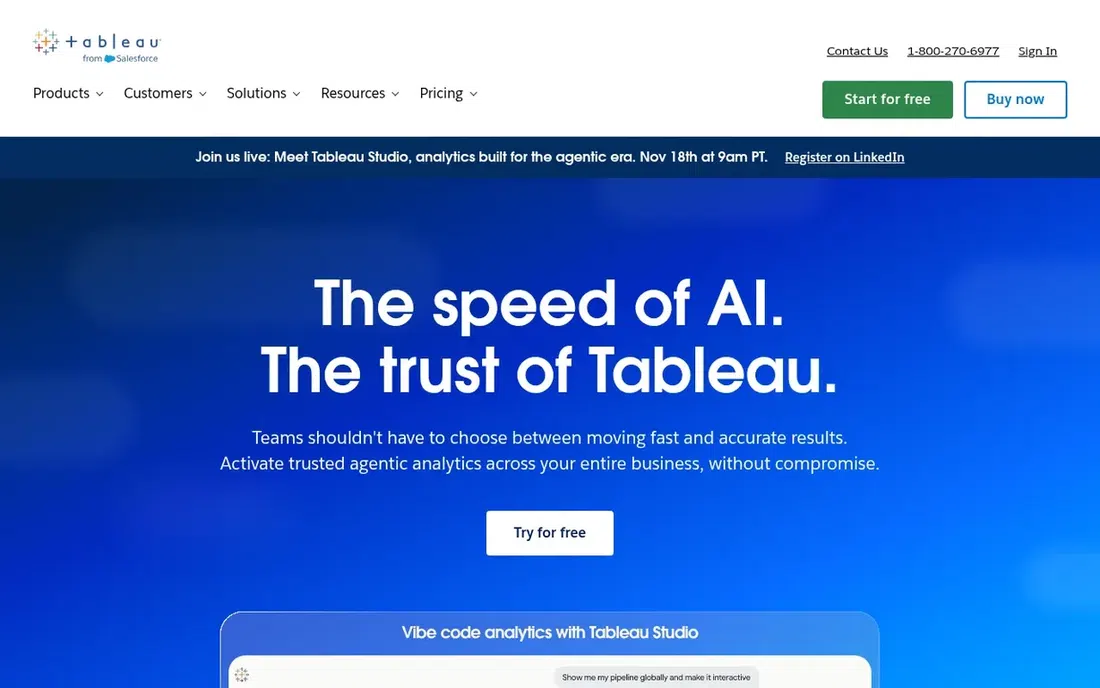
Think of Tableau for visual analytics and wide data connectivity. Tableau is a business intelligence and analytics centred on helping people see and understand their data. It links to almost any database, lets users drag-and-drop to build visualizations, and supports sharing with a click.
Tableau may demand training for advanced calculations and dashboard design, and governance features can take time to configure. More specifically, if you need a tightly governed semantic layer with embedded agents, consider Looker or GoodData instead. The starting price for Tableau: $15 per user per month. Tableau has a free plan.
Where it is weaker: Can need training for advanced use.
- Drag-and-drop visualization
- Links to almost any database
- Governance setup may need planning
Sisense serves embedded analytics with adaptable development. Sisense provides AI-powered embedded analytics built to unlock insights and convert data into revenue, with pro-code, low-code, and no-code adaptability.
If you need a governed semantic layer for embedded agents, consider Looker or GoodData. As for the details, Pro-code choices also need development resources. Sisense shows no starting price here, so confirm the cost on the vendor site. Free plan details: Free trial.
What Sisense does well: no-code adaptability. Drawbacks to consider: Embedded focus may not suit standalone BI.
- Focus on converting data into revenue
- AI-powered embedded analytics
- Needs development resources for pro-code use
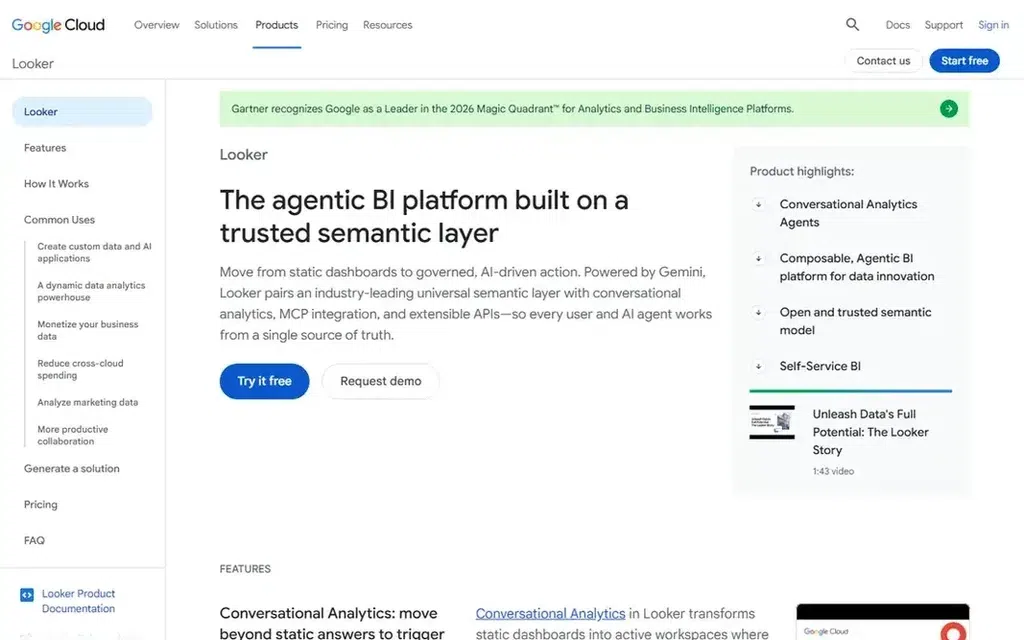
Looker makes the most sense for governed metrics and embedded analytics. It brings together metrics with a trusted semantic layer and Gemini agents, which helps organizations keep definitions consistent across reports and embedded applications.
What to check first: May be less adaptable for ad hoc visual exploration.
For everyday use, Looker's semantic modeling can need significant upfront effort, and ad hoc visual exploration may feel less adaptable than drag-and-drop tools. Check the vendor site for Looker pricing; none is listed in this comparison. Trial and free access: Not stated.
- Gemini agents for AI assistance
- Trusted semantic layer
- Semantic modeling needs upfront effort
How the list was put together
Selection started from tools commonly considered for Zoho Analytics, then narrowed to 5 that have clear pricing information or a clear quote process. Where a price is missing, the vendor does not list one publicly or ties it to a quote. Always confirm before budgeting. Order on the page follows fit for the typical buyer first, then price transparency and free access. Your own requirements should decide the final pick.
What to confirm before you sign up
- Get a written quote from Domo, GoodData, Sisense and Looker; the list shows no starting price for them.
- Test the free plan from Tableau against your real workload before relying on it.
- Run a trial of Domo, GoodData and Sisense with real work before paying for a year; your own workflow is the best test.
- Read the limits listed for Domo first: may be complicated to set up across plenty of sources.
- The entry price of GoodData is only the starting point; model the full cost with seats and extras.
- Make sure Domo lets you export your data in a format another tool can read.
FAQ
Is Domo the right pick for everyone comparing Zoho Analytics?
No single tool suits every team. Domo comes first because it fits governed data for AI agents, while GoodData suits high-concurrency embedded and agentic workloads and Tableau suits visual analytics and broad data connectivity. Match the tool to your own size, budget and workflow before deciding.
Do these tools publish their prices?
Not all of them. Domo, GoodData, Sisense and Looker publish no starting price, so expect a quote request for those. The rest, Tableau included, show a starting price, though seats and billing terms still change the final cost.
How are the Zoho Analytics ordered?
The order follows typical fit for Zoho Analytics, with Domo first and Looker last, then price clarity and free access. It is editorial judgement, not a score, so another team could rank the tools differently.
Can I try these tools before paying?
Often, yes. Tableau has a free plan and Domo, GoodData and Sisense offer a free trial. Use your own data and a real task during the test, and check what the free tier or trial limits before you rely on it.
What should I check before choosing an alternative?
Confirm that your data sources are supported, review governance and semantic layer features, and assess embedded analytics if needed. Also check AI and agent capabilities and how the tool suits your existing stack.
Sources
- https://www.domo.com
- https://www.gooddata.com
- https://www.tableau.com
- https://www.sisense.com
- https://cloud.google.com/looker