Top VistaCreate Alternatives in 2026: 5 Picks Ranked
Need VistaCreate alternatives? We compare 5 tools on cost, free access and who each suits. The weak spots sit next to the strengths. Updated for 2026.
- Editor's choice
 BeFunky
Online photo editing and collages
Starts atSee websiteVisit befunky.comFull review - Great alternative
 Snappa
Quick prompt-driven social graphics
Starts at$10 per monthVisit snappa.comFull review - Also considerDesignWizard
Fast free online graphic design
Starts at$9.99 a monthVisit designwizard.comFull review
Direct answer
Start with BeFunky if you need online photo editing and collages. Listed starting prices: Snappa from $10 per month, DesignWizard from $9.99 a month and Piktochart from $10 per member per month. Snappa fits fast prompt-driven social graphics; DesignWizard fits fast free online graphic design. All 5 tools are compared below on price, free plan and limits.
TL;DR:
- This list starts with BeFunky, which is built for online photo editing and collages.
- For the cheapest start, look at DesignWizard: $9.99 per month.
- Check the limits for DesignWizard before you commit: lighter feature depth than bigger suites.
- Piktochart fits Infographics and data-driven visuals.
Last checked November 2026. Prices and plan details were read from the vendors' own pages in November 2026; vendors change plans often, so confirm the current price on the vendor site before you buy.
Quick comparison
| Tool | Best for | Starts at | Free plan? | |
|---|---|---|---|---|
| BeFunky | Online photo editing and collages | See website | Not stated | Visit |
| Snappa | Quick prompt-driven social graphics | $10 per month | Yes | Visit |
| DesignWizard | Fast free online graphic design | $9.99 a month | Yes | Visit |
 Canva | All-in-one visual design suite | See website | Not stated | Visit |
 Piktochart | Infographics and data-driven visuals | $10 per member per month | Yes | Visit |
5 options for VistaCreate in detail
If you are comparing VistaCreate, this page covers 5 tools in one place: what each is best for, what it costs to start, whether it has a free plan, and the main limit to know about.
BeFunky is designed for online photo editing and collages. It fits casual users and creators who mainly have to boost photos and assemble collages instead of build full layouts.
Pricing for BeFunky is not stated here, so ask the vendor for current figures. Free options: Not stated.
Honest limits: Design and layout depth is secondary to editing.
- Straightforward editing focus
- Photo editing and collage making in the browser
- Not geared toward data-driven or document design
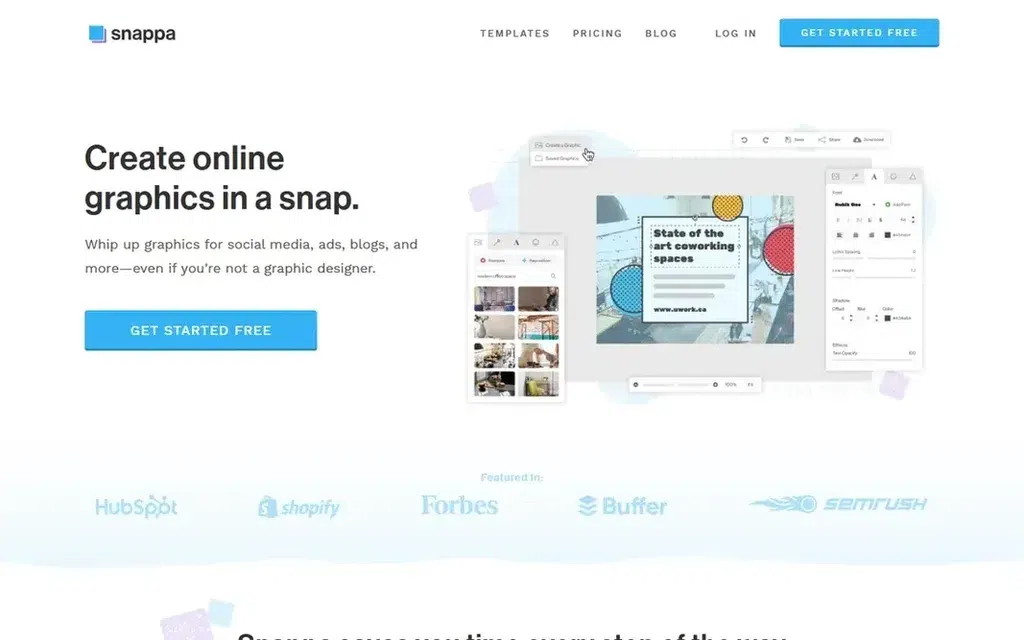
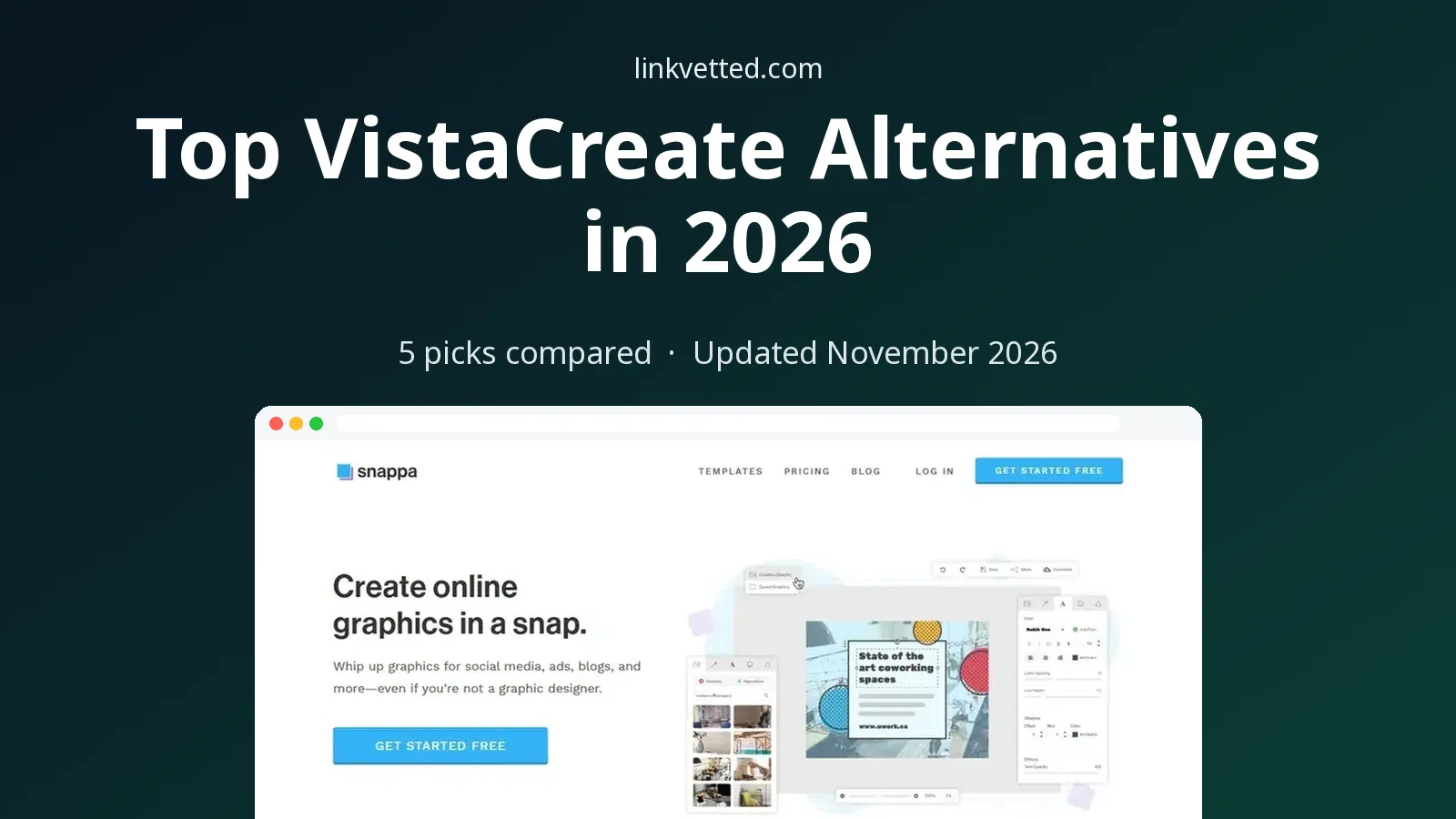
Snappa is designed for fast prompt-driven social graphics. It is a solid fit for social media managers and small firms producing frequent, straightforward graphics.
From a buyer's view, the focused, AI-led approach means less depth for complicated documents, presentations, or in-depth photo work. On top of that, choose Snappa when speed and simplicity on social-sized graphics matter most. The starting price for Snappa: $10 per month. Snappa has a free plan.
Downsides: AI-first approach may limit fine manual control.
- Simplified workflow for fast output
- Targeted at social media, ads, blogs
- Narrower scope than full design suites
DesignWizard
Best for: Fast free online graphic design
DesignWizard works best for fast free online graphic design. DesignWizard markets itself as free online graphic design software that helps you create graphic designs online in seconds.
The main drawbacks: Restricted appeal for advanced or data-heavy work.
Worth adding: pick DesignWizard for fast, uncomplicated design tasks. From a buyer's view, the pitch is speed and simplicity, which fits individuals and small firms that require straightforward visuals without a steep ramp-up time. Entry price for DesignWizard: $9.99 per month. Free access exists with DesignWizard.
- Straightforward entry point for beginners
- Pitched at creating designs in seconds
- Lighter feature depth than bigger suites
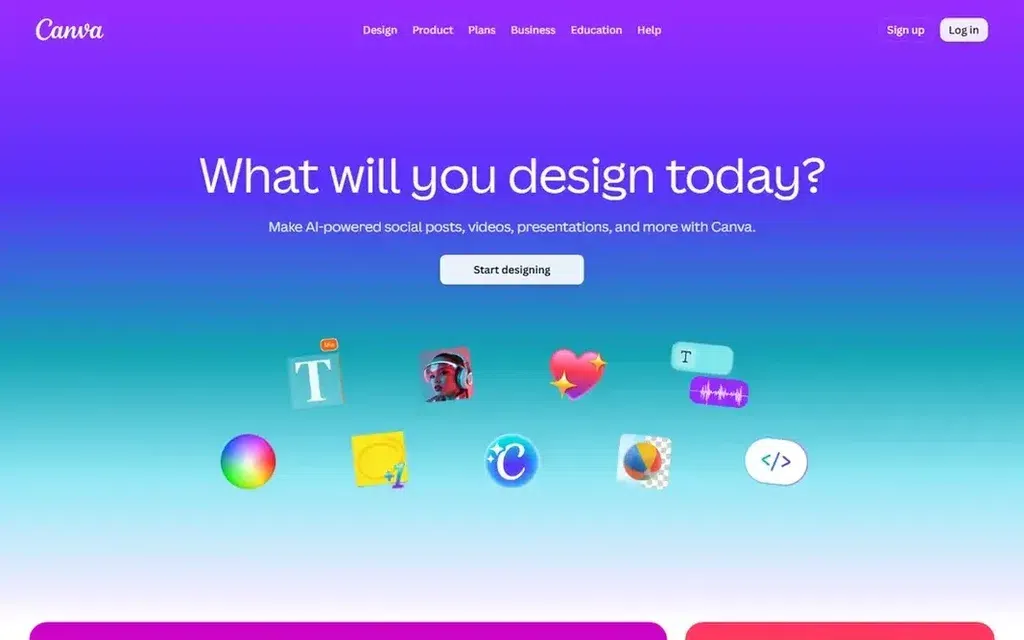
Canva makes the most sense for all-in-one visual design suite. The tradeoff is scope: with so numerous formats and tools, the interface asks more of newcomers than a narrow editor would.
Worth adding: choose Canva when you want one suite to handle plenty of design types instead of a single-purpose tool. Beyond that, Canva presents itself as a visual suite for everyone, with a free-to-use online graphic design tool for social media posts, presentations, posters, videos, logos, and more. This comparison lists no price for Canva; ask the vendor. Free access: Not stated.
Trade-offs to know: Heavy designs may push past straightforward editing needs.
- Includes social posts, presentations, posters, video, logos
- Wide template and format coverage in one place
- Very large feature set can feel overwhelming

Piktochart was built for Infographics and data-driven visuals. The emphasis on turning data into visuals makes it a distinct option among VistaCreate alternatives, notably for teams that publish reports or explain information visually.
Where it is weaker: Less suited to pure photo editing.
Since the product centers on infographics and data storytelling, it is not the obvious pick for fast photo edits or straightforward social posts. Entry price for Piktochart: $10 per member per month. Piktochart offers a free plan.
- Handles presentations, reports, ebooks, videos
- AI infographic tools turn data into visuals
- Data-visual focus may not fit general social graphics
How we chose
Things to verify first
- Confirm the entry price on the vendor page. For BeFunky and Canva that means a quote rather than a fixed price.
- Look at free plan limits closely: Snappa, DesignWizard and Piktochart have one, and the caps decide whether it is usable for real work.
- Before choosing BeFunky, weigh its main limit: design and layout depth is secondary to editing.
- Make sure Canva lets you export your data in a format another tool can read.
- Get the contract term, renewal terms and any onboarding fees from Piktochart in writing.
FAQ
How are the tools for VistaCreate ordered?
BeFunky sits first and Piktochart last because the order follows typical fit for VistaCreate, then price clarity and free access. It is a judgement call, so read each profile for fit and limits.
Which VistaCreate alternative is best for social media graphics?
The first pick on this list is BeFunky, because it suits online photo editing and collages. Snappa is better for quick prompt-driven social graphics, and DesignWizard for fast free online graphic design. Check price and limits against your own needs before choosing.
Is BeFunky the right pick for everyone comparing VistaCreate?
No single tool suits every team. BeFunky comes first because it fits online photo editing and collages, while Snappa suits fast prompt-driven social graphics and DesignWizard suits quick free online graphic design. Match the tool to your own size, budget and workflow before deciding.
Can I try these tools before paying?
Often, yes. Snappa, DesignWizard and Piktochart have a free plan. Use your own data and a real task during the test, and check what the free tier or trial limits before you rely on it.
Do these tools publish their prices?
Not all of them. BeFunky and Canva publish no starting price, so expect a quote request for those. The rest, Snappa included, show a starting price, though seats and billing terms still change the final cost.
Sources
- https://www.befunky.com
- https://snappa.com
- https://www.designwizard.com
- https://www.canva.com
- https://piktochart.com