5 VeraCrypt Alternatives Worth Switching To in 2026
VeraCrypt alternatives in 2026: 5 tools with starting prices, free plans and limits. Each profile ends with a plain caveat. A comparison table is included.

- Editor's choiceMcAfee Complete Data Protection
Enterprise data protection suites
Starts atSee websiteVisit mcafee.comFull review - Great alternativeDiskCryptor
Open-source on-the-fly encryption
Starts atSee websiteVisit diskcryptor.orgFull review - Also consider
 Cryptomator
Cloud storage encryption
Starts at€29.99Visit cryptomator.orgFull review
Direct answer
This list puts McAfee Complete Data Protection first for enterprise data protection suites. Listed starting prices: Cryptomator from €29.99. If your case is different, DiskCryptor suits open-source on-the-fly encryption and Cryptomator suits cloud storage encryption. The full list of 5 tools follows, with prices and free plan facts.
TL;DR:
- McAfee Complete Data Protection sits first on this list: enterprise data protection suites.
- For McAfee Complete Data Protection, DiskCryptor, BitLocker and AxCrypt, you have to request a quote because no starting price is shown.
- AxCrypt fits straightforward file encryption and sharing.
- What to know about McAfee Complete Data Protection first: part of a broader security suite.
Last checked November 2026. Prices and plan details were read from the vendors' own pages in November 2026; vendors change plans often, so confirm the current price on the vendor site before you buy.
Quick comparison
| Tool | Best for | Starts at | Free plan? | |
|---|---|---|---|---|
| McAfee Complete Data Protection | Enterprise data protection suites | See website | Not stated | Visit |
| DiskCryptor | Open-source on-the-fly encryption | See website | Not stated | Visit |
| Cryptomator | Cloud storage encryption | €29.99 | Yes | Visit |
 BitLocker | Windows full-disk encryption | See website | Not stated | Visit |
 AxCrypt | Straightforward file encryption and sharing | See website | Free trial | Visit |
Every option for VeraCrypt explained
LinkVetted put together this guide to VeraCrypt for readers who want a clear shortlist without reading every vendor page. It compares 5 tools on starting price, free plans, who each one suits and where each one falls short.
McAfee Complete Data Protection
Best for: Enterprise data protection suites

McAfee Complete Data Protection is a good fit for enterprise data protection suites. McAfee Complete Data Protection is an enterprise option that integrates encryption with endpoint security.
It gives you centralized management for data protection policies, making it right for organizations that require full security and compliance controls across devices. McAfee Complete Data Protection does not show a starting price in this comparison, so check the vendor site for current pricing. Free plan details: Not stated.
Honest limits: Part of a broader security suite.
- Supports compliance requirements
- Merges encryption with endpoint security
- May need McAfee ecosystem
DiskCryptor
Best for: Open-source on-the-fly encryption
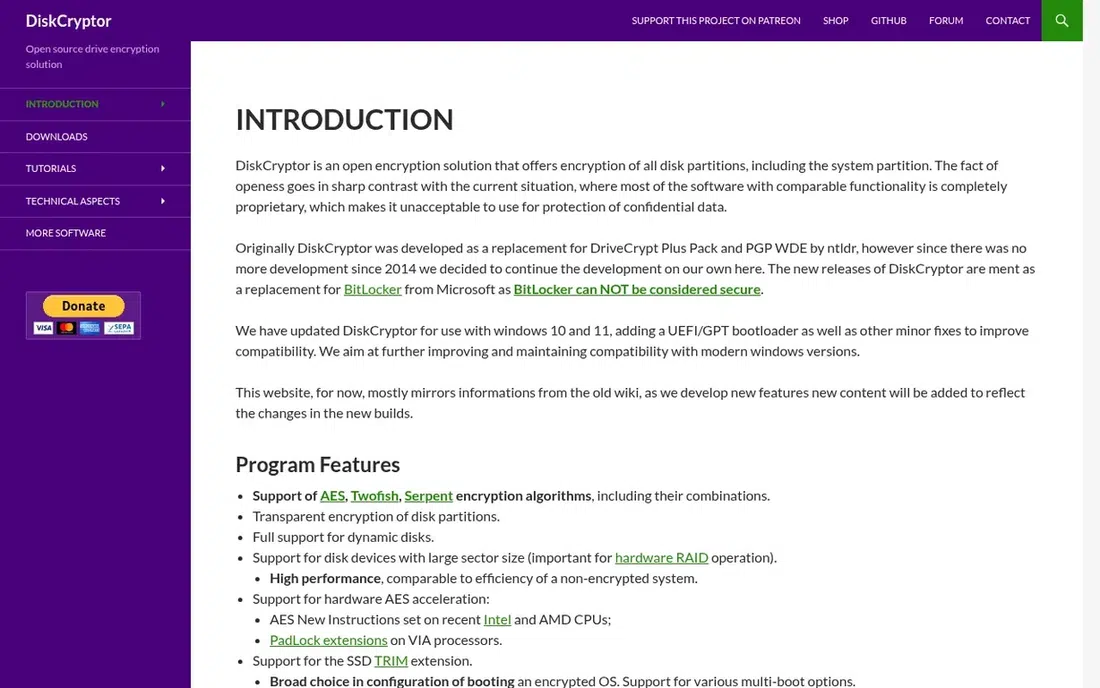
DiskCryptor targets open-source on-the-fly encryption. If you need cross-platform support or cloud encryption, consider Cryptomator or AxCrypt.
DiskCryptor is an open-source drive encryption option for Windows that gives you on-the-fly encryption for partitions and whole drives. DiskCryptor is restricted to Windows and may lack the refined user interface of commercial tools. This comparison lists no price for DiskCryptor; ask the vendor. On free options: Not stated.
Watch-outs: Restricted documentation.
- Supports full disk encryption
- Light
- Windows only
Choose Cryptomator for cloud storage encryption. Cryptomator is an open-source tool built to encrypt files stored in cloud services like Dropbox, Google Drive, and OneDrive.
Trade-offs to know: Needs cloud storage service.
For everyday use, if you need full disk encryption, consider BitLocker or DiskCryptor. Price to start with Cryptomator: €29.99. Cryptomator includes a free tier.
- Cross-platform
- Transparent encryption for cloud files
- Restricted to file encryption
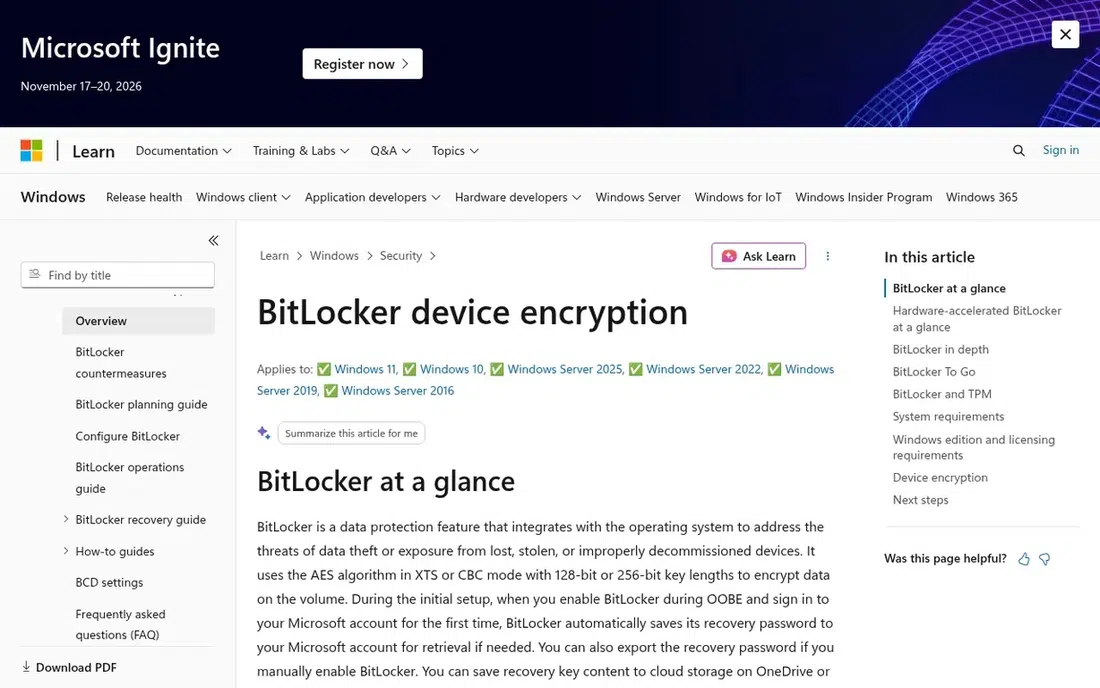
Think of BitLocker for Windows full-disk encryption. BitLocker is Microsoft's native drive encryption feature for Windows, built for IT professionals and device administrators.
Worth adding: if you need cross-platform encryption or file-level encryption, consider alternatives like Cryptomator or AxCrypt. BitLocker is not available for non-Windows systems, and some features rely on hardware for example TPM. BitLocker does not show a starting price in this comparison, so check the vendor site for current pricing. Free plan details: Not stated.
The main drawbacks: Needs TPM for some features.
- Supports recovery choices
- Built into Windows
- Restricted to Windows
AxCrypt is a good fit for straightforward file encryption and sharing. AxCrypt is primarily for file encryption instead of full disk encryption, so it may not meet all needs. From a buyer's view, for full disk encryption, consider BitLocker or DiskCryptor.
Watch-outs: Needs account setup.
AxCrypt is a file encryption software that emphasizes simplicity for individuals and teams. It is well-suited for users who require straightforward file-level encryption without complicated setup. Pricing for AxCrypt is not stated here, so ask the vendor for current figures. As for free access: Free trial.
- Cross-platform support
- Approachable interface
- Centres on files, not full disks
How these tools were picked
We compared the tools on published pricing, free plan or trial availability, feature coverage for VeraCrypt, and the limits each vendor documents. Where a vendor does not publish a price, the entry says quote. Where a price depends on seats or billing term, the entry says so. Order on the page follows fit for the typical buyer first, then price transparency and free access. Your own requirements should decide the final pick.
A buyer's checklist
- Get a written quote from McAfee Complete Data Protection, DiskCryptor, BitLocker and AxCrypt; the list shows no starting price for them.
- Test the free plan from Cryptomator against your real workload before relying on it.
- Run a trial of AxCrypt with real work before paying for a year; your own workflow is the best test.
- Before choosing McAfee Complete Data Protection, weigh its main limit: part of a broader security suite.
- Read the plan comparison for DiskCryptor carefully; key features often start on a higher tier.
- Work out what BitLocker costs with your real seat count, add-ons and usage, not just the entry price.
FAQ
What is the best VeraCrypt alternative for Windows?
McAfee Complete Data Protection is the pick this page puts first, mainly for enterprise data protection suites. If your situation differs, DiskCryptor suits open-source on-the-fly encryption, and Cryptomator suits cloud storage encryption. Compare price and limits before you decide.
Which options for VeraCrypt have a free plan?
Cryptomator is the only tool in this list with a free plan. Free plans usually cap users, projects or features, so check the limits on the vendor page. One other tool offers a trial instead. For the full picture, the cards above cover all 5 entries of this VeraCrypt alternatives list, including price, free plan and limits.
Can I use these tools for cloud storage encryption?
Cryptomator is specifically aimed at cloud storage encryption. AxCrypt also plugs into cloud services for file encryption.
Is McAfee Complete Data Protection the right pick for everyone comparing VeraCrypt?
No single tool suits every team. McAfee Complete Data Protection comes first because it fits enterprise data protection suites, while DiskCryptor suits open-source on-the-fly encryption and Cryptomator suits cloud storage encryption. Match the tool to your own size, budget and workflow before deciding.
Which tool is a good match for enterprise data protection?
Start with McAfee Complete Data Protection if you need enterprise data protection suites. DiskCryptor is the better match for open-source on-the-fly encryption, and Cryptomator for cloud storage encryption. The best choice depends on budget, team size and workflow.
How are the tools for VeraCrypt ordered?
The order follows typical fit for VeraCrypt, with McAfee Complete Data Protection first and AxCrypt last, then price clarity and free access. It is editorial judgement, not a score, so another team could rank the tools differently.
Sources
- https://www.mcafee.com/enterprise/en-us/products/complete-data-protection.html
- https://diskcryptor.org
- https://cryptomator.org
- https://learn.microsoft.com/en-us/windows/security/operating-system-security/data-protection/bitlocker
- https://www.axcrypt.net