5 TopBuilder CRM Alternatives Worth Switching To in 2026
TopBuilder CRM alternatives: 5 contenders ranked by fit, with entry costs and free tiers. The weak spots sit next to the strengths. Budget notes included.
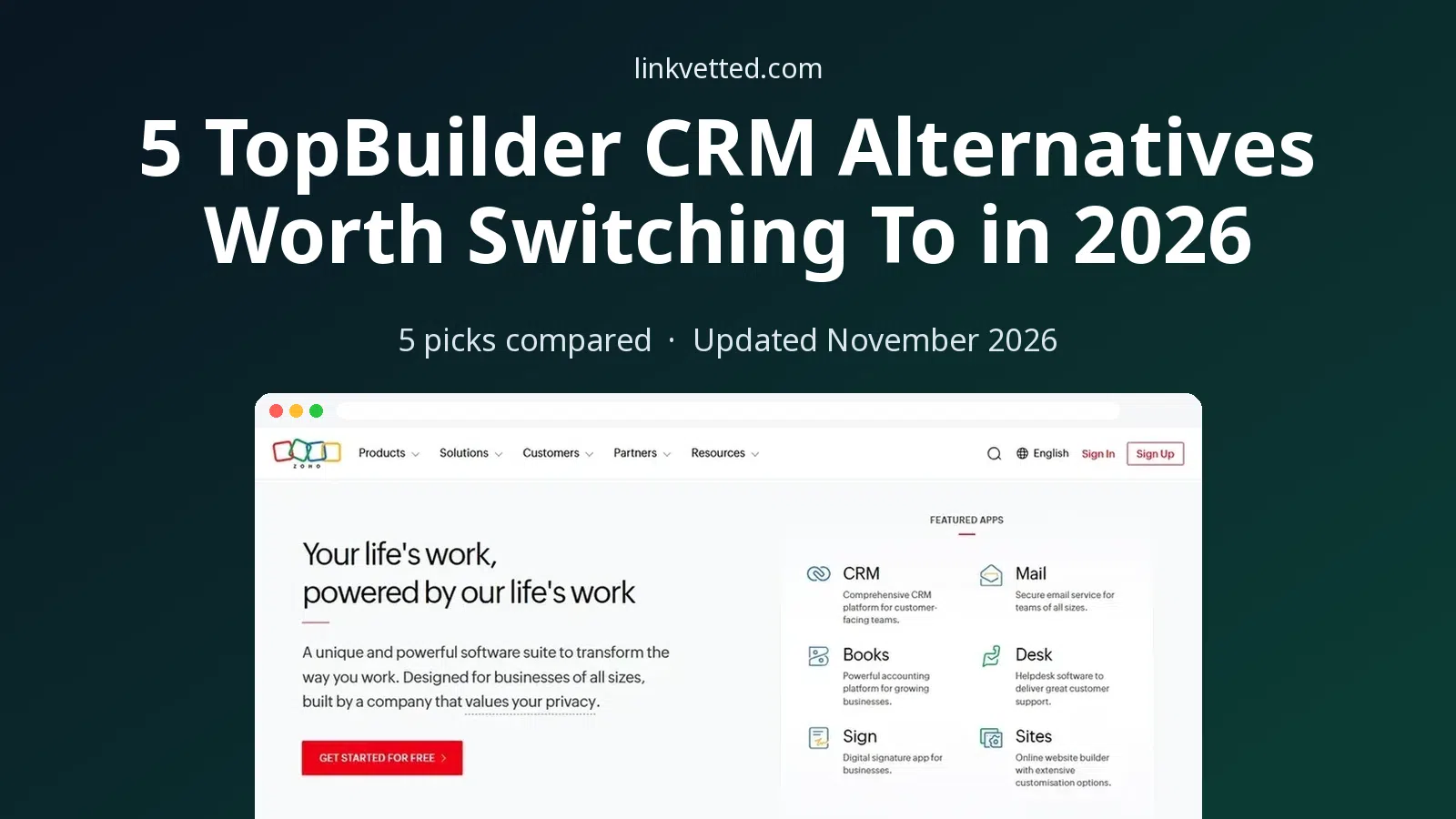
- Editor's choice
 Zoho CRM
Sales operations with wide feature needs
Starts atPricing on requestVisit zoho.comFull review - Great alternative
 Freshsales
AI-assisted lead capture and closing
Starts atPricing on requestVisit freshworks.comFull review - Also consider
 Salesforce Sales Cloud
Complicated, customizable sales operations
Starts atPricing on requestVisit salesforce.comFull review
Direct answer
For Sales operations with wide feature needs, Zoho CRM is where this list starts. Look at Freshsales for AI-assisted lead capture and closing, and at Salesforce Sales Cloud for complicated, customizable sales operations. Details and limits for the rest of the 5 tools are below. None of these vendors publish plan prices, so pricing is on request for every option.
TL;DR:
- Zoho CRM is the opening pick, best for Sales operations with wide feature needs.
- Zoho CRM, HubSpot CRM and the 3 others all sell by quote; expect sales conversations before you see a price.
- Check the limits for Salesforce Sales Cloud before you commit: configuration can be involved.
- For businesses already using HubSpot tools, HubSpot CRM is worth a look.
- Zoho CRM, HubSpot CRM and the 3 others all need a premium plan or a trial, since no free plan is listed.
Last checked November 2026. Pricing on request: vendors did not publish plan prices when this guide was last checked (November 2026), so ask each vendor for a written quote.
Quick comparison
| Tool | Best for | Starts at | Free plan? | |
|---|---|---|---|---|
| Zoho CRM | Sales operations with wide feature needs | Pricing on request | Not stated | Visit |
| Freshsales | AI-assisted lead capture and closing | Pricing on request | Not stated | Visit |
| Salesforce Sales Cloud | Complicated, customizable sales operations | Pricing on request | Not stated | Visit |
 Pipedrive | Straightforward, pipeline-focused sales teams | Pricing on request | Not stated | Visit |
 HubSpot CRM | Companies already using HubSpot tools | Pricing on request | Not stated | Visit |
Every option for TopBuilder CRM explained
If you are comparing TopBuilder CRM, this page covers 5 tools in one place: what each is best for, what it costs to start, whether it has a free plan, and the main limit to know about.
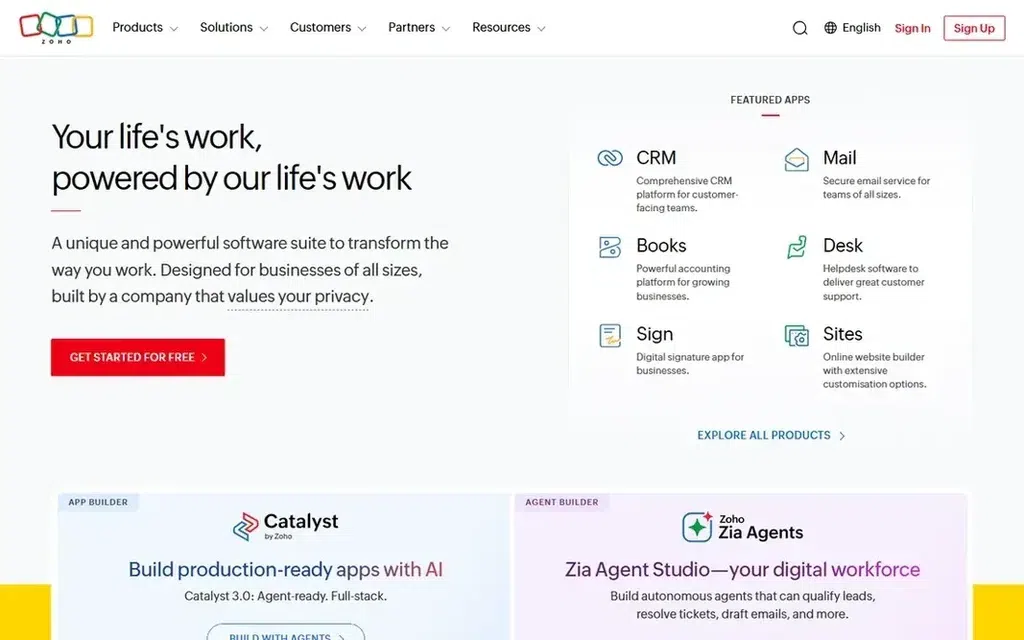
Zoho CRM is a good fit for Sales operations with wide feature needs. Choose Zoho CRM when you want a wide sales product and are prepared to configure it around your process.
Teams already familiar with Zoho products commonly find the transition straightforward. Zoho CRM describes itself as an agentic CRM product that helps teams manage sales operations and close more deals. Zoho CRM does not show a starting price in this comparison, so check the vendor site for current pricing. Free access: Not stated.
Trade-offs to know: Feature depth can feel deep.
- Part of a wider Zoho product family
- Agentic CRM positioning
- Setup choices may need review
Choose Freshsales for AI-assisted lead capture and closing. Teams wanting a pure pipeline tool may prefer Pipedrive, whereas those needing deep configuration may lean toward Salesforce Sales Cloud.
As for the details, choose Freshsales when lead capture and assisted selling are priorities. On top of that, firms already using Freshworks products gain a more connected experience. Freshsales shows no starting price here, so confirm the cost on the vendor site. Free options: Not stated.
Points against: Needs review against your workflow.
- AI-powered CRM positioning
- Lead capture focus
- Feature fit varies by sales model
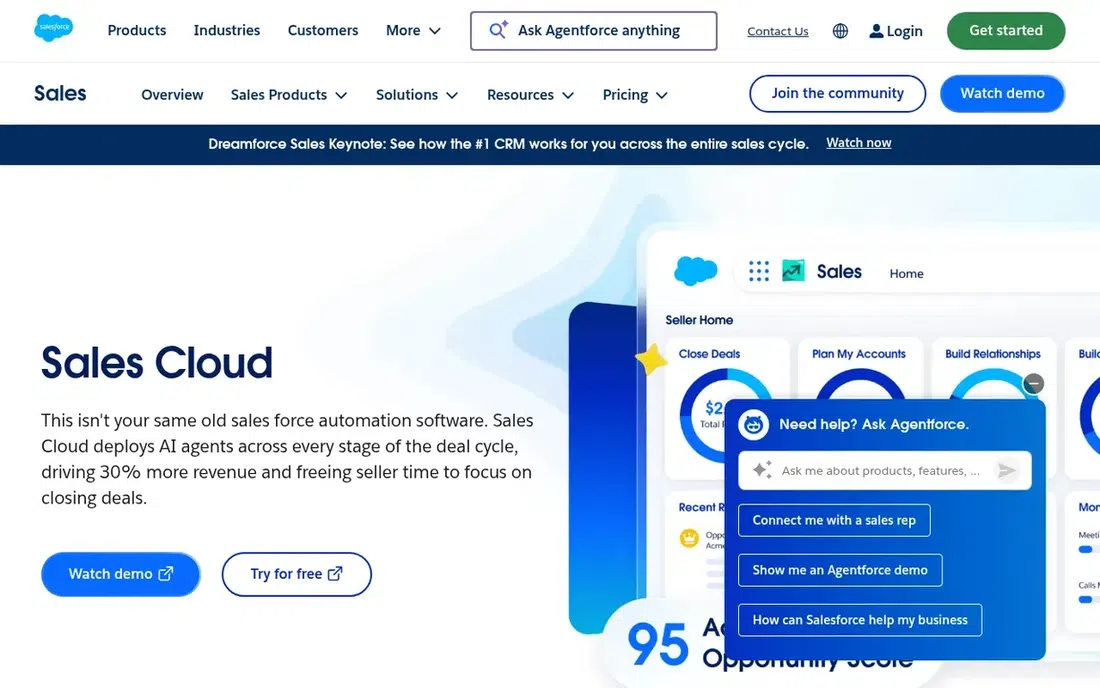
For complicated, customizable sales operations, Salesforce Sales Cloud is a natural candidate. Salesforce Sales Cloud is a sales force automation system built to help teams grow accounts, find new customers, and close deals quicker from anywhere. More specifically, buyers who require a highly configurable system and can invest time in setup tend to see the most value here.
Also, if you want a more straightforward pipeline-first tool, Pipedrive is the more natural fit. The breadth of configuration is also the central limit: smaller teams may find it heavier than necessary, and getting value relies on thoughtful setup. Choose Sales Cloud when adaptability and scale matter more than fast, minimal setup. Check the vendor site for Salesforce Sales Cloud pricing; none is listed in this comparison. Free access: Not stated.
Where it is weaker: May be more than small teams need.
- Supports account growth and prospecting
- Works from anywhere
- Configuration can be involved
Pick Pipedrive if this describes you: straightforward, pipeline-focused sales teams. Pipedrive is a sales CRM centered on pipeline management, meant to help teams get more qualified leads and grow the business. Beyond that, Salesforce Sales Cloud or Zoho CRM better serve complicated, multi-team operations.
Trade-offs to know: Deeper customization is restricted.
On top of that, pick Pipedrive when usability and deal visibility matter more than deep customization. Salespeople who live in their deal stages tend to find it fast to adopt. Pricing for Pipedrive is not stated here, so ask the vendor for current figures. Free plan details: Not stated.
- Pipeline management focus
- Easy-to-use interface
- Less suited to complicated enterprise processes
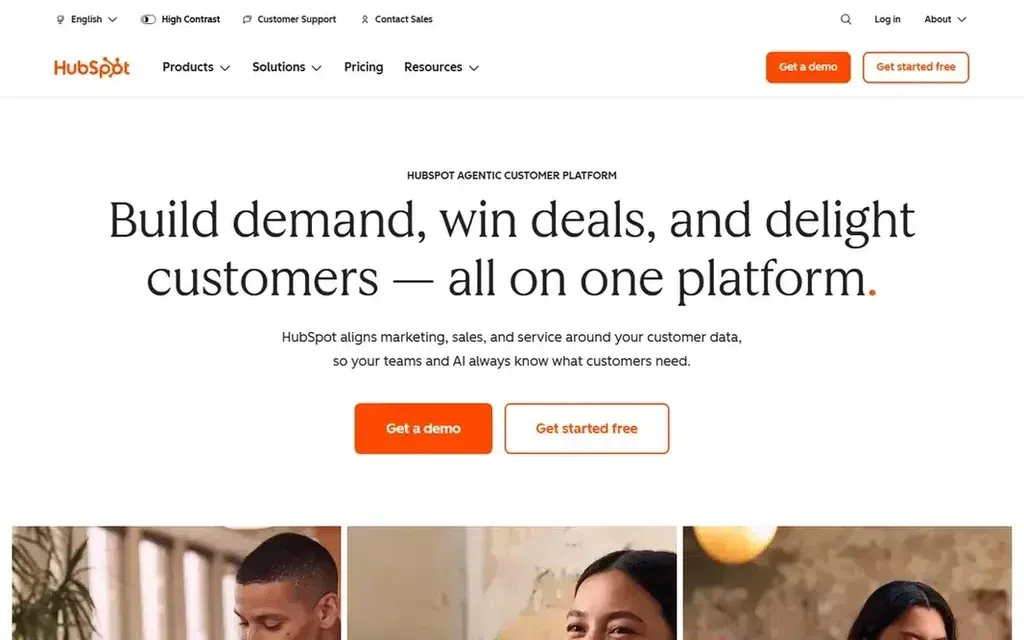
In short, HubSpot CRM is for companies already using HubSpot tools. HubSpot CRM is positioned as CRM software for small companies, helping teams organize contacts, track deals, and close more sales with built-in AI.
Limits to weigh: Advanced needs may need other HubSpot products.
In daily use, if you need deep sales process configuration, Salesforce Sales Cloud is the more solid match. Pick HubSpot CRM when simplicity and connected customer data matter most. Pricing for HubSpot CRM is not stated here, so ask the vendor for current figures. Trial and free access: Not stated.
- Built-in AI assistance
- Contact and deal organization
- Best value inside the HubSpot ecosystem
How we built this list
Questions to settle before buying
- Confirm the entry price with every vendor: no tool from Zoho CRM to HubSpot CRM shows a fixed starting price.
- Read the limits listed for Zoho CRM first: feature depth can feel extensive.
- Let daily users try Freshsales on real work; their feedback beats any feature checklist.
- Check the integration list for Zoho CRM against the tools you run today, and note which ones need a higher plan.
- Confirm you can export your data from HubSpot CRM, so leaving later does not mean losing records.
FAQ
Is Zoho CRM the right pick for everyone comparing TopBuilder CRM?
No single tool suits every team. Zoho CRM comes first because it fits Sales operations with broad feature needs, while Freshsales suits AI-assisted lead capture and closing and Salesforce Sales Cloud suits complex, configurable sales operations. Match the tool to your own size, budget and workflow before deciding.
Which TopBuilder CRM alternative is best for a small sales team?
Zoho CRM is the pick this page puts first, mainly for Sales operations with wide feature needs. If your situation differs, Freshsales suits AI-assisted lead capture and closing, and Salesforce Sales Cloud suits complicated, customizable sales operations. Compare price and limits before you decide.
Can I move my existing data into a new CRM?
Most established CRMs supply import tools and data migration support, but the process differs by vendor. Ask each vendor about importing contacts, deals, and activity history from your current system.
How are the tools for TopBuilder CRM ordered?
The order follows typical fit for TopBuilder CRM, with Zoho CRM first and HubSpot CRM last, then price clarity and free access. It is editorial judgement, not a score, so another team could rank the tools differently.
Do these tools publish their prices?
No. None of the tools, from Zoho CRM to HubSpot CRM, shows a fixed starting price here, so budget time for quotes. Each of the 5 options in this TopBuilder CRM alternatives guide has its own card above with the price, free plan and limits.
Does any tool for TopBuilder CRM here have a free plan?
No tool in this list, Zoho CRM and HubSpot CRM included, has a permanent free plan. Trials and quotes are the usual route, so plan a short evaluation period. All 5 picks in this TopBuilder CRM alternatives comparison list a starting price, free plan details and the main limits on their cards above.
Sources
- https://www.zoho.com/crm
- https://www.freshworks.com/crm/sales
- https://www.salesforce.com/sales/cloud
- https://www.pipedrive.com
- https://www.hubspot.com/products/crm