The 6 Best Session Recording Software for Online Stores in 2026, Ranked
Need the top session recording software for online stores? We compare 6 tools on cost, free access and who each suits. Weak spots flagged for every entry.
- Editor's choice
 Mouseflow
Focused session replay and heatmaps
Starts atSee websiteVisit mouseflow.comFull review - Great alternative
 Heap
Uncovering unknown user behaviors
Starts atSee websiteVisit heap.ioFull review - Also consider
 Crazy Egg
Combined heatmaps, recordings, and testing
Starts at$29 a monthVisit crazyegg.comFull review
Direct answer
Mouseflow is the first pick on this list for focused session replay and heatmaps. Listed starting prices: Crazy Egg from $29 a month, Hotjar from $39 a month and Contentsquare from $39 a month. Alternatives: Heap for uncovering unknown user behaviors, and Crazy Egg for combined heatmaps, recordings, and testing. All 6 tools are compared below on price, free plan and limits.
TL;DR:
- Top of the list is Mouseflow, which targets focused session replay and heatmaps.
- The cheapest monthly starting price in the list is $29 per month, offered by Crazy Egg.
- Inspectlet suits in-depth session replay and heatmaps.
- 4 of 6 tools offer a free plan: Heap, Hotjar, Contentsquare, Inspectlet.
- Heap comes with a trade-off: may be complicated for beginners.
Last checked November 2026. Prices and plan details were read from the vendors' own pages in November 2026; vendors change plans often, so confirm the current price on the vendor site before you buy.
Quick comparison
| Tool | Best for | Starts at | Free plan? | |
|---|---|---|---|---|
| Mouseflow | Focused session replay and heatmaps | See website | Free trial | Visit |
| Heap | Uncovering unknown user behaviors | See website | Yes | Visit |
| Crazy Egg | Combined heatmaps, recordings, and testing | $29 a month | Free trial | Visit |
 Hotjar | All-around behavior insights for keeps | $39 a month | Yes | Visit |
 Contentsquare | AI-driven experience intelligence | $39 a month | Yes | Visit |
| Inspectlet | In-depth session replay and heatmaps | See website | Yes | Visit |
Session Recording Software for Online Stores profiles
Choosing session recording software for online stores usually comes down to price, fit and limits. This LinkVetted guide sets 6 tools side by side on those three points, with the facts kept short and checkable.
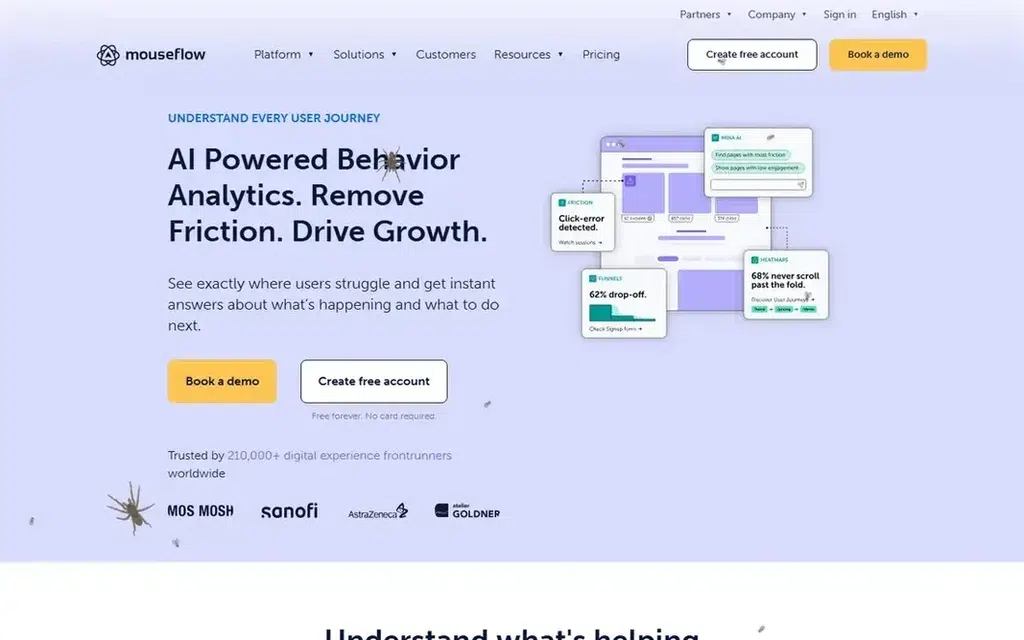
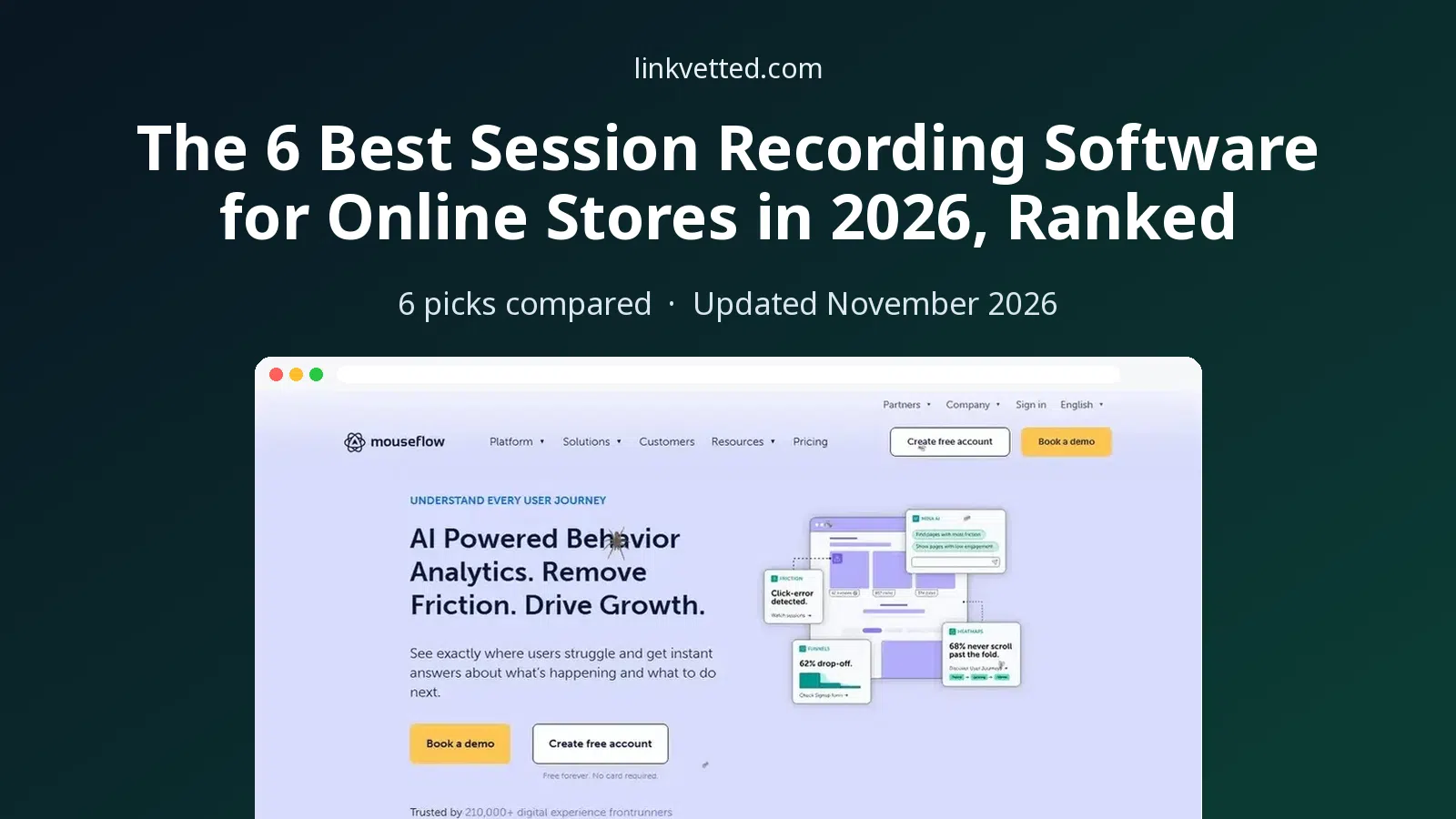
Mouseflow makes the most sense for focused session replay and heatmaps. Keeps needing integrated A/B testing or advanced AI insights might need extra tools. In practice, Mouseflow may not offer the full suite of analytics or testing features found in broader products.
Mouseflow is a behavior analytics system that uses session replay, heatmaps, and feedback to boost website user experience. Also, the tool concentrates on capturing visitor interactions so retailers can see exactly how users navigate, scroll, and click, helping to refine layouts and cut abandonment. Mouseflow does not show a starting price in this comparison, so check the vendor site for current pricing. Trial and free access: Free trial.
Limits to weigh: Less suited for enterprise-scale needs.
- Bundles heatmaps and feedback tools
- Geared toward improving UX and conversions
- May lack broader analytics features
For uncovering unknown user behaviors, Heap is a natural candidate. Heap by Contentsquare is a digital insights system that displays everything users do on your site, revealing the unknown unknowns that stay invisible with other tools. For everyday use, the product is built to uncover hidden behaviors, helping retailers understand the full scope of user actions and boost experiences based on full data.
Heap may be more complicated than needed for keeps focused solely on session replay. Its strength lies in wide behavioral insights, so teams wanting a straightforward replay tool might find it overwhelming. No starting price is listed for Heap here; confirm pricing on the vendor site. Heap includes a free tier.
Points against: May be complicated for beginners.
- Records all user actions automatically
- Part of Contentsquare
- Concentrated on insights rather than replay alone
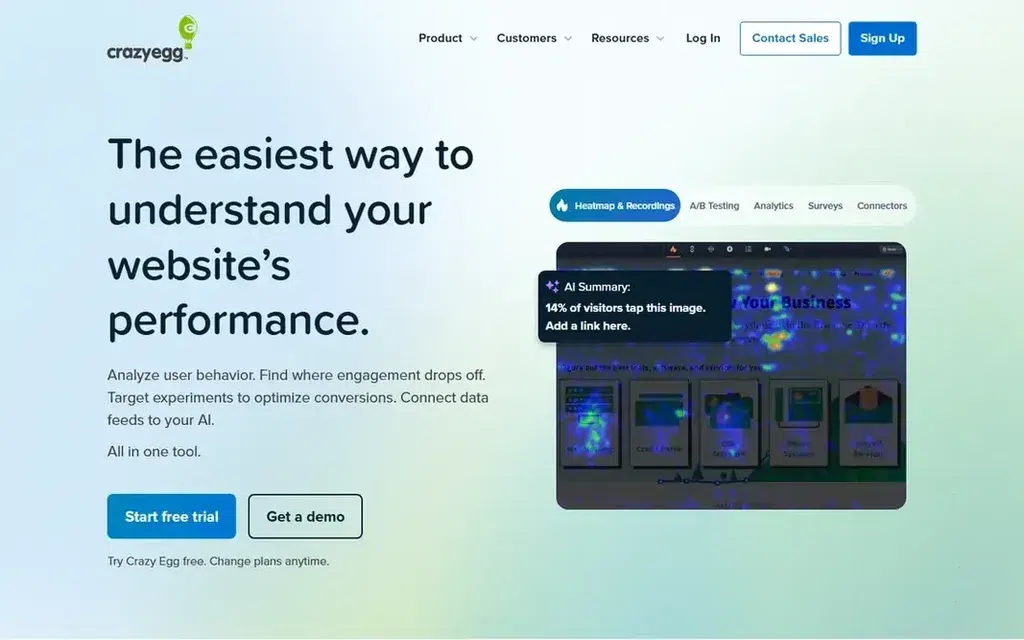
Crazy Egg works best for combined heatmaps, recordings, and testing. Keeps that require advanced replay analysis or AI-driven insights might outgrow it. That said, for teams concentrated on visual heatmaps and entry-level testing, Crazy Egg provides a practical, integrated approach to store optimization.
Drawbacks to consider: Interface can feel busy for new users.
Also, Crazy Egg may not offer the same depth in session replay as dedicated recording tools. The combination of features helps retailers identify which elements attract clicks and where shoppers drop off, supporting iterative improvements to product pages and landing pages. Starting cost for Crazy Egg: $29 per month. Free access: Free trial.
- A decent match for visual optimization
- Comes with heatmaps and recordings
- May be less centred on deep replay
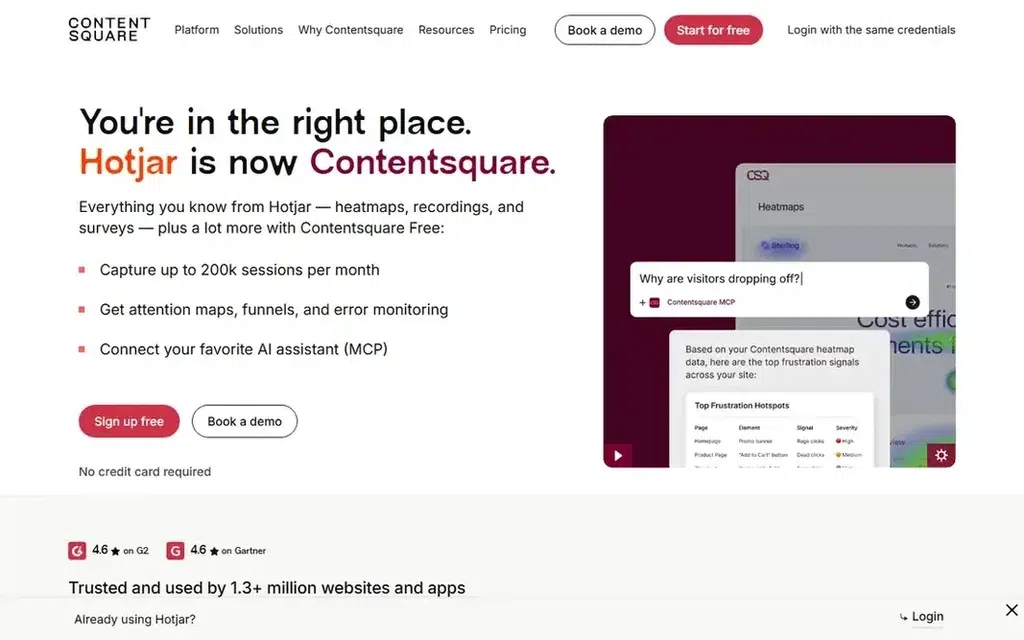
In short, Hotjar is for all-around behavior insights for keeps. The system is aimed at the midsize and SMB market, making it approachable for teams that need practical insights to boost product pages and checkout flows.
Also, Hotjar may not offer the depth required for very large keeps with complicated, multi-team analytics needs. Price to start with Hotjar: $39 per month. Hotjar includes a free tier.
Honest limits: Advanced analysis may need other tools.
- Merges recordings with behavior insights
- Suited to midsize and SMB keeps
- May be less deep for enterprise needs
Where Contentsquare fits: AI-driven experience intelligence. Contentsquare may be overkill for small keeps because of its complexity and resource requirements.
Where it is weaker: Likely needs more resources to implement.
In practice, for enterprises needing advanced AI and journey intelligence, Contentsquare provides a full option, but smaller teams should consider simpler alternatives. On cost, Contentsquare starts like this: $39 per month. Contentsquare offers a free plan.
- Aims to turn signals into better experiences
- AI-first experience system
- May be complicated for small keeps
Inspectlet
Best for: In-depth session replay and heatmaps
Inspectlet is designed for detailed session replay and heatmaps. Inspectlet records videos of visitors as they use your site, capturing every mouse movement, scroll, click, and keypress.
Downsides: May have a steeper ramp-up time.
In daily use, the tool also comes with heatmaps, JavaScript A/B testing, and feedback surveys, supplying a rounded view of visitor behavior for teams that prefer in-depth replay. That said, for retailers that value detailed replay and are comfortable with a practical approach, Inspectlet gives rich behavioral data. Inspectlet does not show a starting price in this comparison, so check the vendor site for current pricing. You can start on Inspectlet without paying.
- Supplies feedback surveys
- Comes with heatmaps and A/B testing
- Less brand recognition than some competitors
How we built this list
Selection started from tools commonly considered for session recording software for online stores, then narrowed to 6 that have clear pricing information or a clear quote process. Plan names, prices and limits change often. Treat the figures here as a starting point and verify them with the vendor. The order reflects how well each tool fits the most common buying scenario for session recording software for online stores, then price clarity, then free plan access. It is a starting point, not a verdict.
A buyer's checklist
- Get a written quote from Mouseflow, Heap and Inspectlet; the list shows no starting price for them.
- Check what the free option really includes: Heap, Hotjar, Contentsquare and Inspectlet offer a free plan, and usage caps differ.
- Take the trial from Mouseflow and Crazy Egg and push a live task through it before you pay.
- Before choosing Mouseflow, weigh its main limit: may lack broader analytics features.
- Let daily users try Heap on real work; their feedback beats any feature checklist.
- Confirm that Inspectlet connects to the apps your team already uses, on the plan you would actually buy.
FAQ
What should an online store look for in session recording software?
Look for tools that capture key interactions like clicks, scrolls, and form entries, and that plug into your ecommerce product. Also consider heatmaps, feedback surveys, and whether the tool offers actionable insights without overwhelming complexity.
How are the tools for session recording software for online stores ordered?
Mouseflow sits first and Inspectlet last because the order follows typical fit for session recording software for online stores, then price clarity and free access. It is a judgement call, so read each profile for fit and limits.
What is the cheapest option for session recording software for online stores in this list?
On published monthly entry prices, Crazy Egg is the lowest here at $29 per month. Entry price is only part of the cost, because seats, add-ons and billing terms can change the total. Each of the 6 options in this session recording software for online stores guide has its own card above with the price, free plan and limits.
Is Mouseflow the right pick for everyone comparing session recording software for online stores?
No single tool suits every team. Mouseflow comes first because it fits focused session replay and heatmaps, while Heap suits uncovering unknown user behaviors and Crazy Egg suits combined heatmaps, recordings, and testing. Match the tool to your own size, budget and workflow before deciding.
Can I try these tools before paying?
Often, yes. Heap, Hotjar, Contentsquare and Inspectlet have a free plan and Mouseflow and Crazy Egg offer a free trial. Use your own data and a real task during the test, and check what the free tier or trial limits before you rely on it.
Sources
- https://mouseflow.com
- https://heap.io
- https://www.crazyegg.com
- https://www.hotjar.com
- https://contentsquare.com
- https://www.inspectlet.com
Related guides
- Best Access Management Software for Retail Stores in 2026: Prices, Free Plans and 6 Picks
- Best Bug Tracking Software for Retail Stores in 2026: Prices, Free Plans and 5 Picks
- Best Client Portal Software for Retail Stores (2026): 5 Picks Checked on Vendor Pages
- Top 6 AI Virtual Reality Marketplaces Software for 2026 (Prices and Free Plans)