Choosing Rated Time Sheet Software in 2026: 5 Options Compared
Top rated time sheet software: 5 tools compared on price, free plans and fit. For capacity planning and profitability, begin with Toggl Track. No hype.
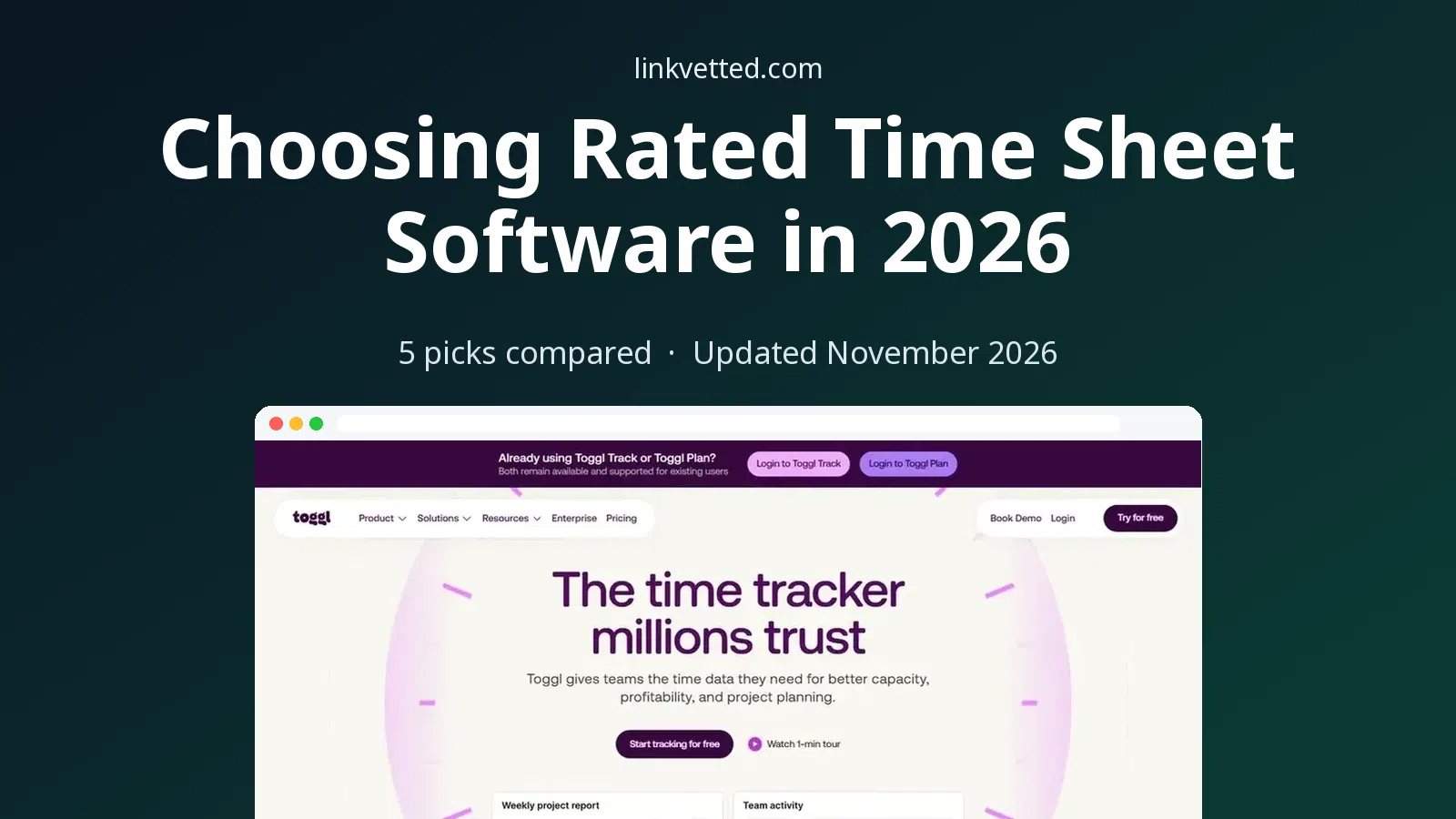
- Editor's choice
 Toggl Track
Capacity planning and profitability
Starts atSee websiteVisit toggl.comFull review - Great alternative
 Hubstaff
Productivity monitoring and payments
Starts at$10 per seat a monthVisit hubstaff.comFull review - Also consider
 Harvest
Time tracking with invoicing
Starts at$9 per seat a monthVisit getharvest.comFull review
Direct answer
Toggl Track is the first pick on this list for capacity planning and profitability. Listed starting prices: Hubstaff from $10 per seat a month, Harvest from $9 per seat a month and Time Doctor from $6.67 per user a month. Alternatives: Hubstaff for productivity monitoring and payments, and Harvest for Time tracking with invoicing. All 5 tools are compared below on price, free plan and limits.
TL;DR:
- Toggl Track is the opening pick, best for capacity planning and profitability.
- What to know about Time Doctor first: may be heavy for small teams.
- QuickBooks Time is the one to check for payroll and job tracking integration.
- Harvest is the only tool of the 5 with a free plan.
Last checked November 2026. Prices and plan details were read from the vendors' own pages in November 2026; vendors change plans often, so confirm the current price on the vendor site before you buy.
Quick comparison
| Tool | Best for | Starts at | Free plan? | |
|---|---|---|---|---|
| Toggl Track | Capacity planning and profitability | See website | Not stated | Visit |
| Hubstaff | Productivity monitoring and payments | $10 per seat a month | Free trial | Visit |
| Harvest | Time tracking with invoicing | $9 per seat a month | Yes | Visit |
 Time Doctor | Workforce visibility for distributed teams | $6.67 per user a month | Free trial | Visit |
 QuickBooks Time | Payroll and job tracking integration | See website | Not stated | Visit |
5 options for rated time sheet software in detail
Short on time? The summary and table above give the quick view of 5 tools for rated time sheet software, and the profiles that follow give the detail behind each entry.
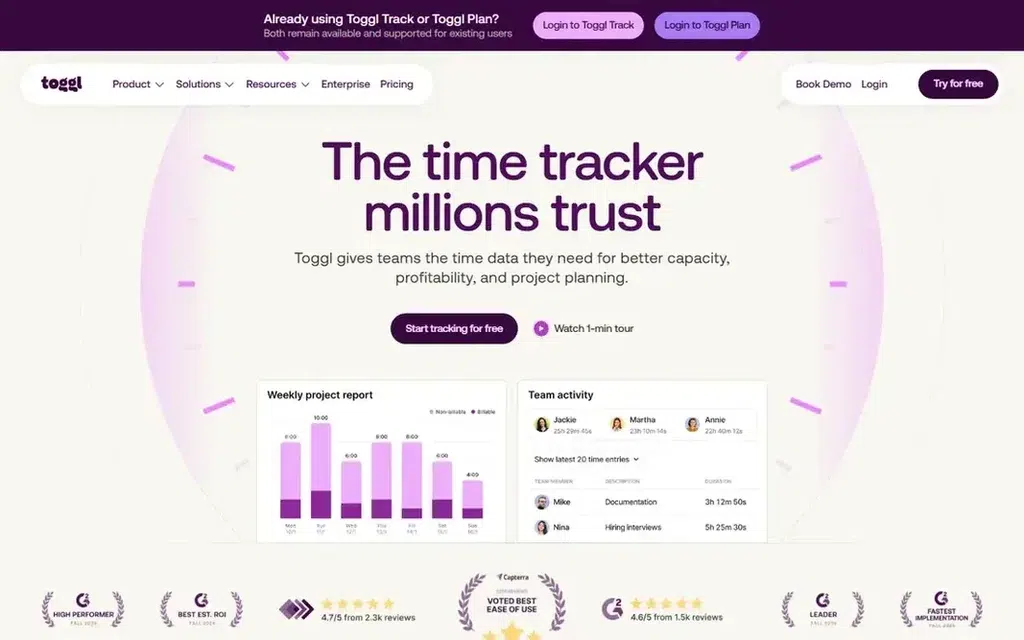
Pick Toggl Track if this describes you: capacity planning and profitability. Whereas Toggl Track handles planning and profitability, it is not a dedicated payroll product.
Teams needing payroll integration should look at QuickBooks Time or Hubstaff. From a buyer's view, Toggl Track is a time tracker and capacity planning tool that helps teams track employee time, plan capacity, run tasks and projects, and calculate profitability. Toggl Track shows no starting price here, so confirm the cost on the vendor site. Free options: Not stated.
Limits to weigh: Not a full payroll option.
- Time tracking with capacity planning
- Profitability calculation features
- May need setup for advanced planning
Pick Hubstaff if this describes you: productivity monitoring and payments. It is aimed at managers who require visibility into how work is progressing and want to link hours to costs and performance.
Price to start with Hubstaff: $10 per seat per month. Free access: Free trial.
Drawbacks to consider: Monitoring features may feel intrusive.
- Tracks work, costs, performance
- Productivity insights for teams
- Complicated setup for straightforward timesheets
Harvest is a good fit for Time tracking with invoicing. Harvest does not focus on payroll or employee productivity monitoring, so companies with those needs may need extra tools.
It is aimed at teams that bill clients by the hour or project and have to turn tracked time into invoices rapidly. Entry price for Harvest: $9 per seat per month. Free access exists with Harvest.
Where it falls short: Restricted payroll functionality.
- Feature-rich simple reporting
- Time tracking and management
- May not suit complicated enterprise workflows
Time Doctor is built with workforce visibility for distributed teams in mind. Time Doctor gives you workforce visibility for distributed teams, helping leaders see what teams are working on, validate the process behind every hour, and get AI answers grounded in real data. It is pitched at managers who require to understand how remote work is progressing and ensure accountability.
From a buyer's view, the platform is especially relevant for organizations with large or completely remote teams. Worth adding: Time Doctor is most useful for leaders who prioritize deep visibility into distributed work processes. Time Doctor pricing: $6.67 per user per month. As for free access: Free trial.
Points against: Needs clear monitoring policies.
- Validates process behind every hour
- AI answers grounded in real data
- May be heavy for small teams
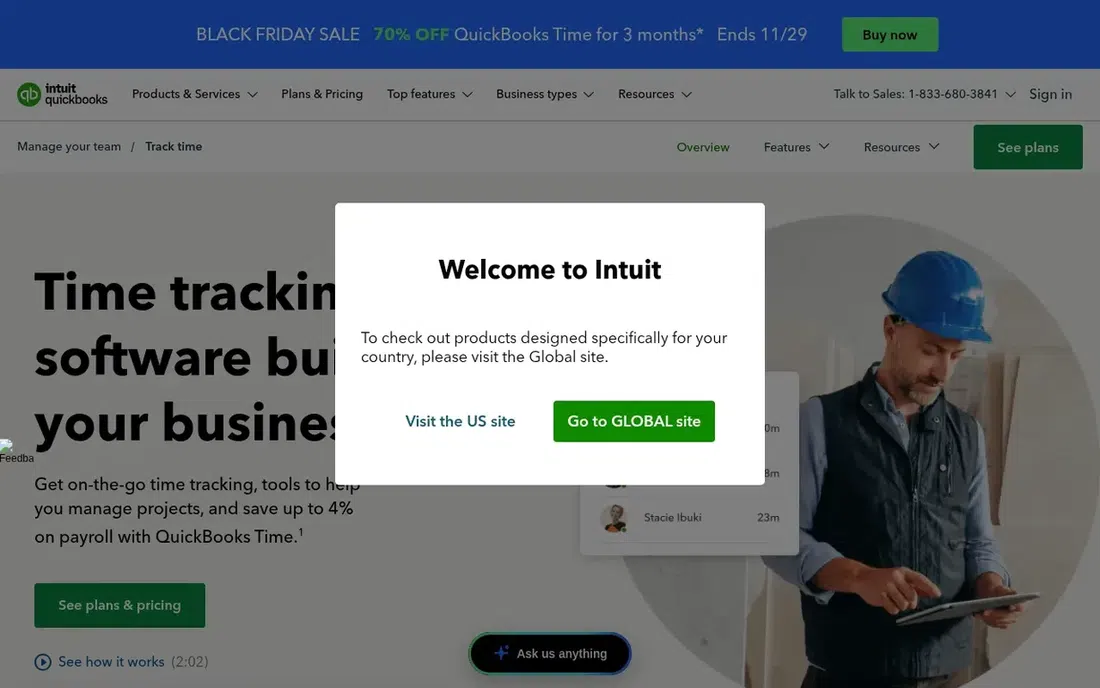
Where QuickBooks Time fits: payroll and job tracking integration. The system may be more than needed for freelancers or small teams that only need entry-level timesheets.
Honest limits: May be complicated for straightforward timesheet needs.
Pricing for QuickBooks Time is not stated here, so ask the vendor for current figures. Trial and free access: Not stated.
- GPS tracking for mobile and field teams
- AI-powered all-in-one system
- Best value within the QuickBooks ecosystem
Selection criteria
Questions to settle before buying
- Confirm the entry price on the vendor page. For Toggl Track and QuickBooks Time that means a quote rather than a fixed price.
- Look at the free plan from Harvest closely: its caps decide whether it is usable for real work.
- Run a trial of Hubstaff and Time Doctor with real work before paying for a year; your own workflow is the best test.
- Before choosing Toggl Track, weigh its main limit: may need setup for advanced planning.
- Check how data leaves Time Doctor: formats, limits and whether exports are available on every plan.
- Check the integration list for Hubstaff against the tools you run today, and note which ones need a higher plan.
FAQ
Which options for rated time sheet software have a free plan?
Harvest is the only tool in this list with a free plan. Free plans usually cap users, projects or features, so check the limits on the vendor page. Several others offer a trial instead. For the full picture, the cards above cover all 5 entries of this rated time sheet software list, including price, free plan and limits.
Is Toggl Track the right pick for everyone comparing rated time sheet software?
No single tool suits every team. Toggl Track comes first because it fits capacity planning and profitability, while Hubstaff suits productivity monitoring and payments and Harvest suits Time tracking with invoicing. Match the tool to your own size, budget and workflow before deciding.
Do these tools publish their prices?
Not all of them. Toggl Track and QuickBooks Time publish no starting price, so expect a quote request for those. The rest, Hubstaff included, show a starting price, though seats and billing terms still change the final cost.
Can time sheet software help with client invoicing?
Yes, Harvest is specifically made for time tracking with invoicing, allowing you to turn tracked hours into client invoices. Toggl Track also gives you profitability calculations that can support billing decisions.
How are the tools for rated time sheet software ordered?
Toggl Track sits first and QuickBooks Time last because the order follows typical fit for rated time sheet software, then price clarity and free access. It is a judgement call, so read each profile for fit and limits.
Sources
- https://toggl.com/track
- https://hubstaff.com
- https://www.getharvest.com
- https://www.timedoctor.com
- https://quickbooks.intuit.com/time-tracking