5 Best Automated Software Delivery Systems for 2026, Vetted and Compared
Need the top automated software delivery systems? We compare 5 tools on cost, free access and who each suits. With pricing notes and limits. Straight answers.
- Editor's choice
 Jenkins
Teams needing an adaptable open source server
Starts atSee websiteVisit jenkins.ioFull review - Great alternative
 TeamCity
Teams wanting controlled, repeatable pipelines
Starts atSee websiteVisit jetbrains.comFull review - Also consider
 GitLab CI/CD
Teams wanting one integrated DevOps system
Starts at$15 per user a monthVisit about.gitlab.comFull review
Direct answer
If you need teams needing an adaptable open source server, Jenkins is the first tool to look at here. Listed starting prices: GitLab CI/CD from $15 per user a month and CircleCI from $15 per month. If your case is different, TeamCity suits teams wanting controlled, repeatable pipelines and GitLab CI/CD suits teams wanting one integrated DevOps system. Prices, free plans and limits for all 5 tools follow.
TL;DR:
- The list opens with Jenkins, aimed at teams needing an adaptable open source server.
- GitLab CI/CD is the lowest-priced starter here at $15 per user per month.
- Only 2 of the 5 tools have a free plan (GitLab CI/CD, CircleCI), so check the caps.
- CircleCI suits teams centred on quick validation of changes.
Last checked November 2026. Prices and plan details were read from the vendors' own pages in November 2026; vendors change plans often, so confirm the current price on the vendor site before you buy.
Quick comparison
| Tool | Best for | Starts at | Free plan? | |
|---|---|---|---|---|
| Jenkins | Teams needing an adaptable open source server | See website | Not stated | Visit |
| TeamCity | Teams wanting controlled, repeatable pipelines | See website | Not stated | Visit |
| GitLab CI/CD | Teams wanting one integrated DevOps system | $15 per user a month | Yes | Visit |
 GitHub Actions | Teams already hosting code on GitHub | See website | Not stated | Visit |
 CircleCI | Teams centred on quick validation of changes | $15 per month | Yes | Visit |
Automated Software Delivery Systems, one by one
LinkVetted compared 5 automated software delivery systems. The goal is a practical shortlist: published prices, free plan facts, best-fit use cases and honest limits for every entry.
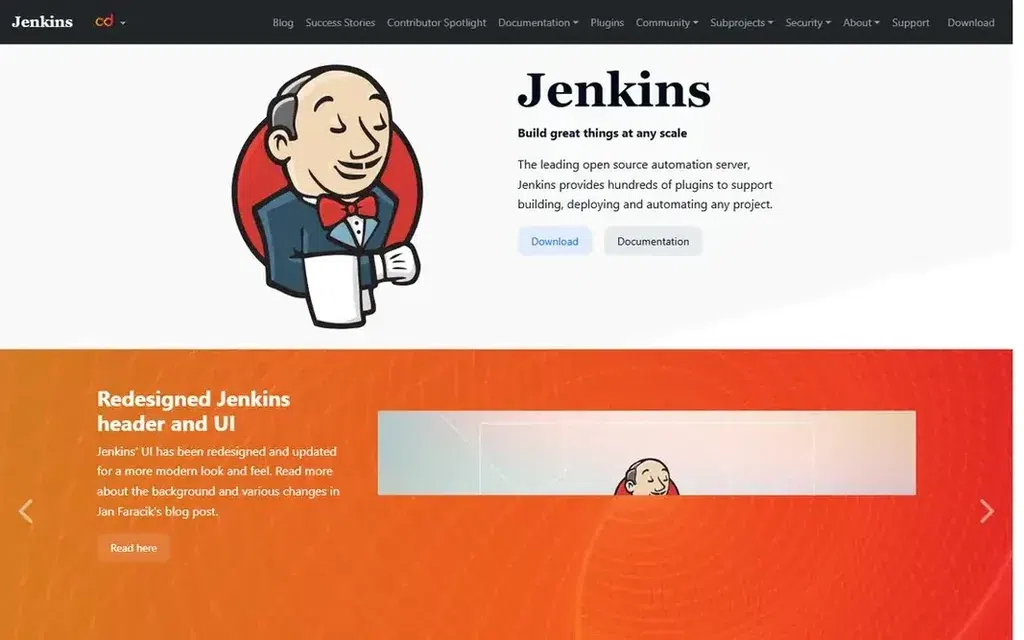
Jenkins is aimed squarely at teams needing an adaptable open source server. Jenkins is an open source automation server that helps developers dependably build, test and deploy software. Running Jenkins means your team deals with installation, upgrades and plugin compatibility, which brings operational work compared to hosted services.
Beyond that, Pipelines can also become hard to audit without discipline. Also, choose a managed system instead if you would rather not maintain the server yourself. No starting price is listed for Jenkins here; confirm pricing on the vendor site. As for free access: Not stated.
Points against: Plugin sprawl can complicate maintenance.
Strengths: tests and deploys software.
- Open source automation server
- Long-standing extensible design
- Setup and upkeep fall on your team
Where TeamCity fits: teams wanting controlled, repeatable pipelines. TeamCity is a CI/CD option from JetBrains that aims to keep delivery dependable, repeatable and under control for both the humans and AI agents on a team.
A more straightforward hosted pipeline may be a better starting point for very small teams. TeamCity does not show a starting price in this comparison, so check the vendor site for current pricing. Free access: Not stated.
Drawbacks to consider: Feature depth can overwhelm beginners.
- Repeatable delivery
- Aimed at humans and AI agents
- Needs server administration
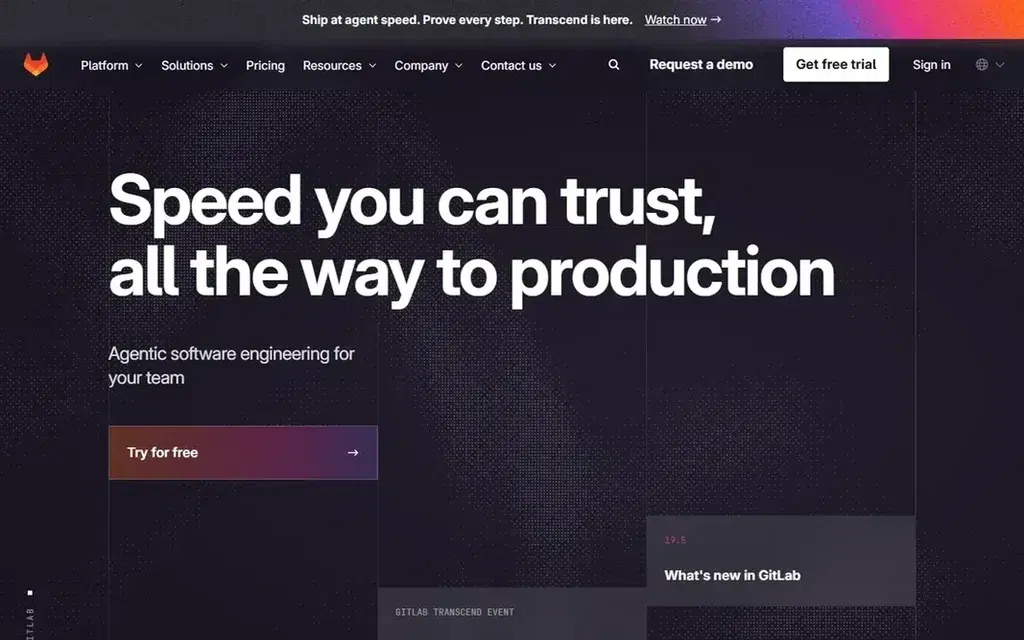
GitLab CI/CD makes the most sense for teams wanting one integrated DevOps platform. Pipeline configuration is kept alongside the project, so builds, tests and deployments follow the same review flow as code changes.
It fits teams that prefer a single product for source control and delivery instead of stitching separate services together. GitLab CI/CD starts at: $15 per user per month. GitLab CI/CD includes a free tier.
Where it is weaker: Best experience assumes GitLab hosting.
- Spans integration through delivery
- Configuration lives with the code
- Wide product scope can feel heavy
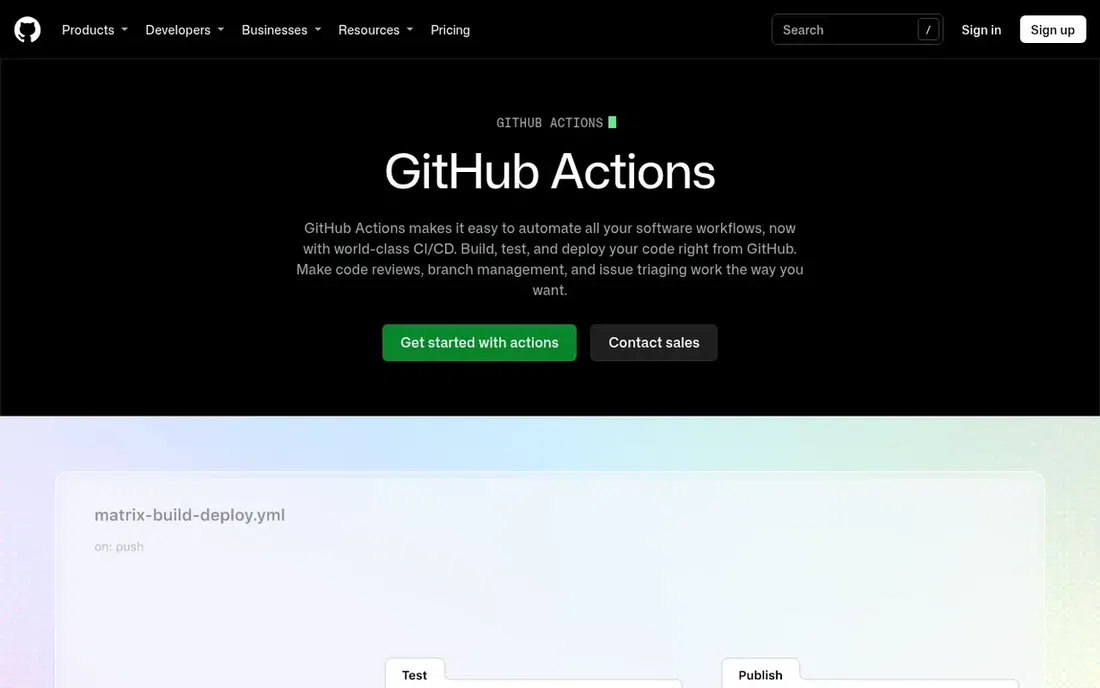
Think of GitHub Actions for teams already hosting code on GitHub. Consider a self-hosted automation server if you need full control over the runner environment or work outside GitHub.
Where it is weaker: Deepest value assumes GitHub hosting.
- Deploys to GitHub or external systems
- Supports numerous languages
- Complicated workflows can grow hard to trace
CircleCI serves teams focused on quick validation of changes. CircleCI positions itself around autonomous validation for the AI era, helping teams validate, test and ship every change with intelligent automation. It targets modern engineering teams that want production-ready software delivered rapidly and consistently.
The main drawbacks: Cloud-first orientation.
As for the details, the system emphasizes validating changes automatically so problems surface before release. Beyond that, configuration files also reward careful maintenance as pipelines grow. CircleCI starts at: $15 per month. Free access exists with CircleCI.
- Autonomous validation for every change
- Intelligent automation emphasis
- Configuration still needs care
Our selection method
LinkVetted looked at what each vendor publishes: pricing, plan limits, feature coverage for automated software delivery systems and stated drawbacks. No hands-on testing is claimed. Figures are shown as the vendors publish them. Billing terms, seat minimums and add-ons can change the real cost. The sequence is a judgement call: typical use case first, then pricing transparency, then free access. Use the profiles to check fit.
Before you commit
- Ask Jenkins, TeamCity and GitHub Actions for a written quote, since no starting price is shown.
- Read the fine print on the free plans from GitLab CI/CD and CircleCI; seat, project and feature caps differ.
- Read the limits listed for Jenkins first: setup and upkeep fall on your team.
- Check whether the features you need in GitLab CI/CD sit on the entry plan or only on higher tiers.
- Pick one real project and run it in TeamCity first; a small pilot shows fit faster than a checklist.
FAQ
What is the cheapest option for automated software delivery systems in this list?
On published monthly entry prices, GitLab CI/CD is the lowest here at $15 per user per month. Entry price is only part of the cost, because seats, add-ons and billing terms can change the total. For the full picture, the cards above cover all 5 entries of this automated software delivery systems list, including price, free plan and limits.
Can I try these options before paying?
Often, yes. GitLab CI/CD and CircleCI have a free plan. Use your own data and a real task during the test, and check what the free tier or trial limits before you rely on it. Prices, free plan details and limits for all 5 tools in this automated software delivery systems roundup sit on the individual cards above.
How are the tools for automated software delivery systems ordered?
Jenkins sits first and CircleCI last because the order follows typical fit for automated software delivery systems, then price clarity and free access. It is a judgement call, so read each profile for fit and limits.
Can these systems work with repositories hosted elsewhere?
Others are most comfortable when repositories live in the same vendor ecosystem. Check integration support for your specific host before committing.
Do these tools publish their prices?
Not all of them. Jenkins, TeamCity and GitHub Actions publish no starting price, so expect a quote request for those. The rest, GitLab CI/CD included, show a starting price, though seats and billing terms still change the final cost.
Sources
- https://www.jenkins.io
- https://www.jetbrains.com/teamcity
- https://about.gitlab.com/stages-devops-lifecycle/continuous-integration
- https://github.com/features/actions
- https://circleci.com