The 6 Best Software Training Best Practices in 2026, Ranked
Weighing software training best practices? We lined up 6 products by cost, free access and fit. Concise write-ups of every option. Pick with confidence.
- Editor's choice
 iSpring Suite
Creating SCORM-ready courses in PowerPoint
Starts atSee websiteVisit ispringsolutions.comFull review - Great alternative
 Cornerstone Learning
Insights-driven workforce readiness
Starts atSee websiteVisit cornerstoneondemand.comFull review - Also consider
 Litmos
Learning acceleration across audiences
Starts atSee websiteVisit litmos.comFull review
Direct answer
For creating SCORM-ready courses in PowerPoint, iSpring Suite is where this list starts. Listed starting prices: TalentLMS from $119 a month. Cornerstone Learning is the stronger choice for insights-driven workforce readiness, while Litmos suits Learning acceleration across audiences. The full list of 6 tools follows, with prices and free plan facts.
TL;DR:
- Number one here is iSpring Suite, a fit for creating SCORM-ready courses in PowerPoint.
- Check the limits for TalentLMS before you commit: restricted advanced authoring features.
- Just one of the 6 tools, TalentLMS, has a free plan.
- TalentLMS has the lowest monthly starting price in this list: $119 per month.
Last checked November 2026. Prices and plan details were read from the vendors' own pages in November 2026; vendors change plans often, so confirm the current price on the vendor site before you buy.
Quick comparison
| Tool | Best for | Starts at | Free plan? | |
|---|---|---|---|---|
| iSpring Suite | Creating SCORM-ready courses in PowerPoint | See website | Not stated | Visit |
| Cornerstone Learning | Insights-driven workforce readiness | See website | Not stated | Visit |
| Litmos | Learning acceleration across audiences | See website | Not stated | Visit |
 TalentLMS | Cloud LMS for online course management | $119 a month | Yes | Visit |
 Articulate 360 | Full authoring and AI-powered training | See website | Not stated | Visit |
 Docebo | Skills intelligence and workforce readiness | See website | Not stated | Visit |
The 6 tools in detail
If you are comparing software training best practices, this page covers 6 tools in one place: what each is best for, what it costs to start, whether it has a free plan, and the main limit to know about.
iSpring Suite was built for creating SCORM-ready courses in PowerPoint. iSpring Suite lets you produce professional-looking courses right in PowerPoint with a single authoring tool. It supports building quizzes, video tutorials, and role-plays, making it well suited to trainers who are comfortable with PowerPoint and want to produce SCORM-ready content without leaving the familiar interface.
It may not be sufficient for organizations needing a complete learning product. In daily use, consider pairing it with a LMS for delivery and tracking. Pricing for iSpring Suite is not stated here, so ask the vendor for current figures. As for free access: Not stated.
Limits to weigh: May lack advanced LMS features.
- Video tutorials, role-plays
- Produces quizzes
- Restricted to PowerPoint environment
For insights-driven workforce readiness, Cornerstone Learning is a natural candidate. Cornerstone Learning is an intelligence system for workforce readiness that provides insights leaders want, skills and learning people need, and AI agents that make action simple.
As for the details, the system may be complicated and need dedicated administrators. It might not be economical for small teams with restricted training budgets. Cornerstone Learning shows no starting price here, so confirm the cost on the vendor site. Free plan details: Not stated.
Trade-offs to know: May be complicated to implement.
- Intelligence system for workforce readiness
- Gives insights for leaders
- Could be expensive for small companies
Litmos was built for Learning acceleration across audiences. Litmos is a learning acceleration system that helps build human capability across employees, customers, and partners at the speed of AI. Consider if you need a more specialized authoring tool for software simulations.
Where it is weaker: Can be feature-heavy.
On top of that, the system's deep features might overwhelm new users. It may be more than needed for straightforward training programs. Litmos does not show a starting price in this comparison, so check the vendor site for current pricing. On free options: Not stated.
- AI-ready
- Supports employees, customers, partners
- May need training to use
TalentLMS works best for cloud LMS for online course management. TalentLMS is a cloud LMS software for online learning that lets you move training online. It is perfect for creating and managing online courses, making it a solid fit for small to mid-size firms that require a straightforward learning system without deep technical setup.
Downsides: May lack deep customization.
More specifically, consider pairing with an authoring tool for richer content. Whereas it handles course management well, it may not offer the advanced authoring capabilities of dedicated tools. It could be less right for organizations needing complicated software simulations. TalentLMS starts at: $119 per month. TalentLMS has a free plan.
- Approachable interface
- Cloud-based LMS
- Restricted advanced authoring features
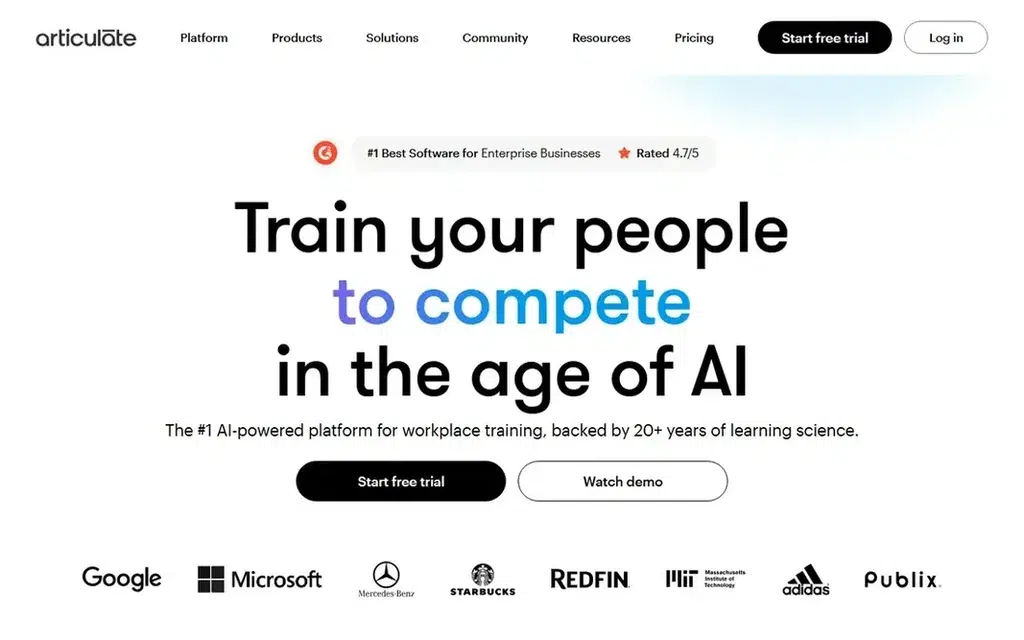
In short, Articulate 360 is for full authoring and AI-powered training. Consider alternatives if you prefer a more simplified tool.
Where it falls short: Can be complicated for beginners.
In practice, Articulate 360 is an AI-powered product designed for workplace training. In daily use, the system may have a learning curve for new users because of its broad features. Check the vendor site for Articulate 360 pricing; none is listed in this comparison. Free options: Not stated.
- AI-powered system
- Strong for workplace training
- Subscription-based access
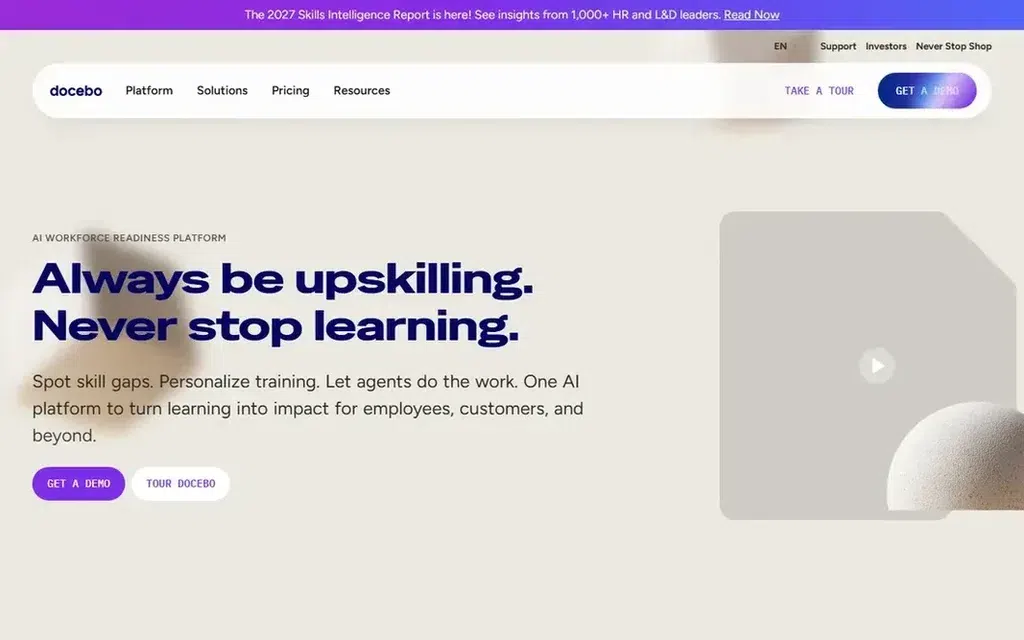
Pick Docebo if this describes you: skills intelligence and workforce readiness. Consider more straightforward LMS choices if you only need entry-level course delivery. Docebo is a workforce readiness product that links skills intelligence, learning, knowledge, and AI agents.
From a buyer's view, the product's advanced features might be more than small teams need. It could need significant configuration to completely use skills intelligence. Check the vendor site for Docebo pricing; none is listed in this comparison. Trial and free access: Not stated.
Trade-offs to know: May be overkill for small teams.
- Contains AI agents
- Focus on workforce readiness
- Needs setup for skills tracking
What went into this list
Selection started from tools commonly considered for software training best practices, then narrowed to 6 that have clear pricing information or a clear quote process. Seat minimums, billing terms and add-ons can move the real cost, so the starting prices here are a guide and not a quote. The ranking is editorial: typical fit first, then clear pricing, then free access. If your needs are unusual, read the profiles rather than relying on position.
What to check before you buy
- Get a written quote from iSpring Suite, Cornerstone Learning, Litmos and others; the list shows no starting price for them.
- Look at the free plan from TalentLMS closely: its caps decide whether it is usable for real work.
- Before choosing iSpring Suite, weigh its main limit: restricted to PowerPoint environment.
- Look at which plan of TalentLMS unlocks the features you need; entry tiers are often cut down.
- Check whether Articulate 360 bills monthly or annually, and what cancelling early costs.
FAQ
How are the software training best practices ordered?
The order follows typical fit for software training best practices, with iSpring Suite first and Docebo last, then price clarity and free access. It is editorial judgement, not a score, so another team could rank the tools differently.
Which software training best practices have a free plan?
TalentLMS is the only tool in this list with a free plan. Free plans usually cap users, projects or features, so check the limits on the vendor page. For the full picture, the cards above cover all 6 entries of this software training best practices list, including price, free plan and limits.
Is iSpring Suite the right pick for everyone comparing software training best practices?
No single tool suits every team. iSpring Suite comes first because it fits creating SCORM-ready courses in PowerPoint, while Cornerstone Learning suits insights-driven workforce readiness and Litmos suits Learning acceleration across audiences. Match the tool to your own size, budget and workflow before deciding.
What is the best tool for creating software simulations?
For most readers this guide would start with iSpring Suite, built for creating SCORM-ready courses in PowerPoint. Cornerstone Learning is the alternative for insights-driven workforce readiness, and Litmos for Learning acceleration across audiences. The right answer depends on budget and workflow.
What is the cheapest option for software training best practices in this list?
On published monthly entry prices, TalentLMS is the lowest here at $119 per month. Entry price is only part of the cost, because seats, add-ons and billing terms can change the total. Prices, free plan details and limits for all 6 tools in this software training best practices roundup sit on the individual cards above.
Sources
- https://www.ispringsolutions.com/ispring-suite
- https://www.cornerstoneondemand.com
- https://www.litmos.com
- https://www.talentlms.com
- https://articulate.com/360
- https://www.docebo.com