Best Software Compliance Best Practices (2026): 5 Picks Checked on Vendor Pages
Software compliance best practices: 5 contenders ranked by fit, with entry costs and free tiers. Each profile ends with a plain caveat. Quick to scan.
- Editor's choice
 OneTrust
Privacy, consent and AI governance
Starts atSee websiteVisit onetrust.comFull review - Great alternativeServiceNow Governance, Risk, and Compliance
Enterprise-wide risk-informed decisions
Starts atSee websiteVisit servicenow.comFull review - Also consider
 Vanta
Automatic security compliance certification
Starts atSee websiteVisit vanta.comFull review
Direct answer
For privacy, consent and AI governance, OneTrust is where this list starts. Listed starting prices: Secureframe from $7,500 per year. For a different need, ServiceNow Governance, Risk, and Compliance covers enterprise-wide risk-informed decisions and Vanta covers automatic security compliance certification. The remaining 2 options are covered below with prices and limits.
TL;DR:
- OneTrust sits first on this list: privacy, consent and AI governance.
- OneTrust, ServiceNow Governance, Risk, and Compliance, Vanta and LogicGate Risk Cloud: pricing is by quote only, so plan time for a sales conversation.
- OneTrust, Secureframe and the 3 others all need a premium plan or a trial, since no free plan is listed.
- Secureframe suits Compliance automation with expert guidance.
Last checked November 2026. Prices and plan details were read from the vendors' own pages in November 2026; vendors change plans often, so confirm the current price on the vendor site before you buy.
Quick comparison
| Tool | Best for | Starts at | Free plan? | |
|---|---|---|---|---|
| OneTrust | Privacy, consent and AI governance | See website | Not stated | Visit |
| ServiceNow Governance, Risk, and Compliance | Enterprise-wide risk-informed decisions | See website | Not stated | Visit |
| Vanta | Automatic security compliance certification | See website | Not stated | Visit |
 LogicGate Risk Cloud | Customizable enterprise risk programs | See website | Not stated | Visit |
 Secureframe | Compliance automation with expert guidance | $7,500 per year | Not stated | Visit |
The best software compliance best practices
If you are comparing software compliance best practices, this page covers 5 tools in one place: what each is best for, what it costs to start, whether it has a free plan, and the main limit to know about.
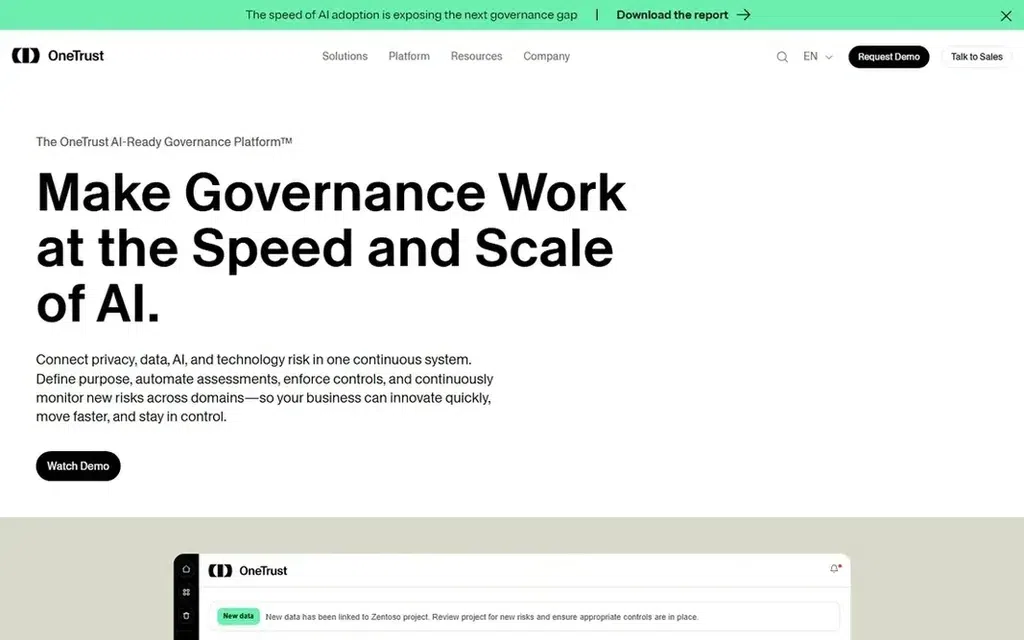
Choose OneTrust for privacy, consent and AI governance. If your primary goal is quick audit readiness instead of privacy operations, a security-focused compliance system may be a more straightforward starting point. The breadth of privacy and governance features can be more than a small team needs for a single security certification.
OneTrust helps firms run privacy, consent and AI governance whereas automating compliance and reducing risk. Its homepage frames the product around building trust and driving innovation, which fits organizations facing data protection obligations and emerging AI rules. No starting price is listed for OneTrust here; confirm pricing on the vendor site. Free options: Not stated.
Drawbacks to consider: Large deployment footprint.
- AI governance capabilities
- Consent management focus
- May be more than small teams need
ServiceNow Governance, Risk, and Compliance
Best for: Enterprise-wide risk-informed decisions
Choose ServiceNow Governance, Risk, and Compliance for enterprise-wide risk-informed decisions. ServiceNow Governance, Risk, and Compliance makes it possible for business transformation with enterprise-wide risk-informed decisions in daily work. Its homepage emphasizes embedding risk and compliance into everyday processes instead of treating them as separate exercises.
This makes it a solid fit for larger organizations already using the ServiceNow system that want risk context available to operational teams and leadership alike. Beyond that, Deploying GRC within a broader enterprise system can need significant configuration and internal expertise. Smaller teams or those without an existing ServiceNow footprint may find a dedicated compliance automation tool quicker to adopt for narrow certification goals. ServiceNow Governance, Risk, and Compliance does not show a starting price in this comparison, so check the vendor site for current pricing. Free access: Not stated.
Limits to weigh: Implementation complexity.
- Suits daily enterprise workflows
- Links up with ServiceNow product
- Best value at bigger scale
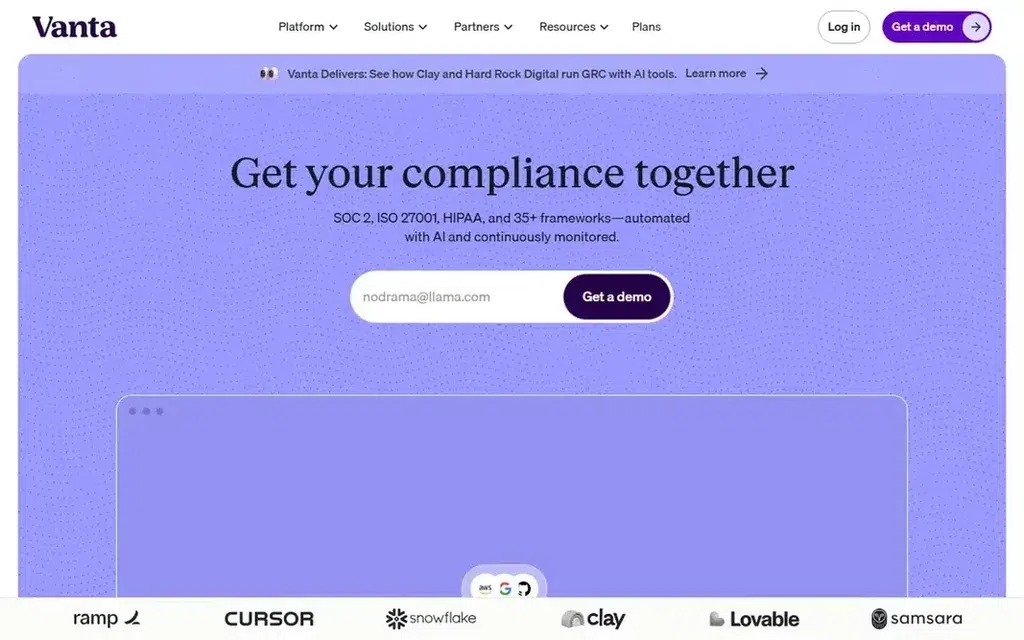
Vanta is built with automatic security compliance certification in mind. Since Vanta centers on security compliance and monitoring, organizations seeking deep privacy operations or enterprise-wide operational risk management may need extra products.
Vanta shows no starting price here, so confirm the cost on the vendor site. Free plan details: Not stated.
The main drawbacks: Security-focused scope.
- Covers several frameworks
- Aims for faster certification readiness
- Less suited to wide operational risk
LogicGate Risk Cloud serves customizable enterprise risk programs. The modular approach can need thoughtful configuration and governance to avoid sprawl. The breadth may be unnecessary for a team focused only on one certification.
Trade-offs to know: Wide scope can slow rollout.
Consider a narrower compliance automation platform when speed to a single audit matters more than building a multi-domain risk program. LogicGate describes Risk Cloud as an AI-powered GRC product with plenty of applications for enterprise risk, external risk, cyber risk and compliance management. Its homepage positions it for organizations that want to assemble a tailored risk program from modular components instead of adopt a single fixed workflow. No starting price is listed for LogicGate Risk Cloud here; confirm pricing on the vendor site. Free options: Not stated.
- Numerous application modules
- AI-powered system
- Configuration effort required
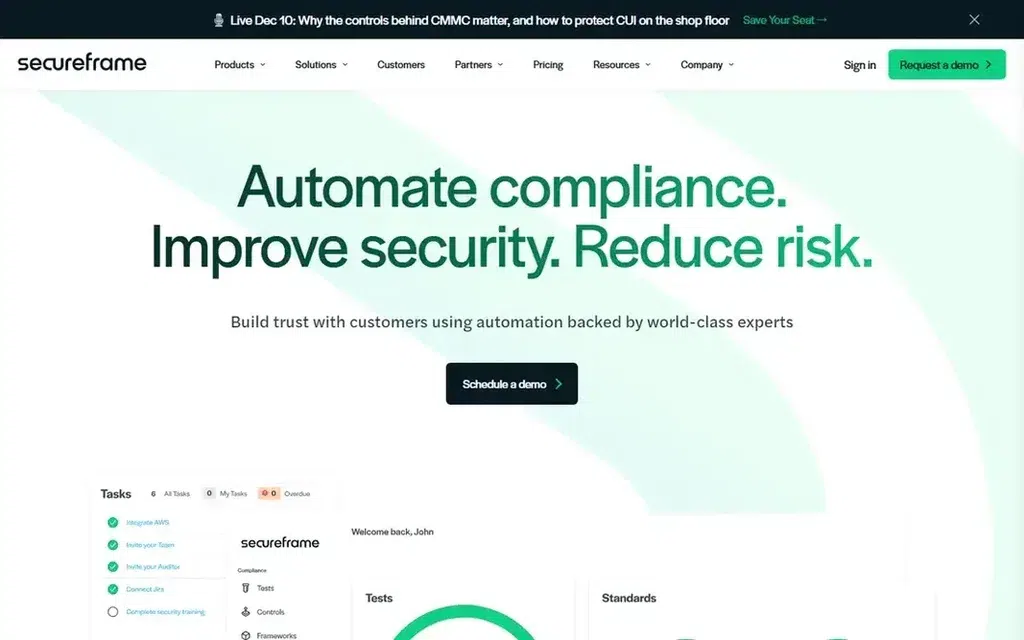
Secureframe works best for Compliance automation with expert guidance. Teams preparing for typical security frameworks whereas managing customer expectations frequently find this combination appealing. On top of that, consider a broader GRC platform instead when you need deep external risk, policy lifecycle or operational risk coverage beyond certification readiness.
Downsides: May need extras for wide GRC.
For everyday use, the product's emphasis on compliance and trust building means organizations with complicated, multi-department risk programs may outgrow its core scope. From a buyer's view, Secureframe helps teams get compliant, mitigate risk and build trust with customers using automation backed by experts. Its homepage positions the product around growth and credibility, making it a reasonable fit for businesses that want guided automation instead of a purely self-service tool. Secureframe starts at: $7,500 per year. On free options: Not stated.
What users get: Helps build customer trust.
- Supports risk mitigation
- Automation backed by experts
- Details vary by framework
How the list was put together
LinkVetted looked at what each vendor publishes: pricing, plan limits, feature coverage for software compliance best practices and stated drawbacks. No hands-on testing is claimed. Where a vendor does not publish a price, the entry says quote. Where a price depends on seats or billing term, the entry says so. The order reflects how well each tool fits the most common buying scenario for software compliance best practices, then price clarity, then free plan access. It is a starting point, not a verdict.
A buyer's checklist
- Confirm the entry price on the vendor page. For OneTrust, ServiceNow Governance, Risk, and Compliance, Vanta and LogicGate Risk Cloud that means a quote rather than a fixed price.
- Before choosing OneTrust, weigh its main limit: large deployment footprint.
- Check how data leaves OneTrust: formats, limits and whether exports are available on every plan.
- Find out whether the entry plan of Vanta covers your must-haves or only a trimmed-down version.
- Look at the renewal terms for ServiceNow Governance, Risk, and Compliance: auto-renewal, notice periods and price changes can matter more than the first-year price.
FAQ
Can I try these tools before paying?
Not by default. None of the tools, from OneTrust to Secureframe, lists a free plan or a free trial here, so ask each vendor for a demo before committing. All 5 picks in this software compliance best practices comparison list a starting price, free plan details and the main limits on their cards above.
How are the tools for software compliance best practices ordered?
The order follows typical fit for software compliance best practices, with OneTrust first and Secureframe last, then price clarity and free access. It is editorial judgement, not a score, so another team could rank the tools differently.
How should a small team choose a compliance system?
Start with the frameworks you actually need, then check how much configuration and administration each product needs. Smaller teams frequently benefit from automation-focused tools that cut manual evidence gathering, whereas bigger organizations may need broader risk coverage.
Is OneTrust the right pick for everyone comparing software compliance best practices?
No single tool suits every team. OneTrust comes first because it fits privacy, consent and AI governance, while ServiceNow Governance, Risk, and Compliance suits enterprise-wide risk-informed decisions and Vanta suits automated security compliance certification. Match the tool to your own size, budget and workflow before deciding.
Do these tools publish their prices?
Not all of them. OneTrust, ServiceNow Governance, Risk, and Compliance, Vanta and LogicGate Risk Cloud publish no starting price, so expect a quote request for those. The rest, Secureframe included, show a starting price, though seats and billing terms still change the final cost.
Sources
- https://www.onetrust.com
- https://www.servicenow.com/products/governance-risk-and-compliance.html
- https://www.vanta.com
- https://www.logicgate.com
- https://secureframe.com